How to Save Bank Statements from Gmail to Google Drive Automatically
Status: Closed · Asked by Oleksandr Danylenko on · 0 views
Hi everyone,
As a follow-up on a recent thread of mine (https://forum.pabbly.com/threads/how-to-save-bank-statements-from-gmail-to-google-drive-automatically.8475/) I realized, that now, every single mail is not only filtered, but also processed: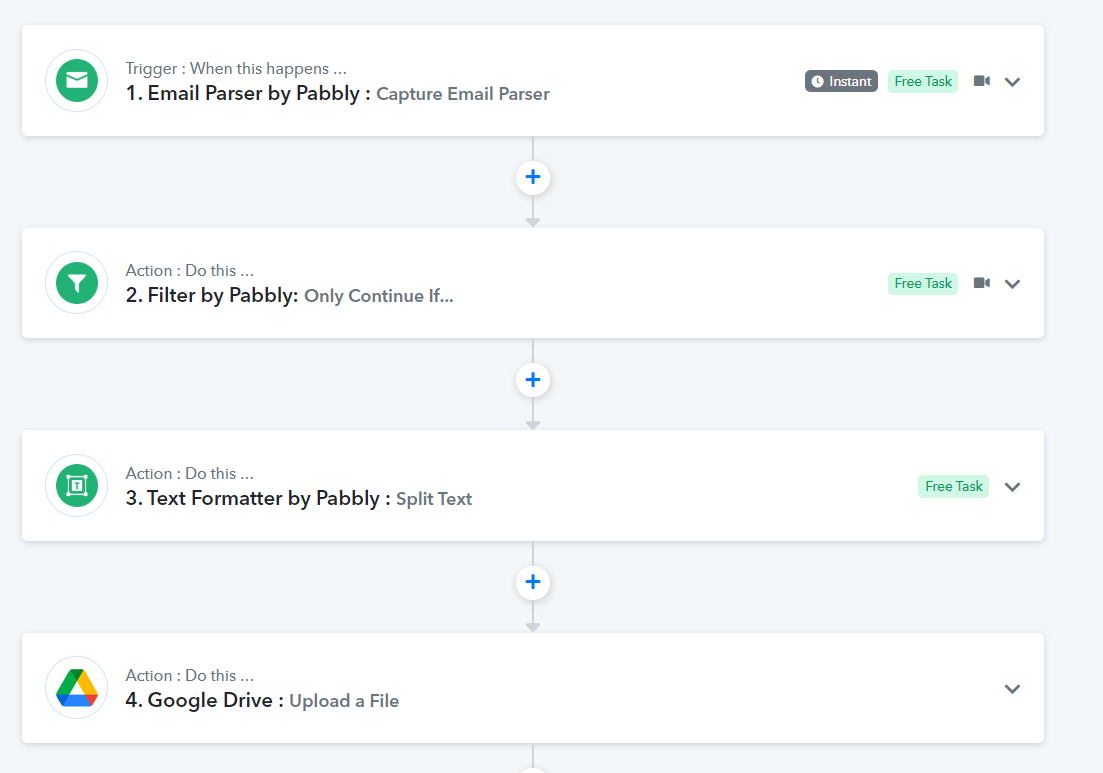
I have set the filter to proceed only if specific words are included into the subject line, but it simply processes every email...is there something I've missed in the process?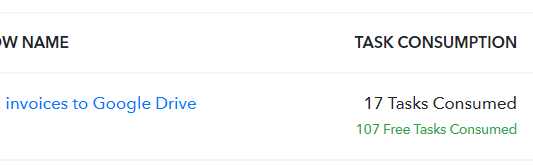
Hey @oleksandr
We have checked the workflow and can confirm that all the incoming emails to this mailbox will get processed as a free task only. The system will check the filter condition if the subject contains Gem Software then only it will save a file in Google drive.
Kindly check all the task consumed are of free tasks only.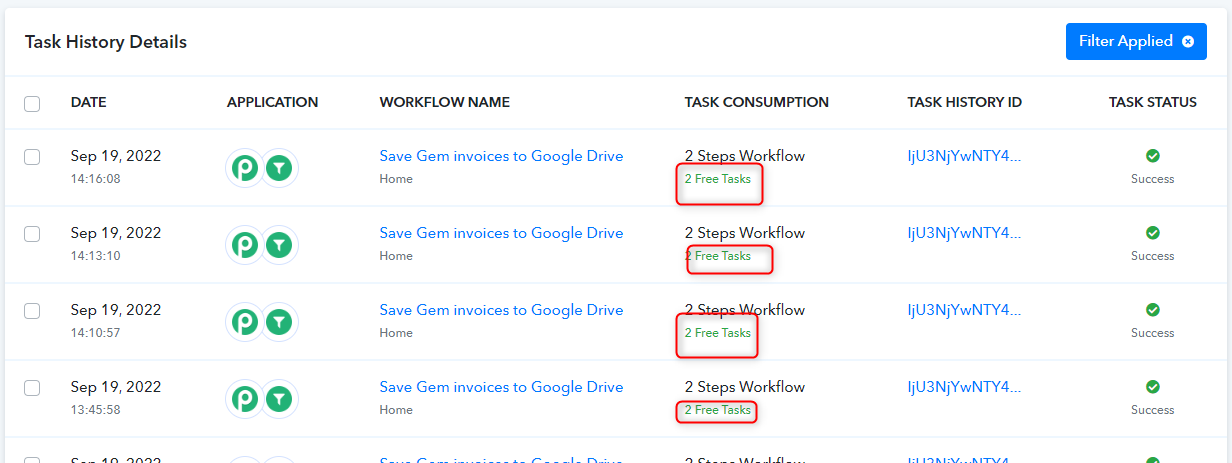
if you have a email with the subject line Gem Software then you will have 4 step workflow out of which 3 tasks will be free of cost and system will charge you only for 1 task.
youtube.com/watch?v=YxK95UMwTD8
Thanks
Kunal
Thank you for the confirmations!
This topic is resolved.