How to see headers in the API response
Status: Closed · Asked by schishti on · 0 views
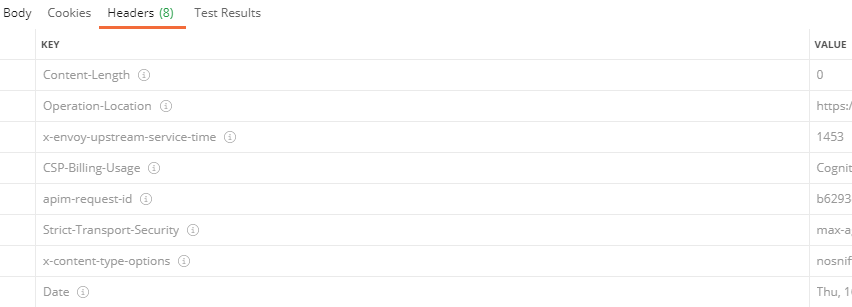
Hi, I'm trying to see the headers in the response, in postman, I can see the headers in the response but in Pabbly with the API module it just shows the body.
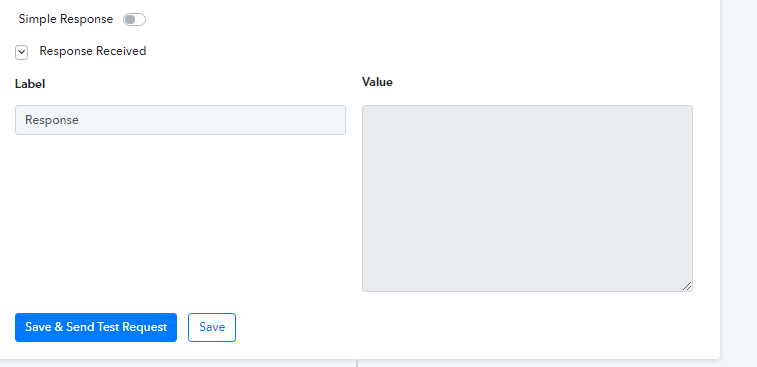
Hey @schishti
Now onwards, this type of response will be sown for those apps which do not return anything in the response. I hope this might help you out.
Regards
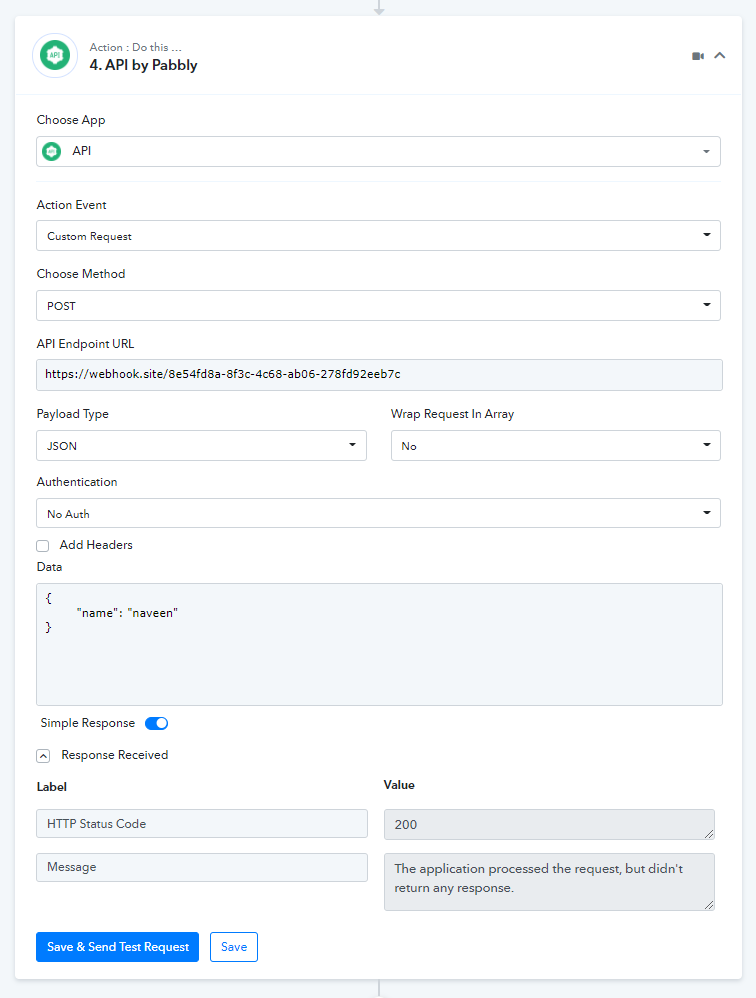
Hey @schishtiNow onwards, this type of response will be sown for those apps which do not return anything in the response. I hope this might help you out.
Regards
Thank you very much
Though this doesn't show the fields I need
Try send a request to this, the response is empty but I should get 8 headers but I only get the status code and the message
Thank you very muchThough this doesn't show the fields I need
Try send a request to this, the response is empty but I should get 8 headers but I only get the status code and the message
There are only a few apps that return blank in the response. Almost all applications do not treat response headers as a response also, I would like to know how do you want to use the headers in automation.
There are only a few apps that return blank in the response. Almost all applications do not treat response headers as a response also, I would like to know how do you want to use the headers in automation.
The Microsoft Read API which I linked above requires getting a response back which you then use the value in the header as an ID.
See here
https://westus.dev.cognitive.microsoft.com/docs/services/computer-vision-v3-2/operations/5d986960601faab4bf452005
and
https://westus.dev.cognitive.microsoft.com/docs/services/computer-vision-v3-2/operations/5d9869604be85dee480c8750
There are only a few apps that return blank in the response. Almost all applications do not treat response headers as a response also, I would like to know how do you want to use the headers in automation.
Is this possible then?
Is this possible then?
Currently, that is not possible. In near future, if something comes up associated with this, we shall update you.
Thank you!