How to send google sheet multiple user data in whatsapp
Status: Closed · Asked by S K on · 0 views
i already try to demo google sheet to whats-app message but only one user send to a message, how to multiple user send to whatsapp message and day by day data update
Hey @S K
We looked into your workflow and it seems like you are using the same number on every row which is coming from your Google sheets.
Therefore you are only sending to the same number all the time. Kindly try again using the different numbers in your Google Sheets.
Further, your complete workflow seems fine to us.
Regards
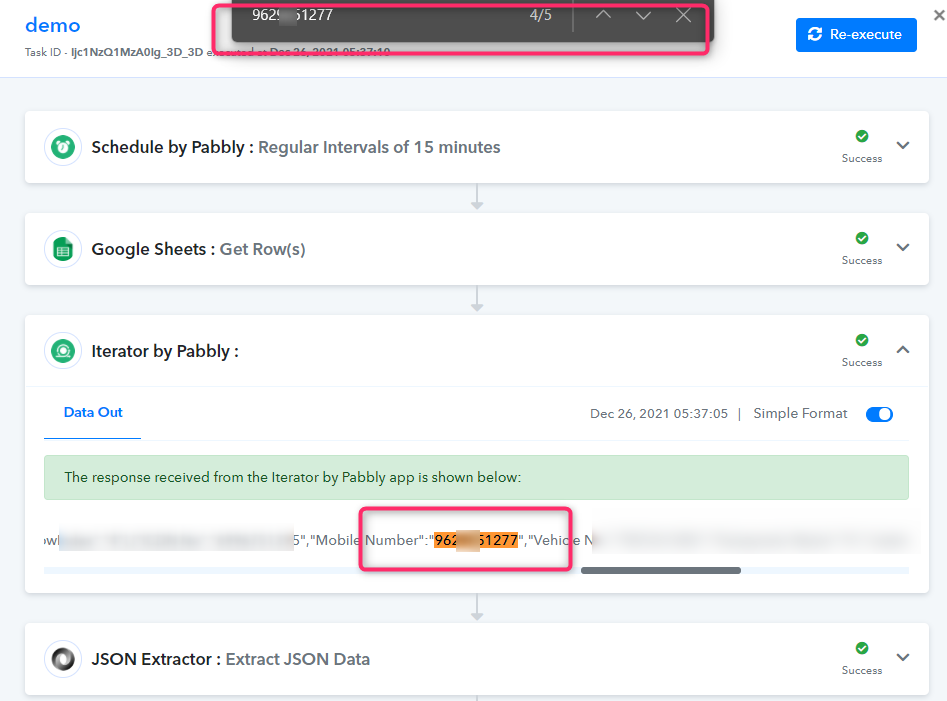
Hey @S KWe looked into your workflow and it seems like you are using the same number on every row which is coming from your Google sheets.
Therefore you are only sending to the same number all the time. Kindly try again using the different numbers in your Google Sheets.
Further, your complete workflow seems fine to us.
Regards
hi
my workflow sheet AKM TRIP SHEET REGISTER TO WHATS APP Not into demo workflow sheet
Attachments
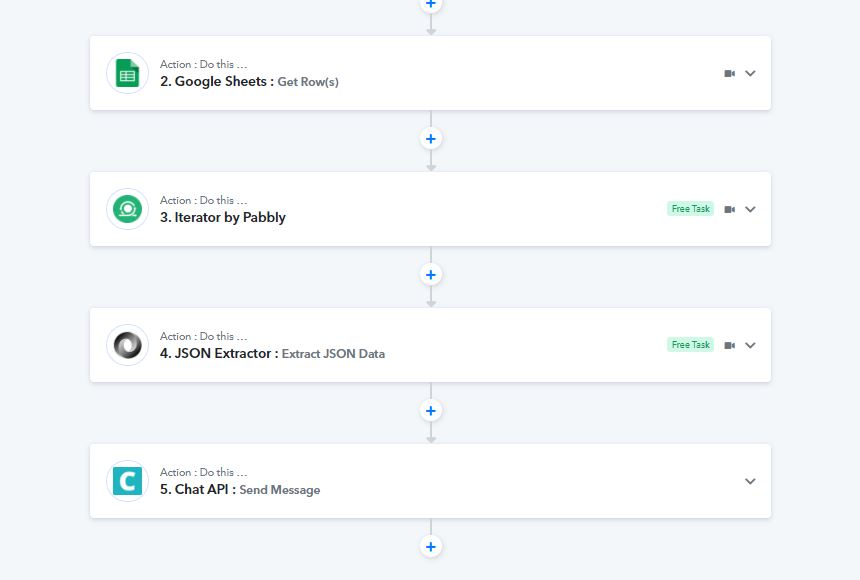
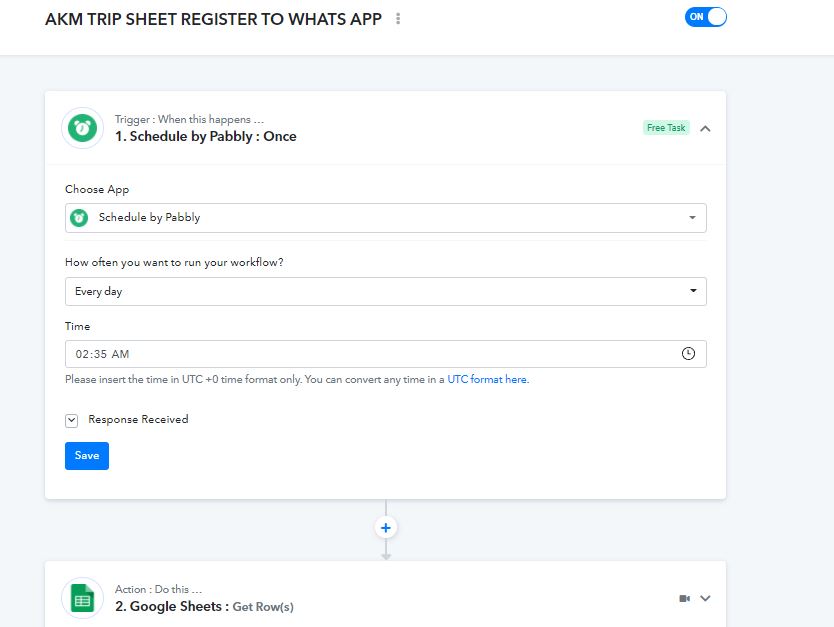
Hey @S K
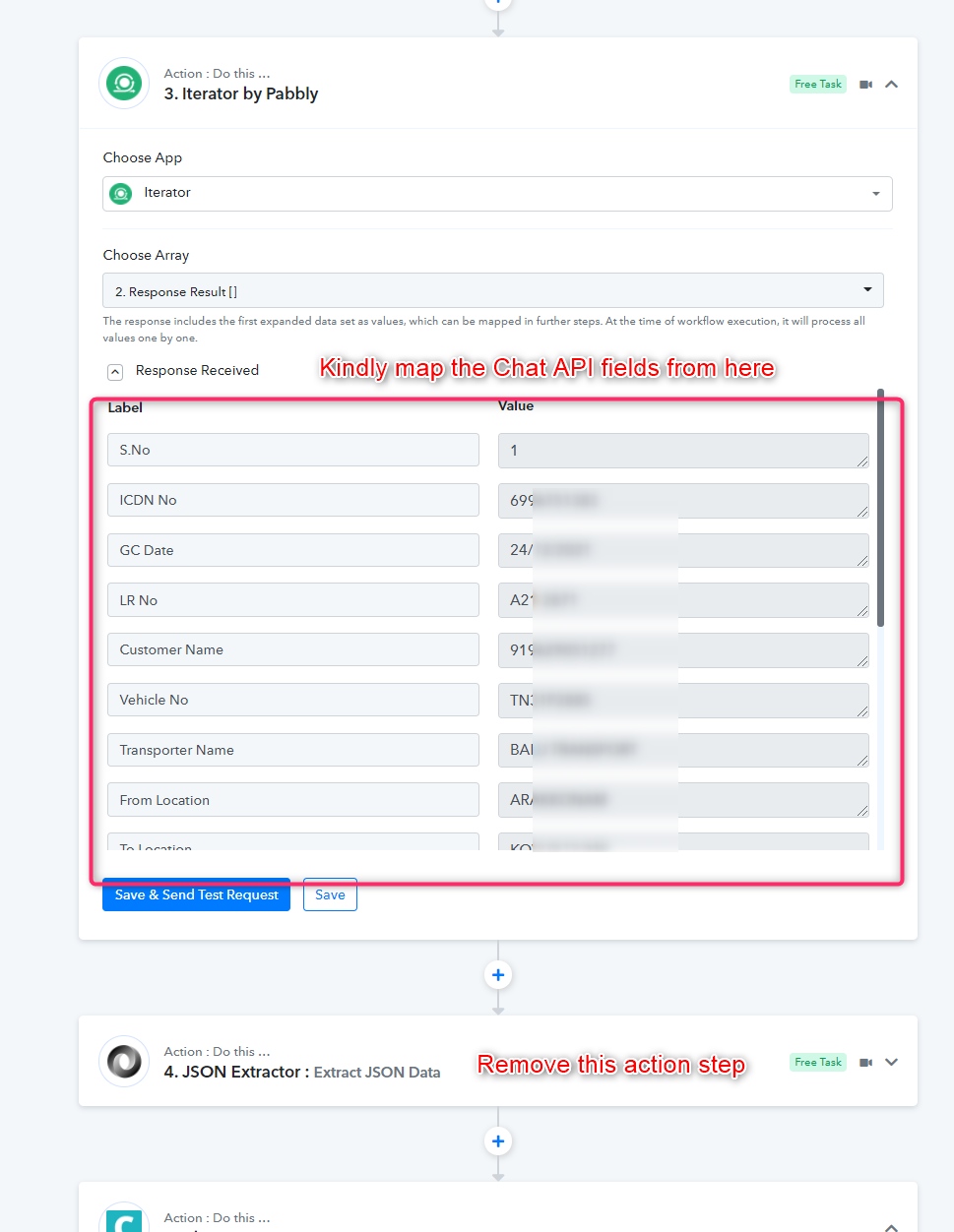
Kindly try again by mapping the Chat API fields from the Iterator action step and removing the JSON extractor action step.
Also, we have reset all your free tasks for you better experience.
I hope this might help you out.
Regards
Hey
i try it but only one contact to send a message not send multiple contact list and not work in schedule by pabbly
Hey @S K
It seems like your allotted tasks are completely exhausted and because of that, your workflow is paused till you refill your tasks. So kindly try the workflow by subscribing to the Pabbly plans according to your need.
Else, we looked into your workflow and it seems fine to us.
Thanks