How to setup email to WhatsApp notification
Status: Closed · Asked by mayumi on · 0 views
How can I setup a trigger where when a new email is received, a text notification will be sent to WhatsApp that there is a new email?
Hey @mayumi
You can use the Email Parser trigger event to parse the email and its attachments in the trigger response.
youtube.com/watch?v=xxWoEJbrtFE
youtube.com/watch?v=Rn5XJVSYQXU
Note - The Email Parser response has a storage limit for attachments, and it's set to 48 hours (2 days). After this period, the attachment file is automatically and permanently deleted from our server.
Hello,
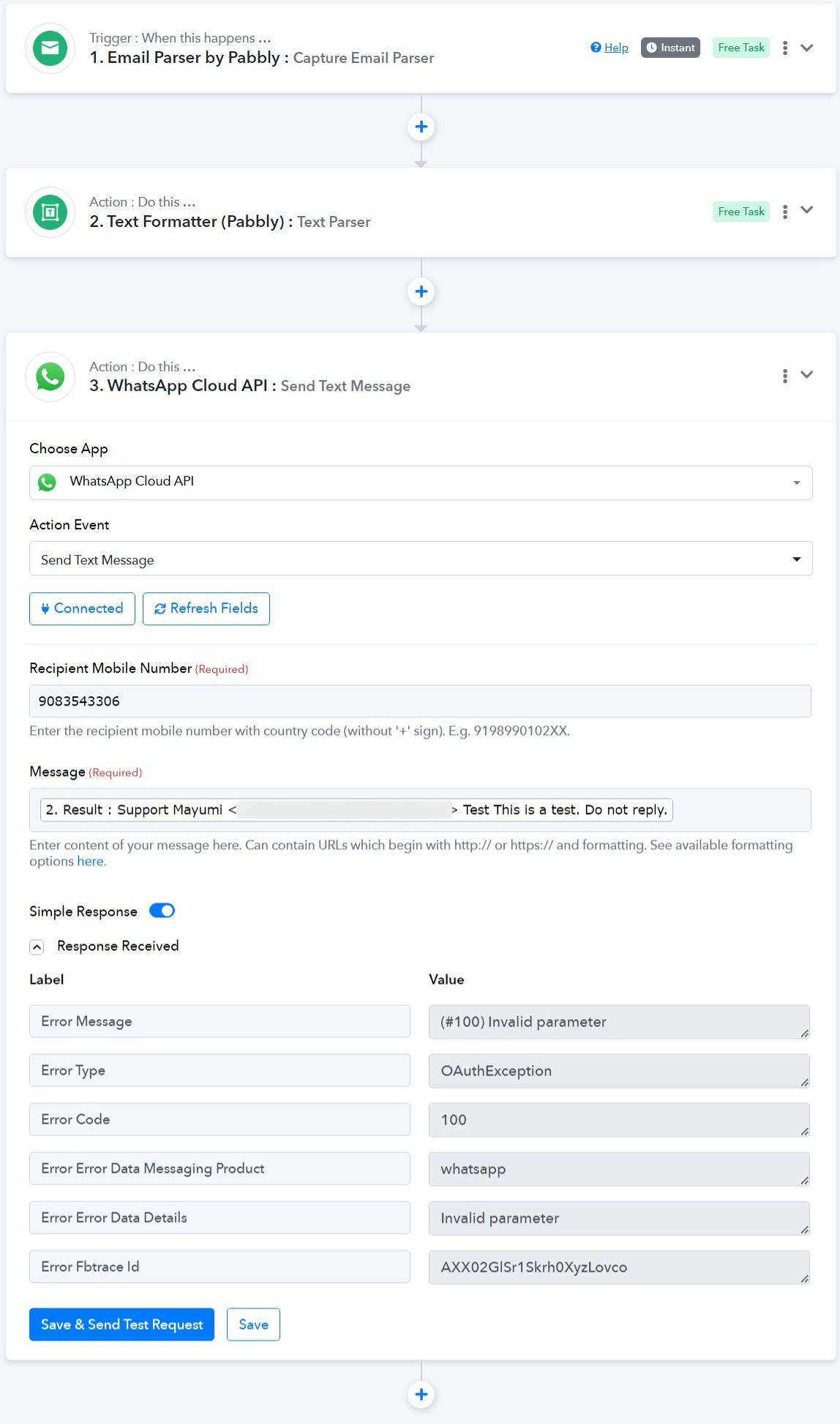
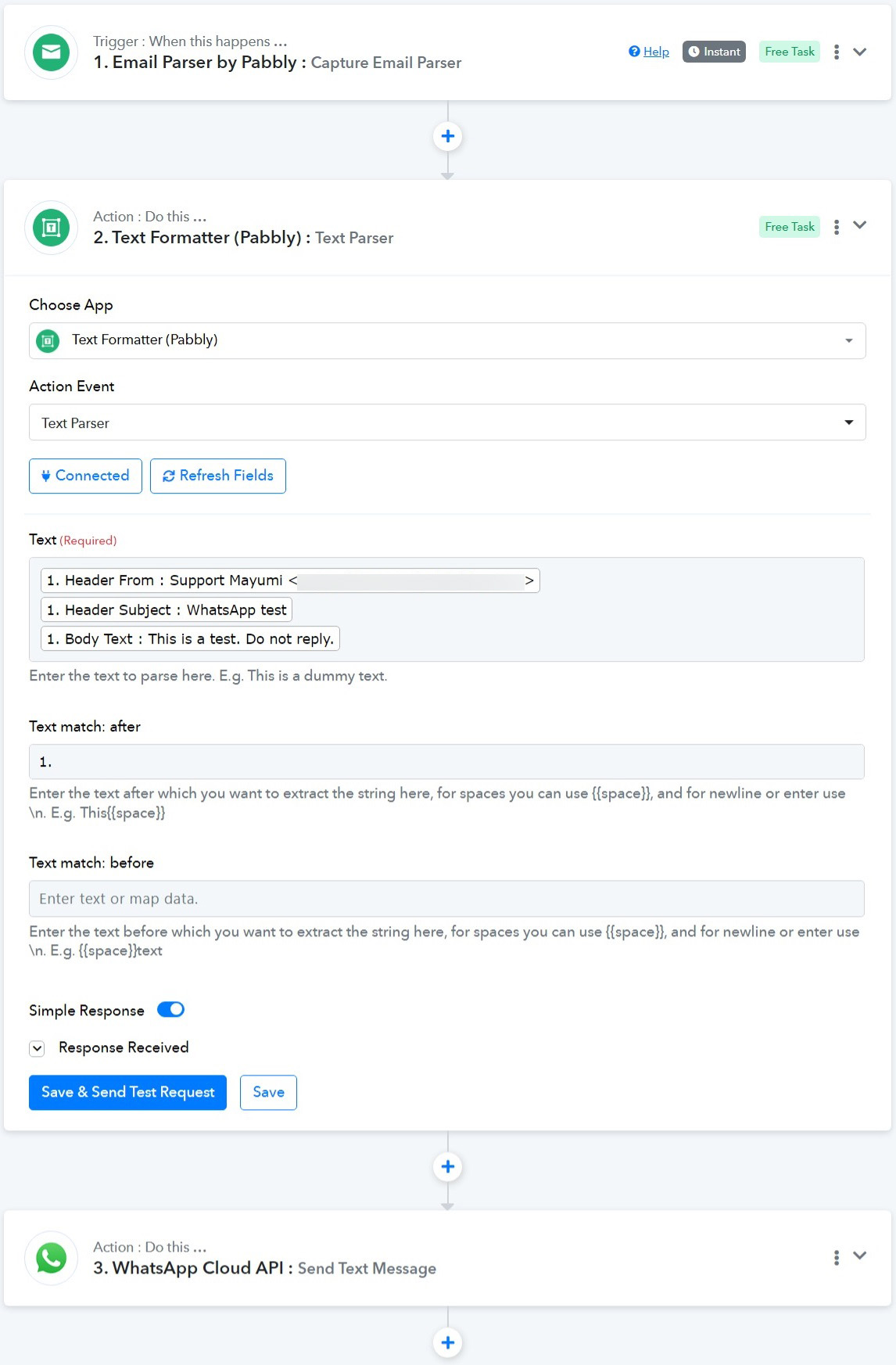
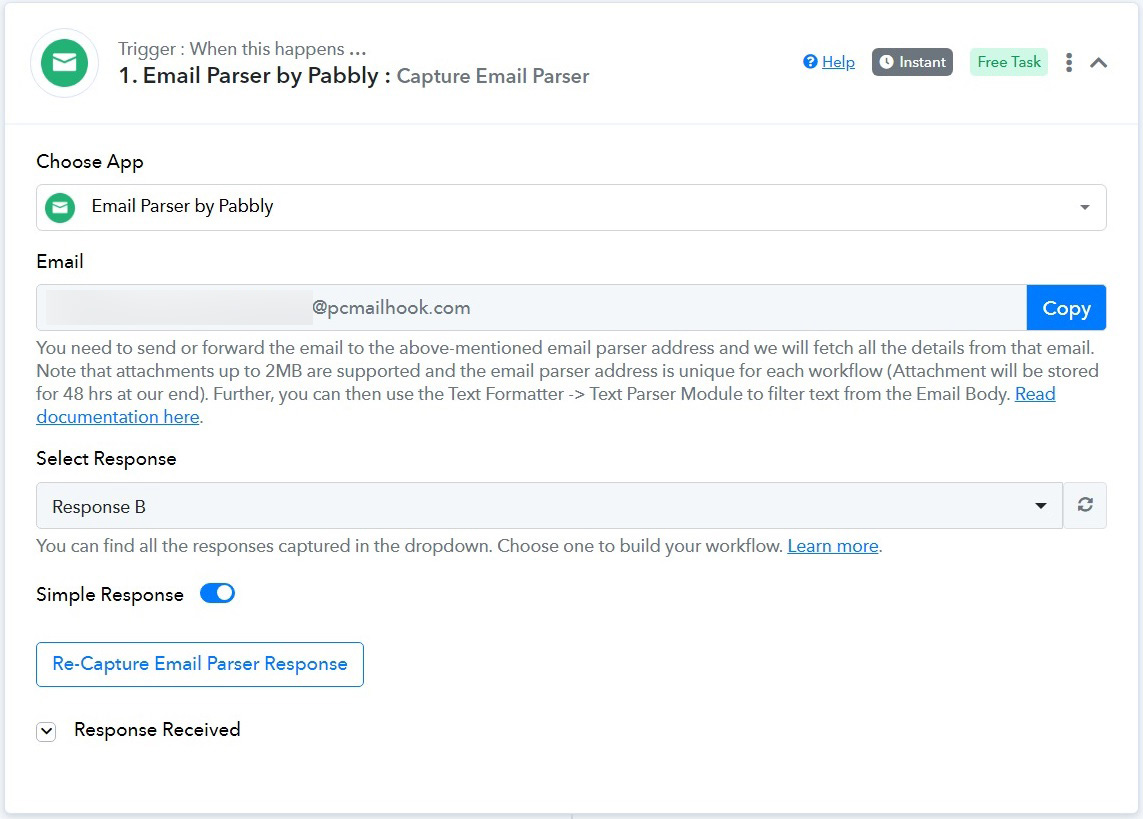
I am unable to get it to work.
Attachments
Hey @mayumi
Kindly use the "WhatsApp Cloud API: Send Template Message" action step rather than the "WhatsApp Cloud API: Send Text Message" action step, it is because the end-user has not initiated the conversation with your WhatsApp. In such cases, you must use the "Send Template Message" action. This applies until the user starts a conversation with your WhatsApp.
Hello,
I'm getting this error now: (#33) The requested phone number has been deleted.
I'm logged into my whatsapp account so it's not deleted.
Attachments
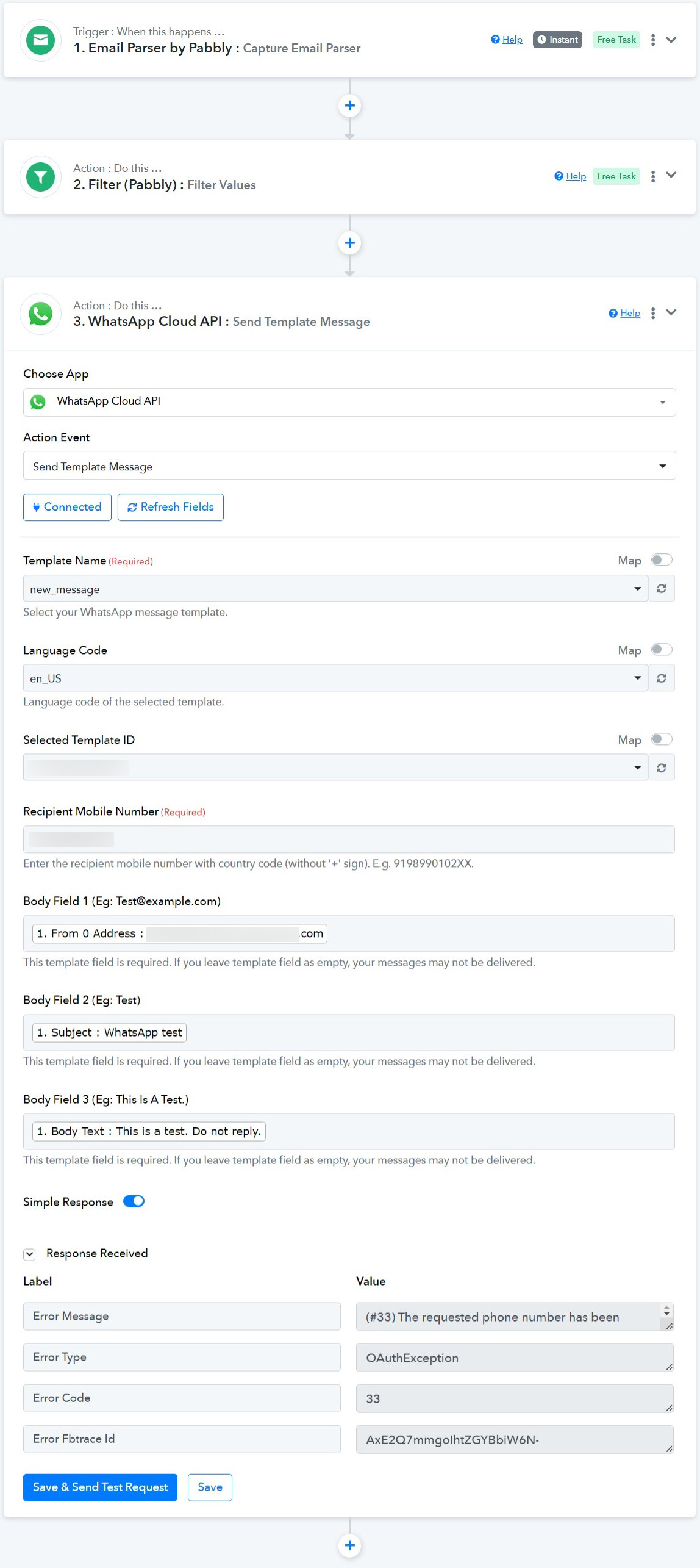
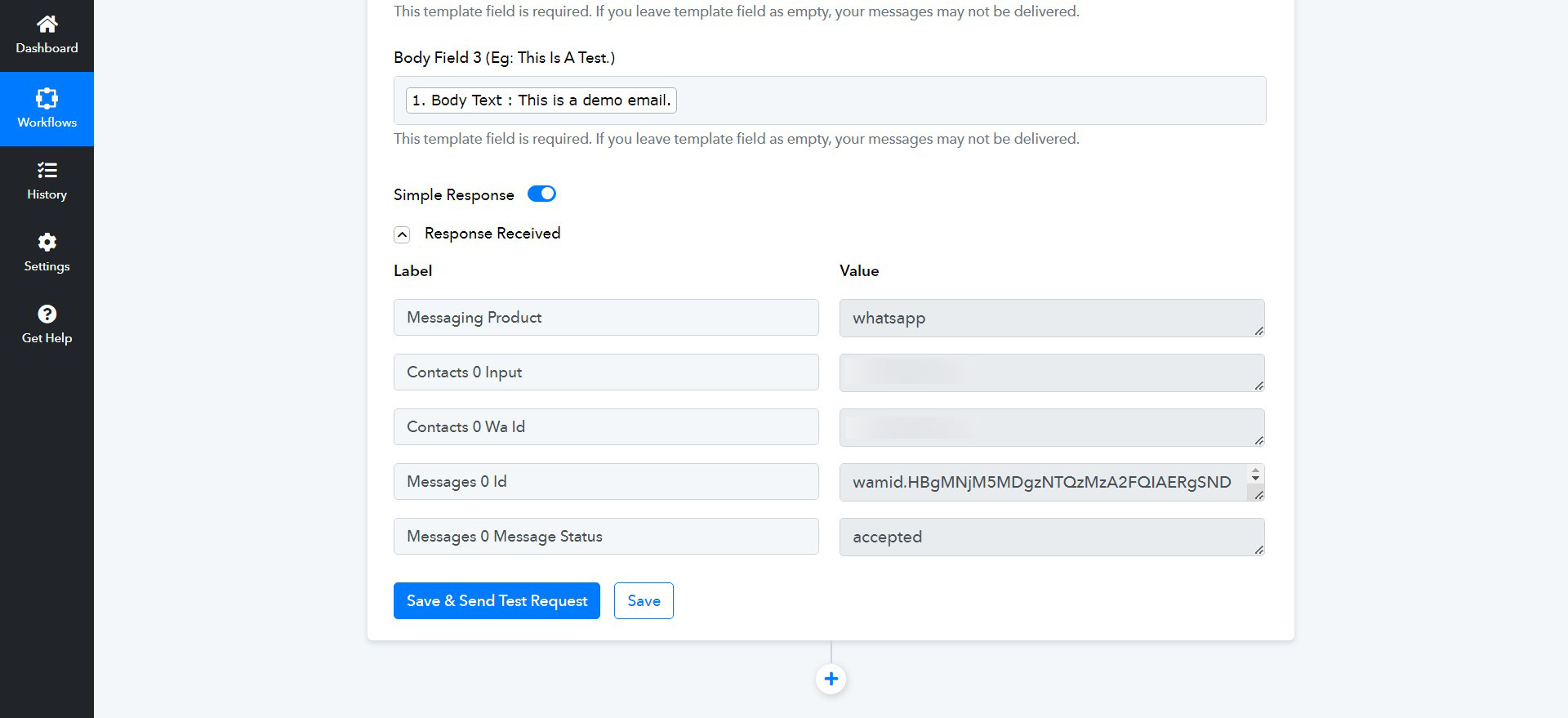
I did everything from the beginning and I got the flow to work but I'm not getting the messages on my WhatsApp.
I blurred out the phone number but my whatsapp number is on the fields.
Attachments
Hey @mayumi
Can you please share the workflow URL once in which you have experienced the error?
It appears that you might have made some changes to your WhatsApp Cloud API account or your connection needs to be updated.
So, can you please make a new connection and share the screenshot of the template dashboard if the issue still persists?
It's good now.
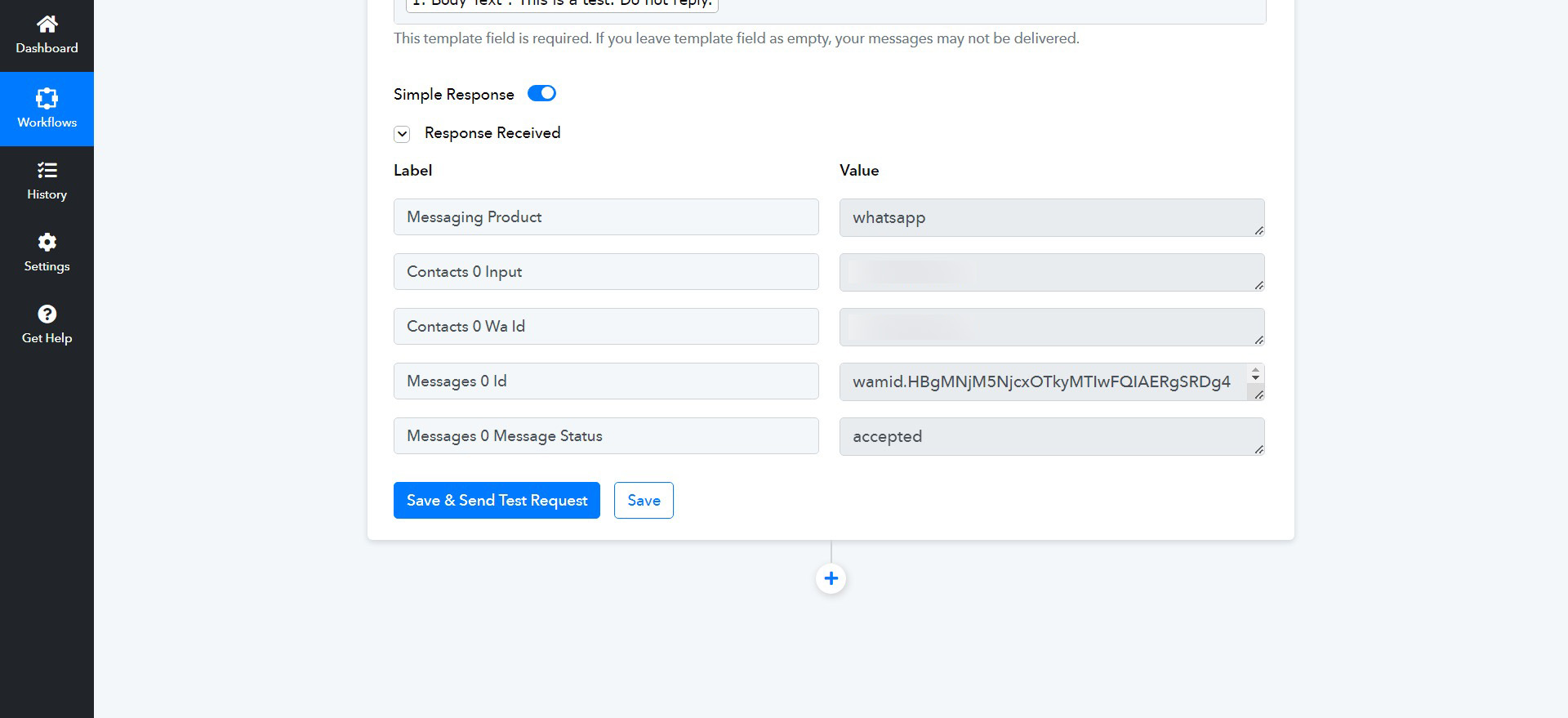
But I am still unable to receive the email message alert in my WhatsApp account. Is it because of the Missing valid payment method?
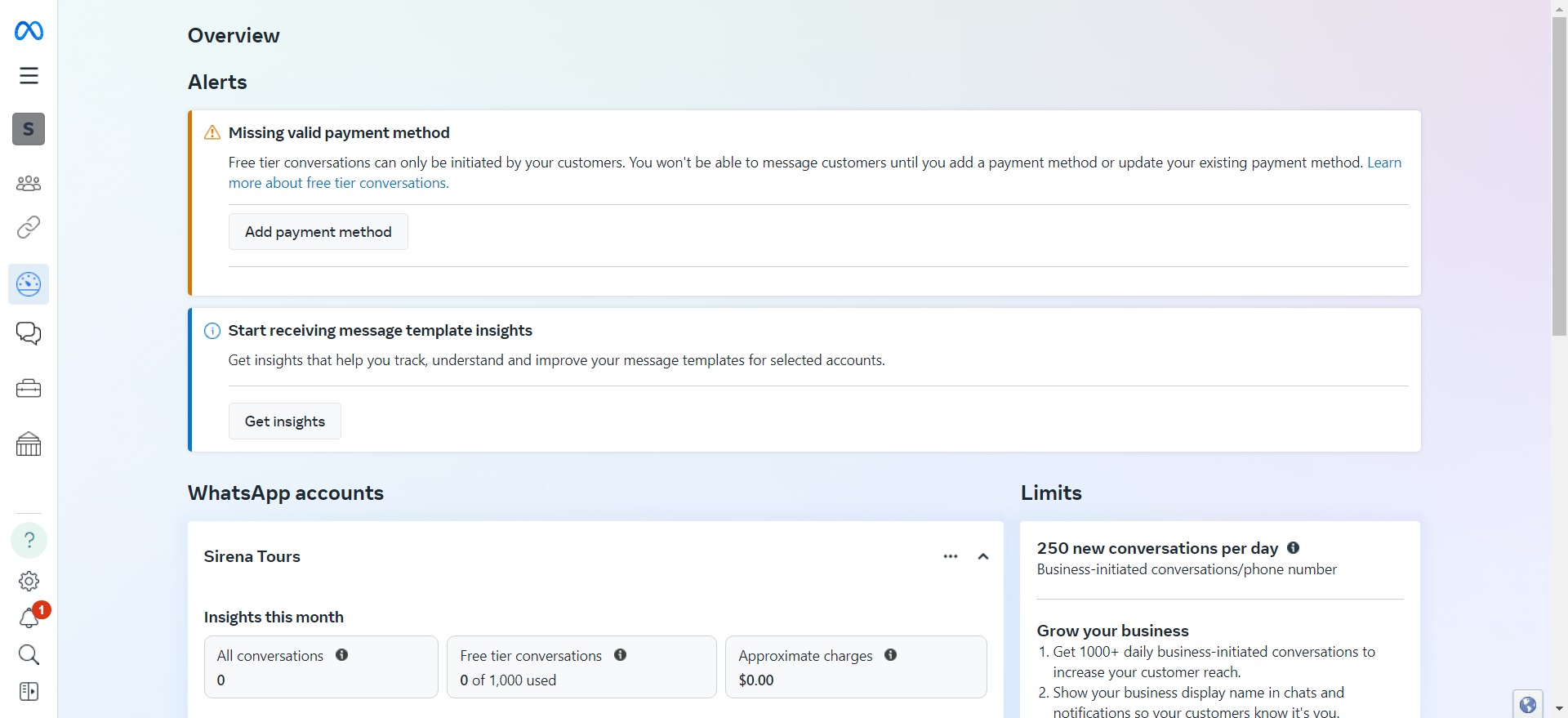
But I am still unable to receive the email message alert in my WhatsApp account. Is it because of the Missing valid payment method?
Regarding to that, it is recommended to contact the Meta support team, as they may assist you in understanding their options.
For confirmation, the one in the tutorial, you added a valid payment method?
For confirmation, the one in the tutorial, you added a valid payment method?
Please share the video lesson where you observed the same method to add a payment option. We recommend checking the payment addition from their side.