How to split Multiple Records returned in API
Status: Closed · Asked by fisto on · 0 views
I have an "API By Pabbly" event that returns several records at once. I need each record (each set of OpportunitiesData1, Opportuntunities Data2, etc) to then be sent to a different POST API.
What is the best way to split each record set individually? Please note that it is not a fixed number of records that are sent, that quantity will always change.
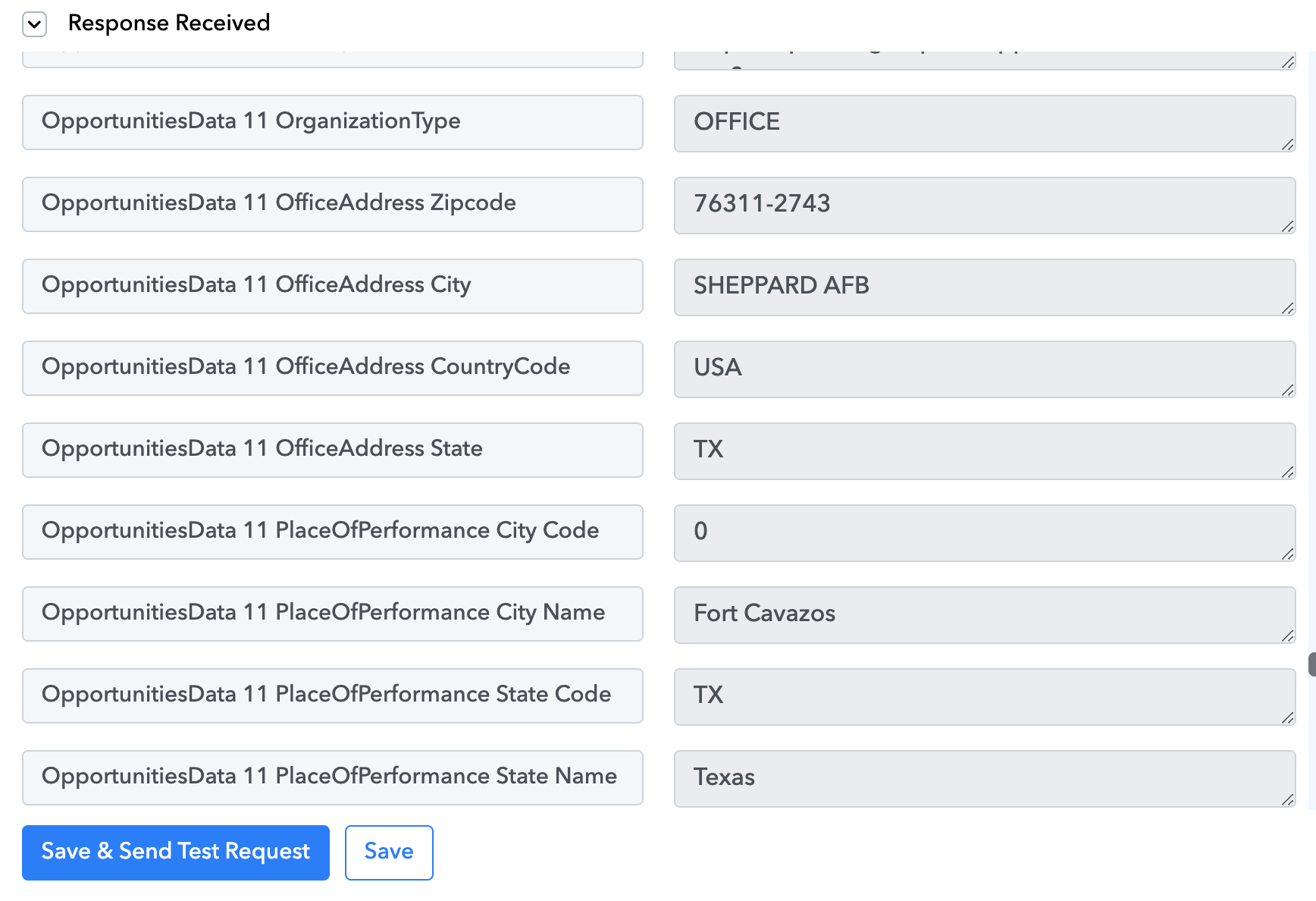
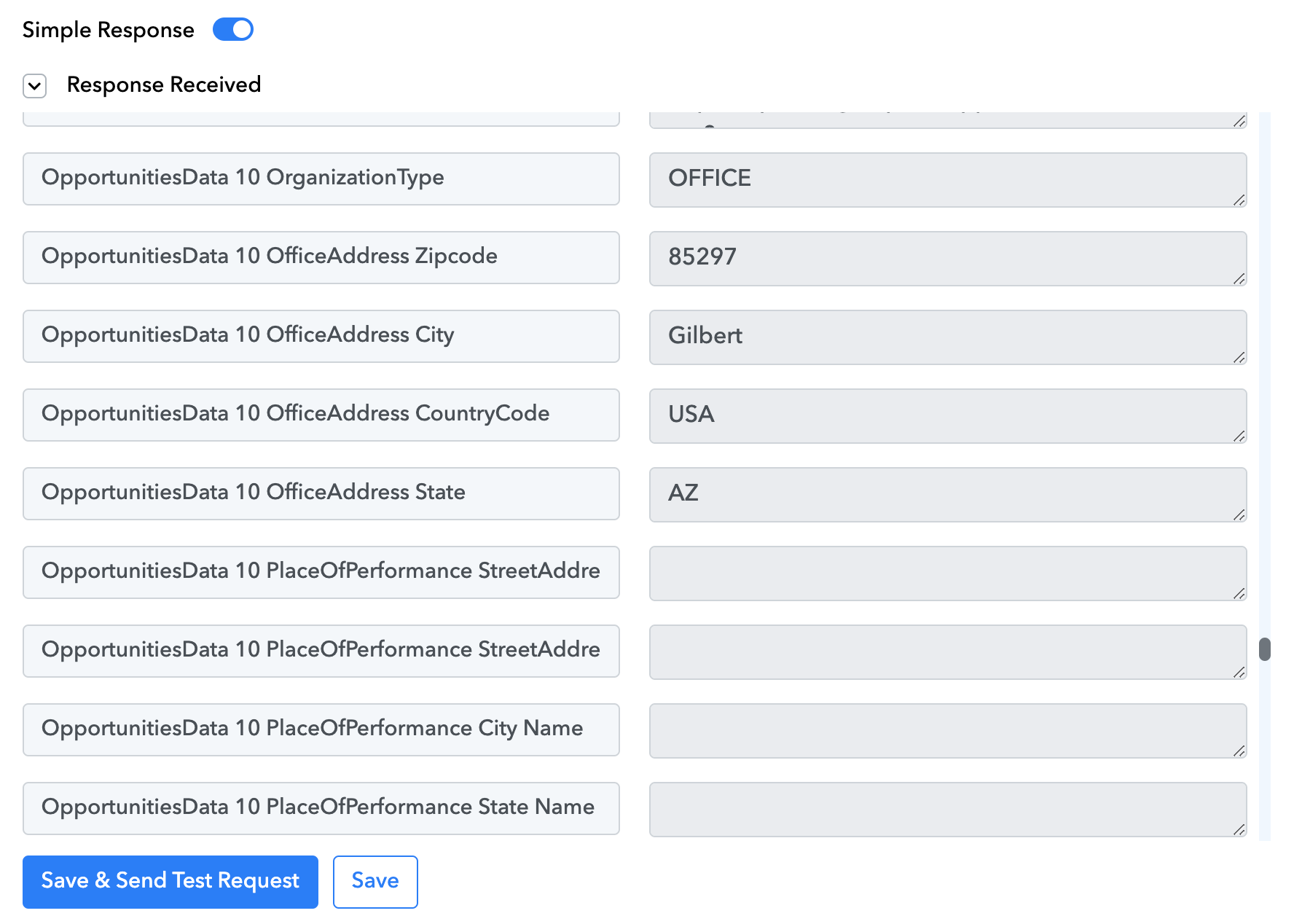
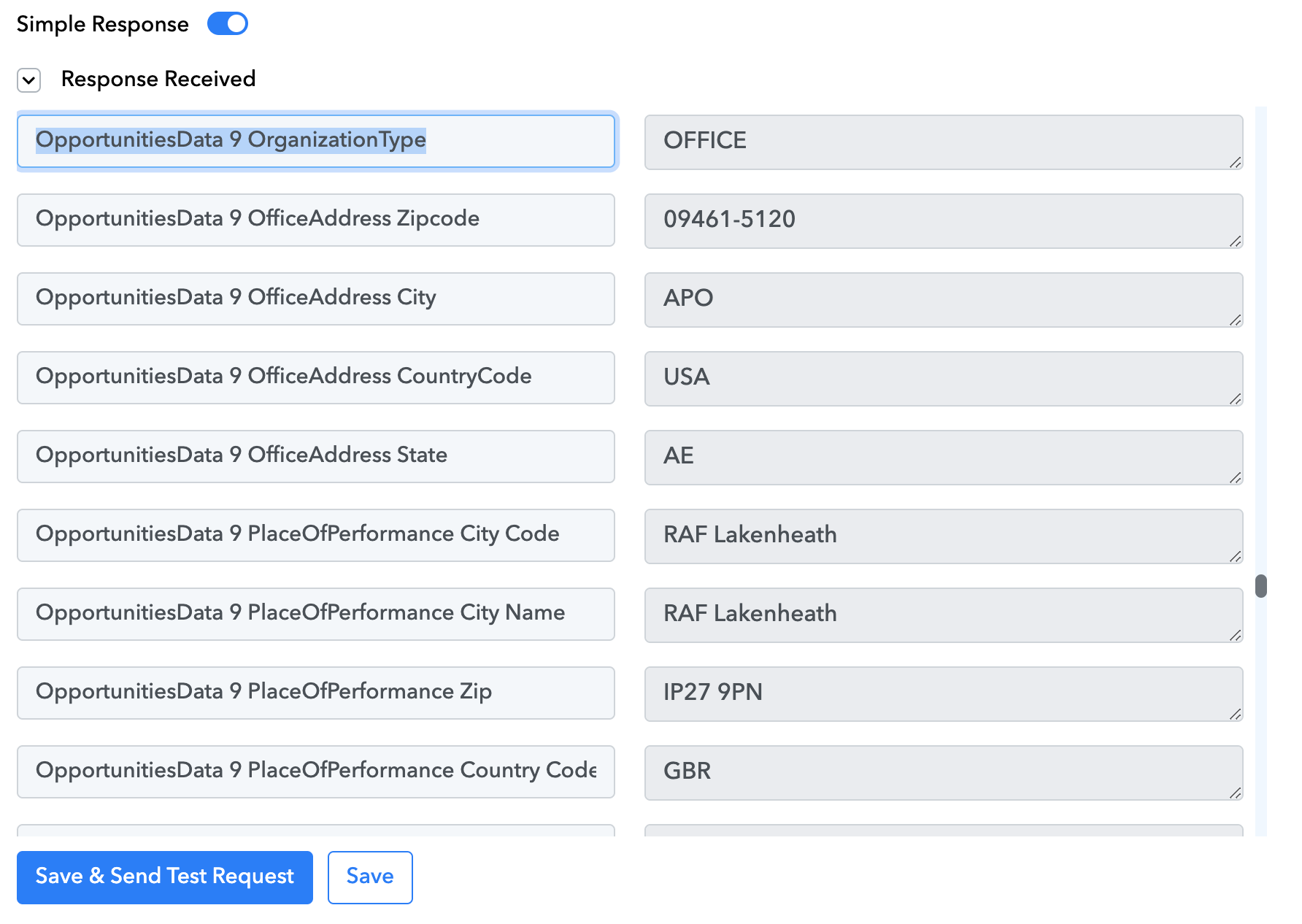
I tried using Pabbly Line Itemizer, but it only returned data for the first OpportunitiesData set.
Hey @fisto
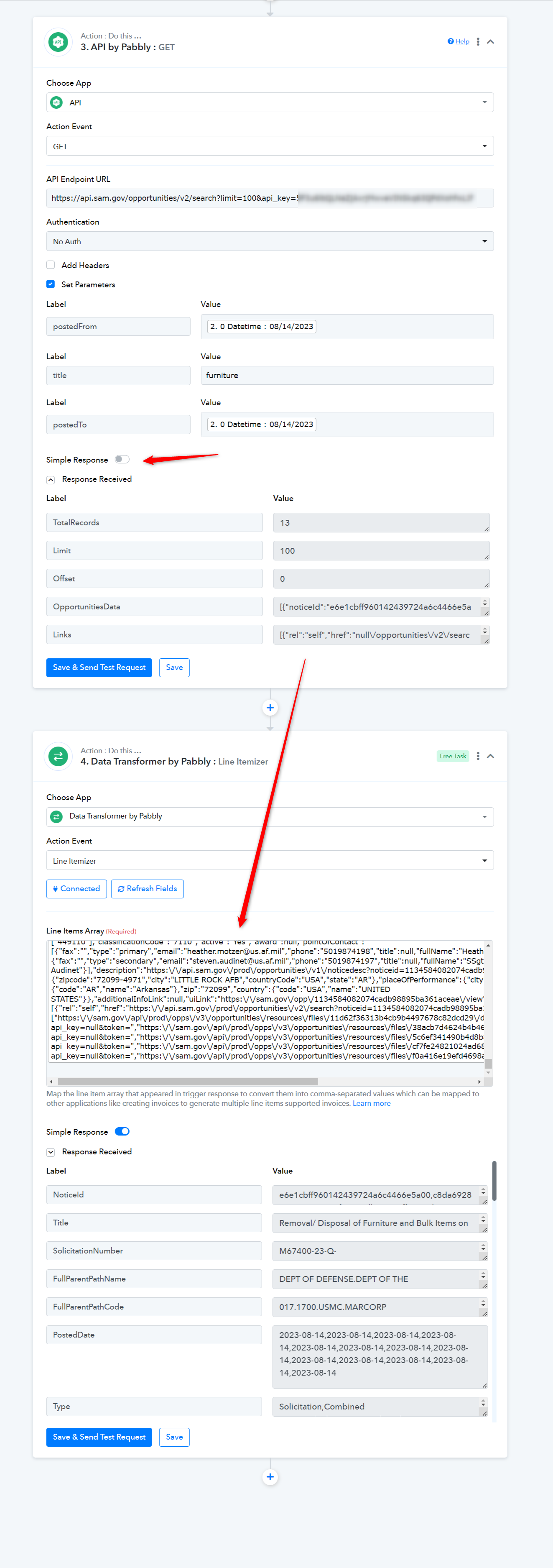
Regarding your concern, you should have recorded the API response in advance response by toggling the "Simple Response" button.
Please check the following screenshot -
I have updated it like you said.
But that isn't the problem. Please review the screenshots in my original post.
I need each record (each set of OpportunitiesData1, Opportuntunities Data2, etc) to then be sent to a different POST API.
In that case, you can make use of the Iterator action step to process the individual key-value data one by one.
You may also refer to the following video lesson on the same.
I did that, but it only shows one set of values. I need each set of values individually.
Please check my Workflow URL again and help me troubleshoot where I am going wrong. Thank you.
Please note that while setting up the workflow using an iterator it will only show you 1st item of the array, but when the workflow actually triggers it will send messages to all the numbers in the array.
I don't understand this at all.
Suppose I want to add all this data to a Google sheet.
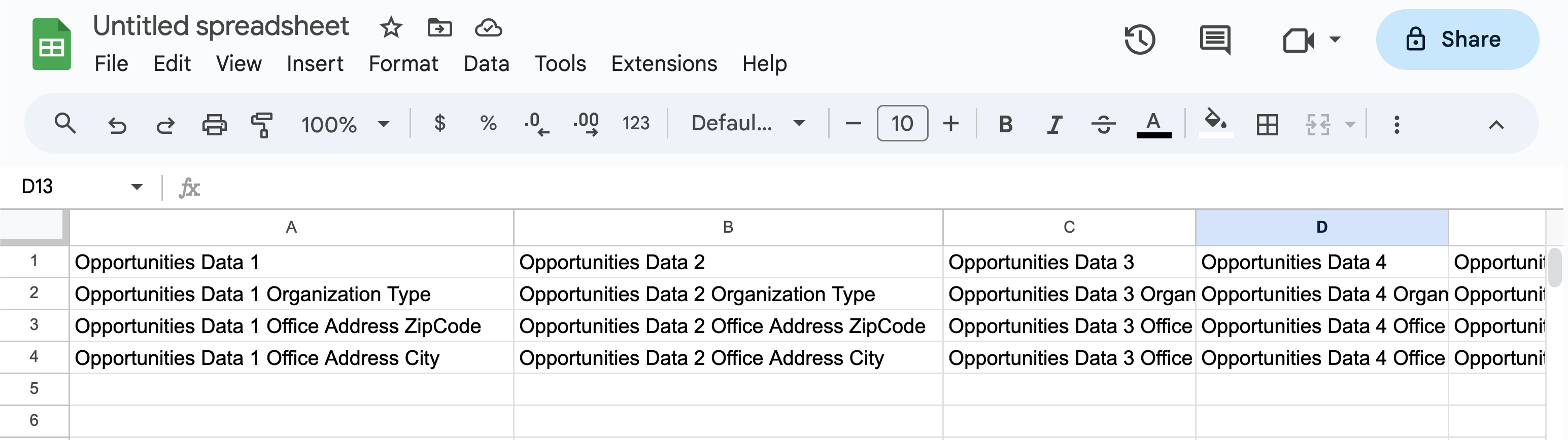
There are 12 sets of Opportunities Data. I want each set to be it's own column.
And then each set of data has 8 variables, which will be the rows.
How can I do this, if Pabbly only outputs the first set of data in the iterator?
Can you please provide a short video on how you want the data to be shown in the desired application?
I want all the data input into a Google Sheet, organized by columns:
We couldn't find any action step in your shared workflow where you have tried that and having the issue.
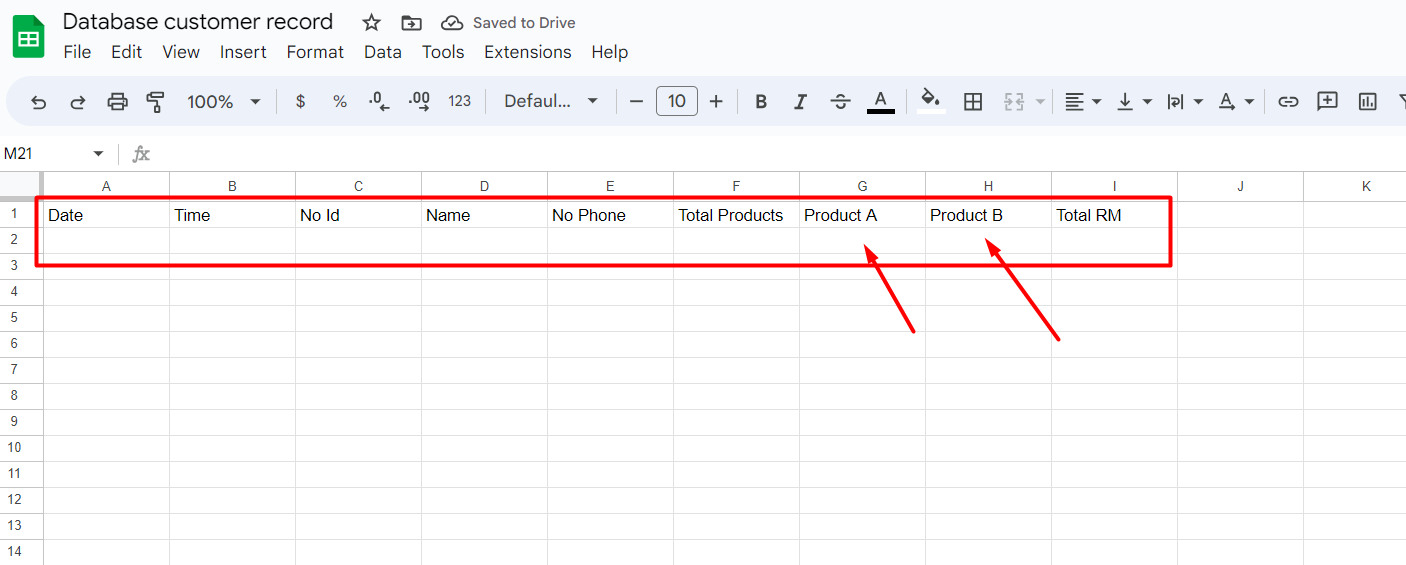
Also, shuffling line products and passing in column-wise in a row is currently not possible.
Is there someone else who can assist me with this? I've gone back and forth with you for 5 days, and you are still unable to understand what I wrote about in the first post.
It isn't complicated at all.
Further, we recommend hiring an automation expert who can design such automation for your workflow and manage everything for you - https://forum.pabbly.com/threads/pabbly-connect-experts-and-consultants.22/
And can even find automation experts in our Facebook group as well - https://www.facebook.com/groups/formget.deals/