HTML not formatting correctly in Google Docs
Status: Open · Asked by Magda on · 0 views
I am using a Pabbly Webhook to pull HTML code in from the new automation tool Packagesss. When I format as text, like this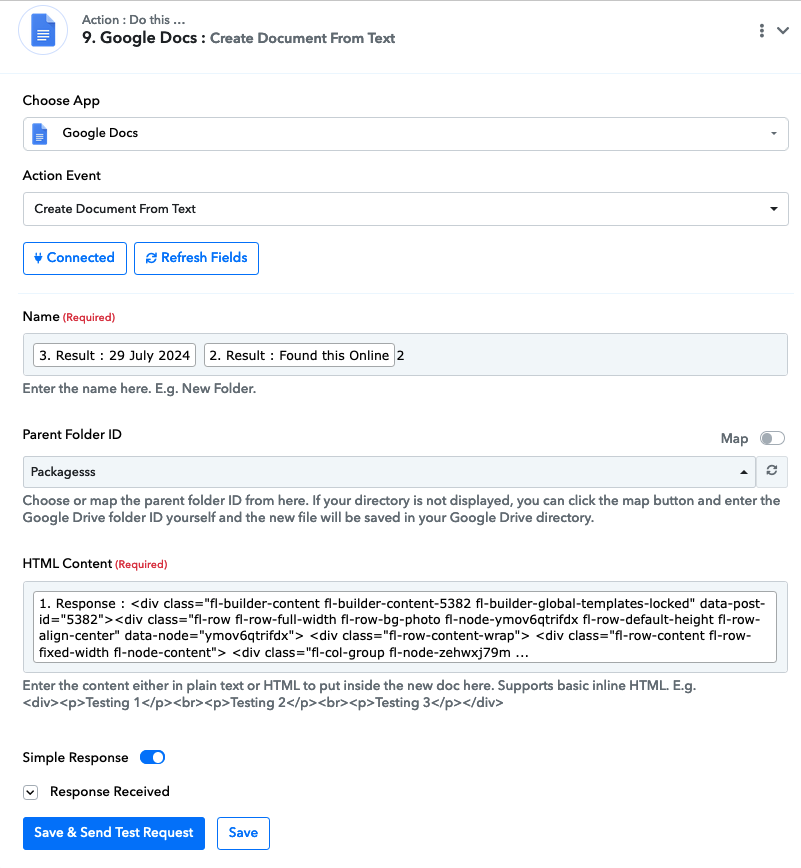
the Google Doc is full of extra \n's and \t's, like this: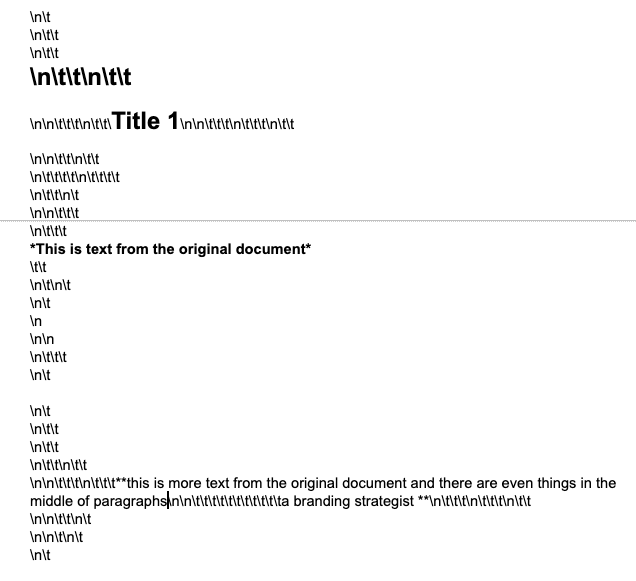
How fo I get a nice clean document?
Thank you,
Magda
Hi @Magda,
Please try using a Text Formatter to remove the HTML tags and see if that fixes your issue.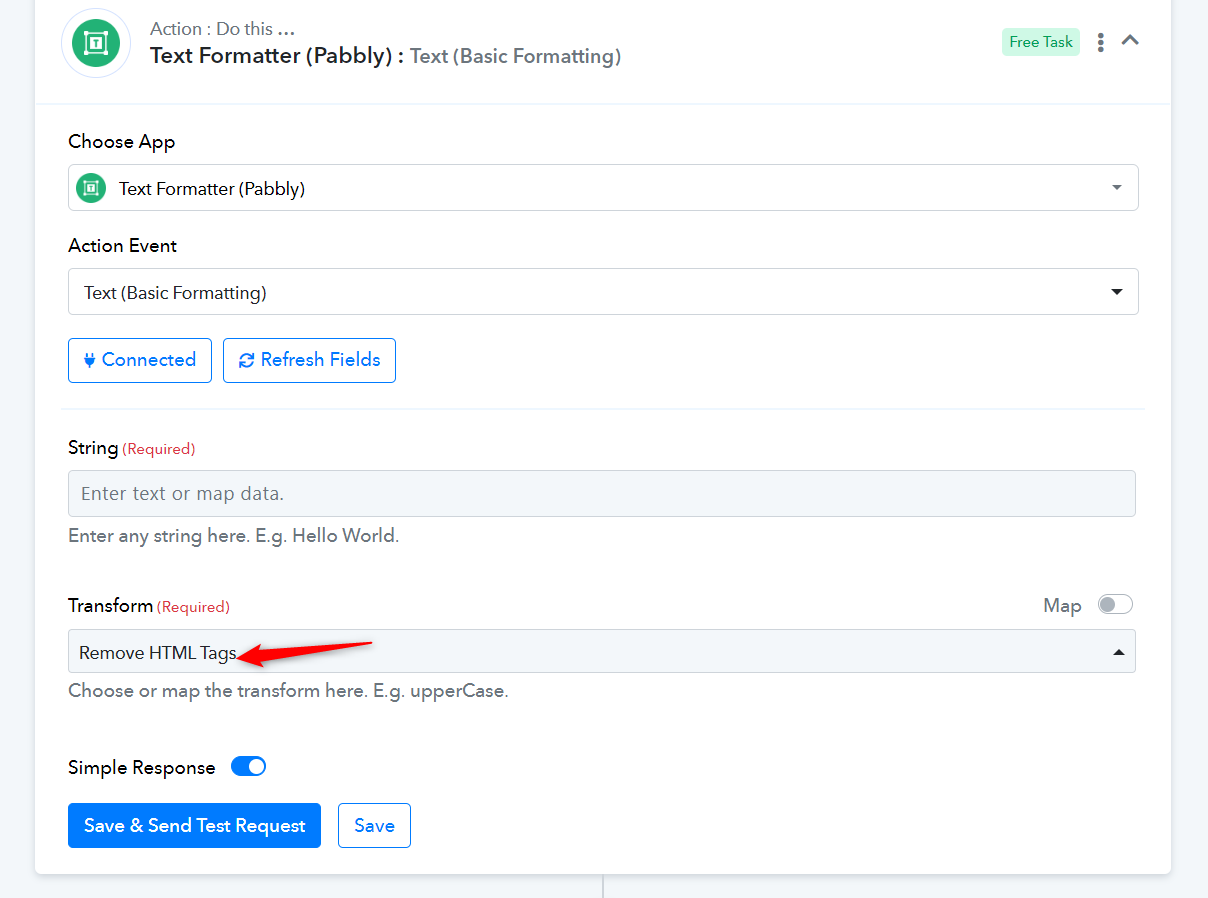
When I try that, it looks OK in the in the field when I "Save & Send Test Request", but looks like this in the Google doc: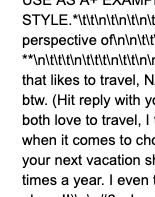
Could you please share the Workflow URL in which you have this concern?
Thank you.
I will share the workflow privately as it has proprietary information. Thank you. I will use the same name for the message.
We have answered your query in another thread. Please check it out.
https://forum.pabbly.com/threads/html-not-formatting-correctly-in-google-docs.23554/