HubSpot List Contact Info Export
Status: Open · Asked by Jordan Leonen on · 0 views
Hey there,
I am trying to find a workaround for the HubSpot CRM mobile app not being able to display lists. I have created an active list that automatically populates when a company's Last Visitation Date is past a certain number of days. Is there a way to send that info to either a task on ClickUp, a Telegram Bot, or even a Google Sheet?
I tried to do a Scheduler trigger and then connected my HubSpot account to Get metadata for the List. My lists showed up in the List ID section and I chose the proper list, tried to save and send, then this showed up. Any suggestions?
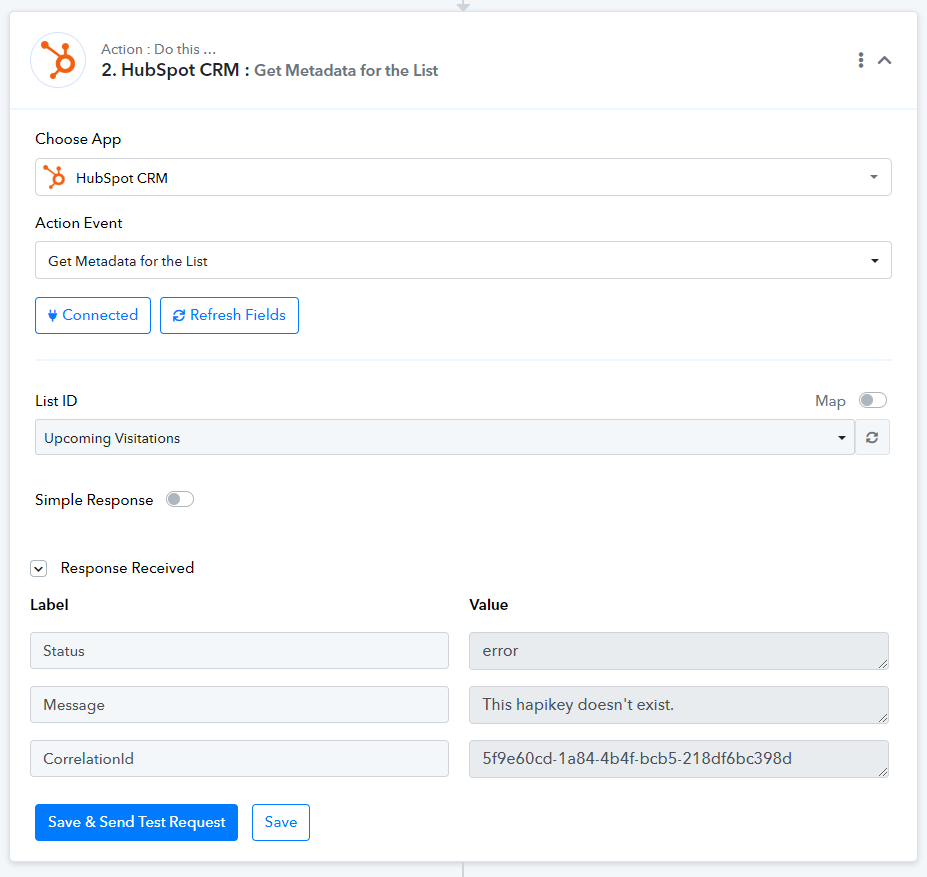
Thank you!
Hi @jleonen.inctv,
Please allow us some time to look into this concern. We will get back to you with an update soon.
Hey @ArshilAhmad ,
Thanks again for the assist. You all are amazing!
Hey @jleonen.inctv
Please try the action step once and try again, it should work now.
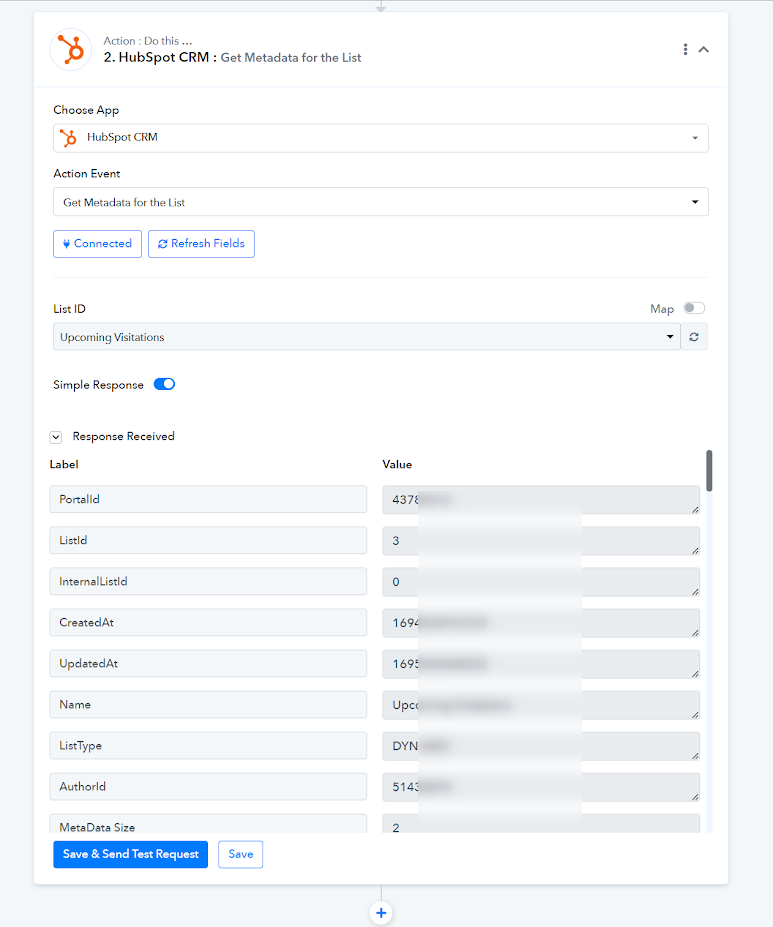
Hey @Supreme,
Thanks for the update. It is working now, but it seems that the data it pulls from the list isn't the company or contact data but the filters for deciding who gets put on the list.
Is there a way to pull the contact and company data from the list?
Thank you again!
Hey @jleonen.inctv
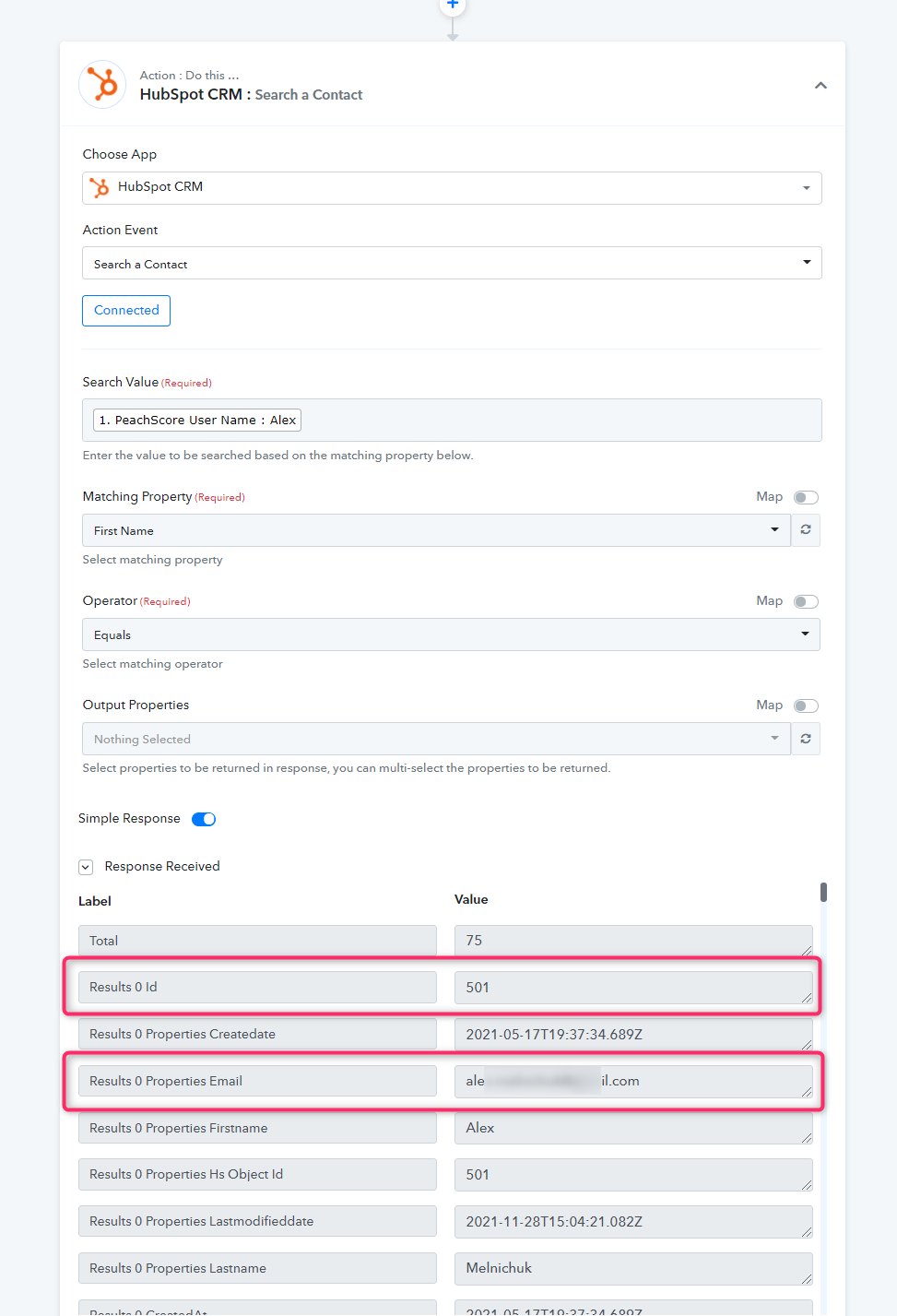
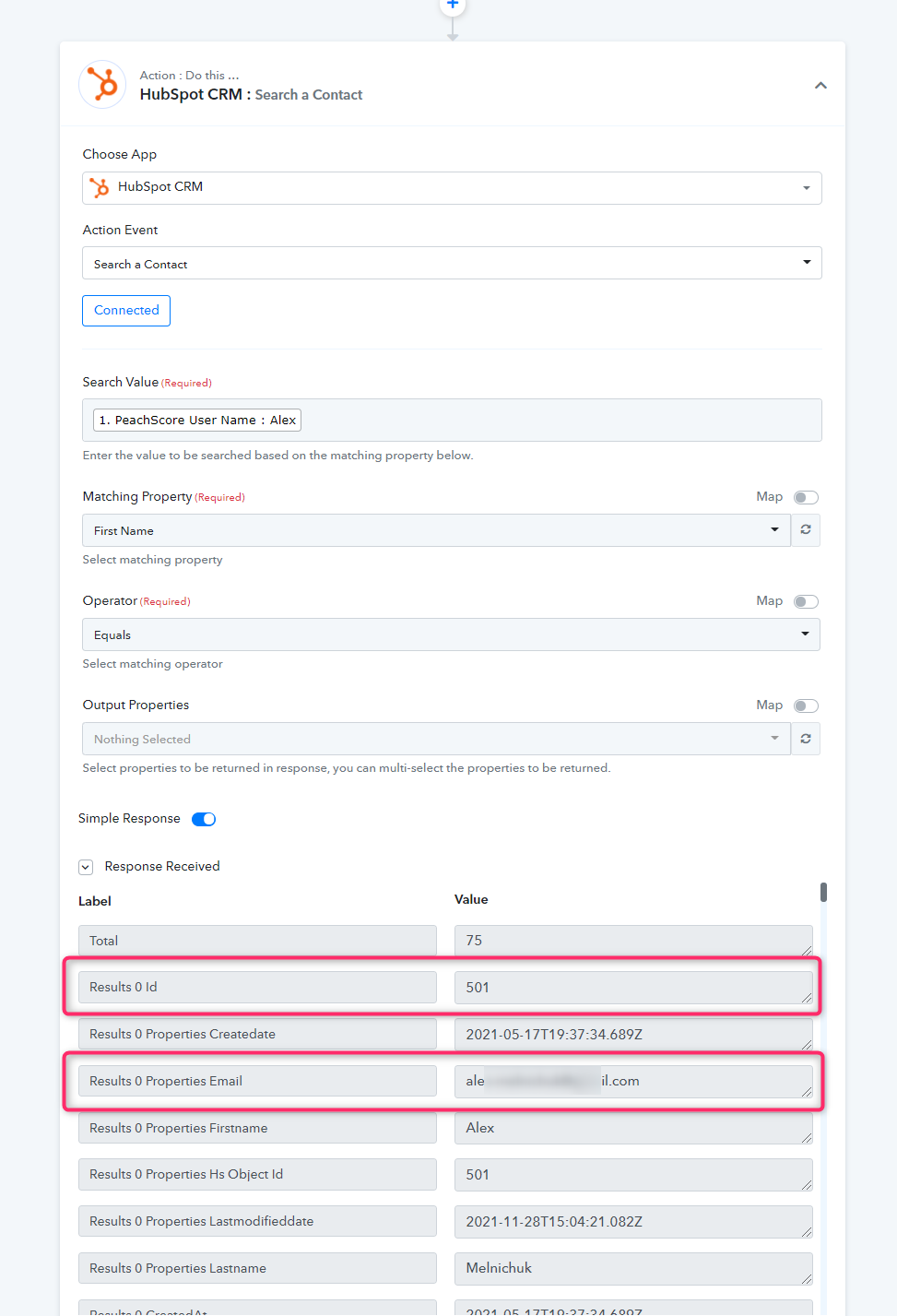
You can make use of the "Hubspot: Search contact details" action step.