I cannot (re)connect Office365 - Excel
Status: Closed · Asked by Niels Przybilla on · 0 views
Hello Pebbly Community,
I have an Office365 Excel Connection.
This stopped to work.
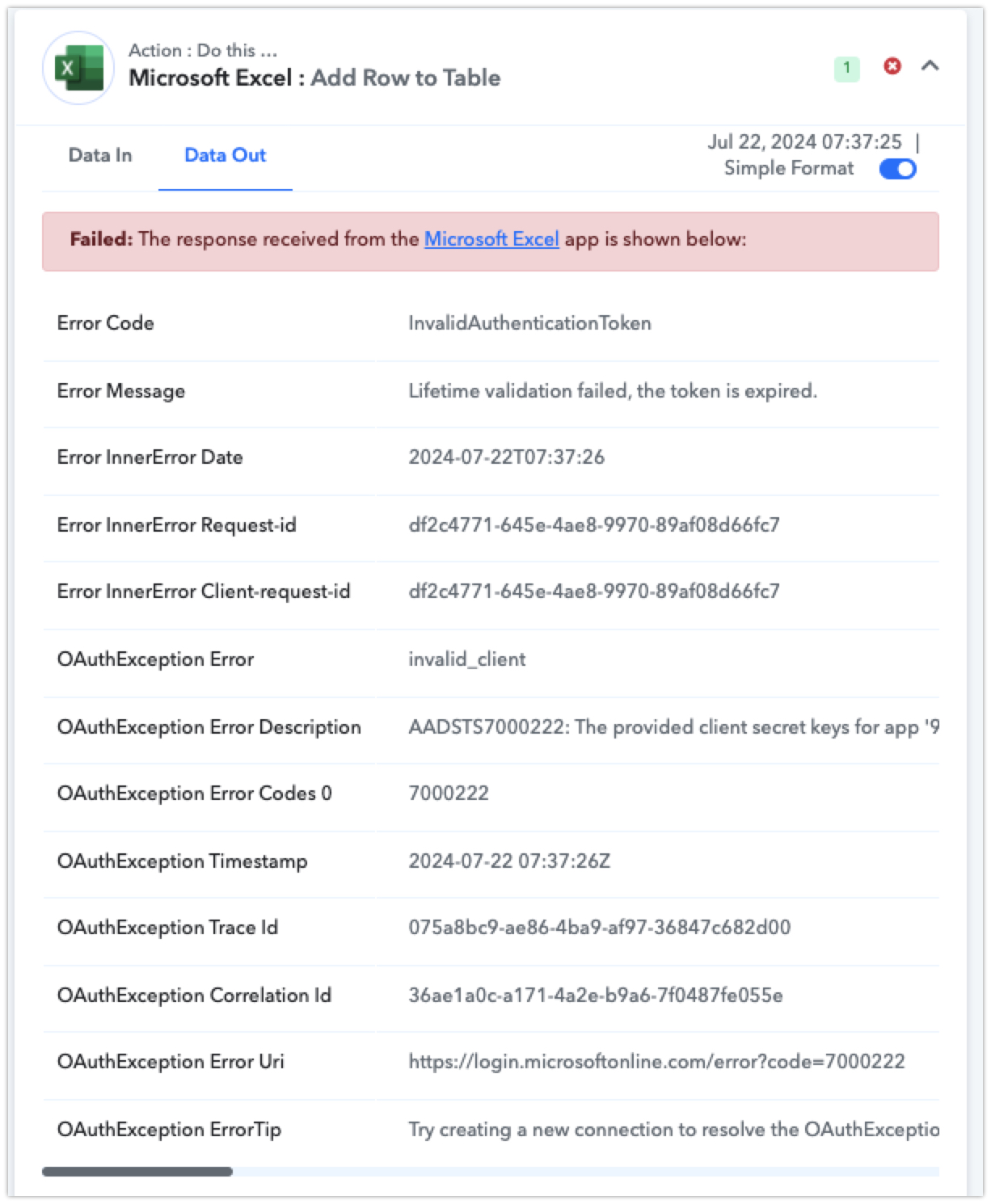
Now when i go to Connections and want to reconnect, I can enter my login, Password and 2FA starts but then I Get an "invalid_client" error.
Any idea how to solve this:
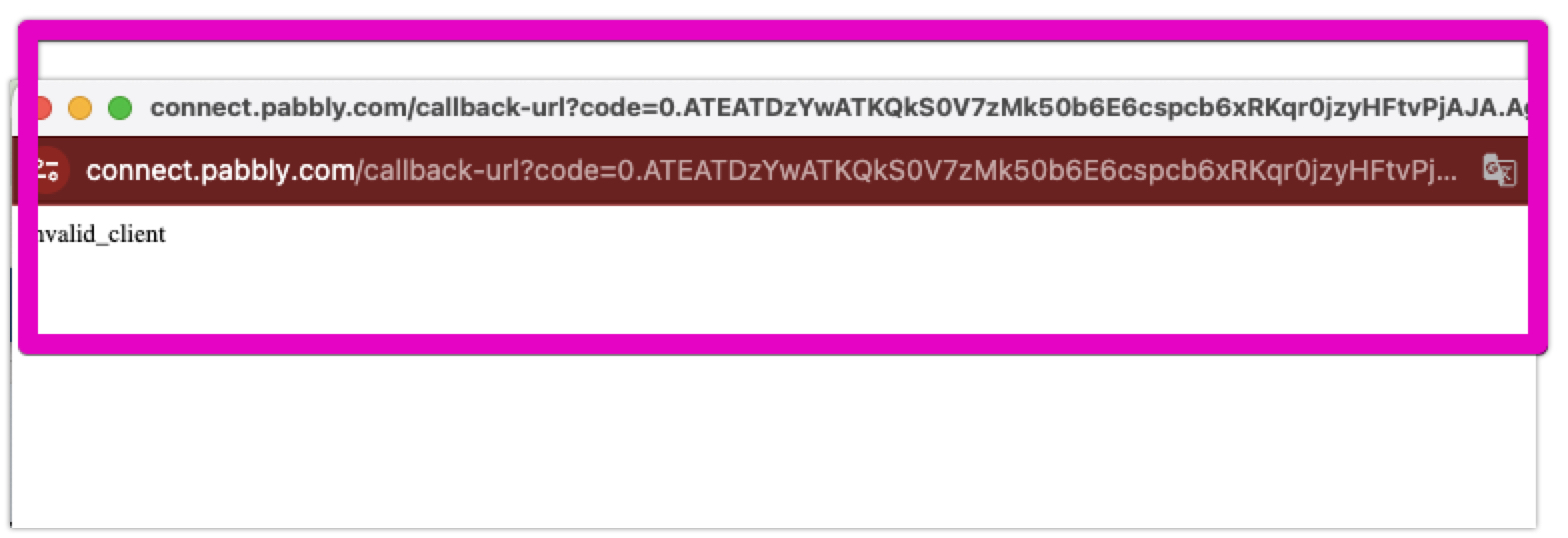
Many thanks for your help.
Best wishes
Niels
Hey @niels.przybilla
Can you please make a new connection in the incognito mode of your browser and then try again? Further, we have forwarded your concern to the team.
I am facing the same issue with Microsoft Teams connection. I've tried follow the steps with incognito and new connection and still have the same "invalid_client" error.
Hey @niels.przybillaCan you please make a new connection in the incognito mode of your browser and then try again? Further, we have forwarded your concern to the team.
Hello Supreme,
i can try, but to this office connection are 20 workflows connected. I do not wnat to change them all
Could you please make a new connection in the incognito mode of your browser and then check? Our integration team has made some changes.
Hey @niels.przybillaCan you please make a new connection in the incognito mode of your browser and then try again? Further, we have forwarded your concern to the team.
Hello,
i reconnected it as it seems successfully in incognito mode ... but the workflow "forgot" all the settings.
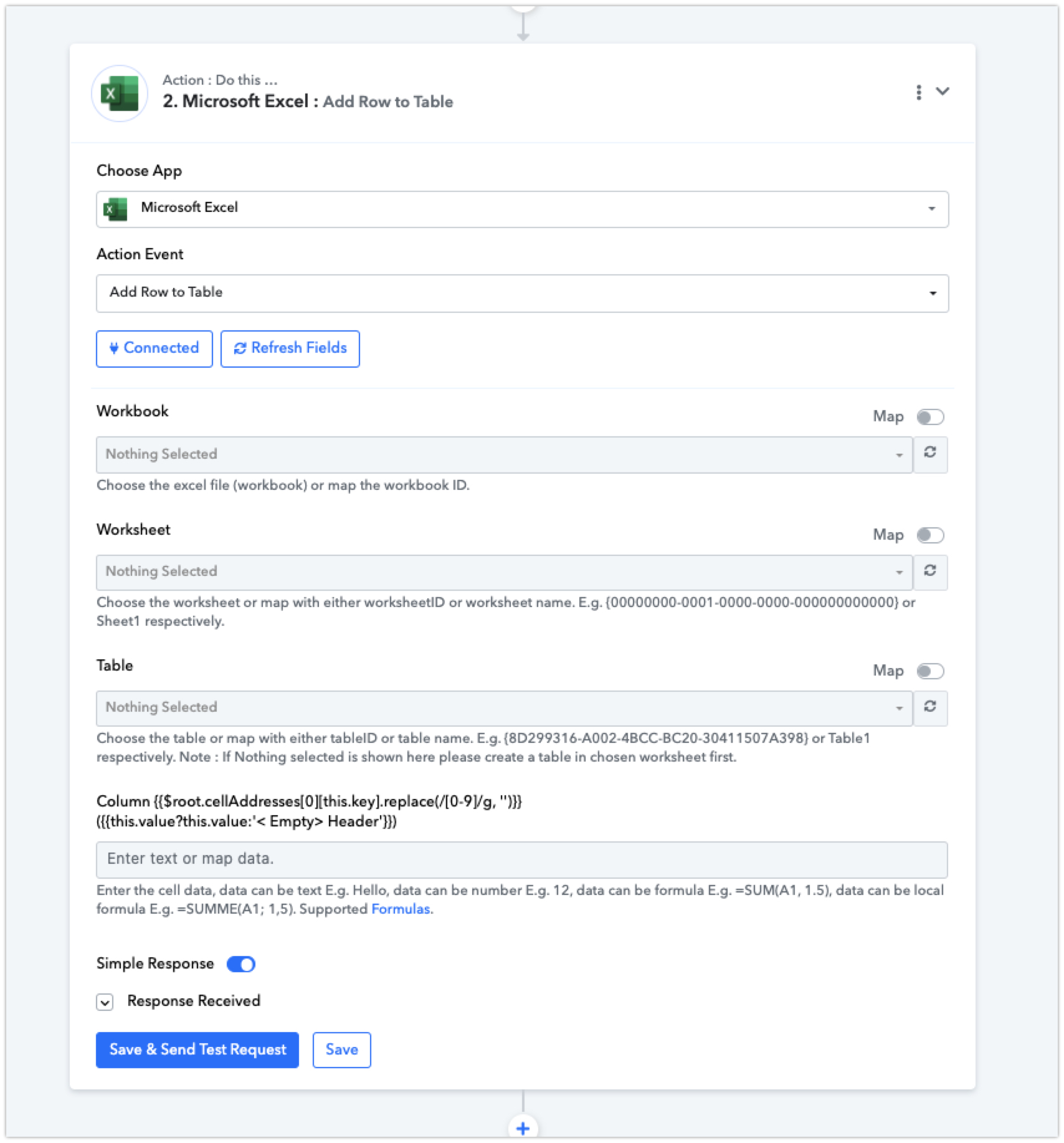
Can you please share the workflow URL which you have tried the same so that we can look into it?