I can't connect with excel
Status: Closed · Asked by irving.s on · 0 views
Hello.
I've been trying to connect WooCommerce with an excel.
I could make the first step without problems but when I try to connect with Excel any excel file appears in the dropdown.
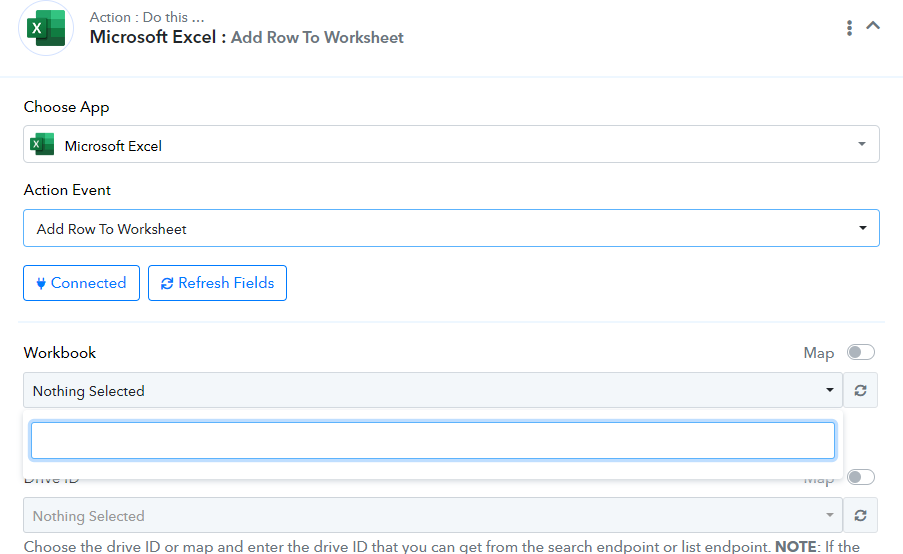
I've been doing a little research in the forum and trying every solution but nothing works.
If I try to connect with google sheets everything looks good, but I need to connect with Excel.
Thank you!!
Hey @irving.s
Please establish a new connection using your browser's incognito mode and attempt the process once more. Additionally, provide the workflow URL where you are experiencing this issue.
Hello, thank you for your answer.
I've done the connection in incognito mode but the problem continues.
here is the workflow url.
https://connect.pabbly.com/workflow/mapping/IjU3NjUwNTY0MDYzNzA0Mzc1MjZkNTUzZDUxM2Ii_pc
Thank you.
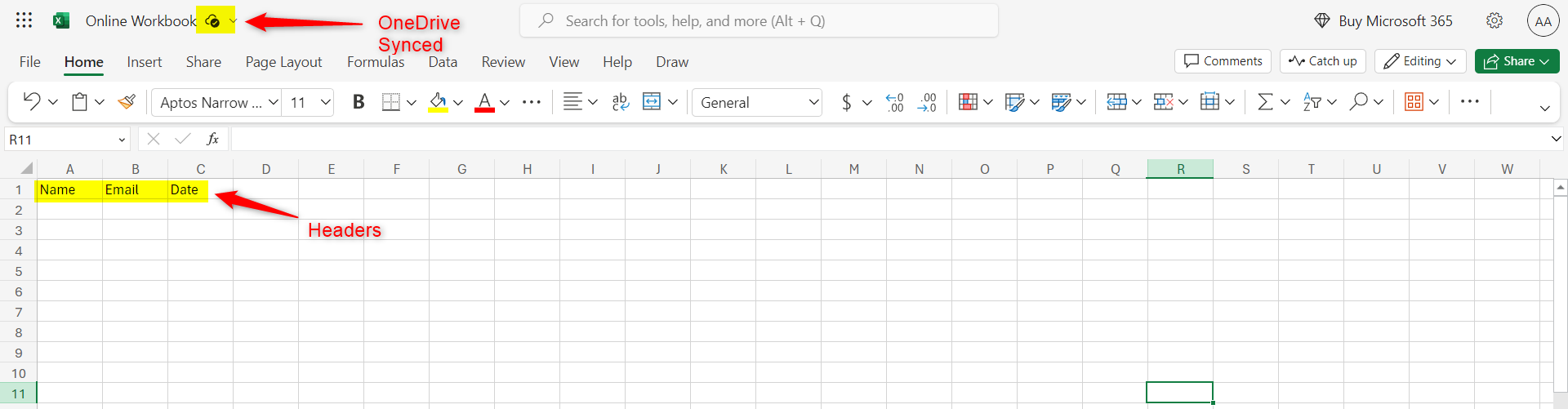
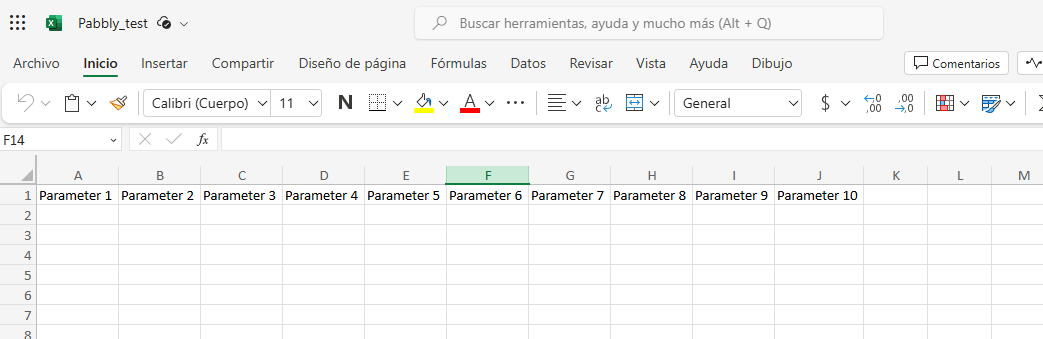
Please verify if the worksheet you are trying to connect includes headers and whether the Excel sheet is synchronized online. Additionally, could you provide a screenshot to illustrate this?
Hello.
Here is the screenshot.
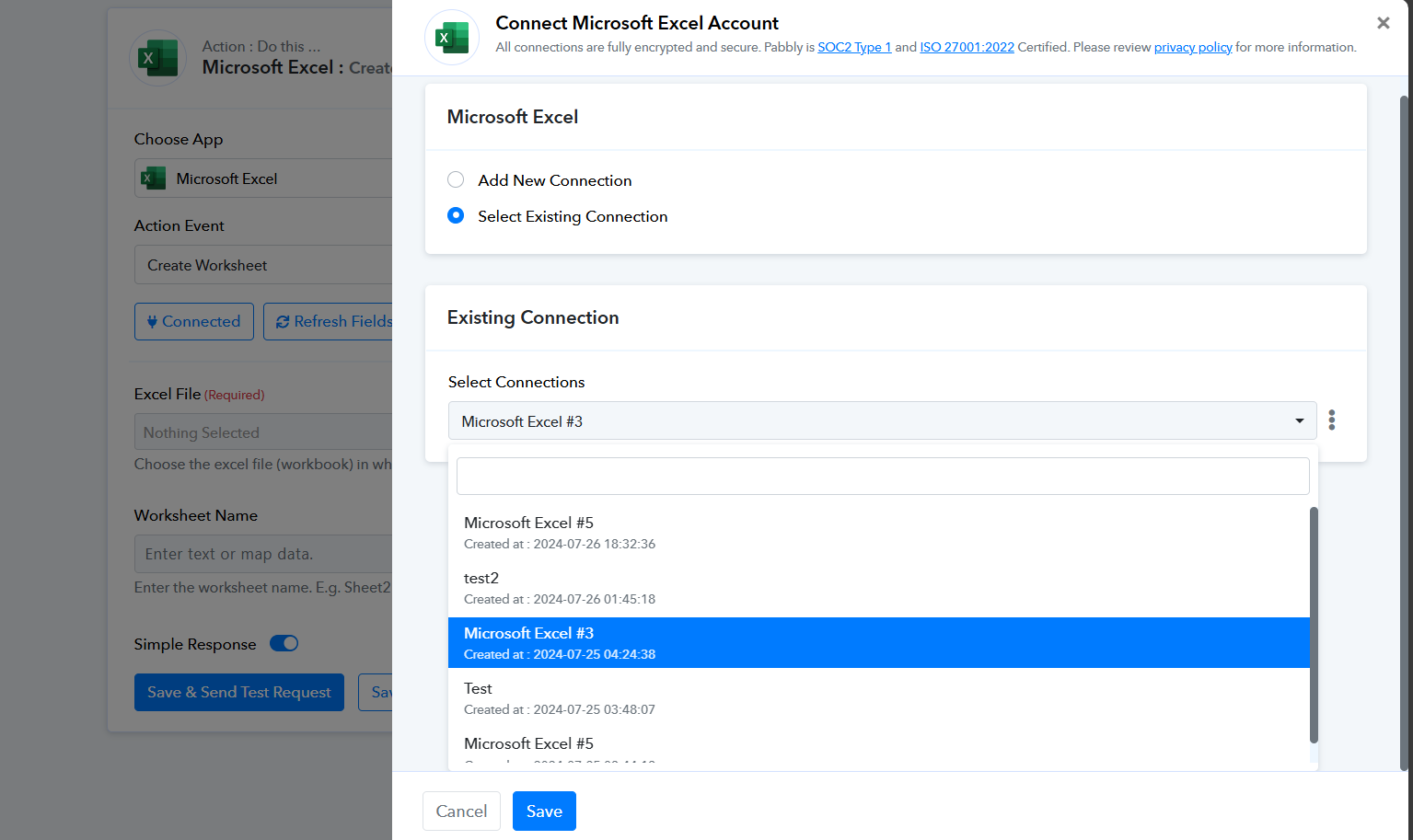
Please inform us about the connection method you are using to link with MS Excel in your workflow, and also specify whether you are utilizing a professional or personal account.
Hello
I've had success connecting with OneDrive, the only thing I did differently was activate double authentication on my OneDrive account, I don't know if that could have solved it
Thank you for the help!!
Hey @irving.s
Thanks for the update @irving.s