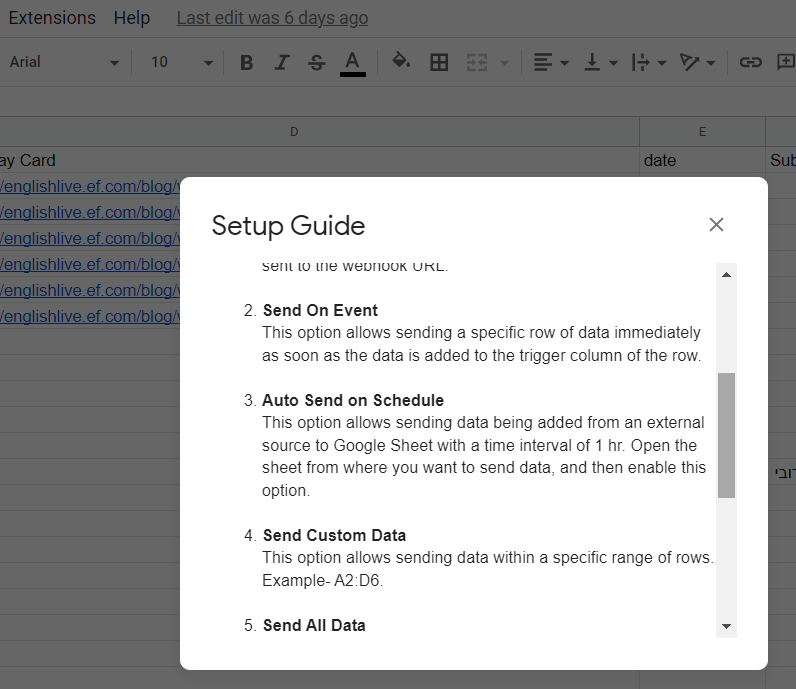
I don't see these fields
Status: Closed · Asked by Juan Camilo Rivas M on · 0 views
Hello, when I am using it as a guide I see that at minute 17:18 (for example) fields called:
body field 1
body field 2
My question is if these fields no longer exist in the current version or if they only appear in the paid version of Pabbly?
I am currently using the free version because I am connecting with my google sheet
Attachments
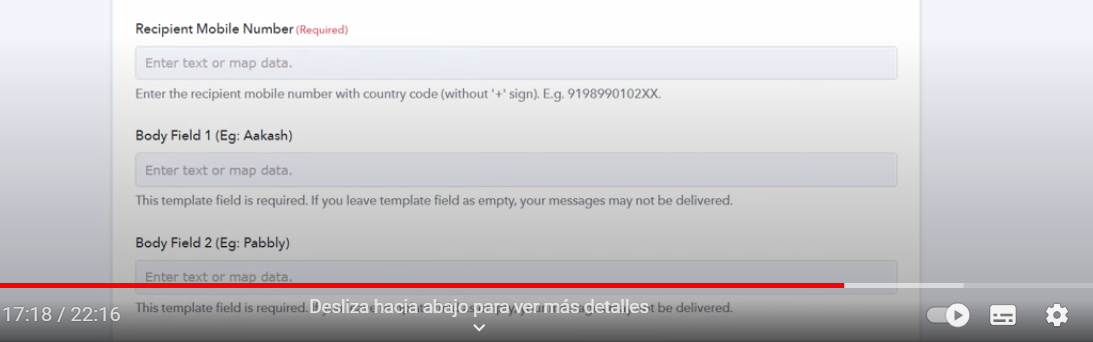
This is the video:
Hey @Juan Camilo Rivas M
The fields that you are seeing are associated with WhatsApp Cloud which can be created from the WhatsApp Cloud API account itself, it doesn't have to do anything with the free Pabbly Connect account.
You may check the following video lessons on how you can use the WhatsApp Cloud API and configure it with Pabbly Connect.
qAzhxOpv5JY, list: PLgffPJ6GjbaIwdpXaAfY2Y8Ga4_lY3LvQ
Thank you very much for your answer.
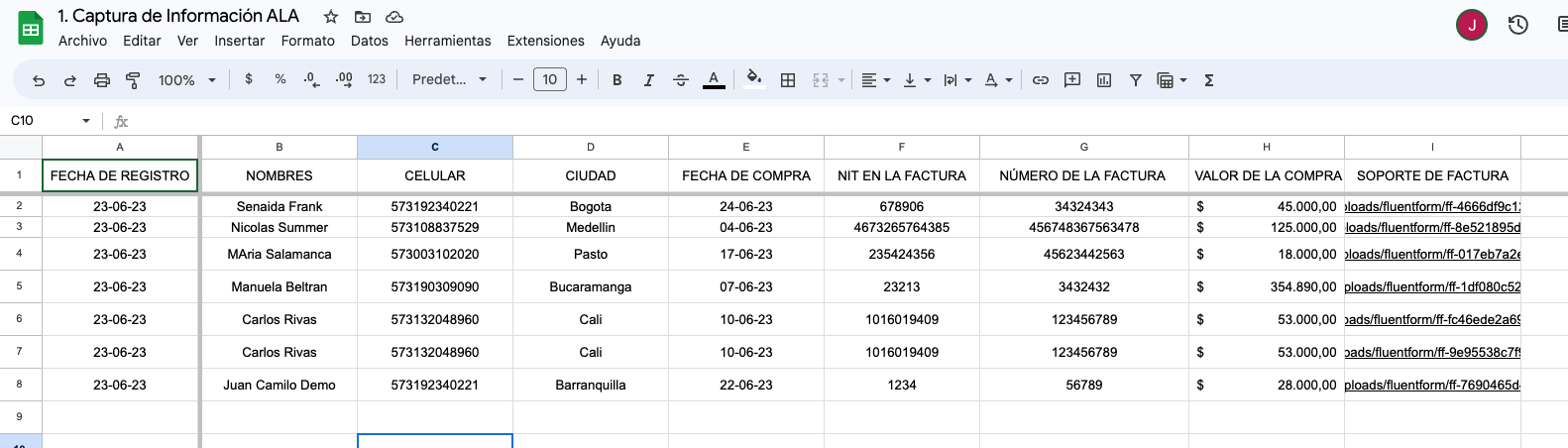
The functionality that we hope to have in google sheet is that when a new line of information is added (full row up to column I) the "sent on event" is executed and sends the new row (columns A to I) to Pabbly.
Attached images:
Image 1: google sheet document
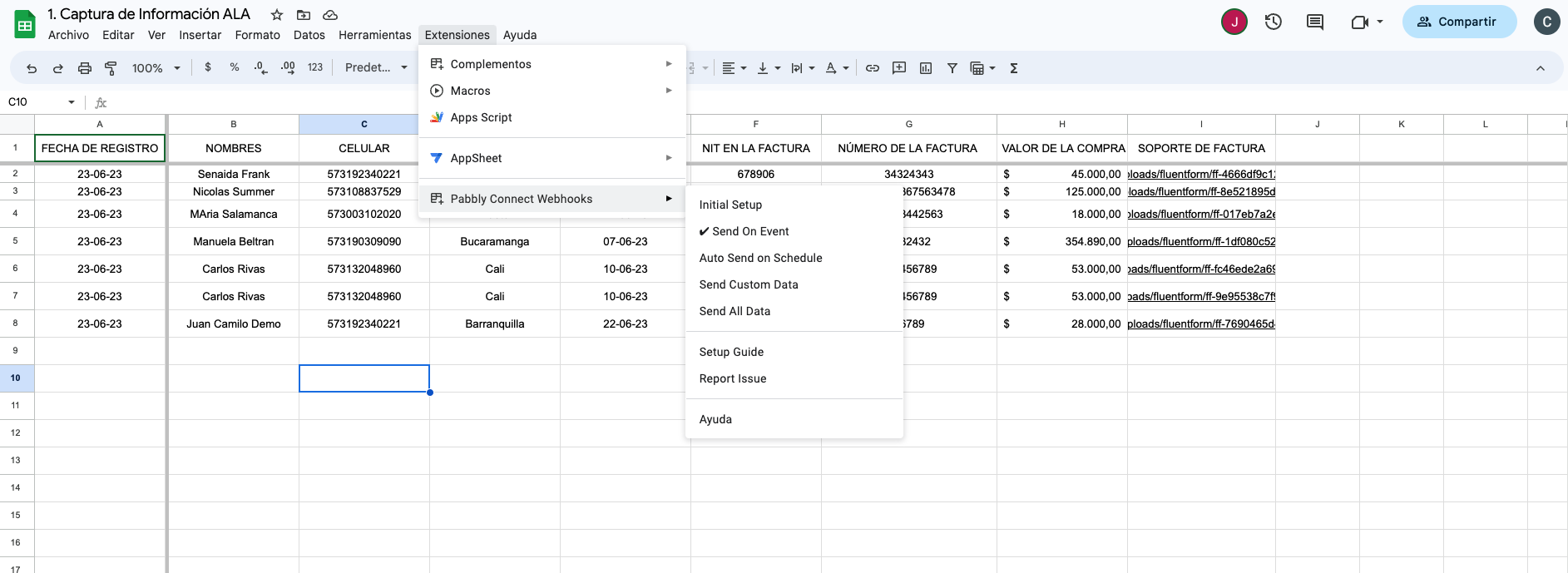
Image 2: Sent in configured event
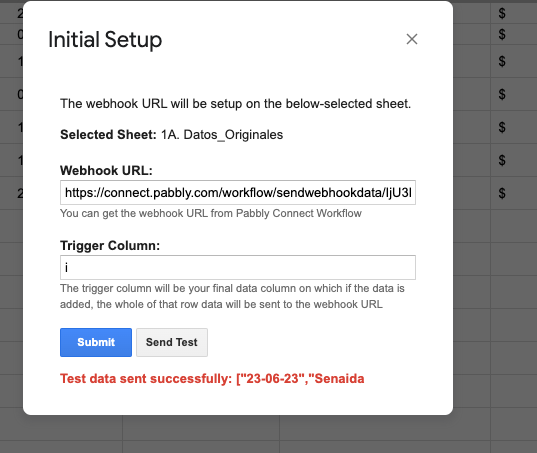
Figure 3: Initial configuration configured up to column "i" with updated webhook and "Test data sent successfully" message
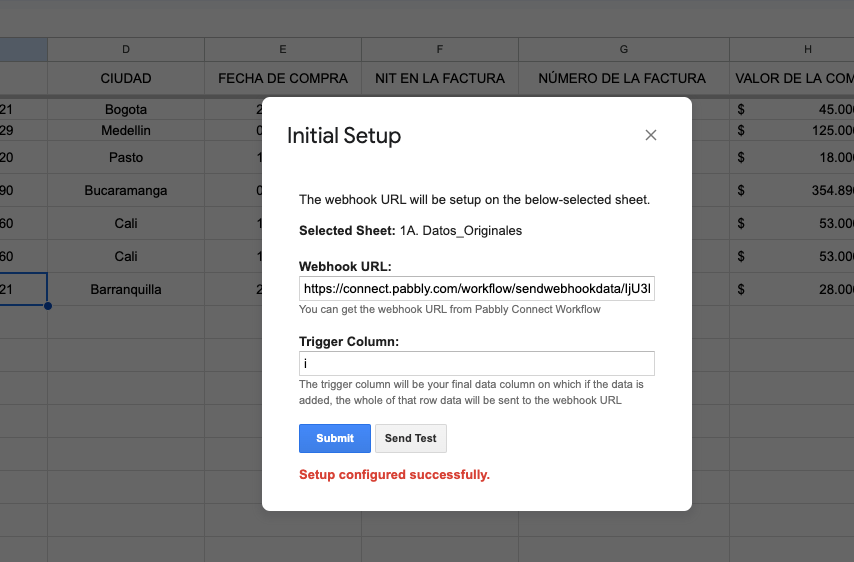
Image 4: Setup configured correctly.
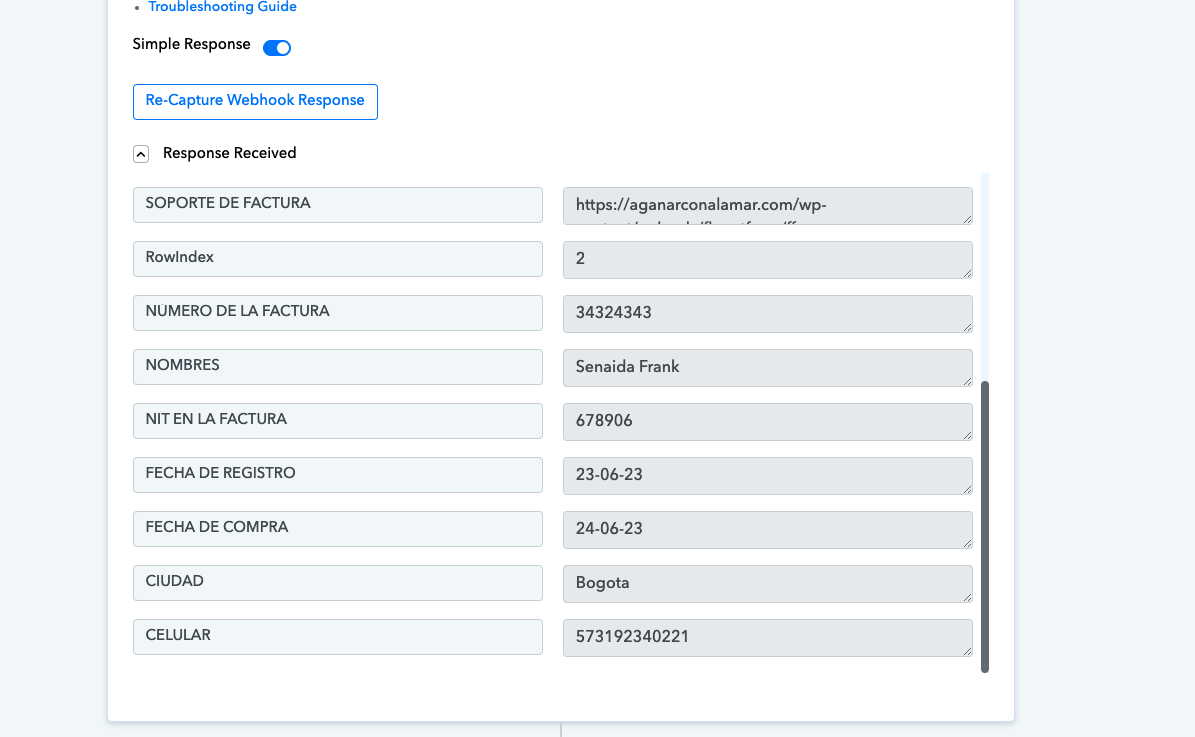
Image 5: information received in Pabbly
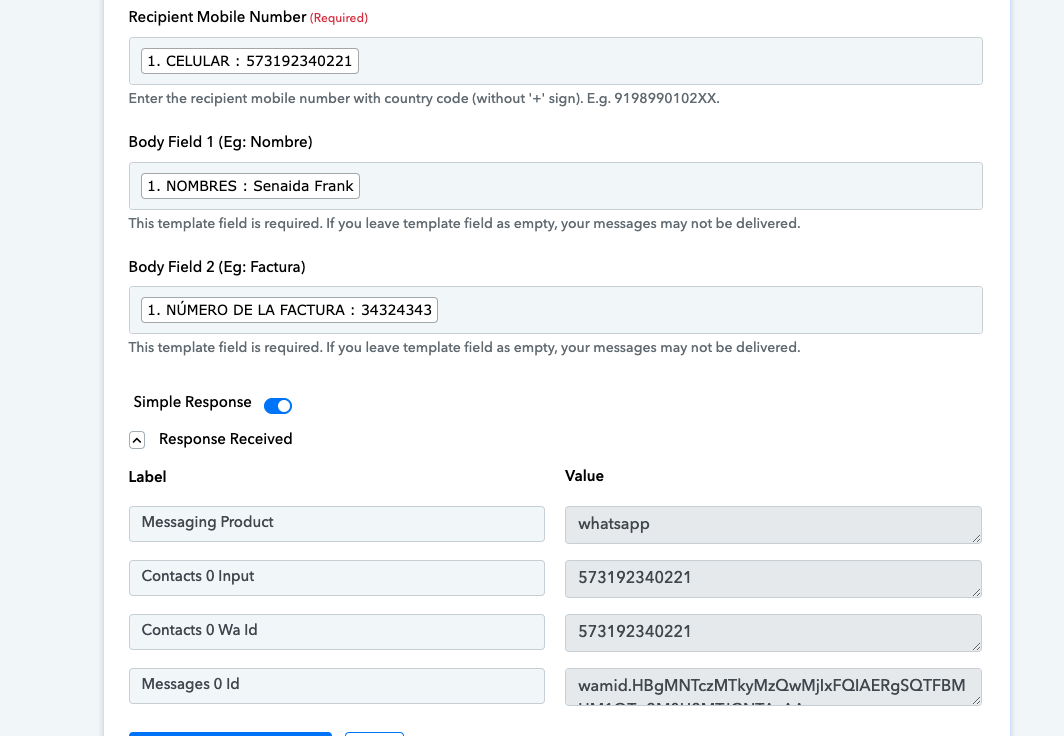
Image 6: The whatsapp message was sent using the template authorized by Meta, the configuration of the tokens and Id has already been done and it works
I have tried to make it work but it doesn't work automatically, it works manually; Every time the information is filled I have to send the information with the "sent all data" event, otherwise the new row does not appear in Pabbly.
I ask for your help so every time a new row is added it should automatically sent to Pabbly.
Attachments
I have tried to make it work but it doesn't work automatically, it works manually; Every time the information is filled I have to send the information with the "sent all data" event, otherwise the new row does not appear in Pabbly.
When configuring Google Sheets, you can only utilise "Send On Event" if the data is coming from a Google application or if you manually enter it. However, you might need to select "Auto Send On Schedule" or "Send on Schedule," which will transfer the data in exactly one hour, if the data is coming from a third-party programme.
Additionally, make sure the trigger column was filled with data.