I need help - Webhook Name for tag in active campaign
Status: Closed · Asked by The_One_Piece_Is_Real on · 0 views
Hi, I would need some help.
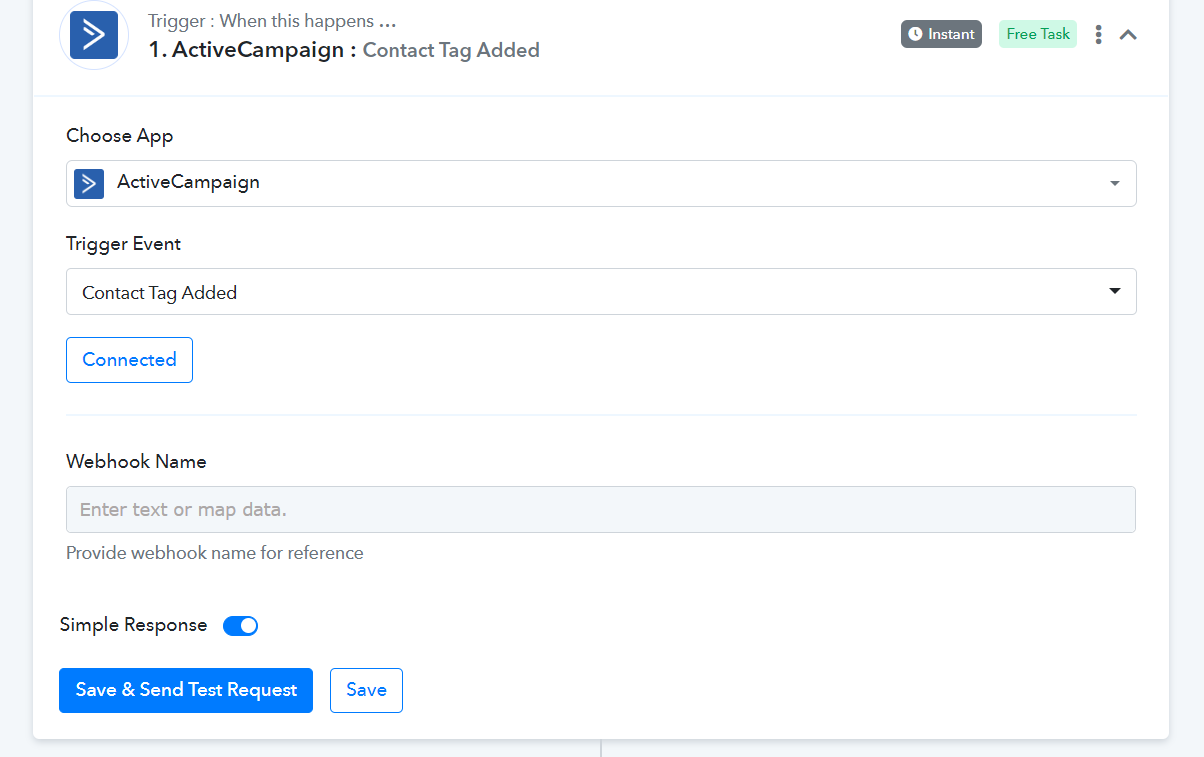
What should I enter in the "Webhook Name" field?
How do I get Pabbly to distinguish the different active campaign tags?
I have attached the screen.
Attachments
Hey @The_One_Piece_Is_Real
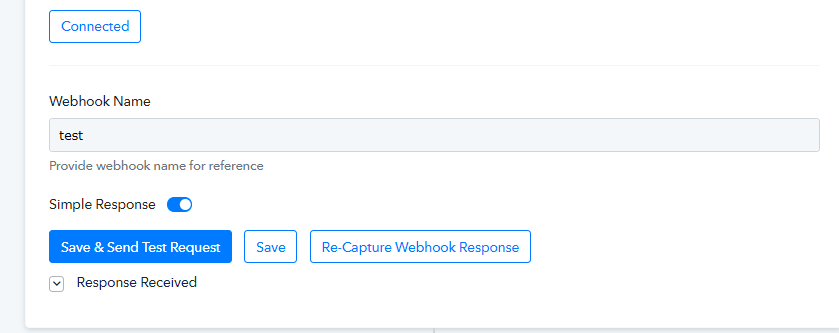
In the "ActiveCampaign: Contact Tag Added" trigger event, you must pass the unique webhook name whenever you reconfigure it.
So, kindly try passing the unique webhook name and reconnecting your Active Campaign account.
e.g. -
Further, you can use the Router action step to process the individual tags in your workflow accordingly.
Hey @The_One_Piece_Is_RealIn the "ActiveCampaign: Contact Tag Added" trigger event, you must pass the unique webhook name whenever you reconfigure it.
So, kindly try passing the unique webhook name and reconnecting your Active Campaign account.
e.g. -
Further, you can use the Router action step to process the individual tags in your workflow accordingly.
Hi Supreme, I did not understand...
What name should I enter in webhook name? A specific name that I have to take in active campaign Or is it a name that I decide?
Then, whenever I create a new "workflow" with the "ActiveCampaign: Contact Tag Added" trigger, do I have to enter a new "webhook name"?
One last question, what does "Simple Response" mean?
Attachments
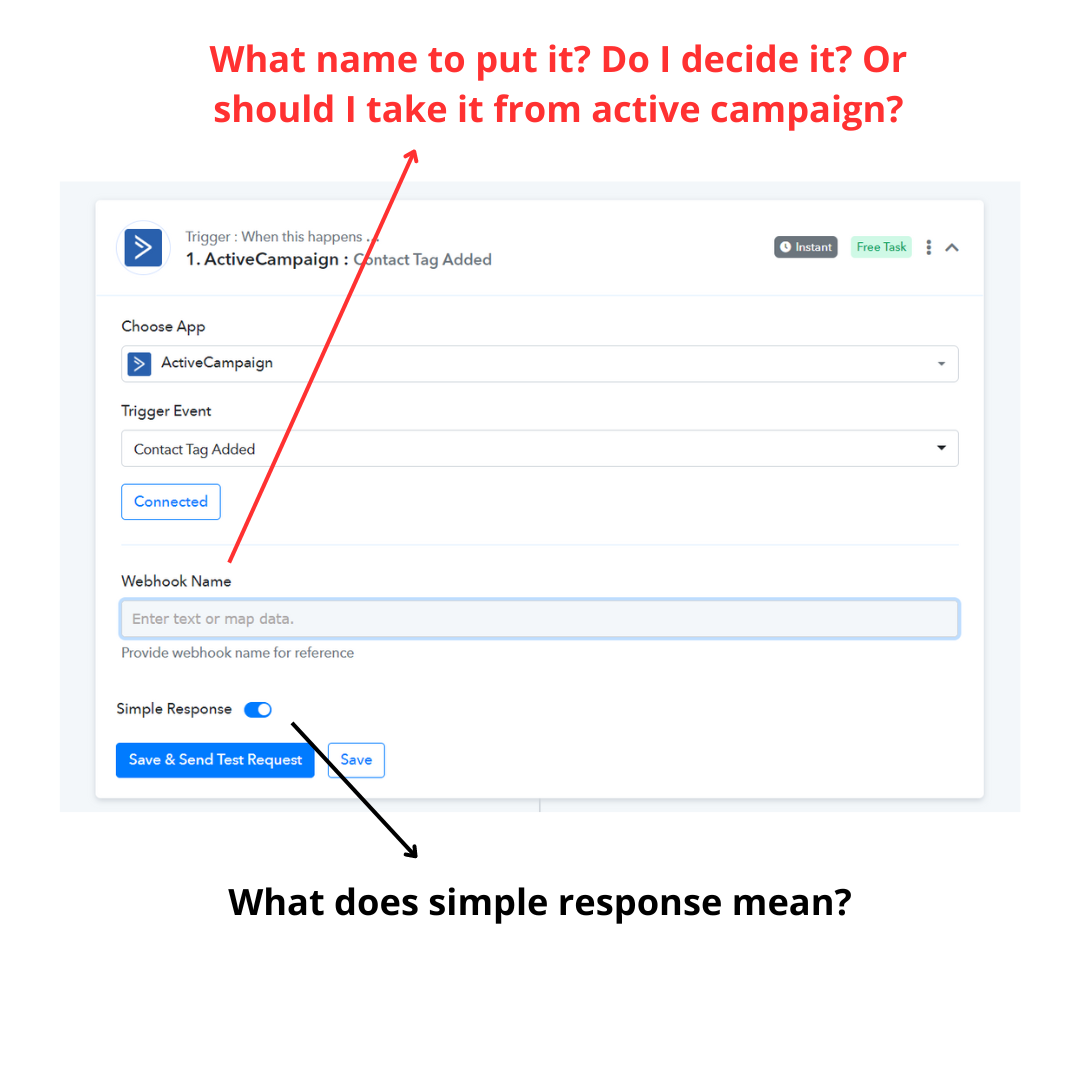
In the Webhook name field, you can pass any unique name in the field, which will help you to fetch the new data.
Further, the "Simple Response" is the button which all users to capture the response in Simple response as in key-value pairs and by toggling the Simple Response button you will be able to capture the data in an advanced format in JSON array.
In the Webhook name field, you can pass any unique name in the field, which will help you to fetch the new data.Further, the "Simple Response" is the button which all users to capture the response in Simple response as in key-value pairs and by toggling the Simple Response button you will be able to capture the data in an advanced format in JSON array.
Thank you Supreme, I have the last 2 questions.
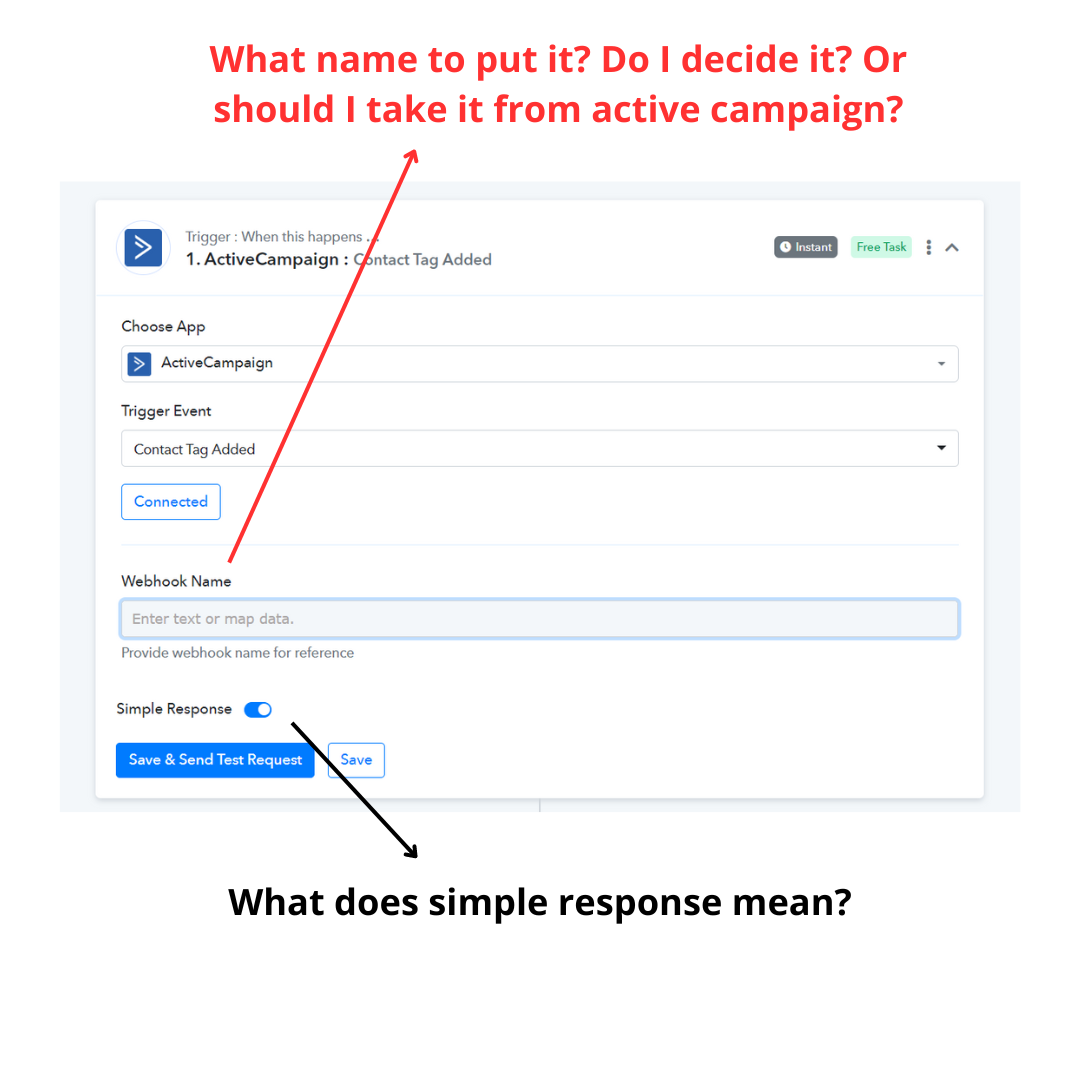
Every time I create a workflow ". ActiveCampaign : Contact Tag Added" do I always have to assign a new and different "Webhook Name"?
Second question:
I have to copy the contact details of active campaign into a Google Sheets: do I just need "simple response" or should I use "advance response"?
Attachments
Every time I create a workflow ". ActiveCampaign : Contact Tag Added" do I always have to assign a new and different "Webhook Name"?
No, it's a one-time thing, which will always fetch the lead for you, though if you press the "Save & Send Test Request" button, then only you need to pass some different name which could be anything.
I have to copy the contact details of active campaign into a Google Sheets: do I just need "simple response" or should I use "advance response"?
You only need "Simple Response" to get on to pass the data in Google Sheets.
No, it's a one-time thing, which will always fetch the lead for you, though if you press the "Save & Send Test Request" button, then only you need to pass some different name which could be anything.You only need "Simple Response" to get on to pass the data in Google Sheets.
Supreme but if I start a new and different workflow, do I have to use a new "Webhook Name"?
Supreme but if I start a new and different workflow, do I have to use a new "Webhook Name"?
Yes, but it could be anything.
Yes, but it could be anything.
Thanks Supreme.