I need support if my workflow isn't working
Status: Closed · Asked by PRIME INVESTMENT SERVICES on · 0 views
We have created two workflows. The first collects data from Dubletick into a via webhook in Google sheet. The second workflow uses this Google sheet data query to run a form to get data from another google sheet. Please guide me or support me as I am having trouble with my second workflow.
First workflow
second workflow
Regards
Pragnesh Desai
Prime Investment Services
M 91 98984 45164
Pabbly does not support trigger of workflow if the sheet is updated through formula.
Hey @primeinvestmentsc
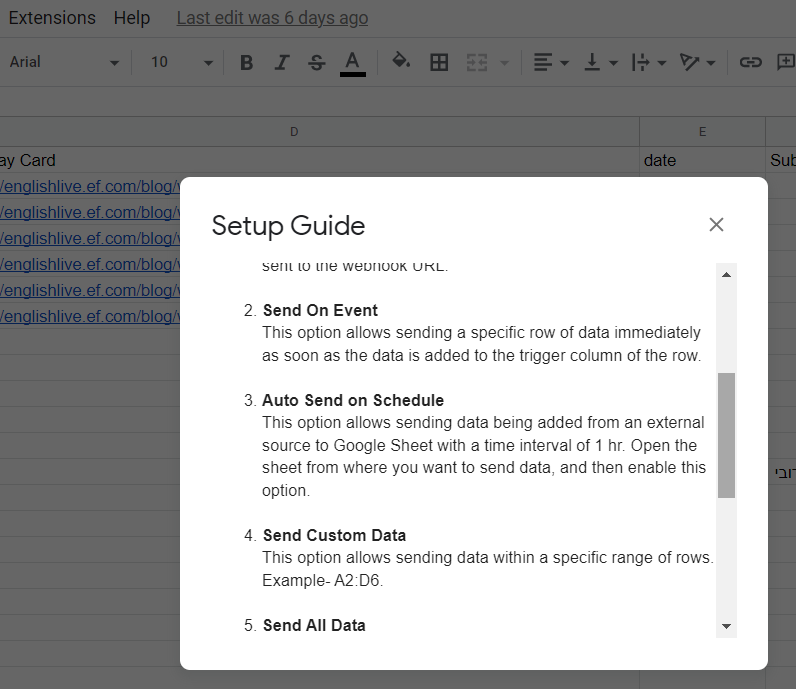
If you've set up a formula in the trigger column of your Google Sheets, it might not work as expected. We recommend choosing a different column as the trigger, which will send the entire row at once. Also, remember to use 'Send On Event' only if your data is from a Google application or manually entered. For data from third-party apps, consider using 'Auto Send On Schedule' or 'Send on Event,' which will forward the data within an hour.
And, just double-check to ensure all required data is filled up to your trigger column for a smooth process.