I want to send a JSON object containing n entries to a Google sheet. how do I do it?
Status: Closed · Asked by Santhosh Raaj G on · 0 views
I am getting an output in the form of a JSON object file from Phantombustor. I want to upload the data in json to Google sheets with new row entries.. how o do implement this in pablyconnect
Hey @ssanthosh18
Can you please share the workflow URL once and from where you are getting the JSON data to be passed in Google Sheets?
Hi,
This is the workflow URL .https://connect.pabbly.com/workflow/share/DERWZF8IUDMFTwNpUgFUcwoeBABUDgY7XEVTQQEOUytaAARRUxILYQxAVHZXNlAxBE0HbVIOBD4JHQIGVQMGdVNKUkBcXwB6WhcDeAVIWmkMUlZ-Xz4#
The Phantombustor generates the output through an API command. I want the JSON data to be passed to a Google sheet in a single step instead of using an Iterator
The Phantombustor generates the output through an API command. I want the JSON data to be passed to a Google sheet in a single step instead of using an Iterator
Have you used the Line Itemizer action step and can you use the Add Multiple Rows action step which will process the JSON in a spereated manner?
(Watch the last part of the video lesson on how you can apply it to your workflow)
thanks.. it helped..
One more doubt i have.
Is there a way to spilt the json objects into parts then upload it in google sheets..
Google sheets has a limit for entering multiple lines to 60 per minute.. i want to bypass this..
If my json has more than 60 lines of data then I am not able to add it to the sheets..
Can you pls help me out
Hey @ssanthosh18
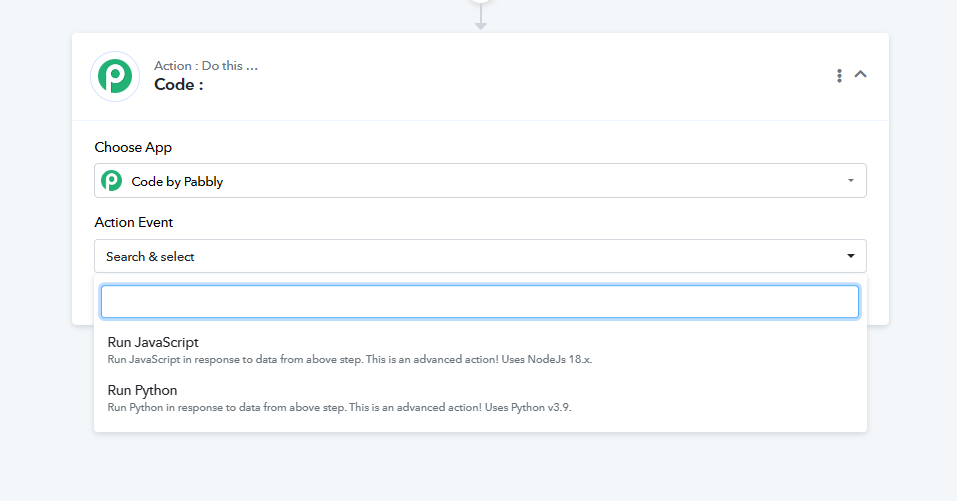
You can make use of the Code by Pabbly action step to break the JSON into two parts or more. With the help of OpenAI, you generate the code accordingly.
Thanks for the idea...
Thanks a lot