Import from Google sheet to WordPress - 1 row per day
Status: Open · Asked by FreedomDSGNR on · 0 views
Hello, I have a google sheet with simple posts, and I would need to import it to WordPress but just 1 post/row per day.
So far I have a automatization consisting of:
1. Daily cron

2. Getting data (from range A7:V7)
3. Create post
Basically I would need to use a iterator so the range changes from A7:V7 to A8:V8 after the update and starts like this the next day.
Any help would be much, much appreciated.
Thanks.
Please share your workflow with us at the provided email address so that we can gain a better understanding of your issue.
Email: [EMAIL]arshil.ahmad@pabbly.com[/EMAIL]
Also, remember to revoke access once your query has been resolved.
Attaching a video for your reference:
Hello, thanks I already solved this.
But have on other short question: The workflow gets started every day at 8:00 -- but I would like to add little randomness in my posting schedule (the workflow posts WordPress post).
Do you think there is some option how to get started the workflow everyday BETWEEN lets say 8 and 10?
Any tips much appreciated. Thanks.
Hey @FreedomDSGNR,
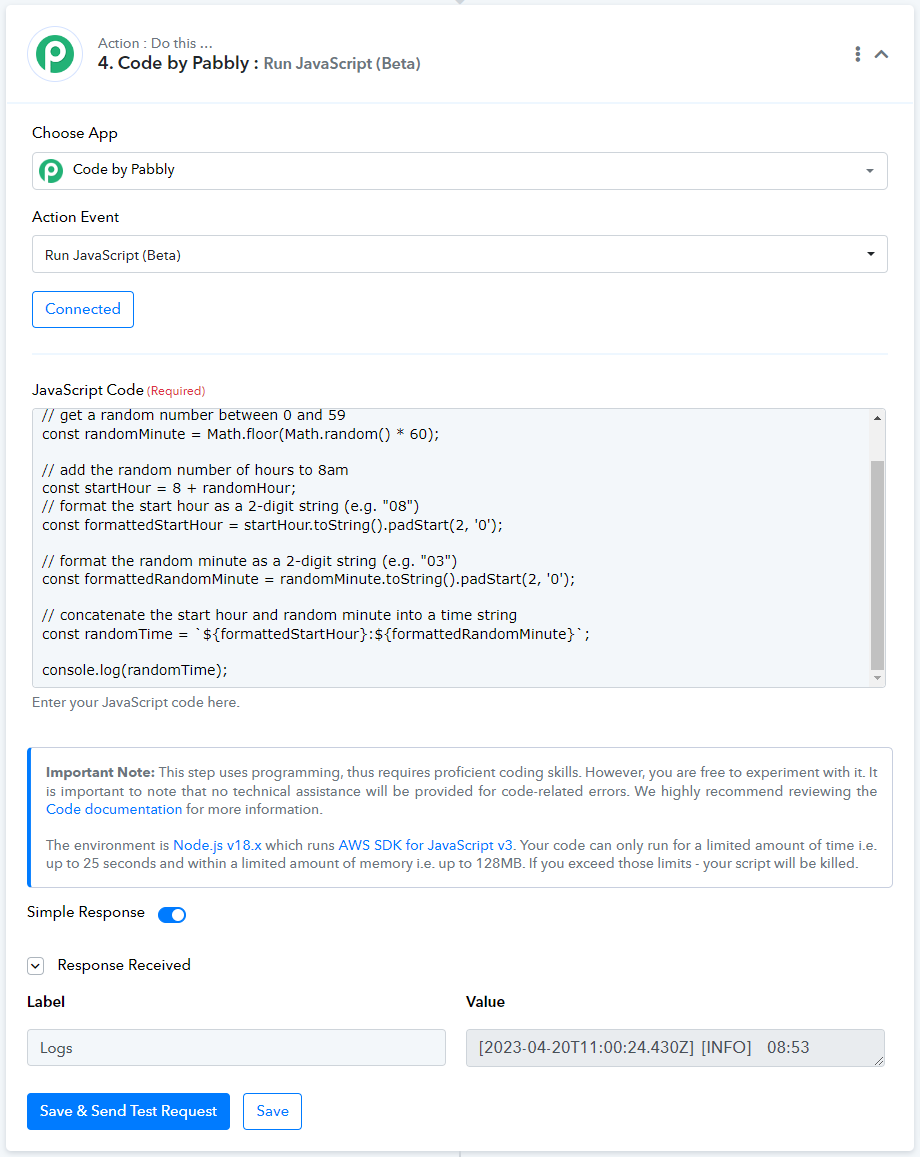
You can use Code by Pabbly: Run JavaScript (Beta) to generate random time between 8am and 10am, and use that time to make WordPress posts.
// get a random number between 0 and 1
const randomHour = Math.floor(Math.random() * 2);
// get a random number between 0 and 59
const randomMinute = Math.floor(Math.random() * 60);// add the random number of hours to 8am
const startHour = 8 + randomHour;
// format the start hour as a 2-digit string (e.g. "08")
const formattedStartHour = startHour.toString().padStart(2, '0');// format the random minute as a 2-digit string (e.g. "03")
const formattedRandomMinute = randomMinute.toString().padStart(2, '0');// concatenate the start hour and random minute into a time string
const randomTime = `${formattedStartHour}:${formattedRandomMinute}`;
console.log(randomTime);
Wow, nice thanks a ton.
The only thing is that I dont see "Date option" in Create a WordPress post, so I should just publish it and then add "Update a post" step into the workflow and update the date there?
Thanks a ton.
Allow us some time, we will be adding a Date field in WordPress post events, and we will notify you as soon as it is added.
Hey @FreedomDSGNR,
We have incorporated modifications to the "Create a post" feature by including a Date field. We trust that this meets your requirements, and If you continue to encounter any difficulties, please do not hesitate to inform us. 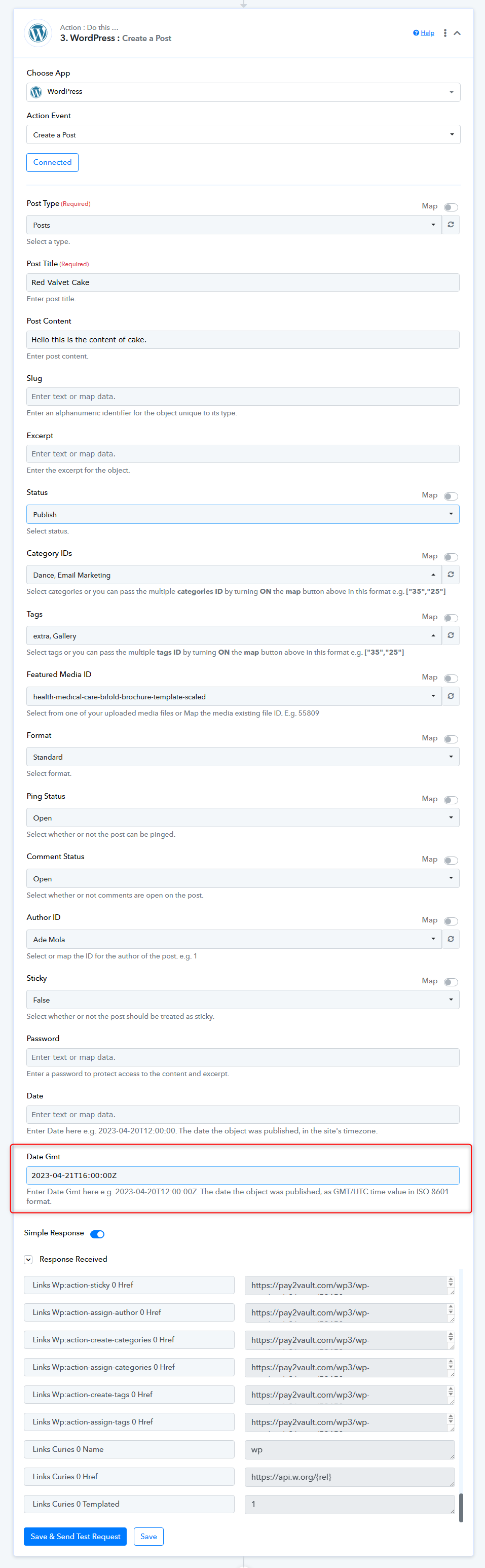
Thanks!
Pabbly.com
Hello, yes, its perfect you are awesome <3.
Just the date @ArshilAhmad is in slightly different format so it cant be used without modification. So sorry for bothering you, but do you think there is some simple way how to format that to the same format in code?
Thanks a ton guys, you are awwwwwweeeesome <3
Hi @FreedomDSGNR,
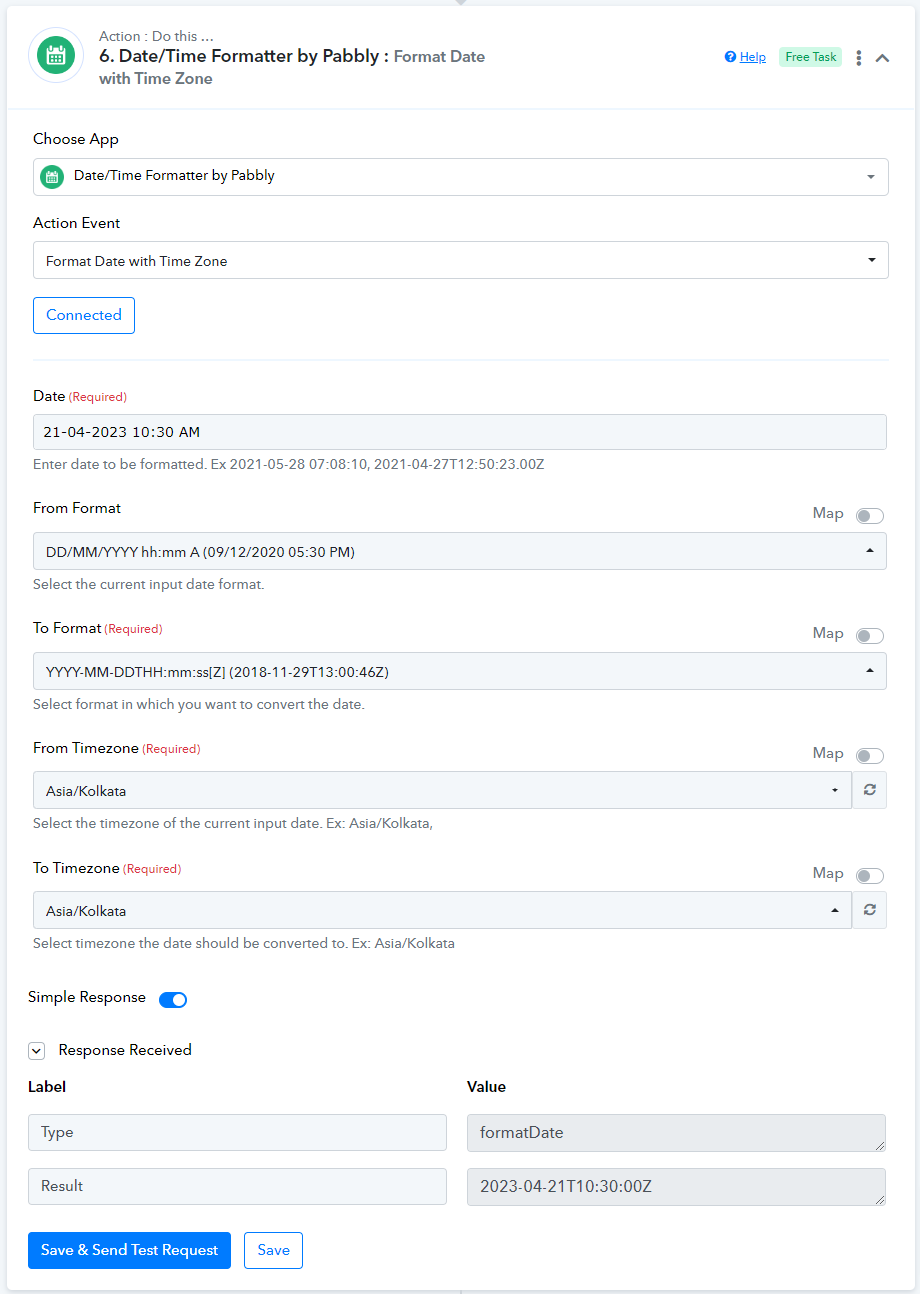
You can use Date/Time Formatter by Pabbly to modify the format of your date and time.