Import Google sheet data from one sheet to another
Status: Closed · Asked by searchdusoleil on · 0 views
I wonder if someone could help - I have 25 workflows that are bringing in Google My Business reviews into there own google sheets. I want to create a workflow that will consolidate all these sheets into one new sheet, which I believe I can do with pabbly. What I also need to do, is at the time of the row being created in the new sheet, the last cell on the row needs to be populated with the name of the spreadsheet/file where it was imported from. Is that possible?
Hey @searchdusoleil
For your concern, you can try to make an additional column in your desired sheet as "Google Sheet Name" and in every workflow's add row action step, you can manually add the name of the Google Sheets for every workflow. Will that work for you?
Thanks for the suggestion - I managed to get the last cell populated in the first sheet by using an array in the header
"=ArrayFormula(IF(ROW(B:B)=1,"sheetname",IF(ISBLANK(B:B),"","sheetname")))" This works fine for me - but;
- I am having trouble with the copying from one sheet to a different spreadsheet - is that possible, or does it have to be a different sheet in the same spreadsheet?
Hey @searchdusoleil
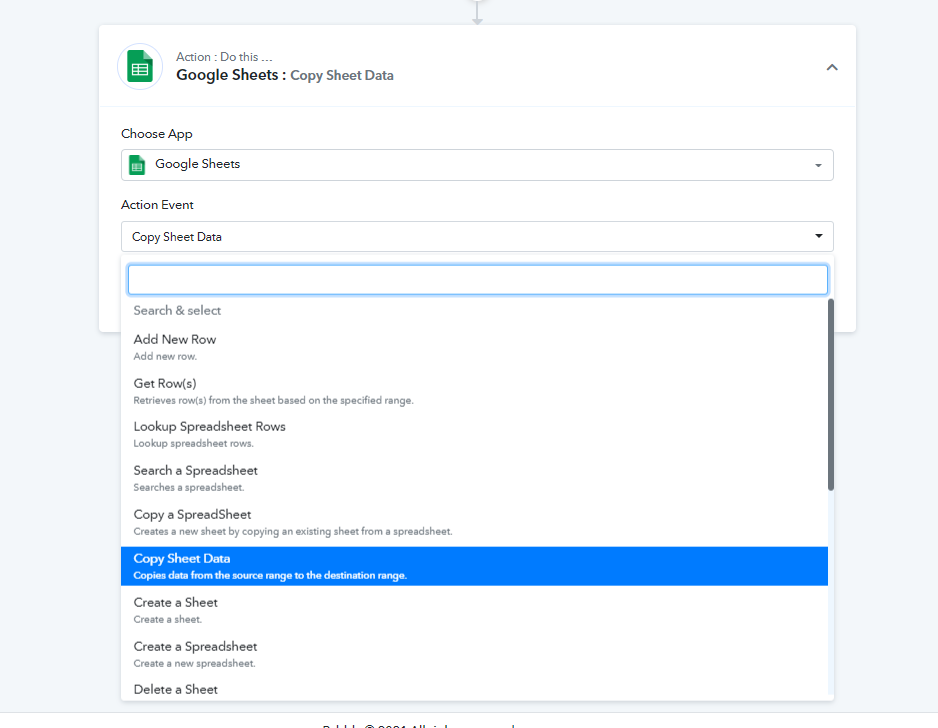
You try copying the sheet with the help of Google Sheets "Copy the sheet" action event for your workflow.
For anyone else looking at how to do this - I did it outside of pabbly with QUERY and "IMPORTRANGE" as described here:
https://stackoverflow.com/questions/31657470/combining-multiple-spreadsheets-in-one-using-importrange