Importing tags in contacts
Status: Open · Asked by Massimiliano Nota on · 0 views
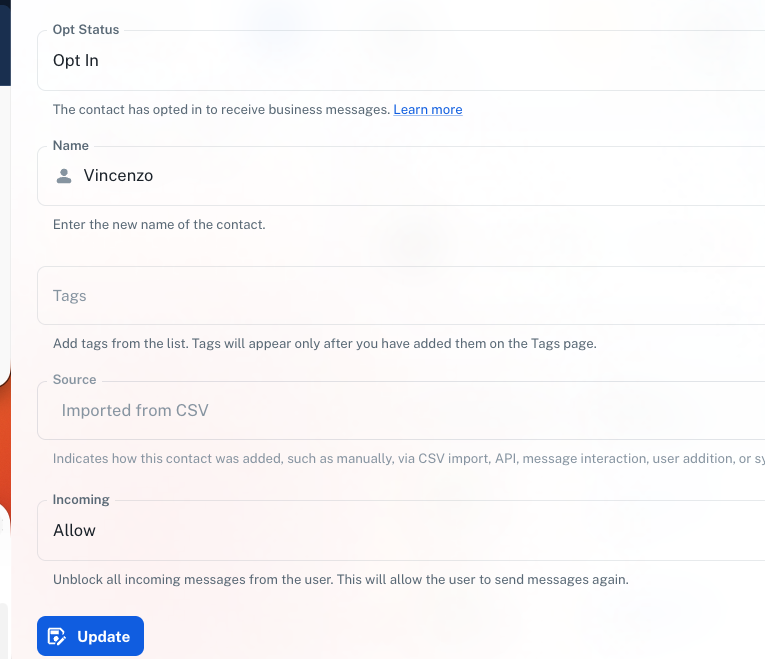
hi, i've completed import of my contacts but i can't see "tags"..
the sample csv file says "tag1|tag2|tag3|tag4|tag5" in C column
i'm attaching 3 different ways i've tried to import (i just need 1 tag)
Attachments



Hello @mnsolutions,
Thank you for reaching out.
To help us check this further, could you please confirm the email address associated with your Pabbly Chatflow account Additionally, kindly share the CSV file you are using for the import so we can review the format.
Also, please make sure that the tag name(s) mentioned in the CSV already exist in your Pabbly Chatflow account under Settings → Tags. Tags need to be created there beforehand for them to be mapped correctly during import.
Once we have these details, we’ll be able to assist you further.