Improvement facebook leads trigger
Status: Open · Asked by viniciussricci on · 0 views
I noticed that the only way to test the facebook leads trigger (instantaneous) is by making use of the facebook development tool that triggers a test lead, the problem is that the information received is basic facebook fields, when we leave the test environment and we took a real case and noticed that many other fields are provided and are unable to be inserted because there are no fields sent by the facebook test.
Below is an example of some fields such as the names of the campaigns that the lead interacted with, which would be very important:
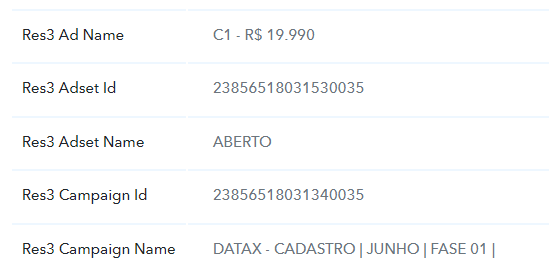
I believe that in addition to the triggered test, you could store data from real leads, so that users can later access and use these new fields in their flows.
Hi @viniciussricci,
Thank you for your suggestion. If you would like to see this feature added to Facebook Lead Ads, you can place a request on our dedicated platform at https://pabbly.hellonext.co/.
Our development team will review your request and, if feasible, add your desired feature to the platform.
@viniciussricci, Please watch this video to understand how you can capture real lead data in trigger response.
I am unable to receive a proper lead response after submitting test lead through form preview/developer testing tool.
Kindly help in this
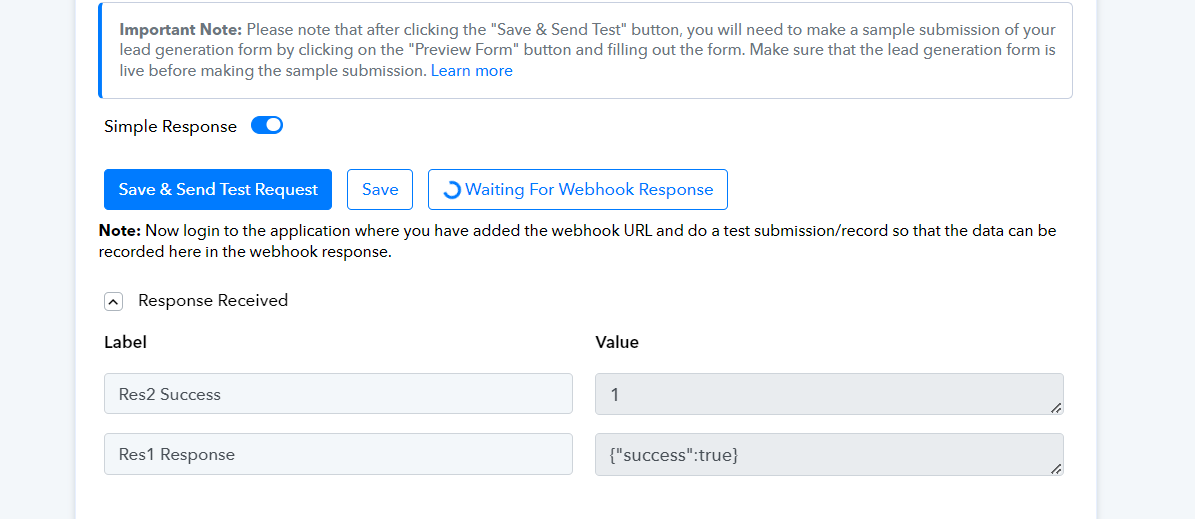
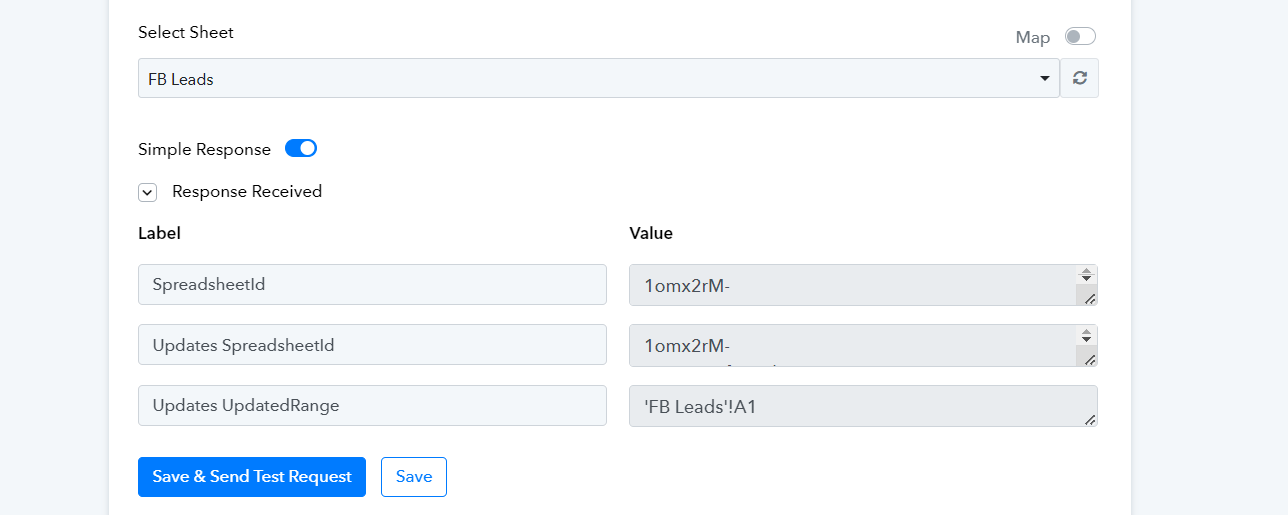
The data is not being received correctly and still it shows "waiting for webhook response"
How can be this resolved?
Hey @Nikita (Krono)
Seems like you haven't captured the lead response in the trigger event yet, so please watch the following video on how you can capture the real lead data from your Live Lead Ad form.
After following all the steps mentioned in the video, still it is not capturing leads
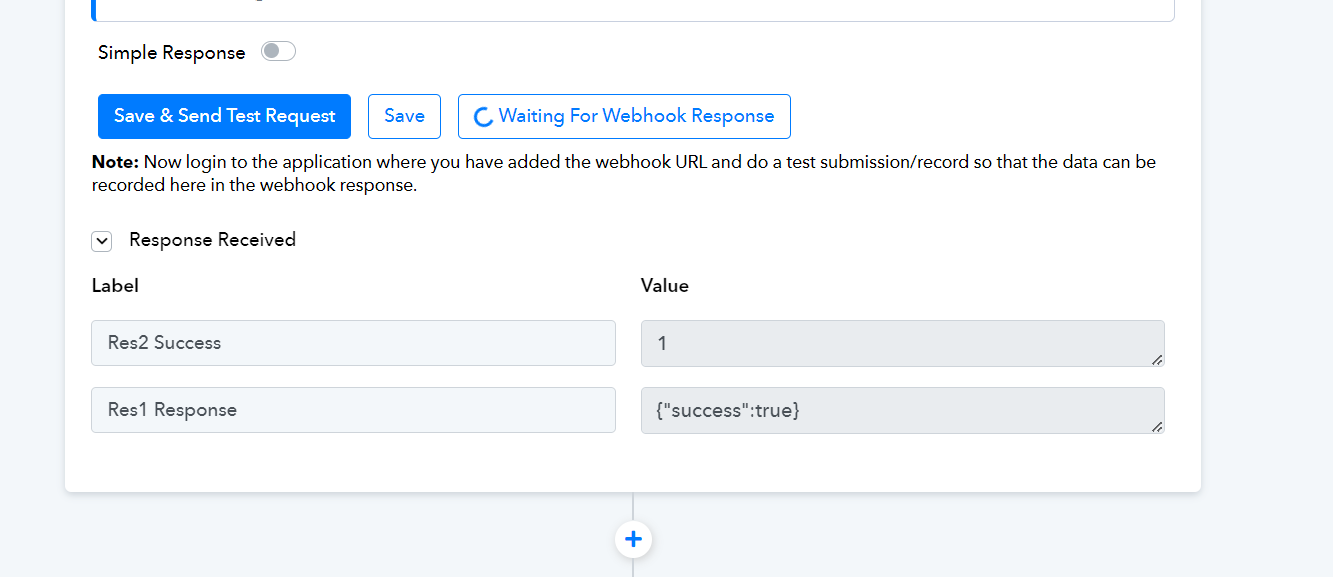
The lead is automatically being captured as soon as the test lead is created, but it is not happening with me. It is showing what I have shared with you already and that is my concern. Please understand that the lead is not being captured even after creating test lead. This issue is not mentioned in this video. Also i tried to find solution to this error on Youtube but I cannot find any video for this. Instead in all of the videos, leads are captured automatically so my issue is not being addressed. Please provide help regarding my concern.
Can you please check whether your lead ad form is live or not and try reconnecting the Facebook Lead ad trigger event once and then capture the response as mentioned in the video?
Can you please check whether your lead ad form is live or not and try reconnecting the Facebook Lead ad trigger event once and then capture the response as mentioned in the video?
I am aware of how to capture leads as I have been using pabbly for long time. So the form is live and still it is not capturing any lead. Simultaneously I have created another workflow for another fb page which is successfully capturing leads. But this one is not working so I wanted to know what could be the reason. For eg. Whether page needs to have Two Factor Aiuthorisation or not or does it affects the pabbly workflow in any way.
This is the reason I wanted support from pabbly staff but I am unable to get it. I tried to set up a google meet but that was cancelled automatically from pabbly's side as they think my issue has been resolved with your reply but that is not the case. Please someone help me set up an google meet with pabbly support so that I can understand why my one workflow is working completely fine and other is not working at all.
Thankyou
Hey @Nikita (Krono) !
Kindly disable the 2FA for your Facebook account and then create a new connection for the Facebook step in your workflow and check if this works for you now or not.