In Zapier it was easier. How todo in Pabbly?
Status: Closed · Asked by raynimator on · 0 views
In zappier with GHL we chose CREATE/UPDATE contact.
So if the contact was there we would update it, if the contact didn't exists, we create it...
How todo this in pabbly?
Hey @raynimator
Yes, you can use the "HighLevel : Create or Update Contact" action step to create or update the contact.
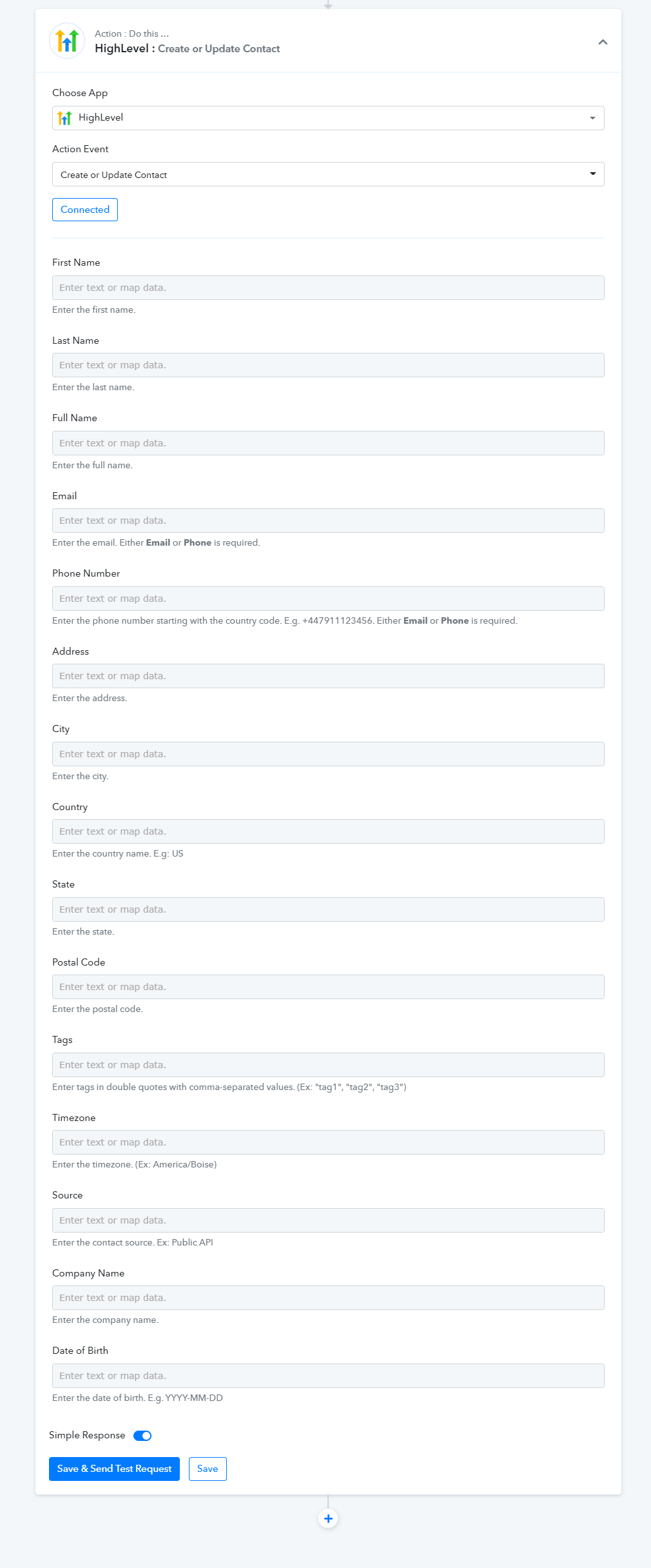
So this is where we don't understand the process.
If we add NEW contact with data or update existing one,
we then want to add NOTES into contact field.
So first when we CREATE AND UPDATE contact in Highlevel,
then adding NOTES requires CONTACT ID, this has to be done with the search contact action?
Because then you can add ID of the contact and add notes ?
Because some people will add multiple messages so we need each record to add in the NOTES SECTION.
With zapier it was all in one field, so Pabbly is complicated in this sense
Please help us with this
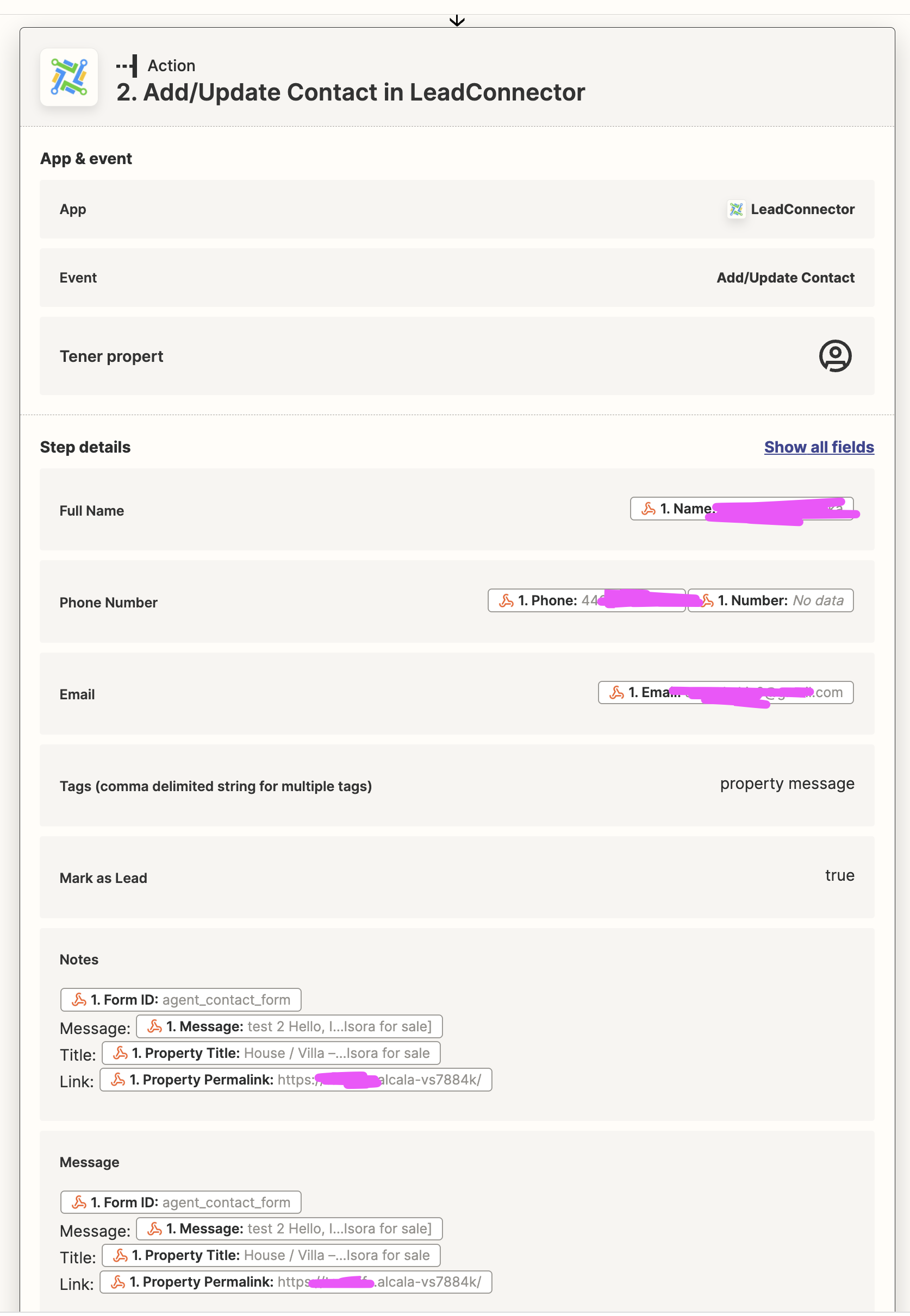
I am trying this but not sure if this is correct.
2nd step was CREATE or UPDATE...
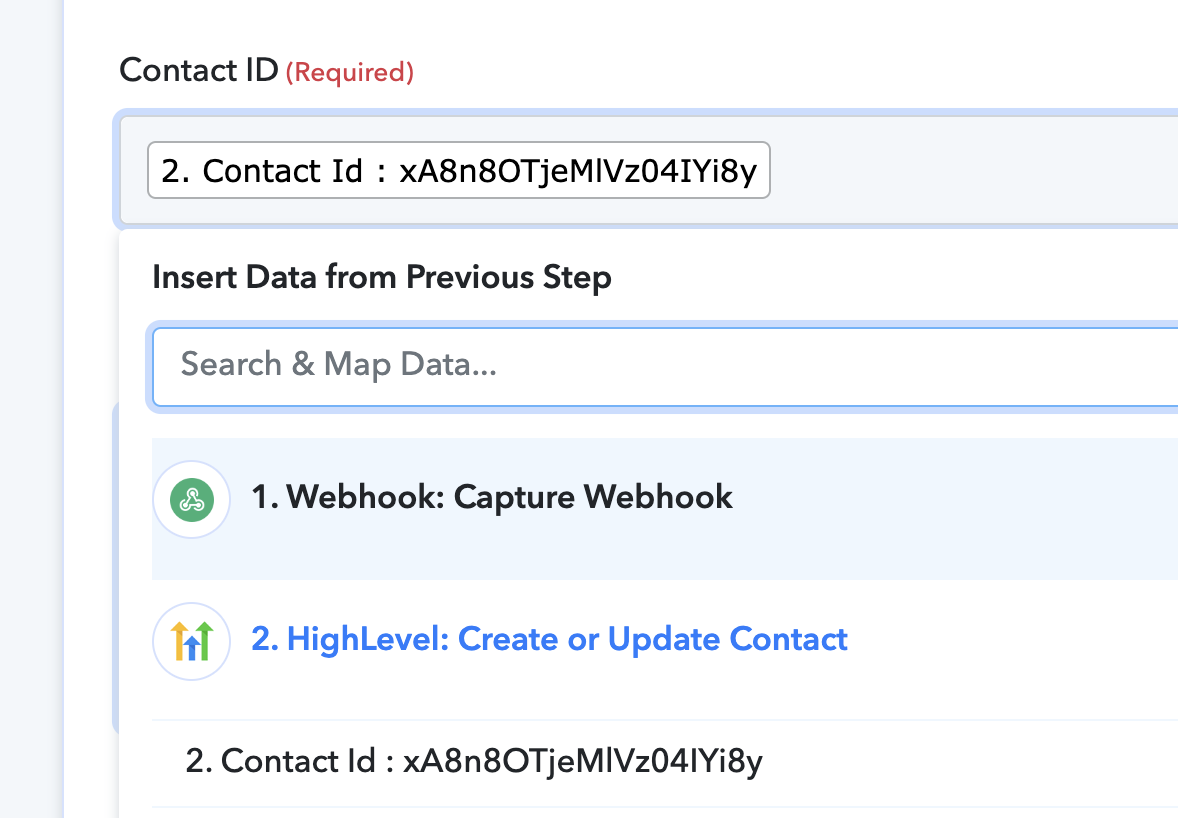
So from that you can pull contact id and map it for the other steps?
Hey @raynimator
So from that you can pull contact id and map it for the other steps?
Yes, you need to map the Contact Id further to add the note via the " HighLevel : Add Notes to Contact" action step.