Insert picture from airtable integration to google document template
Status: Closed · Asked by mbela on · 0 views
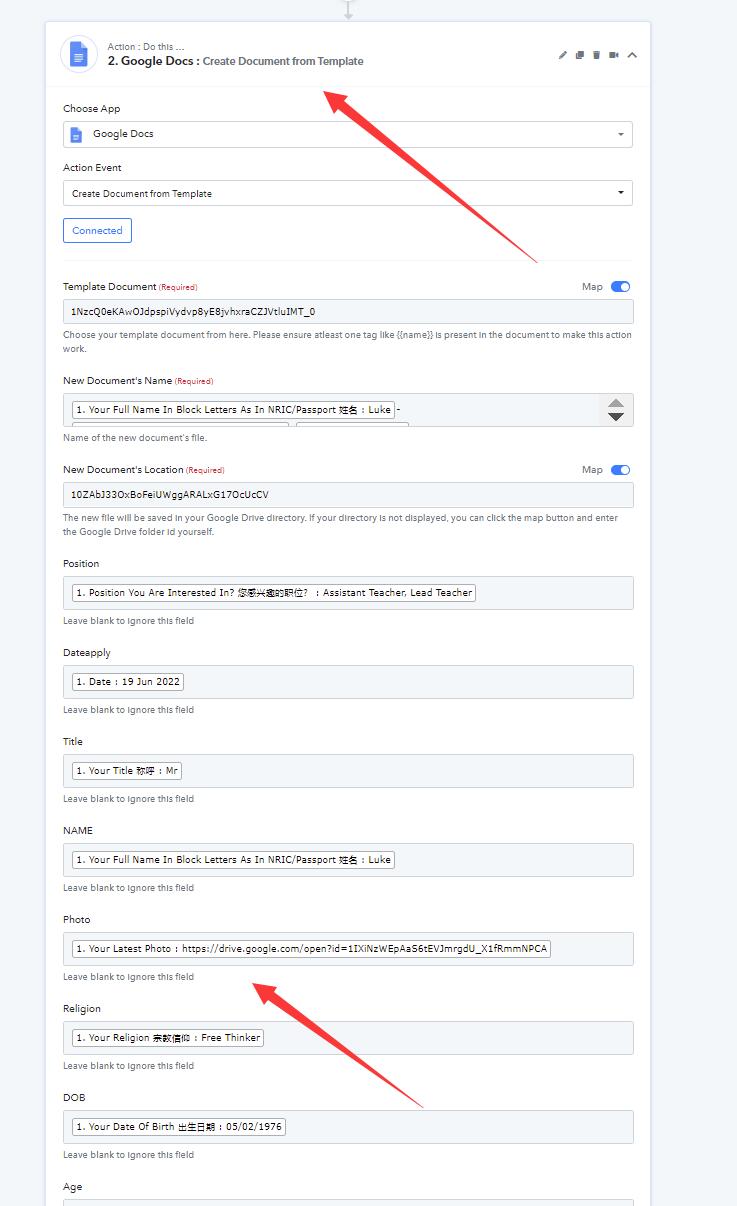
I have recently integrated data from airtable to google document template, but I have an issue which the data as picture in airtable when generated to google document is always be as text instead of picture.
To reflected the solution of this, could any one help guide me how to insert the picture when the trigger is made and thanks in advance for your respond!
My regard
Attachments

Hey @mbela
If you want to insert an image in the document you can use the "Google Docs: Insert an Image to a Document" action event. You can check out the following screenshot with the required action steps to achieve your use case.
Kindly try again and let us know if that works for you.

Hey @mbelaIf you want to insert an image in the document you can use the "Google Docs: Insert an Image to a Document" action event. You can check out the following screenshot with the required action steps to achieve your use case.
Kindly try again and let us know if that works for you.
HI
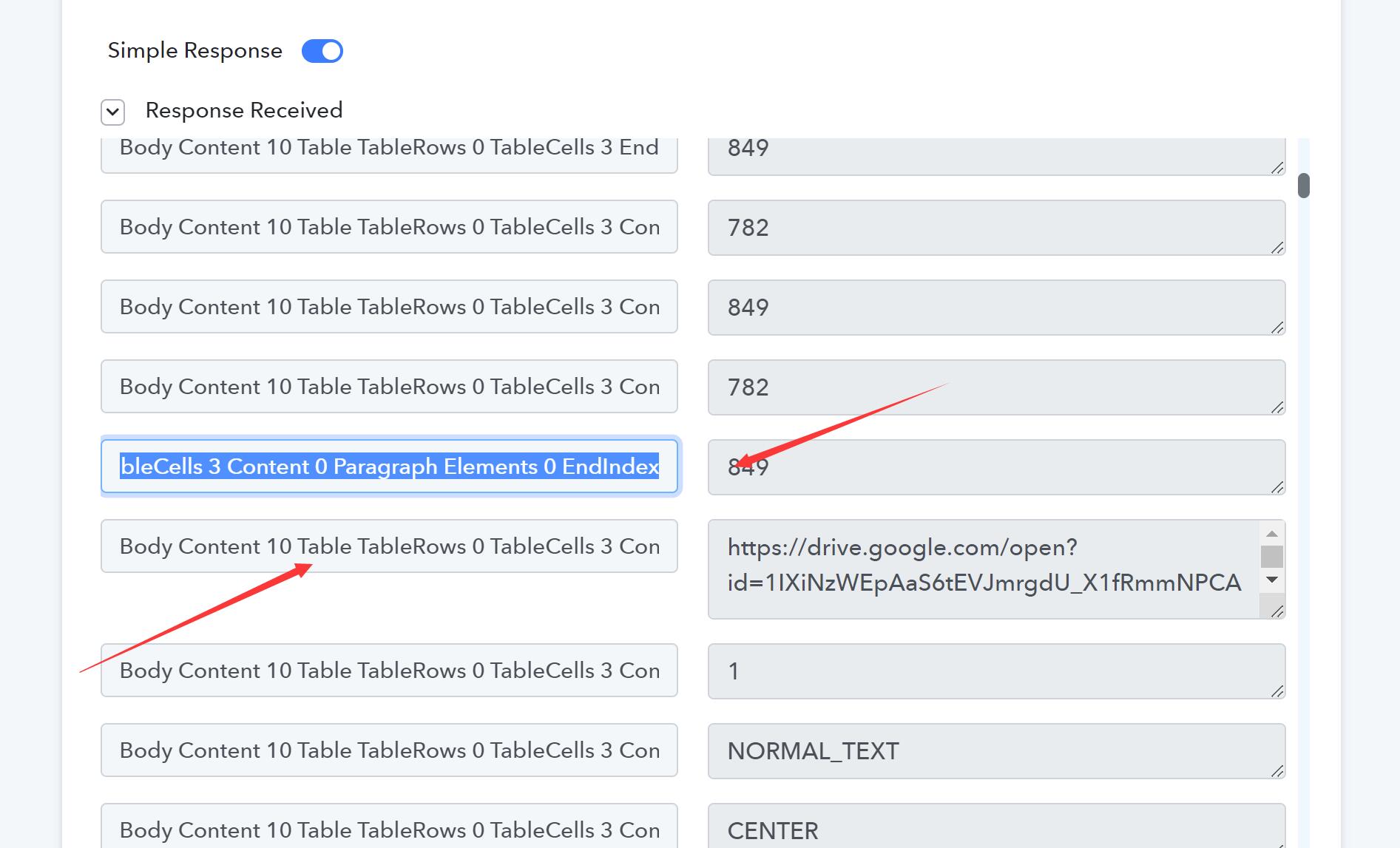
Just to confirm if the Location Index is the selection above the Link as shown in attached Body Content 10 End...?
Question:
1. https://drive.google.com/file/d/1IXiNzWEpAaS6tEVJmrgdU_X1fRmmNPCA/view
this is the link to the photo that is uploaded via Google Form. The link is initially restricted and i have changed the access rights.
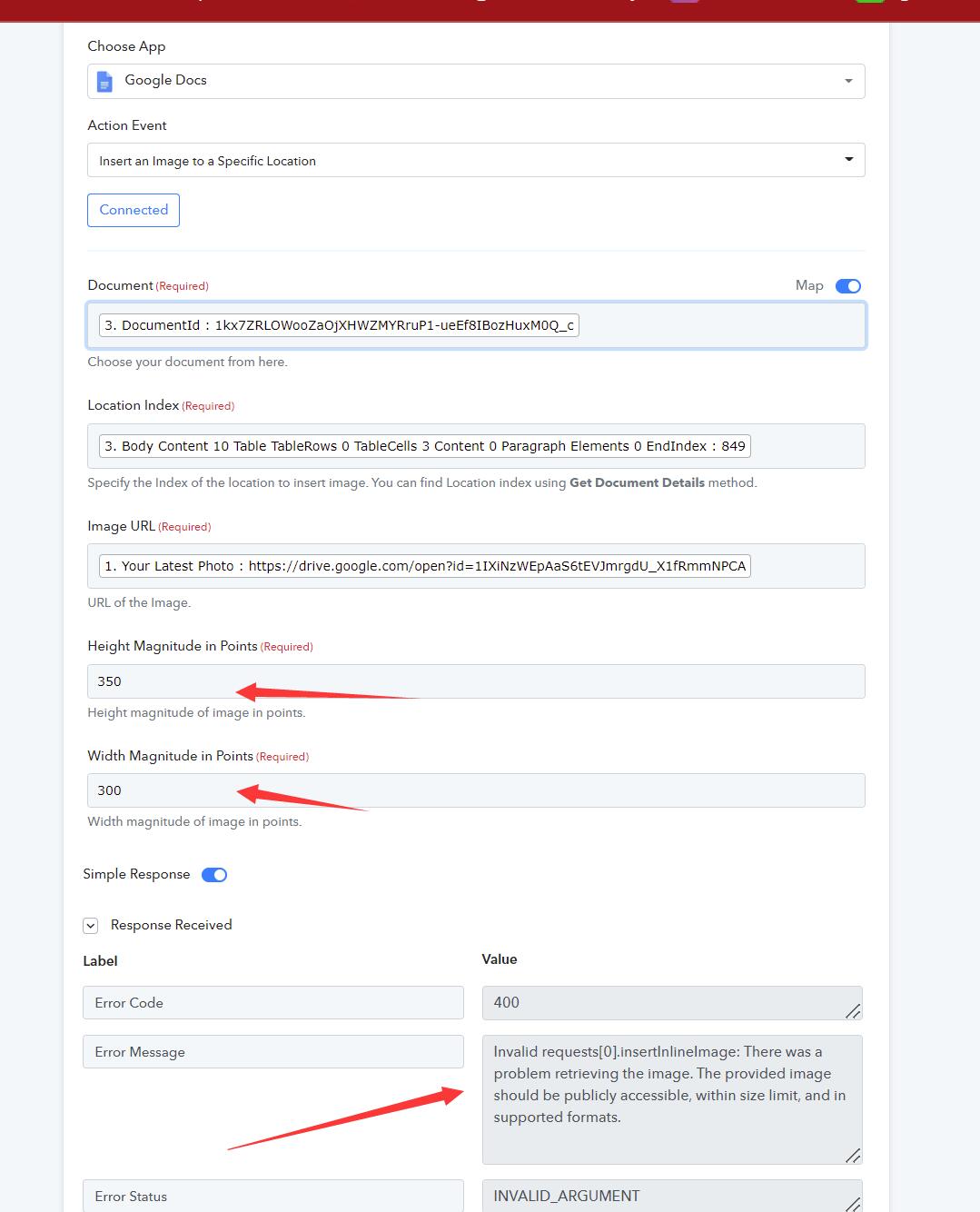
2.WHen i run the test, the Error was given in the attached.
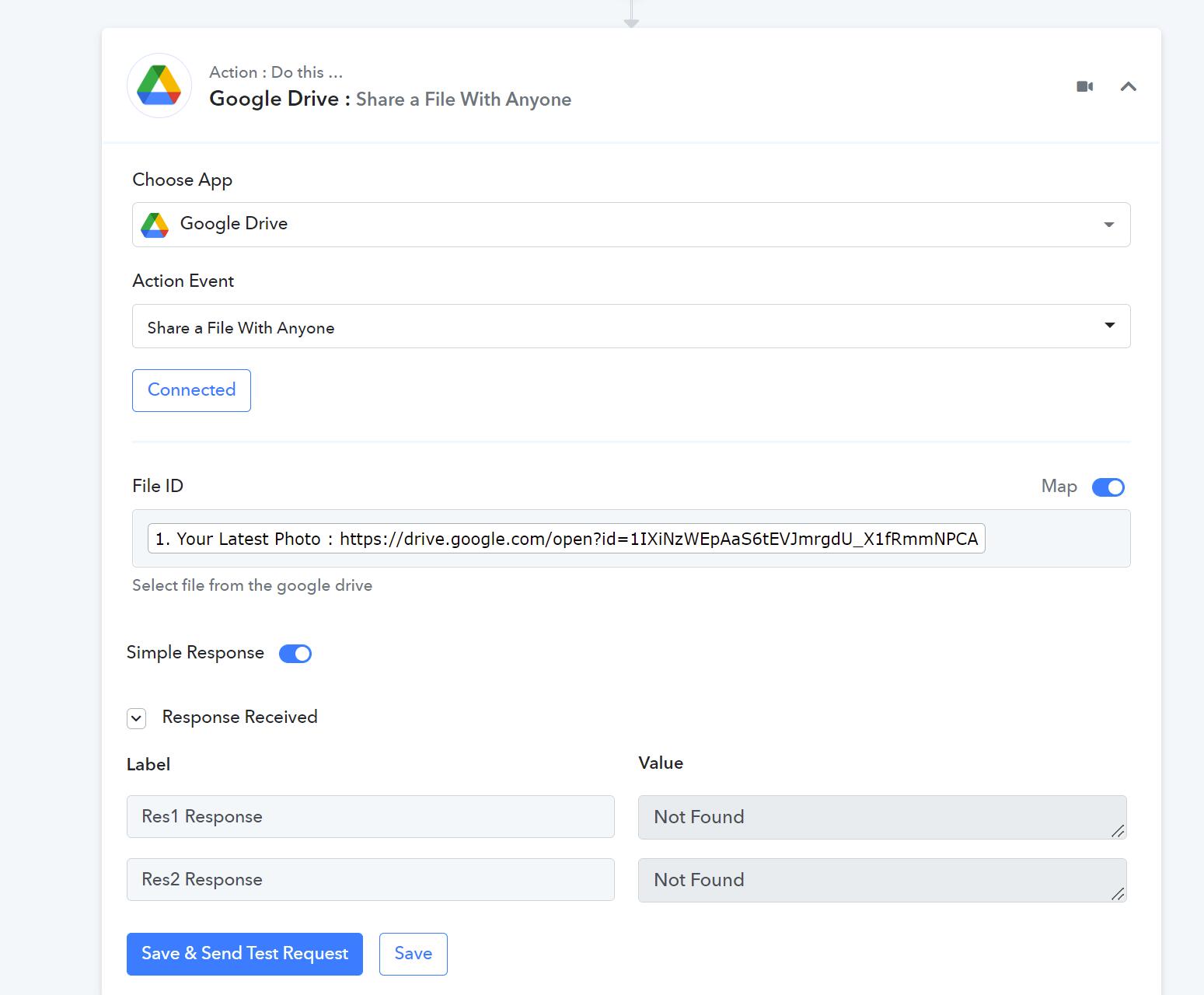
3. See also Google Form: New response was received that the picture file was uploaded to drive. However the file is not able to be accessible by Pabbly.
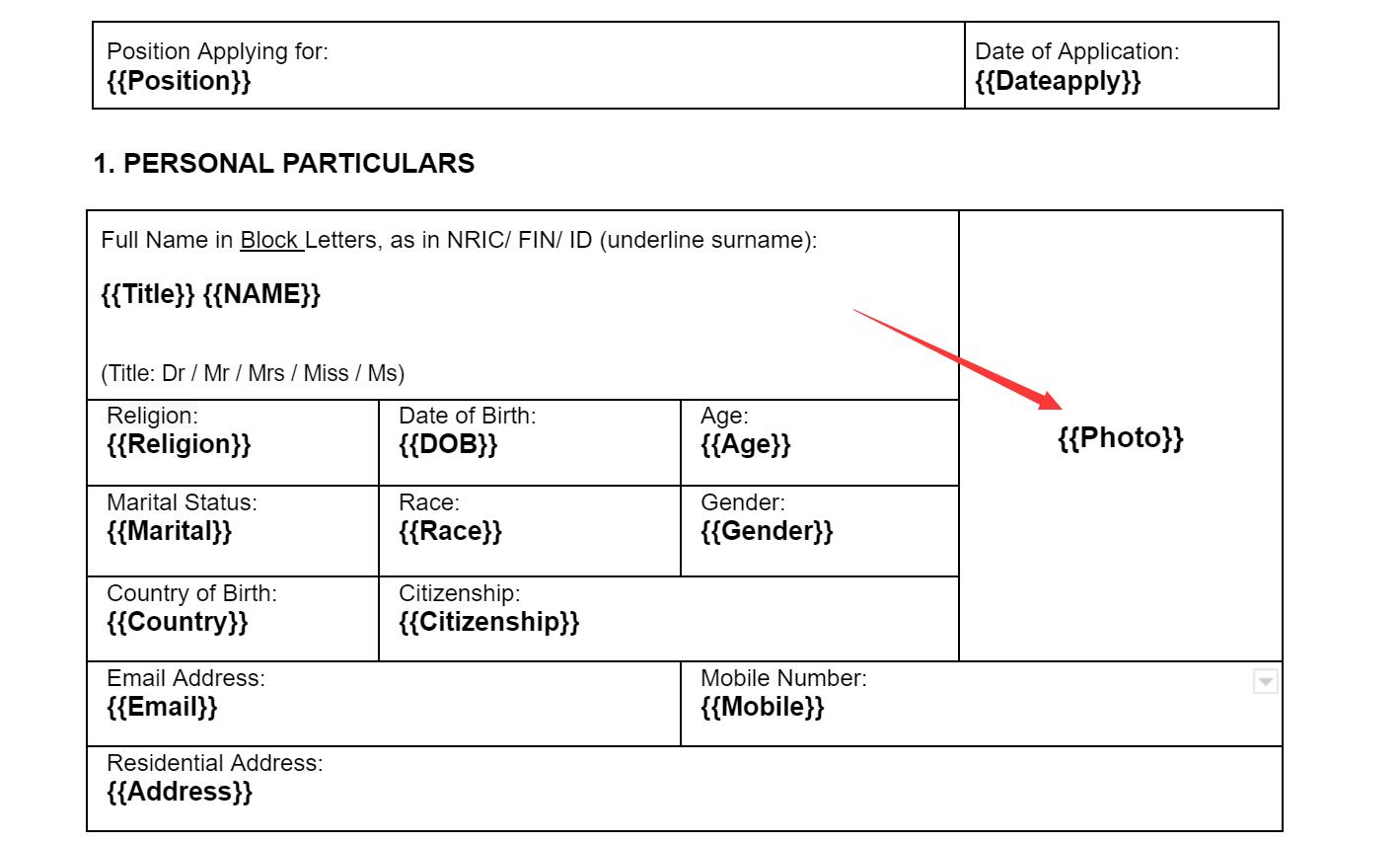
4. How do determine the right Height and Width magnitude for the photo to be placed in a specific location {{Photo}} in the Doc?
Attachments
Hey @ichilddev
We have replied to your query on your another thread, kindly check that out.