Intelligent AI Face crop in Square format through pabbly
Status: Open · Asked by Anders Nielsen on · 0 views
I have people uploading a profile photo for a CV. People will upload in all kids of formats, but the format needs to be in a square format each time. Obviously the persons face needs to be central in the image along with some spacing around fit into the square. How can I use Pabbly Connect to do this - is there some free API I could integrate with an API call to accomplish this or anything lse?
Hi @apps,
Currently, we don't have an application that can ensure the image is cropped with the person's face in the middle. While you can use the 'ShortPixel: Optimize Image' action step to crop the image, it won't guarantee that the face is in the middle of the cropped image.
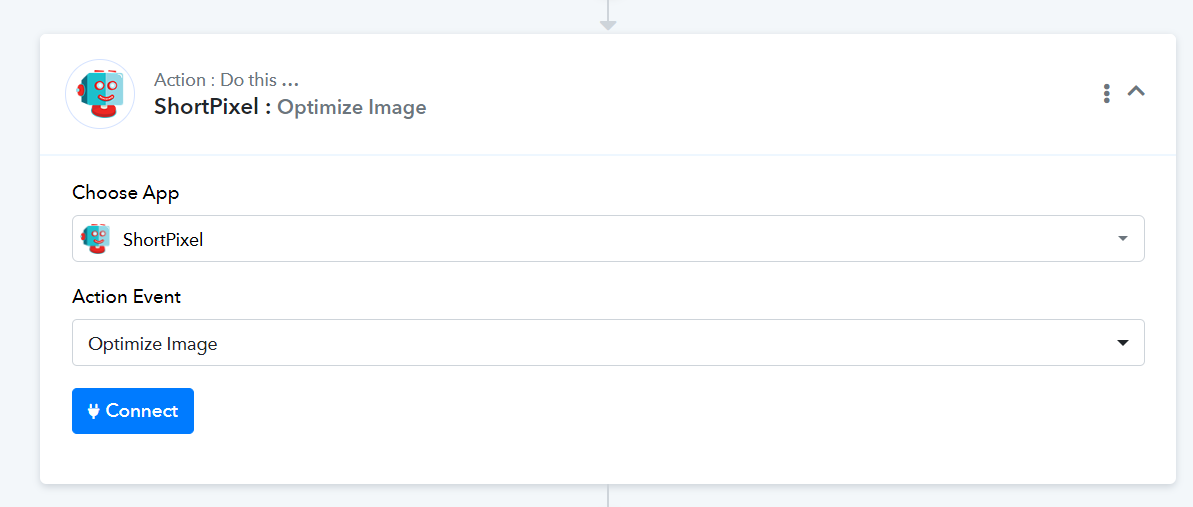
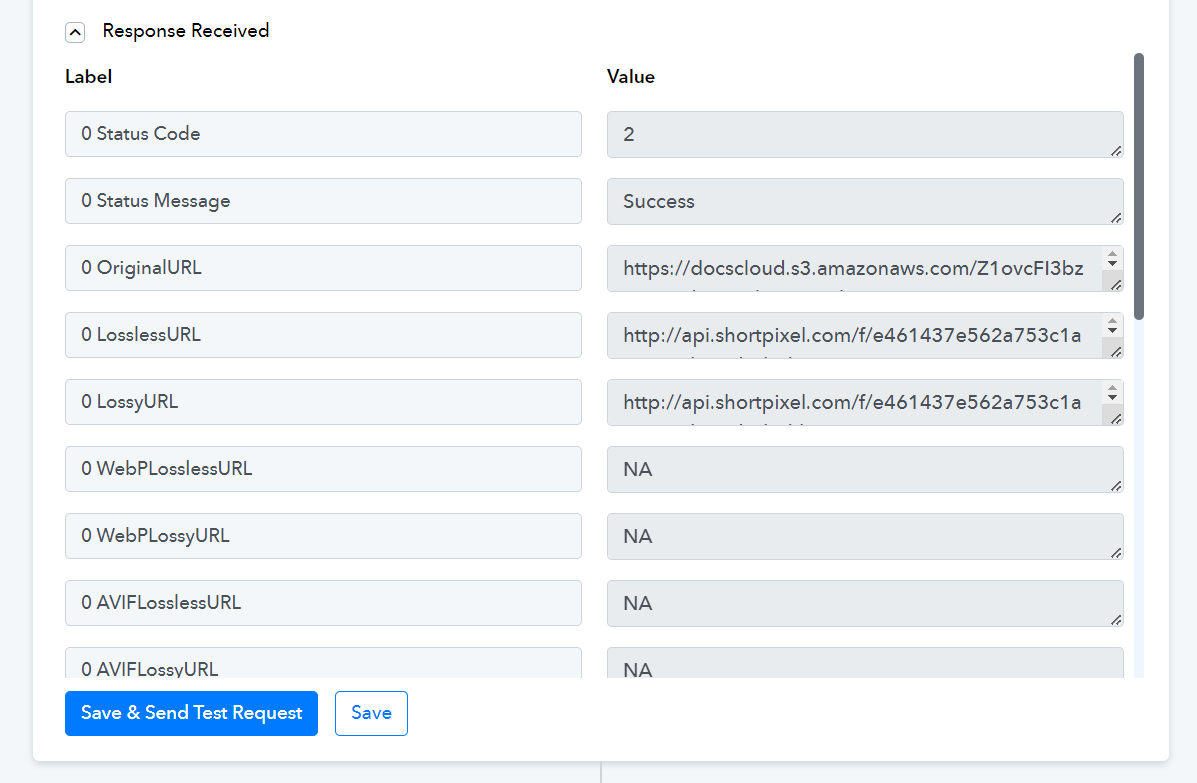
@ArshilAhmad Thanks! I used the Shortpixel command however after some time I get this error:
{"Status":{"Code":"-302","Message":"The file is no longer available"}}
Does ShortPixel delete these images again?
Since it deletes them i can't use it because the Workiom Upload file via API is not working in Pabbly Connect
When will that feature be fixed?
@ArshilAhmad The file upload fix was also requested here:
https://forum.pabbly.com/threads/cant-upload-files-to-workiom-with-pabbly-is-brokeb-but-manually-from-workiom-it-works-fine.18853/
When will you fix this so file upload works to Workiom?
This would solve this problem as well (among many other problems). Need to upload profile photos, certificate scans and much more to workiom for CVs.
@ArshilAhmad Thanks! I used the Shortpixel command however after some time I get this error:
{"Status":{"Code":"-302","Message":"The file is no longer available"}}
Does ShortPixel delete these images again?
Please share the Workflow URL in which you have tried the same.
@ArshilAhmad The file upload fix was also requested here:
https://forum.pabbly.com/threads/cant-upload-files-to-workiom-with-pabbly-is-brokeb-but-manually-from-workiom-it-works-fine.18853/When will you fix this so file upload works to Workiom?
This would solve this problem as well (among many other problems). Need to upload profile photos, certificate scans and much more to workiom for CVs.
As mentioned in the thread you shared, the implementation will occur soon. Please submit your request on our dedicated platform, and our integration team will address this concern:
https://pabbly.featureos.app/b/Integration-Request
@ArshilAhmad
Step 3 here: https://connect.pabbly.com/workflow/mapping/IjU3NjUwNTY5MDYzMDA0MzU1MjZkNTUzMjUxM2Ei_pc
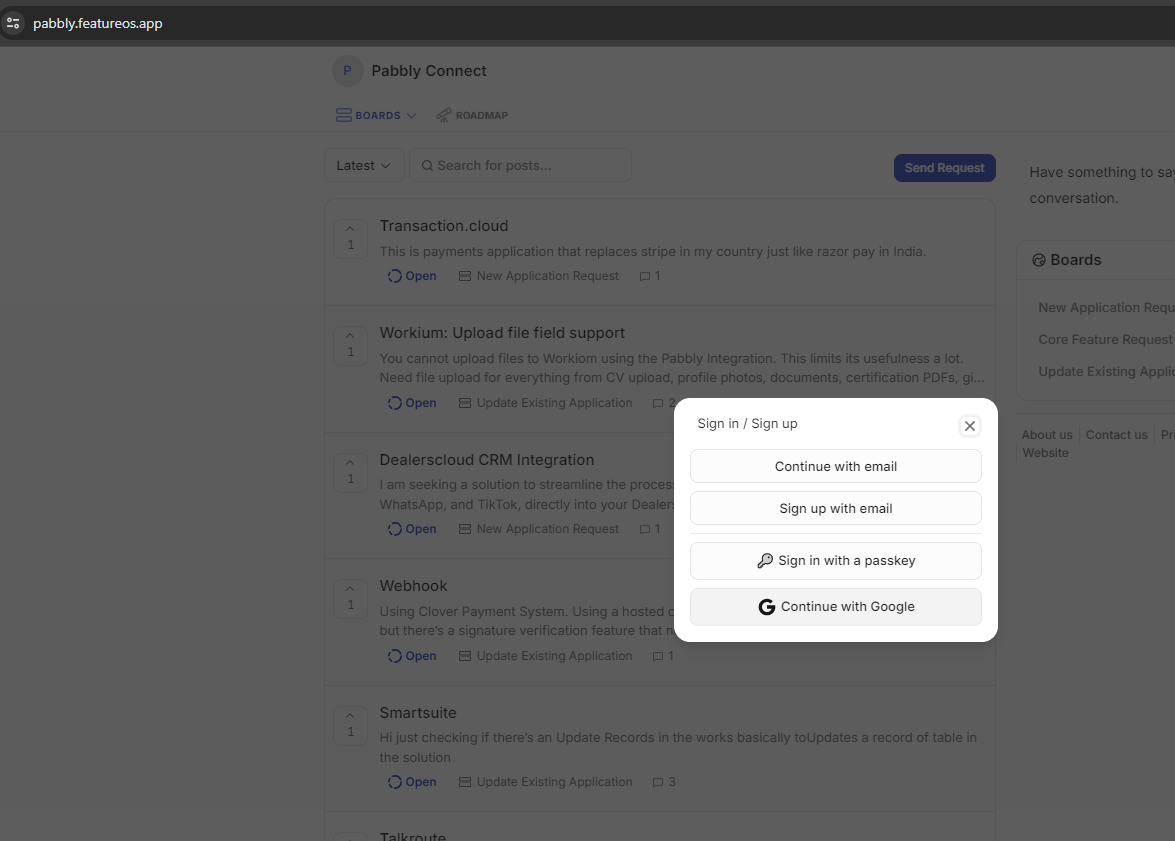
I can't see where to login into your feature request portal. How I access my old profile there at hellonext. There is only Passkey and Google login? I have an email and a password.
Step 3 here: https://connect.pabbly.com/workflow/mapping/IjU3NjUwNTY5MDYzMDA0MzU1MjZkNTUzMjUxM2Ei_pc
Yes, the file uploaded to ShortPixel does get deleted after some time. You can try uploading the file to Google Drive, make it publicly accessible, and then use the link provided in the Google Drive response for your Workiom action step
I can't see where to login into your feature request portal. How I access my old profile there at hellonext. There is only Passkey and Google login? I have an email and a password.
Please login using your Gmail account and then submit your request.
Please login using your Gmail account and then submit your request.
But how do I get access to my old requests then? I submitted many requests earlier.
Posted the request here btw:
https://pabbly.featureos.app/p/workium-upload-file-field-support
But how do I get access to my old requests then? I submitted many requests earlier.
Please allow us some time. We will get back to you on this.
Thank you @ArshilAhmad ?
I had a discussion with the technical team, and they informed me that the Hellonext portal has been updated. As a result, they have decided to shut down the login via Email ID and Password feature.
You can now try logging to your Hellonext account with your email ID and Password.