Internal Server Error in LinkedIn Lead Form Connection.
Status: Closed · Asked by Sathiya Arunachalam on · 0 views
Hi Team,
I am facing Internal server error while save and send text request while connecting LinkedIn Lead Gen Form, What to do to rectify this error. I have watched how to connect LinkedIn lead gen form to google sheet.
Hey @Sathiya Arunachalam
Could you please share the name of the workflow in which you are facing such an issue, so that we can look into it and can guide you accordingly?
Phifer_BS_LinkedIn_D.C, in Phifer Balcony Screen folder.
Seems like you might not be using the admin account to get the trigger response from the Linkedin account.
So, kindly make a new connection from the admin account and grant all the permission to process the lead generation data.
Hey @Sathiya Arunachalam
We have made some changes in the Linkedin trigger event and it should work accordingly now.
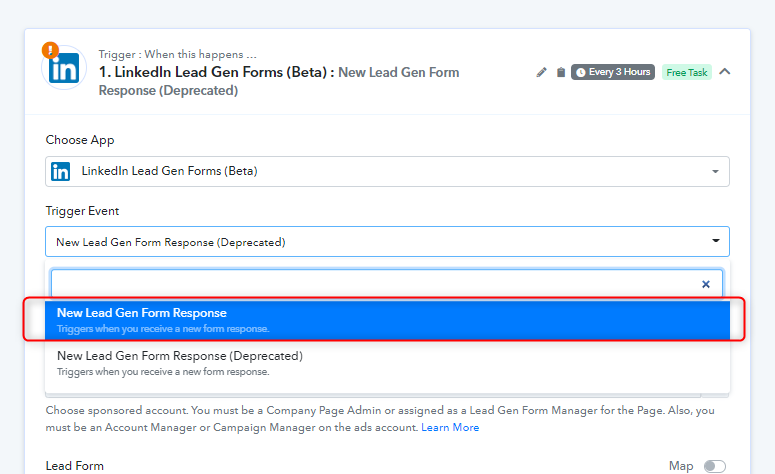
Though we have reconfigured tthe trigger event for you, so kindly give it a try and let us know how it works for you.
When I submit for test response it doesn't shows me any field . And also I want to use salesforce sandbox for testing but when I integrate it only allows me to add production account .
Hey @Jyoti
For SalesForce integration you would be required a production account to use the integration.