INVALID_REQUEST_UNKNOWN
Status: Closed · Asked by Bananajuice2002 on · 0 views
Hi Everyone,
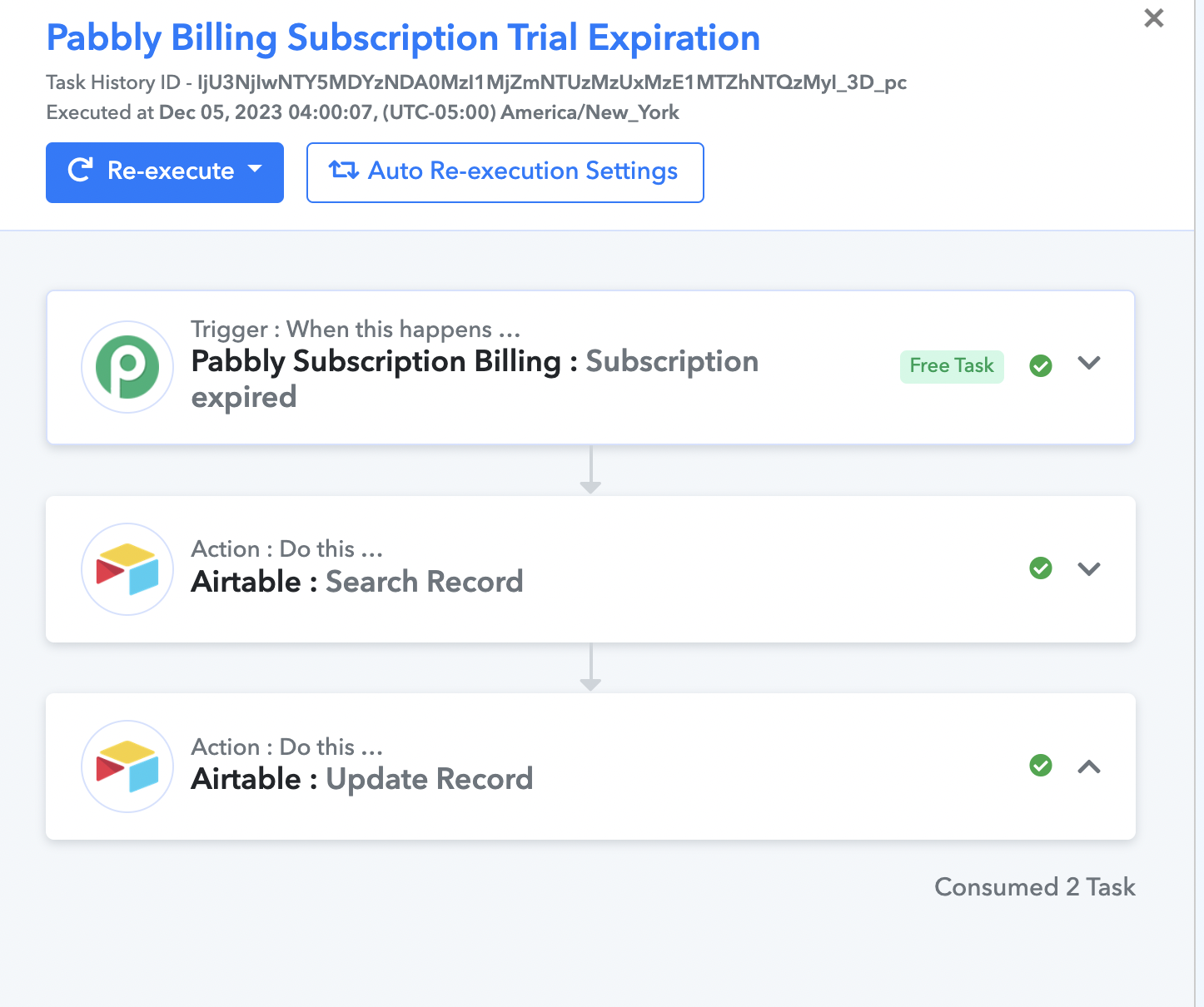
I am struggling with a pretty simple free trial workflow. I have set up a webhook, received webhook information, searched for the right record to update, and finally, I want to update Airtable with the record ID found in the second step. It works perfectly fine when I do it manually via Pabbly Connect. However, if I start a free trial via Pabbly Subscription app, the record goes to Airtable but does not update the cells that I need; it leaves them blank. The history of Pabbly Connect says that tasks were consumed and marks them as completed, but nothing appears in Airtable automatically. The error message that I am getting is: INVALID_REQUEST_UNKNOWN.
Error Message: Invalid request: parameter validation failed. Check your request data.
I have been trying to check and change the second step, "search record," multiple times, and I have always received a positive outcome when doing it manually. However, when I try to do it automatically via Pabbly Subscription Billing, nothing shows up. When I manually reexecute the task, it works perfectly fine.
Photos for reference:
HTTPS: https://connect.pabbly.com/workflow/mapping/IjU3NjUwNTY5MDYzNjA0MzU1MjY5NTUzMTUxM2Ii_pc
Attachments
Hey @Bananajuice2002 !
We have some updates to your workflow.
Kindly donot change or make changes to it. Just do a test submission and check if it's working fine for you now or not.
Hope, to hear from you soon.
The workflow does not work for me. I also tried to do a new connection to refresh the API connection, but it also did not work.
Invalid request: parameter validation failed. Check your request data.
Can you please try using a Delay action step before the Airtbale: Search Record action step once and let us know if that works for you?
Thank you. It worked!!! You saved a few more hours of sleep !!! LOL!!! :):love: