is there a bug in pabbly right now?
Status: Closed · Asked by yakyouk on · 0 views
i wanted to update an automation, but instead of sending the steps results it sends some weird code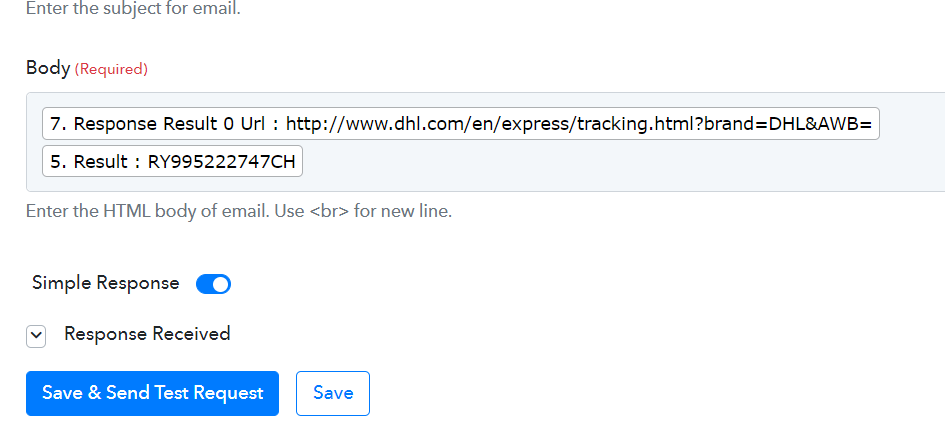
email received
Attachments

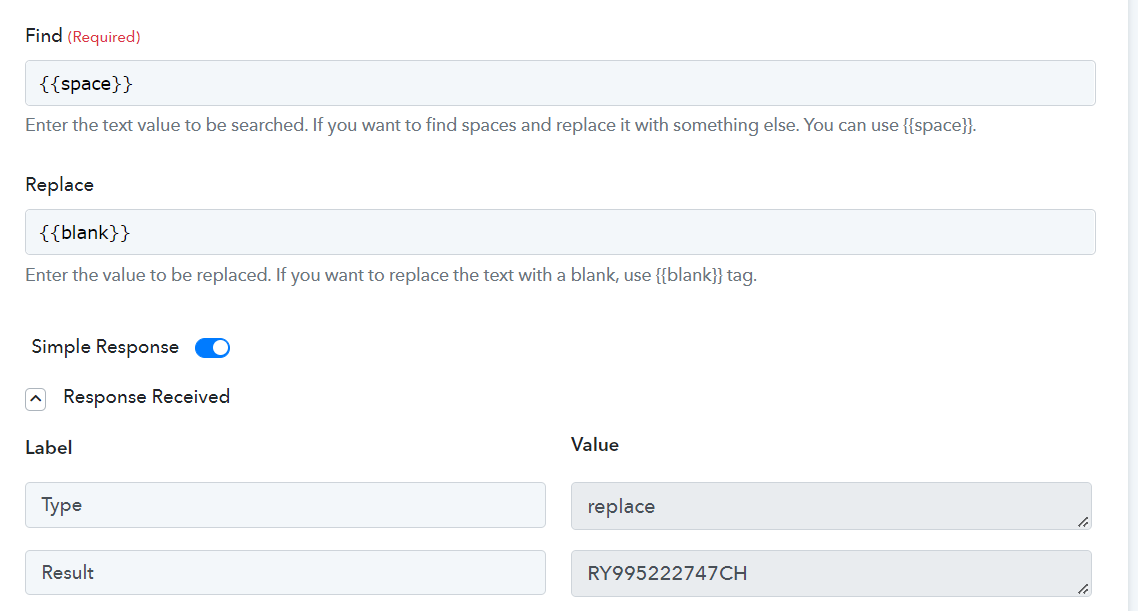
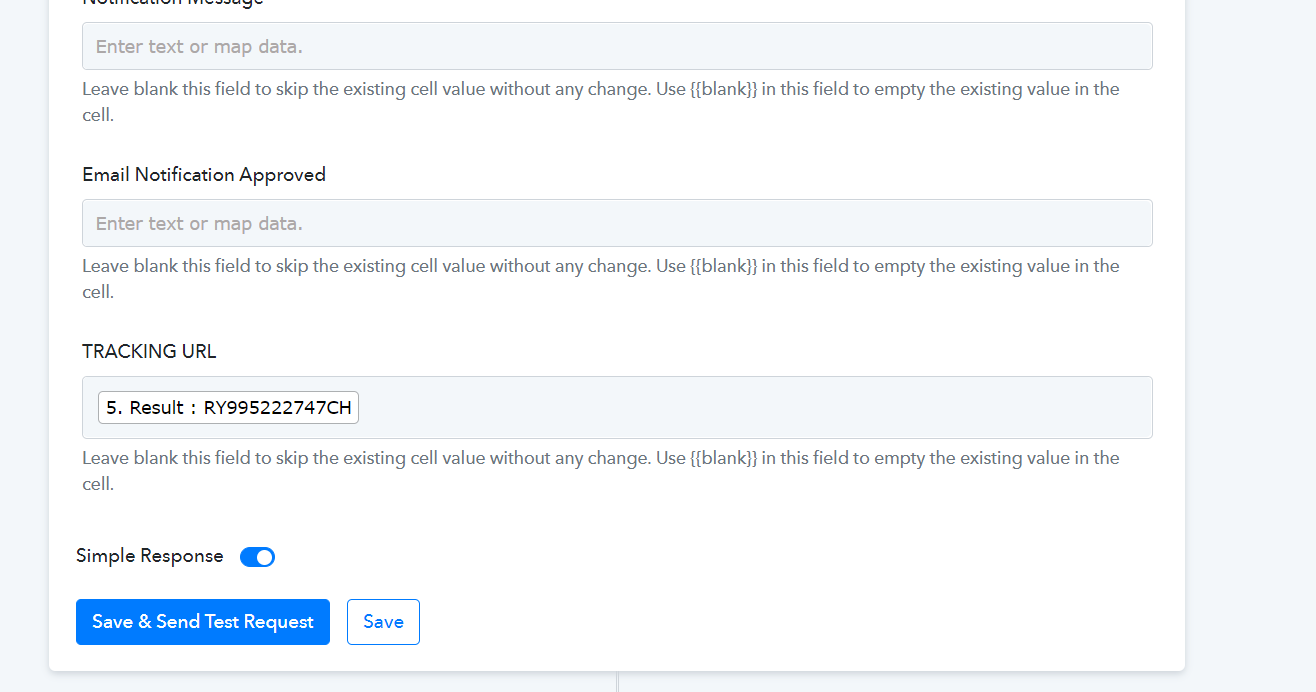
I'm seeing weird codes in my workflows as well.
I have the same problem
I never had an issue with my Workflows. I've been using this for more than a year without any issue. Nothing is working right now. I noticed the issue last night. I keep getting errors for everything.
Same issue here
Hey @abuhabib @Hashim
Kindly follow the steps below in order to fix your concern:
1. Hard Refresh the workflow by pressing (Ctrl +F5).
2. Re-map the corrupted fields in the action steps.
3. Save the step and test your workflow
Let me know if the issue persists.
did ctrl+F5 and it worked, but now the workflow fire twice and another one fire twice as well, seems like the worflow is dupmicated in the background
Hey @yakyouk
Kindly share the name of the workflow in which you are having such an issue.
i deleted the workflow and recreated it because each time i change something it creates a duplicate (ended up with 4 duplucates .but this is the id of the task if it can help
Task ID -
IjU3NjYwNTY5MDYzMTA0MzA1MjZiNTUzNDUxMzA1MTY1NTQzMiI_3D_pc
Hey @yakyouk
As we can see from your workflow, you are getting the same trigger response multiple times and because of that, your leads are getting the same messages multiple times.
And the reason behind that is perhaps you have pressed the "Save & Send Request" multiple times which has created the webhook in your Thrivecart multiple times.
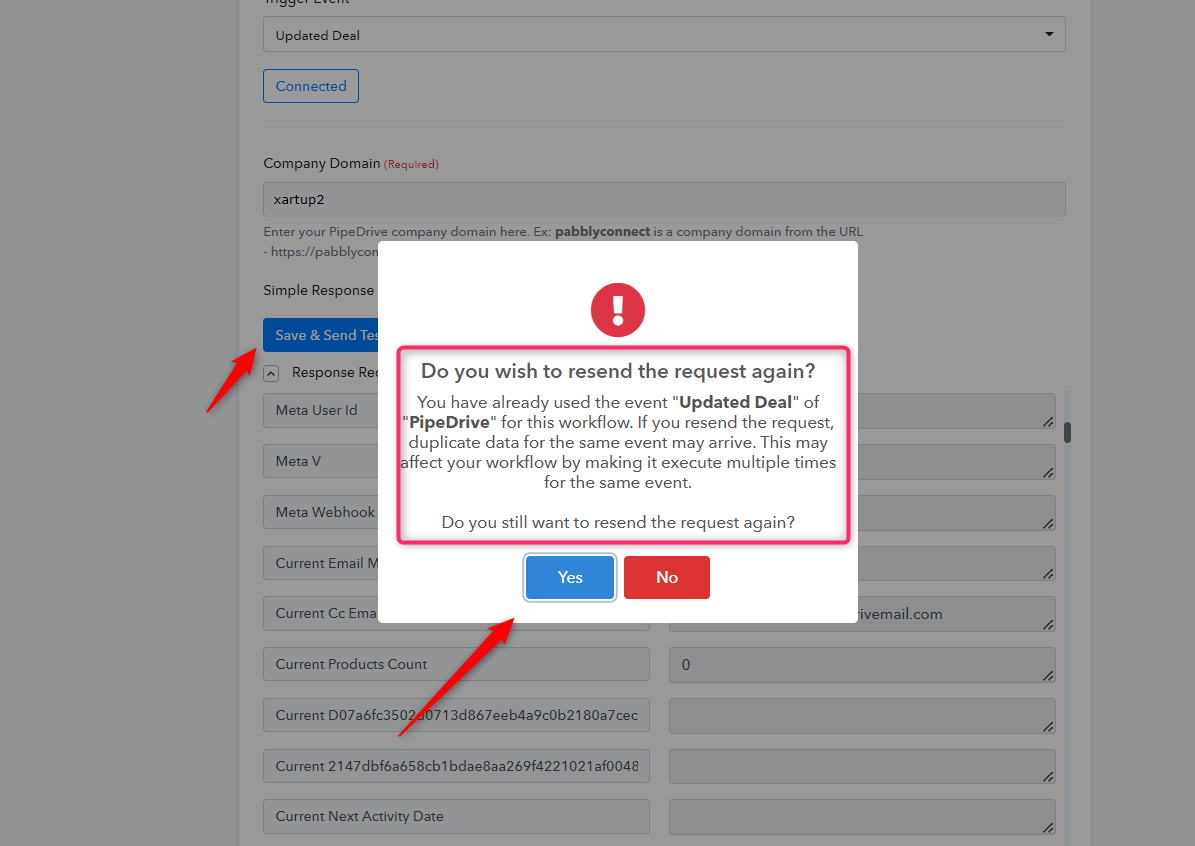
super, thanks for looking at it , i always tought that when you click save and resend it resets the webhook, lets say that the webhook has new field or i want to use a new field from the webhook in the automation , whats the best way to to that? create a new workflow? as if i click save and resend it will create an additional webhook and create duplicates.
as if i click save and resend it will create an additional webhook and create duplicates.
You can create a new workflow or remove the duplicate URL from your application.
Cant pabbly just update the application directly with the new url, or just use th current url instead of creating a new one?
Hey @yakyouk
We would prefer to create the trigger event with a webhook-based trigger but the application requires building the trigger event with a pooling-based trigger.
So, it's impossible to overwrite the webhook URL in the application, so you have to delete the webhook URL from the API or create a new workflow.