Is there a way to designate more than one header row in Google sheets workflows?
Status: Closed · Asked by Cheryl Spencer on · 0 views
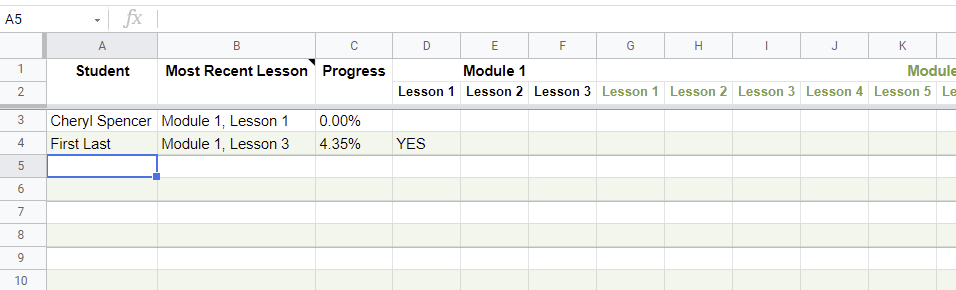
I'd like to have rows 1 and 2 be the header rows.
Hey @C Spencer
As of now, we only support a single header row. In near future, we might support more than one header row in Google sheets.
Thanks for your reply. I found a workaround! I'm using Pabbly to update the data on a hidden tab in the sheet (that has only 1 header row) and then using formulas to bring that data over to the tab with the 2 header rows. Works like a charm!?