Is there wordpress post text limit?
Status: Open · Asked by urkoval on · 0 views
Hi, I'm trying to automate wordpress blog post and I get an error if the post content is a little long. Is there a limit or it's my wordpress.
It just says server internal error.
Do you use something like ChatGPT to create the post?
There is a token limit from their side typically.
Do you use something like ChatGPT to create the post?
There is a token limit from their side typically.
No, no. I get some data from a Google sheet and with those y create a post mixing text and the data.
I first thought it was the wordpress tags like but no. In my tests the only way to publish is with a very short text.
Hi @urkoval,
Could you please share the Workflow URL in which you are facing this concern?
Please add a WordPress 'Create a Post' action event to Route 3 of your workflow, compose the post that's causing this error in your workflow, and then click on 'Save & Send Test Request'. Once done please let me know.
Please add a WordPress 'Create a Post' action event to Route 3 of your workflow, compose the post that's causing this error in your workflow, and then click on 'Save & Send Test Request'. Once done please let me know.
Done.
The issue appears to be related to the use of double quotation marks within the content you were attempting to post. I replaced them with single quotation marks, which appears to have resolved the issue.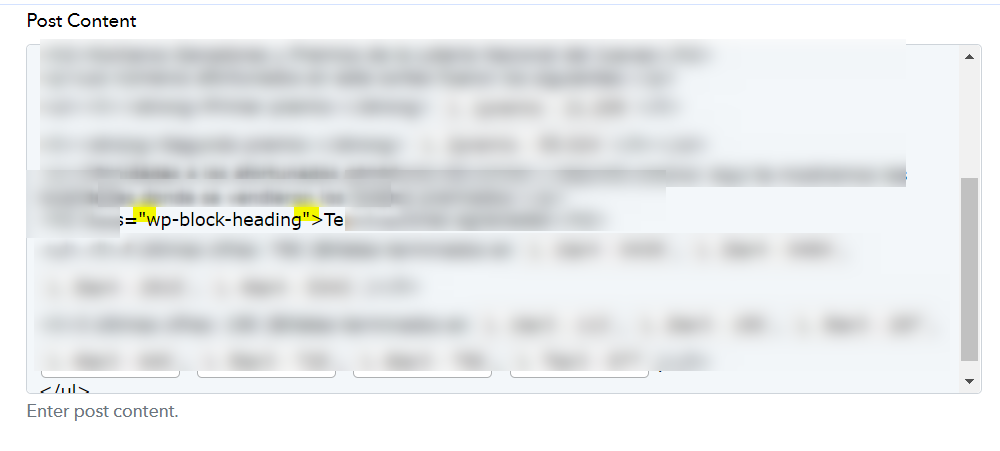
The issue appears to be related to the use of double quotation marks within the content you were attempting to post. I replaced them with single quotation marks, which appears to have resolved the issue.
Great! I didn't expect that.
Thank you
The issue appears to be related to the use of double quotation marks within the content you were attempting to post. I replaced them with single quotation marks, which appears to have resolved the issue.
One more question. I want to insert a reusable block in the post. Code is But I see I can't use double quotes and single ones don't work. What I get in the post code (shift+ctrl+alt+M) is
Is there a walkaround?
Please allow me some time to discuss this with my team. We will get back to you shortly.
We have forwarded your concern to our technical team and would also request you to replace the symbols "<" and ">" with their respective HTML character codes, which are "<" and ">".