Issue Pabbly connect to Flowlu Integration
Status: Closed · Asked by Ritesh Recharge on · 0 views
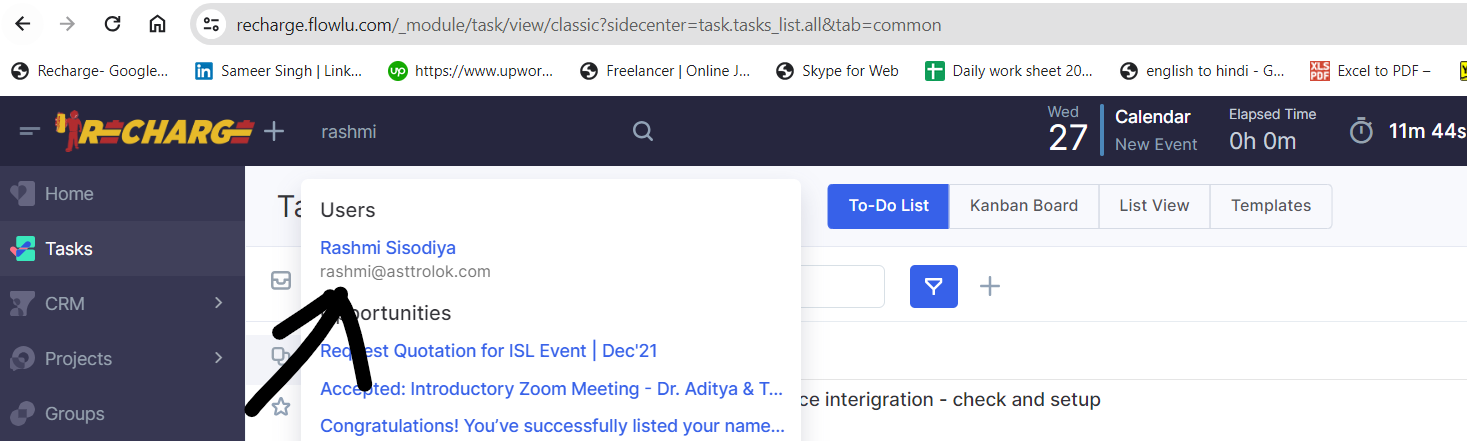
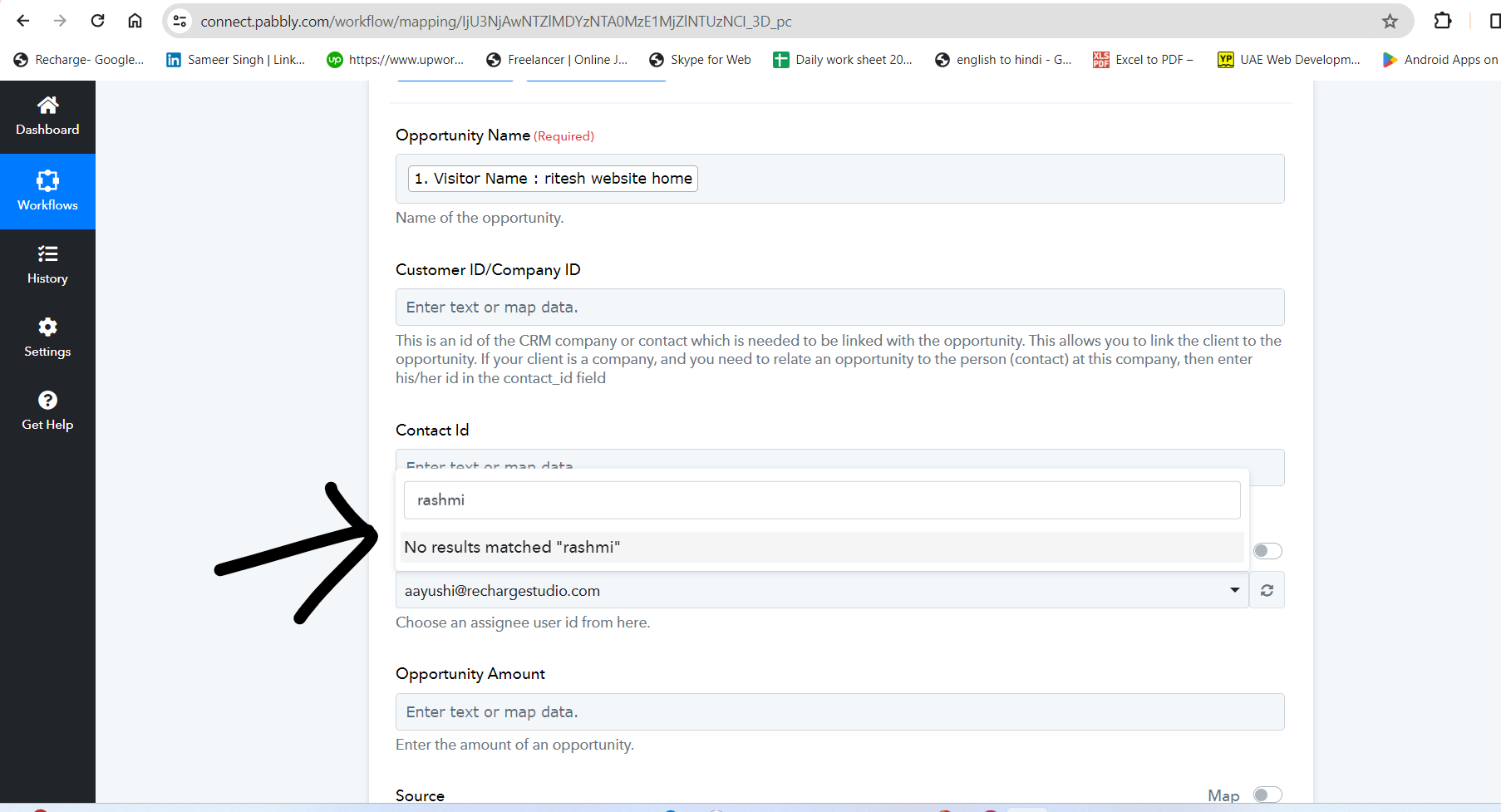
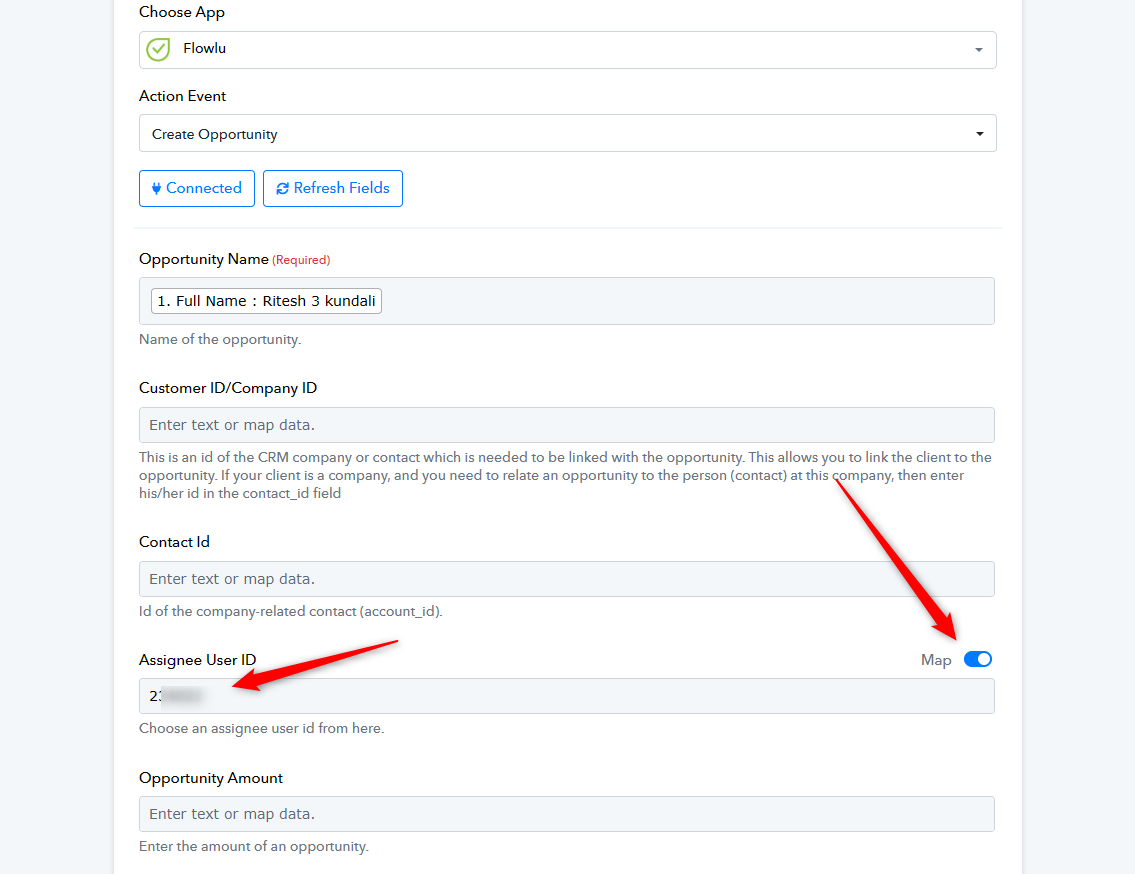
User is active on flowlu but when I want to create an automation and create a lead in this user account then this user is not shown in pabbly and there is almost 10 to 15 user id not show in pabbly and active in flowlu.
Hey @riteshrecharge
Can you please try refreshing the field once and then check the email address again?
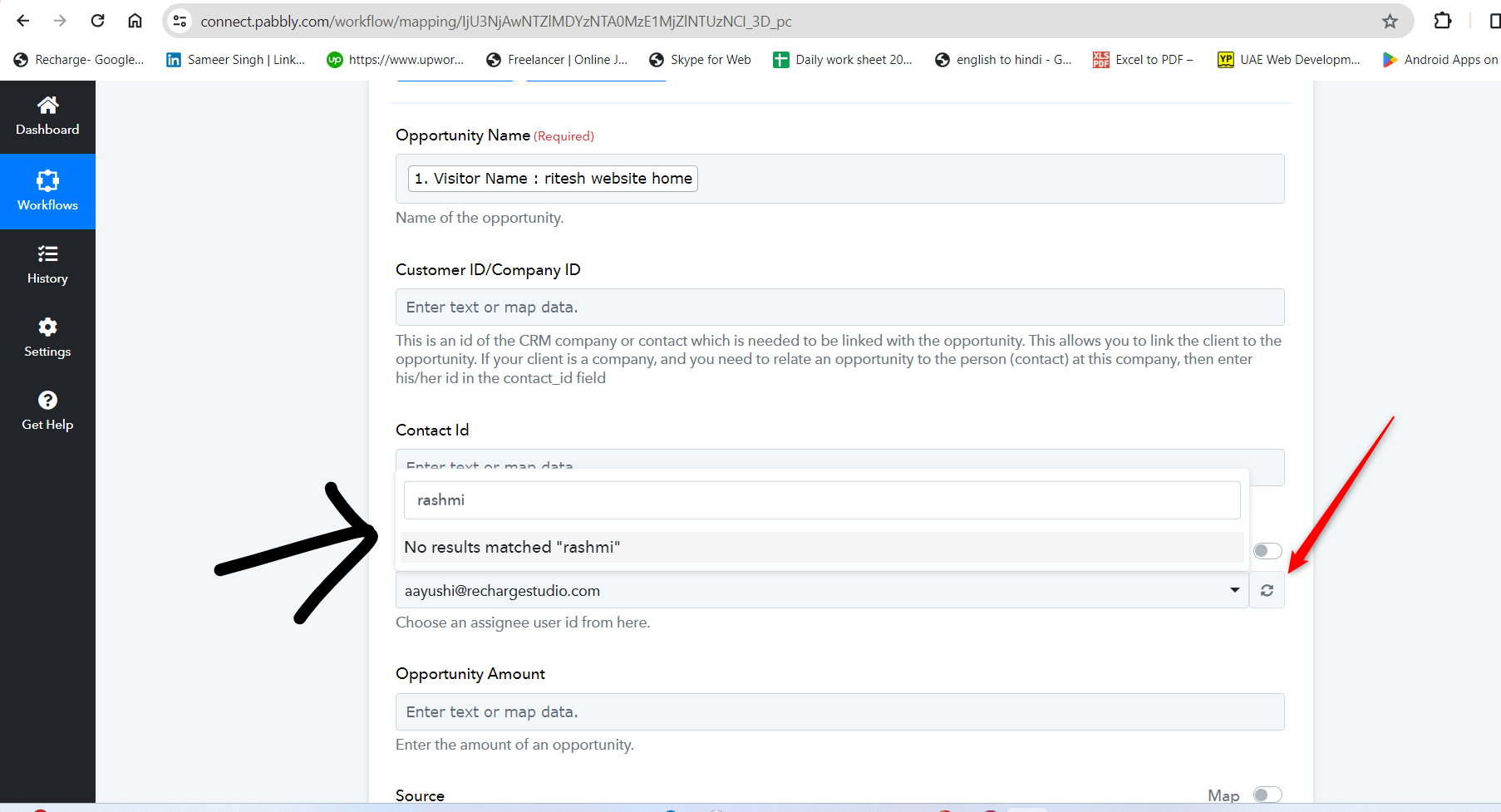
Hey @riteshrechargeCan you please try refreshing the field once and then check the email address again?
I have done this and checked many times, I have also added new connections and checked, but still, I am not getting some id's shows that are active on Flowlu.
Can you please share the workflow URL once you have tried the same so that we can look into it?
workflow name - Kundali + 99 Course (Order Bump) Landing Page lead
workflow URL - https://connect.pabbly.com/workflow/mapping/IjU3NjUwNTY5MDYzNzA0MzM1MjZlNTUzMjUxMzUi_pc
please check.
workflow name - Kundali + 99 Course (Order Bump) Landing Page lead
workflow URL - https://connect.pabbly.com/workflow/mapping/IjU3NjUwNTY5MDYzNzA0MzM1MjZlNTUzMjUxMzUi_pcplease check.
If you reconnect or Refresh the fields in your Flowlu action step, your all assignees will get listed.
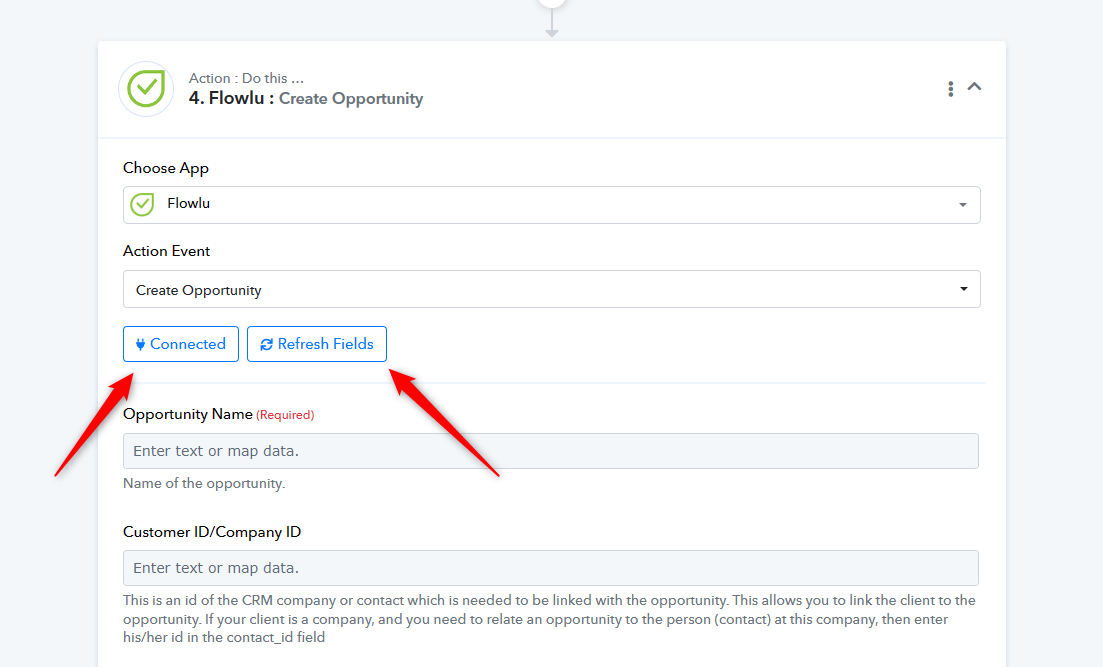
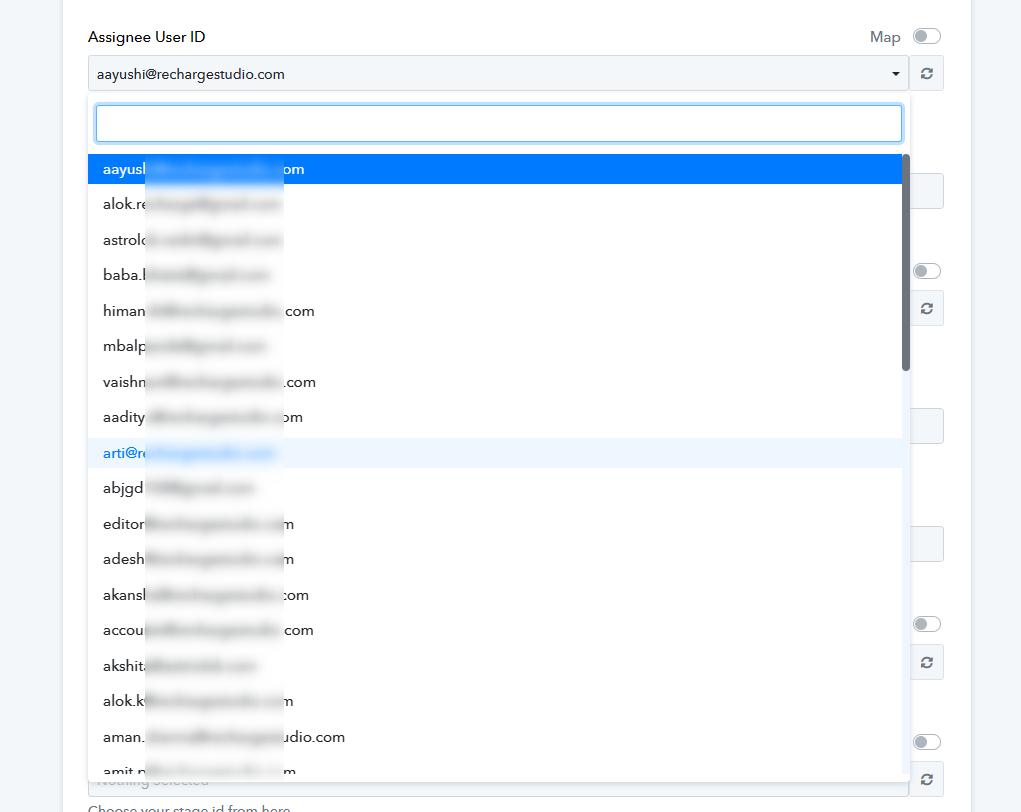
Hello Team,
I am facing this problem with many id's. id is active on my flowlu account and I am not getting that id shown in Pubbly for automation I user trigger create opportunity. Earlier I used to see all these id shows in Pabbly but now these id's not shown in pabbly.
I have tried all this but it is not solving my problem.
Please look at the screen shots I have sent you once more and read my complaint, then you will be able to understand my problem better.
And now I am making a video and sending it to you on mail. Please watch that video once to solve the problem I am facing.
And I have also sent you the video on your support mail on id ([email hidden]) with the issue.
Issue video link - https://drive.google.com/file/d/1KyXg3Aj38k8dw8vkDVlS2DKv1eg1gIVR/view?usp=sharing
Attachments
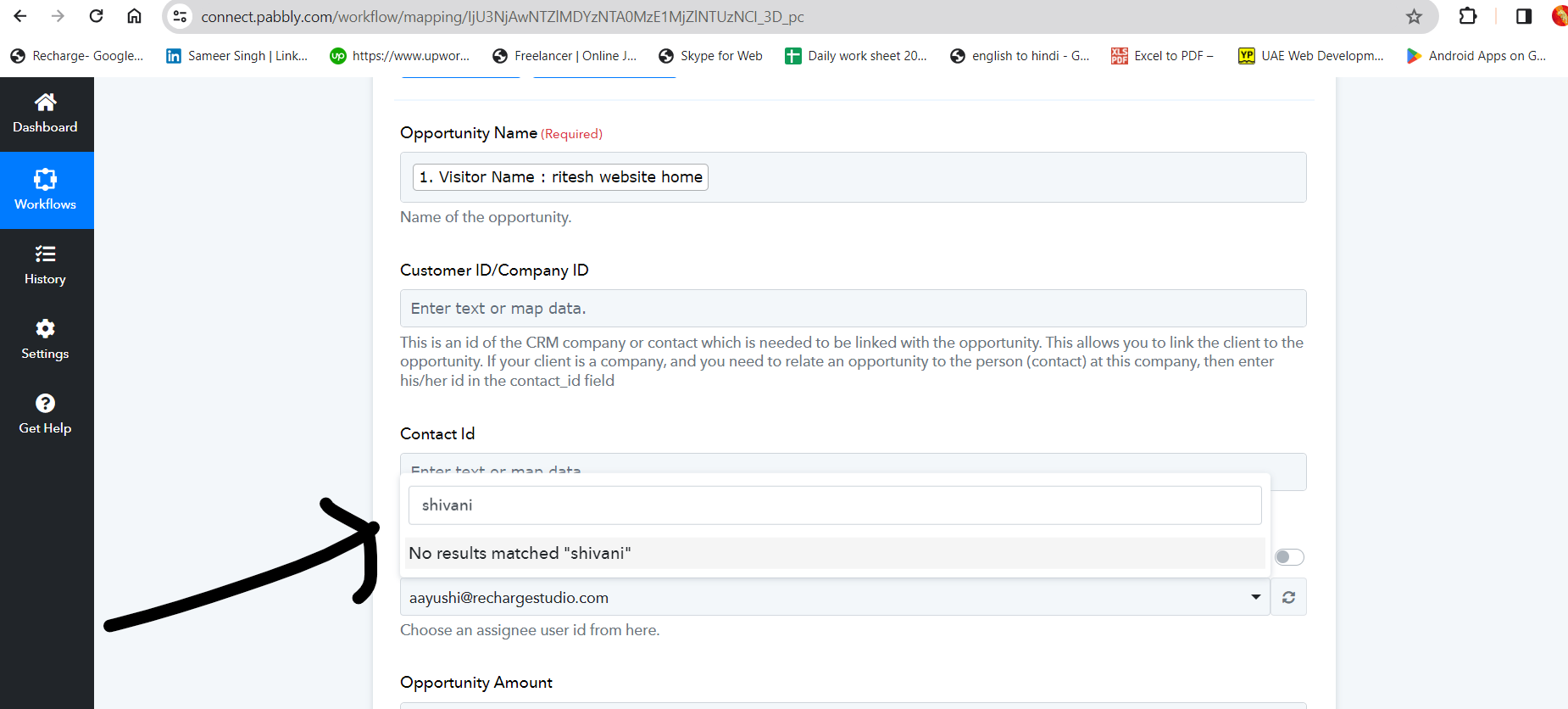
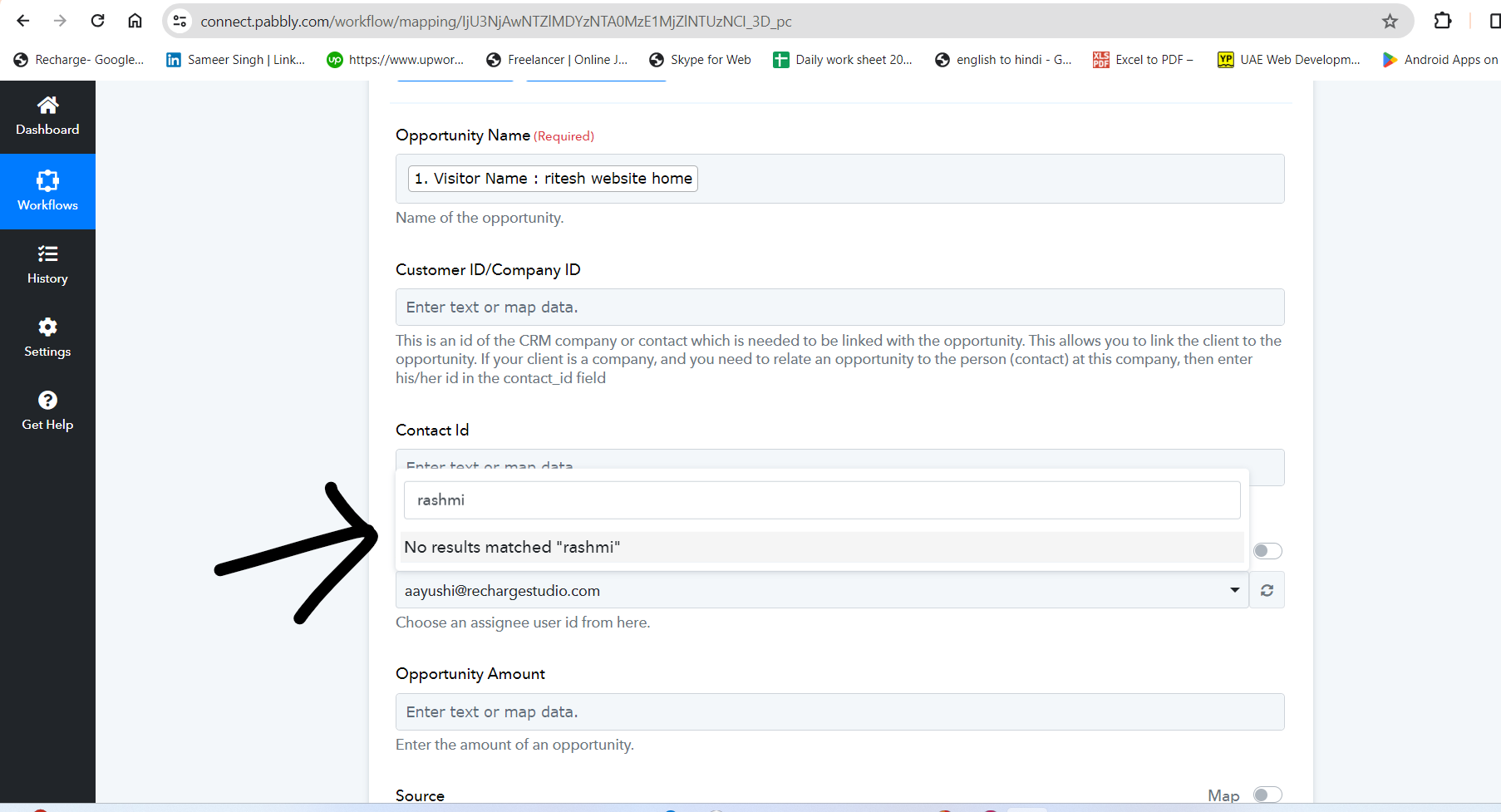
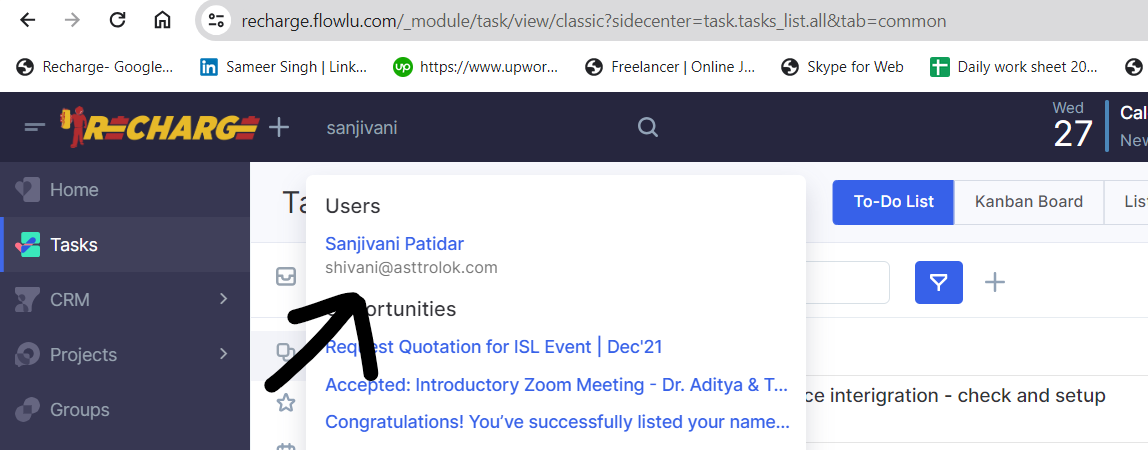
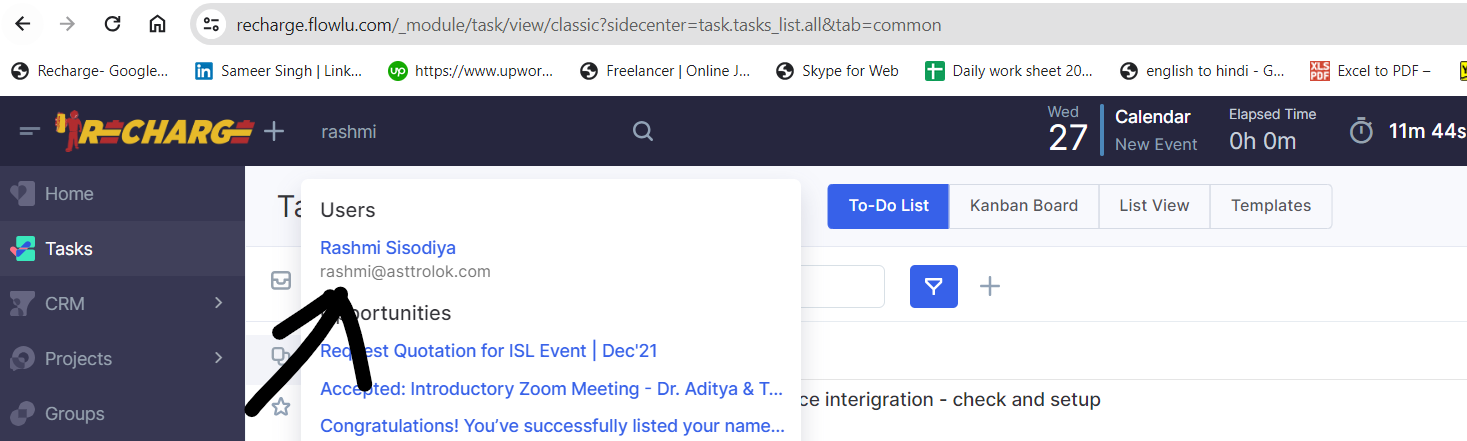
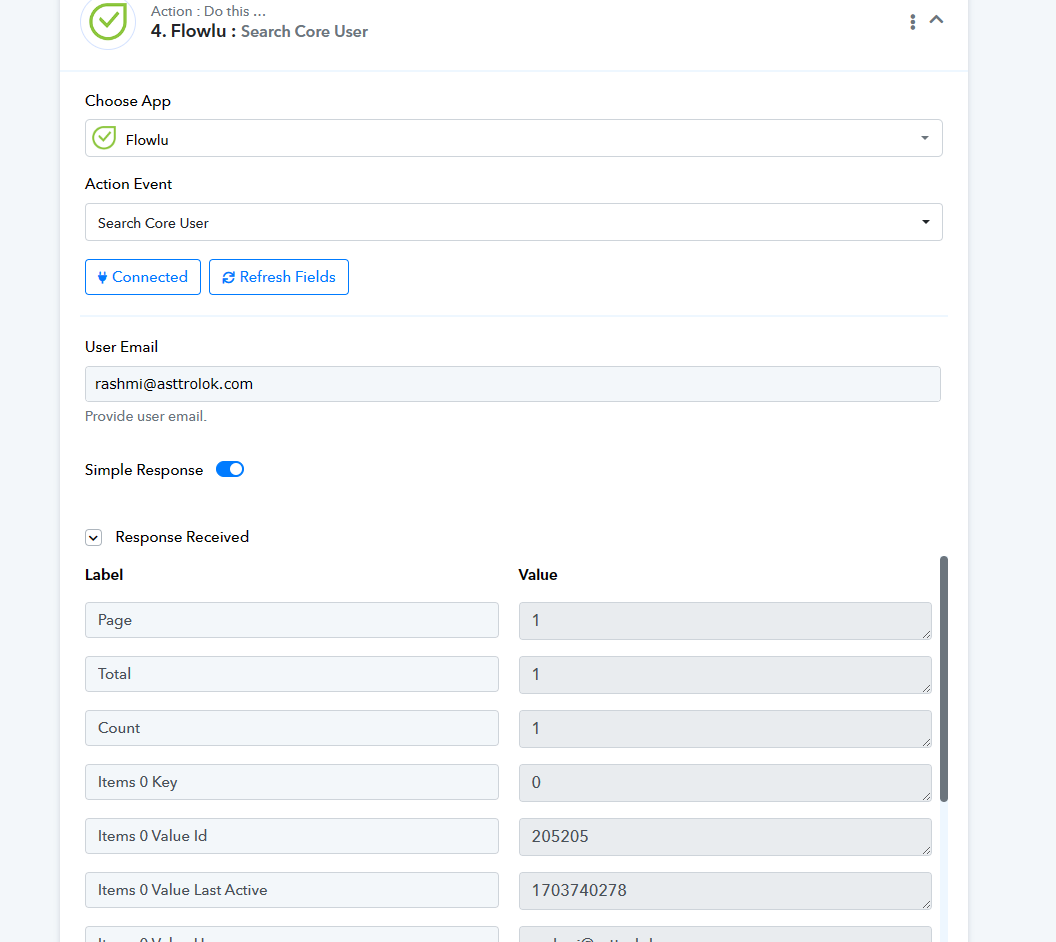
Flowlu's dropdown list for assigning users has a limit of 100 characters. To overcome this restriction, you should utilize the "Search Core User" action step to find the user you want. This search will provide you with the user's ID, which you'll then need to pass into the "Create Opportunity" action step.