Issue with Connecting LinkedIn Account
Status: Closed · Asked by Adarsh N P on · 0 views
I am currently trying to connect my LinkedIn account to LeadSquared. I have successfully added my account and can access one form from LinkedIn without any issues. However, when I attempt to access other forms, I encounter a problem. Although I can see the other forms, after selecting any of them, I am not receiving any responses, and the value displayed is 0.
Could you please help me resolve this issue?
Pabbly Account Mail - [EMAIL][email hidden][/EMAIL]
Hey @Adarsh NP
From the trigger response in your workflow, it is evident that you have already captured the webhook response accordingly.
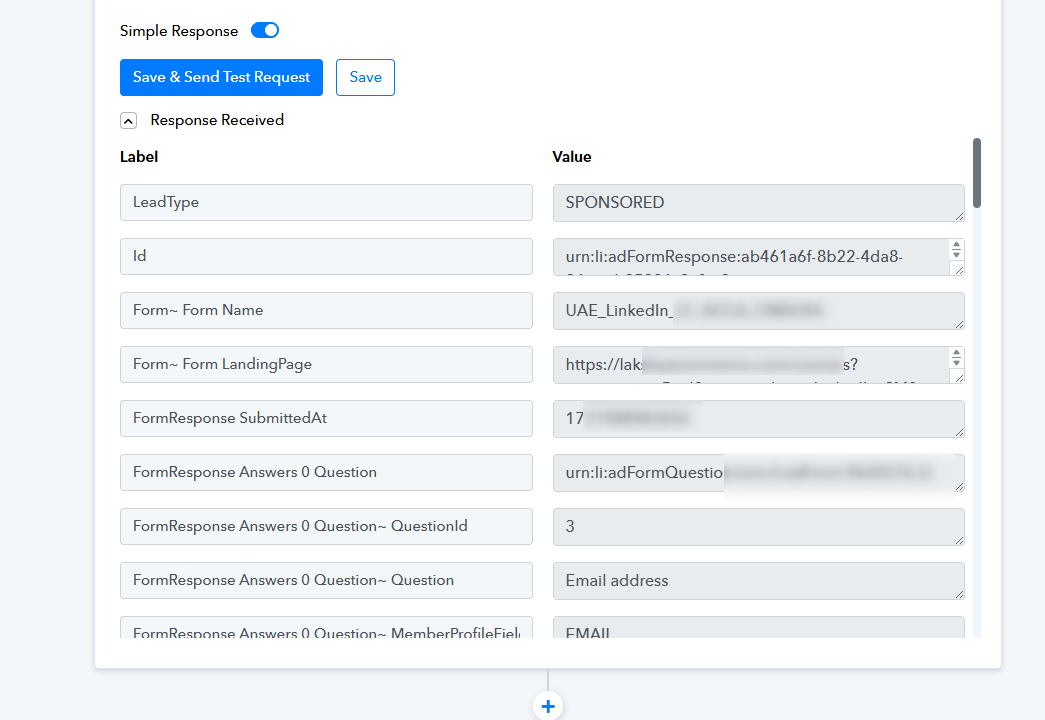
Yes Like i said before
I can only get response from one Form but when i select other forms like ROI and other lead form i am not getting response.
From the ROI observed in your other lead ad form, it's evident that the leads are being captured correctly. If you're experiencing difficulties obtaining leads from the trigger event, consider adding new leads to the lead ad form.
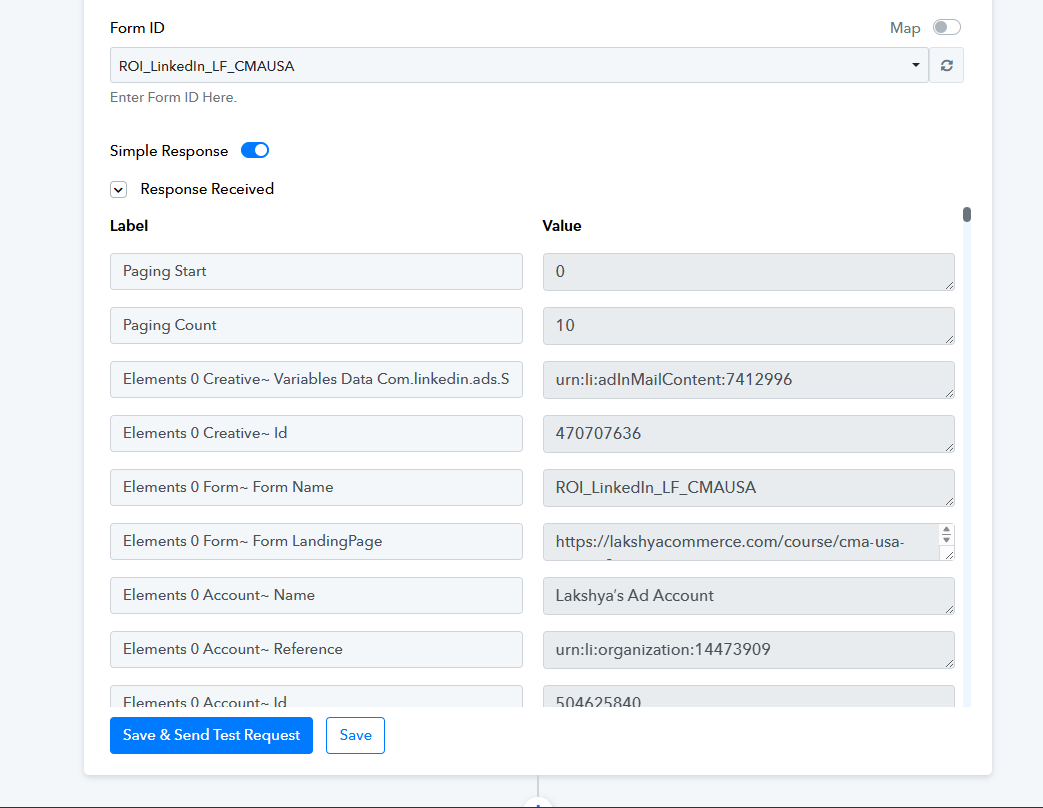
When using LinkedIn as a trigger, I can only access one form's data. When I attempt to change the form in the same trigger, the new form name does not appear. However, when I use LinkedIn as an action instead of a trigger and test lead forms, I receive responses. Is this a bug or something else?
Hey @Adarsh NP
Our team has already replied to your query on the ticket(#79688), please check that out.