Issue with Infinity app
Status: Closed · Asked by matthew.gillard on · 0 views
I am having an issue with the Create Item in Infinity integration.
Any field that is a "label" in my infinity folder gets an error
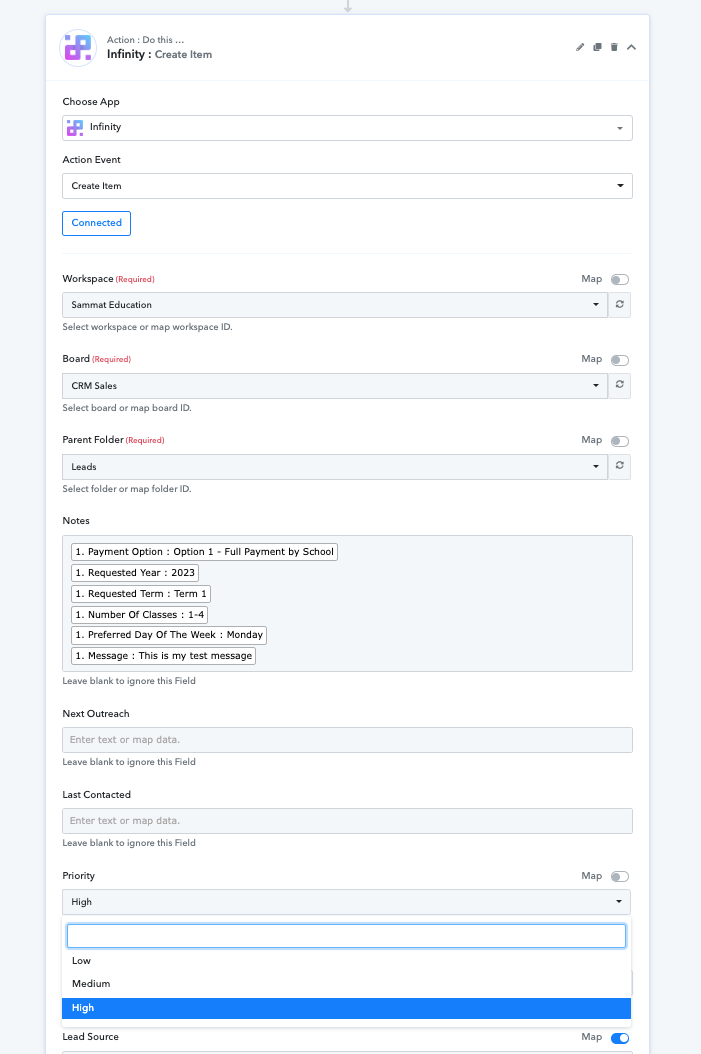
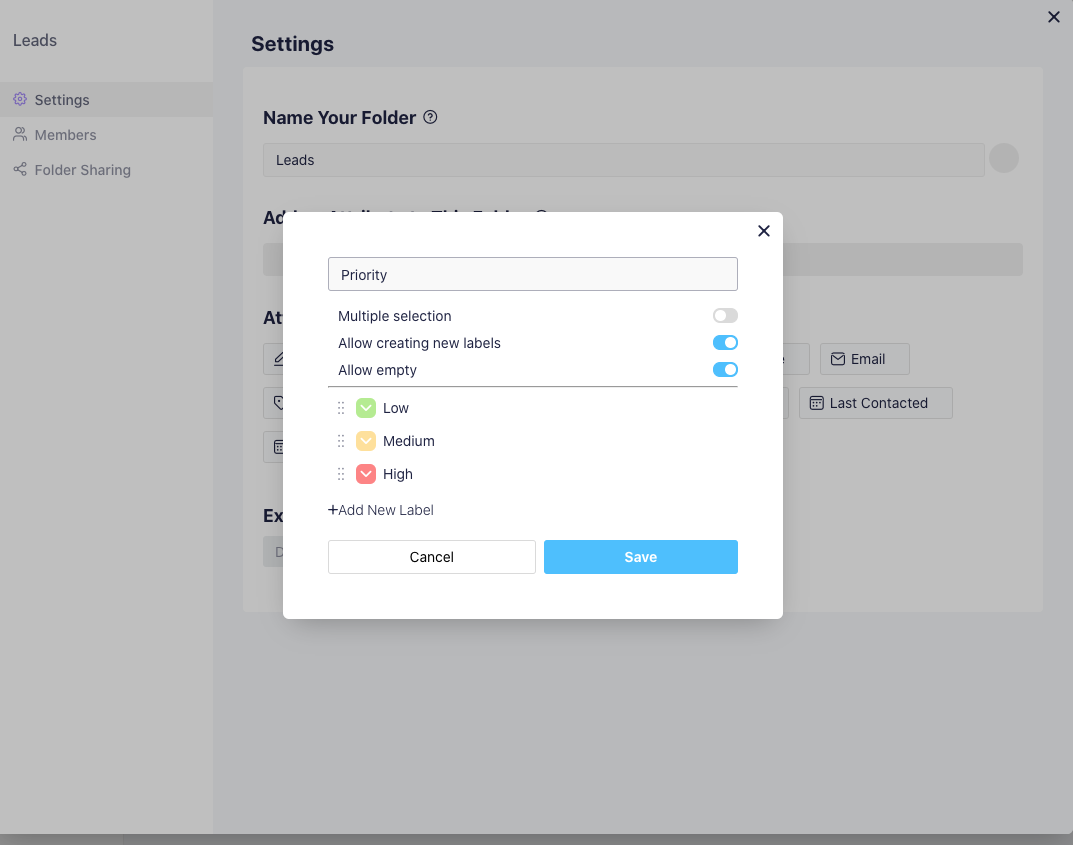
So the above screen shot the priority has 3 option labels in our infinity folder - the Priority field can be either low, medium or high (see infinity setup below)
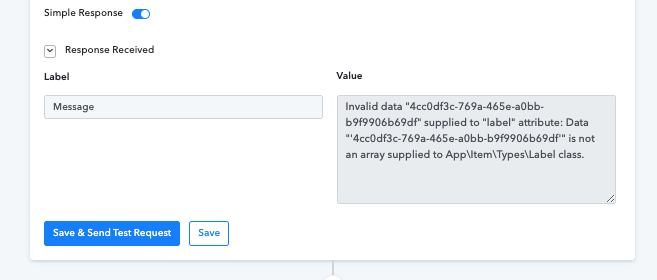
When we save and test we get this error
When we leave the "label" type fields blank in pabbly the integration works when we test (see below)
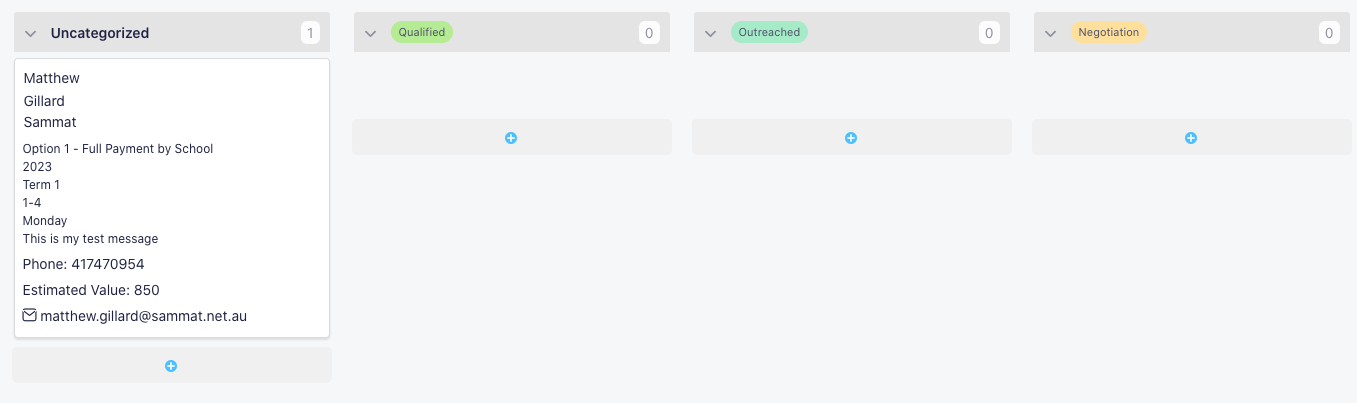
So we have found any field that is the "label" type will not test correctly in pabbly as we have several in this folder.
Please help!
Hey @matthew.gillard
Please allow us some time, we are currently looking into your concern and shall update you soon.
Thank you for your help - any updates yet?
Hey @matthew.gillard
We have made some changes in the current action step and the label field shall work accordingly. Kindly give it a try and let us know if that works for you.
Waiting for your response.
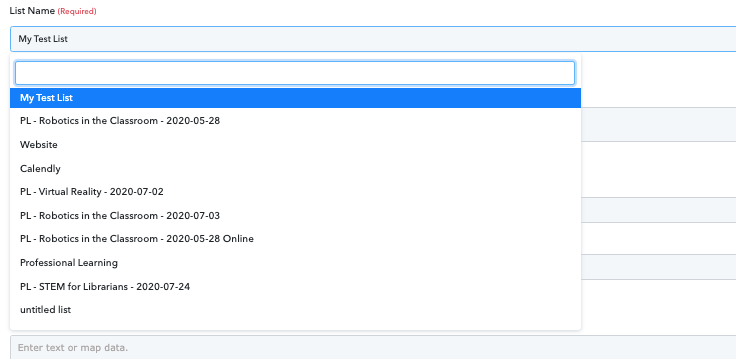
ok thanks that is now working however I have added a burst sms integration to add contact to a list. When I get the drop down it does not show all my lists. i.e. im looking for my list that says: Student STEAM Incursions
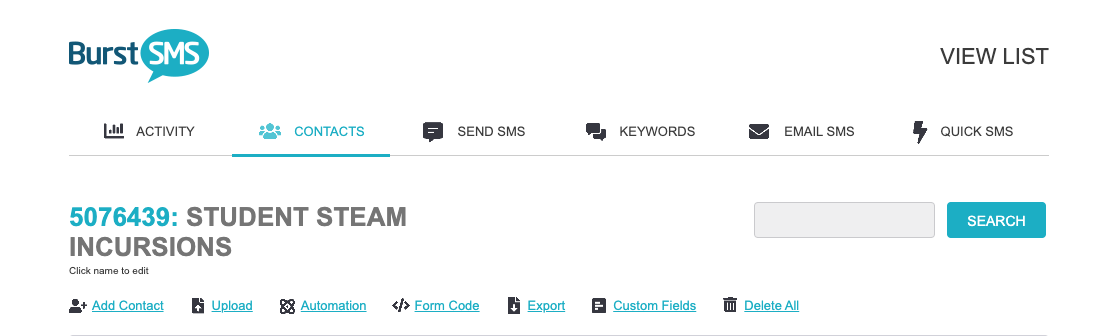
But it is not in my list on pabbly (there are many others missing as well):
Hey @matthew.gillard
Kindly re-connect the action step and refresh the List name fields then try again.
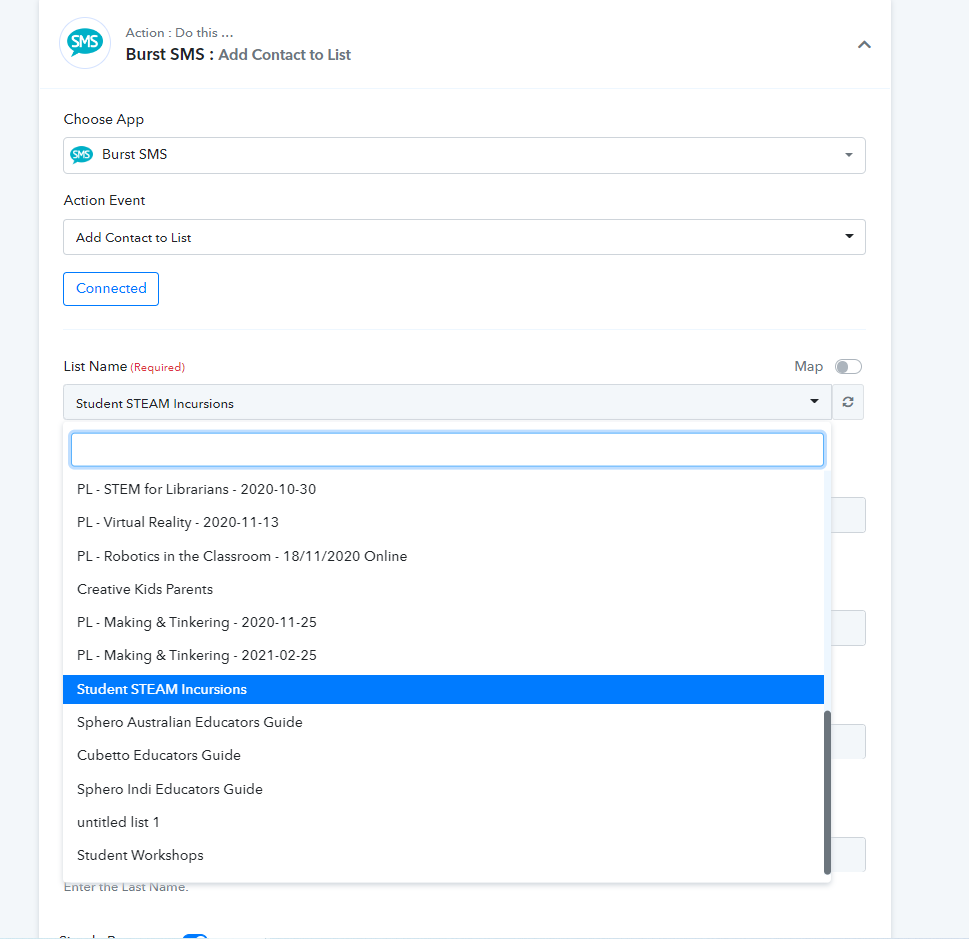
ok thank you burst sms is working correctly now
I am still having trouble with the infinity search for field and the pabbly router (would you be able to set this up correctly for me)
The workflow is found at:
https://connect.pabbly.com/workflow/mapping/IjQyNzM5NyI_3D
Step 7 we search for to see if customer is already in the infinity folder by email address. (please note the only email address in this folder currently is [email hidden] so if you wanted to test this for a True response you could test any other email address for a false response)
Step 8 router
Yes customer is already in folder - continues on to Burst SMS steps
No customer is not in folder - creates the customer in infinity folder then continues on to end steps of burst SMS
I am finding this a little harder than zapier to setup but I appreciate your support so far. I can't wait to get everything copied over to pabbly.
Hey @matthew.gillard
We looked into your workflow and it seems like the filter condition whcih you have using is dynamic, you need to statically pass the fields which have to be present to make the automation process accordingly.
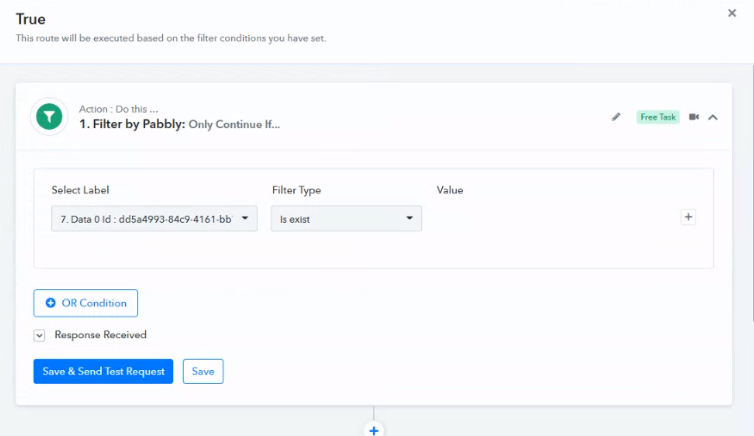
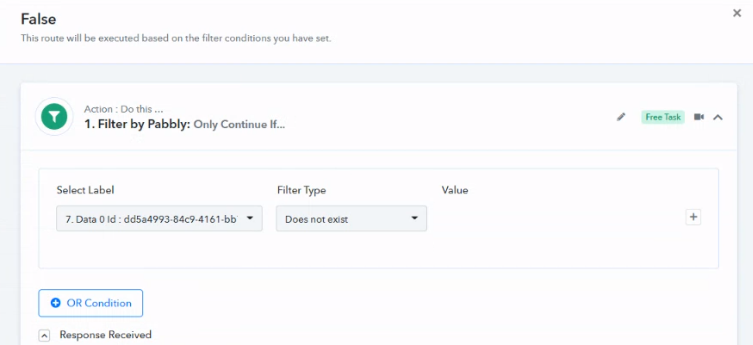
OK I have tested again with 2 different email address on our webform
Task ID - IjE4NDM5ODQ4OSI_3D used [email hidden] which was already in folder so it followed the TRUE path and everything correct.
Task ID - IjE4NDM5OTg4MyI_3D used [email hidden] - it should have been a FALSE and gone on that path (but it went on the TRUE path)
Here is a screenshot of the infinity folder. As you can see only [email hidden] is there so the [email hidden] task should have gone down the FALSE path and created an item here:

Hey @matthew.gillard
We have changed the filter condition in your workflow, so kindly give it a try now and let us know if you get stuck at any step.
ok thank you very much for your help all working now!