Issue with Loading Images from Cloud Folder into Google Vision
Status: Closed · Asked by Mamoru Imade on · 0 views
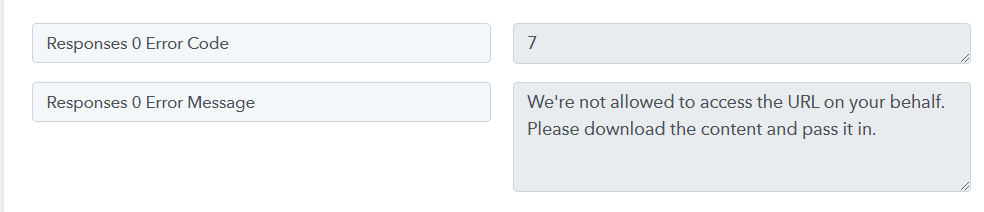
I'm following a tutorial to load image files uploaded to the cloud into Google Cloud Vision, but I keep receiving the response, "We're not allowed to access the URL on your behalf. Please download the content and pass it in," and cannot load them.
I've tried Dropbox, OneDrive, and Google Drive, but I encounter the same error with all of them.
I can obtain the image URL and view it in a browser, but it doesn't work in the workflow.
Can someone please explain the reason for this issue?
Hey @mamoru
Please refer to the instructional video below to make a new connection with Google Cloud Vision. After watching the video, please try the process again. It should work now.
Hey @mamoruPlease refer to the instructional video below to make a new connection with Google Cloud Vision. After watching the video, please try the process again. It should work now.
Thank you for the response, but it seems to be same as the instruction in the Video I wathed (Dropbox-->Google Vision-->Google Sheets). By following this instruction, I met the issue I mentioned. Could you help fix it?
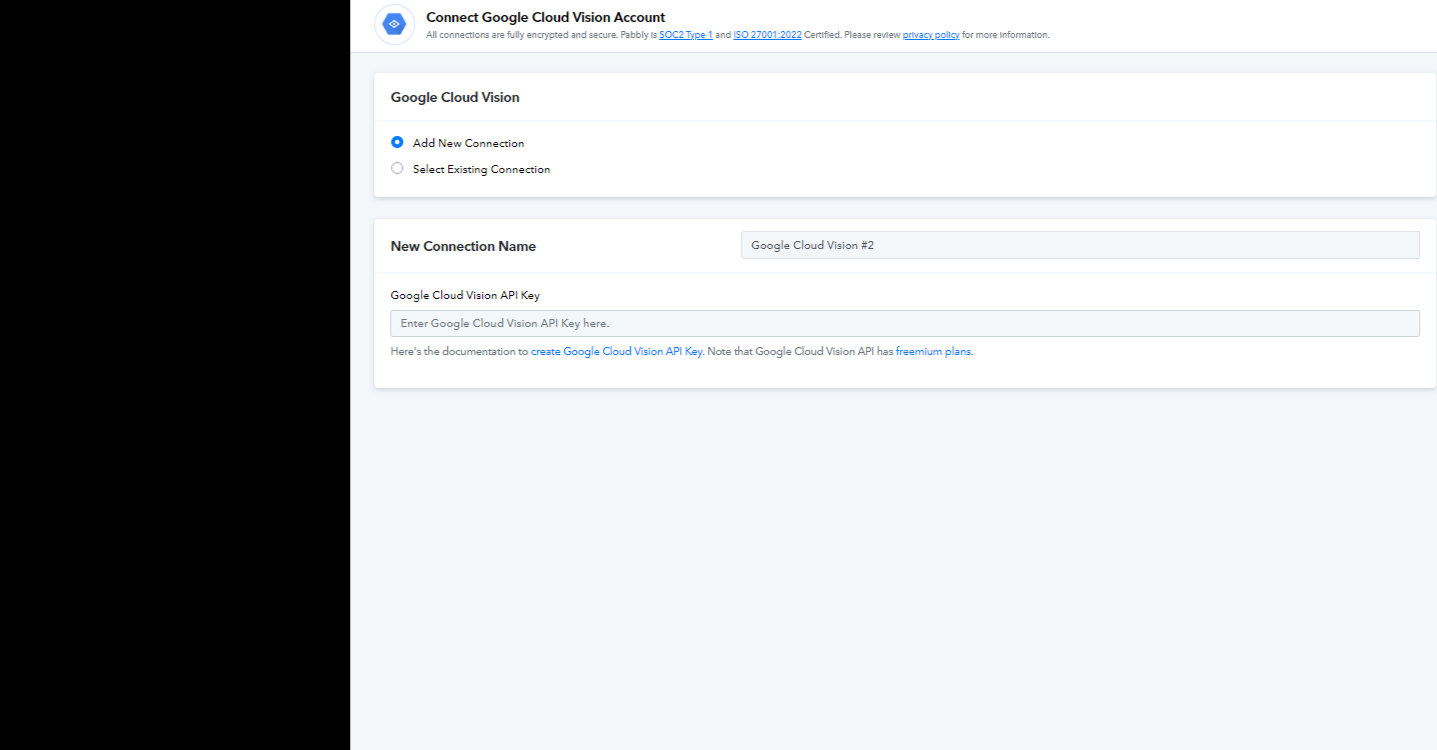
Could you please try making a new connection with the Google Cloud Vision account and then try again?
If you continue to face issues, please let me know, and I will escalate your concern to our technical team.
Could you please try making a new connection with the Google Cloud Vision account and then try again?If you continue to face issues, please let me know, and I will escalate your concern to our technical team.
I created new connection with new API key but the problem is still. It would be appreciated if you escalate this issue.
I have forwarded your concern to the technical team for investigation. Please allow us some time to look into it, and I will update you as soon as we have more information.
Hey @mamoru
Thank you for your patience.
We have checked your issue and it seems that the Google Cloud Vision is not accepting the image URL directly from the Dropbox application.
So in this case, I request you to please add a Creatomate application and convert this URL into the jpg format and then map the same URL to your Google Cloud Vision application, and try again. You can refer to the below video tutorial on how to use the Creatomate application.
youtube.com/watch?v=MIRMhjzt12g
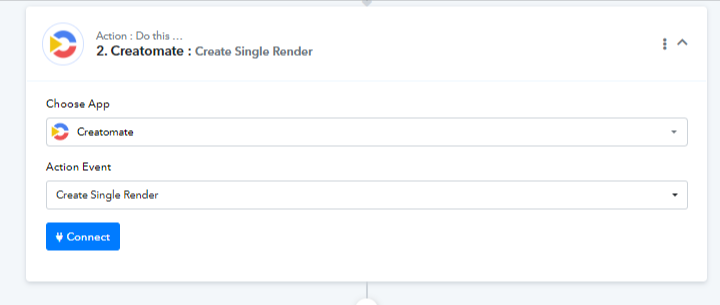
Thank you for your response but is this a correct reference? Creatomate looks like video maker and I don't know how it is related to convert Dropbox url into jpg....Also the official instruction made it successful without Creatomate. What is the difference from my case?
Yes, Creatomate is like a video maker, but it also offers the capability to change URLs. Additionally, it can be used for image generation with the added functionality of URL customization.
I request you to give it a try from your end and let me know if you face any issues.