Issues with step returning a failed where it should return a succes
Status: Closed · Asked by Anders Nielsen on · 0 views
Hi,
I have this flow where Fetch a Partner from Partnero fails if it cannot find a partner. This causes all following steps to fail instead of run.
I want one route to run if it returns Not found and another route to run if it returns a partner.
But I can't because Pabbly Connect returns a fail on this. I already tried to make a lookup table as a workaround hoping this would solve it but with no luck. A solution would be for the action to just return a succes with "Partner not found" - because then the flow could continue.
How can I solve this?
Flow URL: https://connect.pabbly.com/workflow/mapping/IjU3NjUwNTZlMDYzZjA0MzU1MjY5NTUzNTUxM2Ii_pc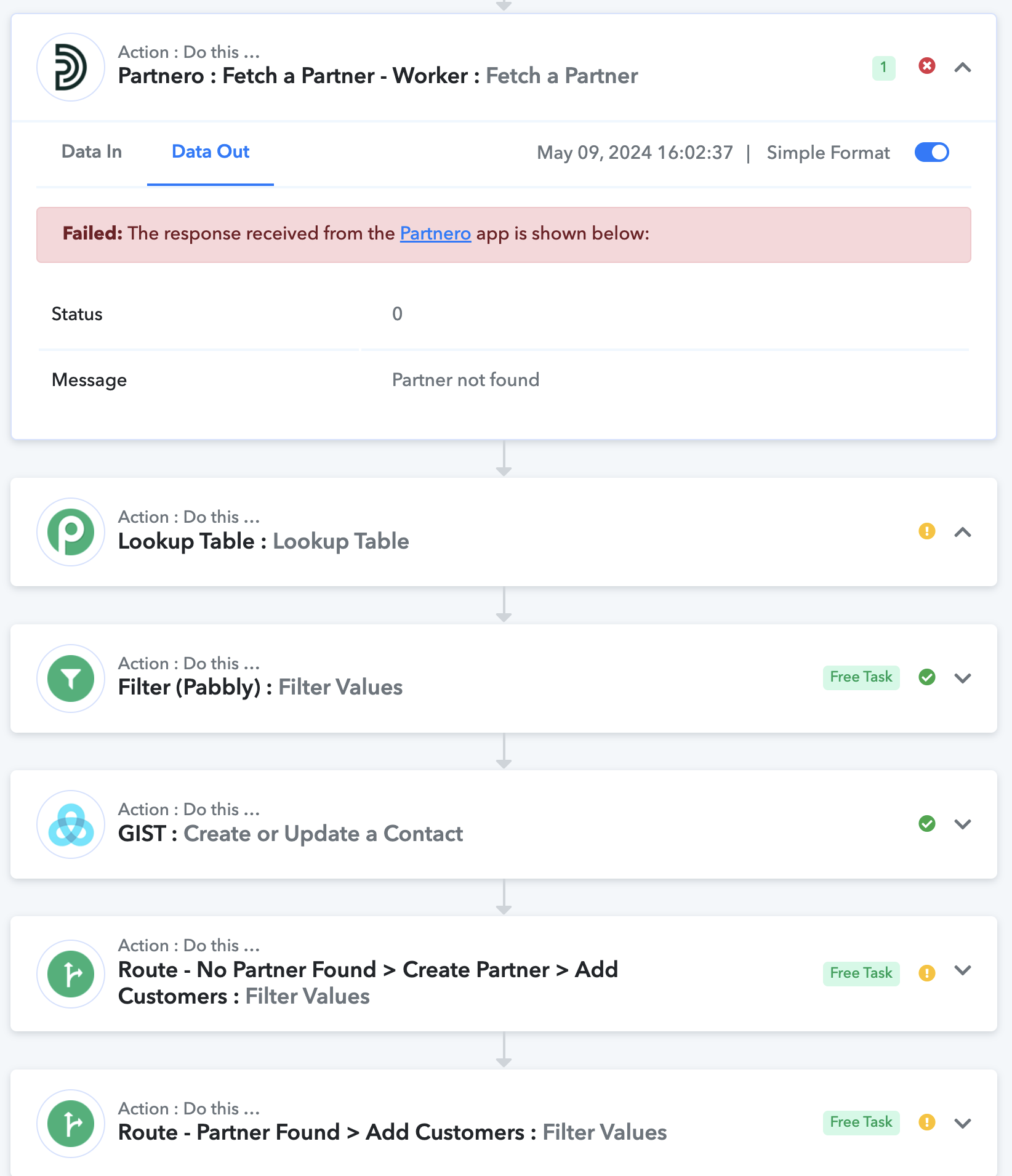
Hi @apps,
Please try setting up the filter conditions for your routes in this manner. This should help you with the issue you are encountering.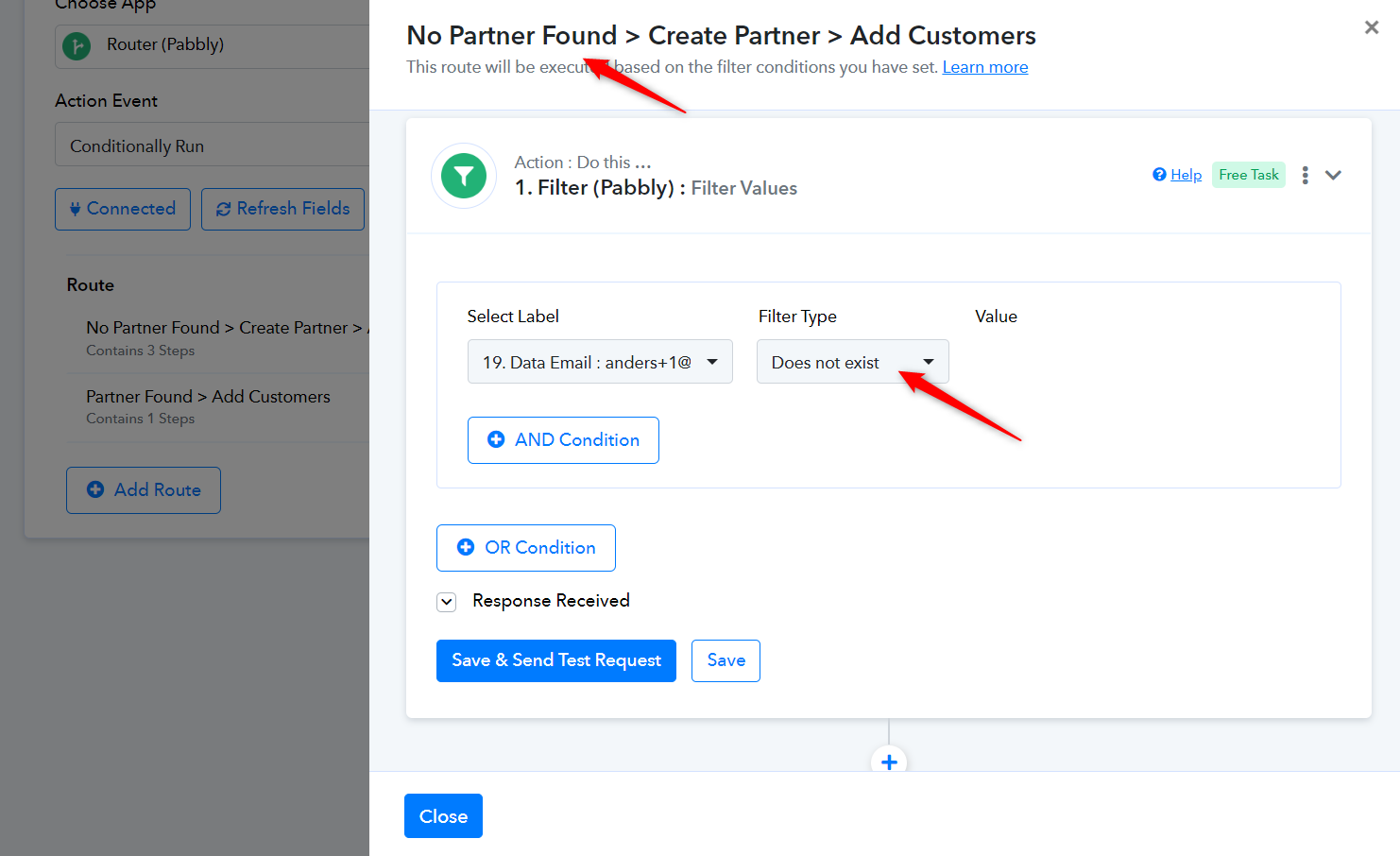
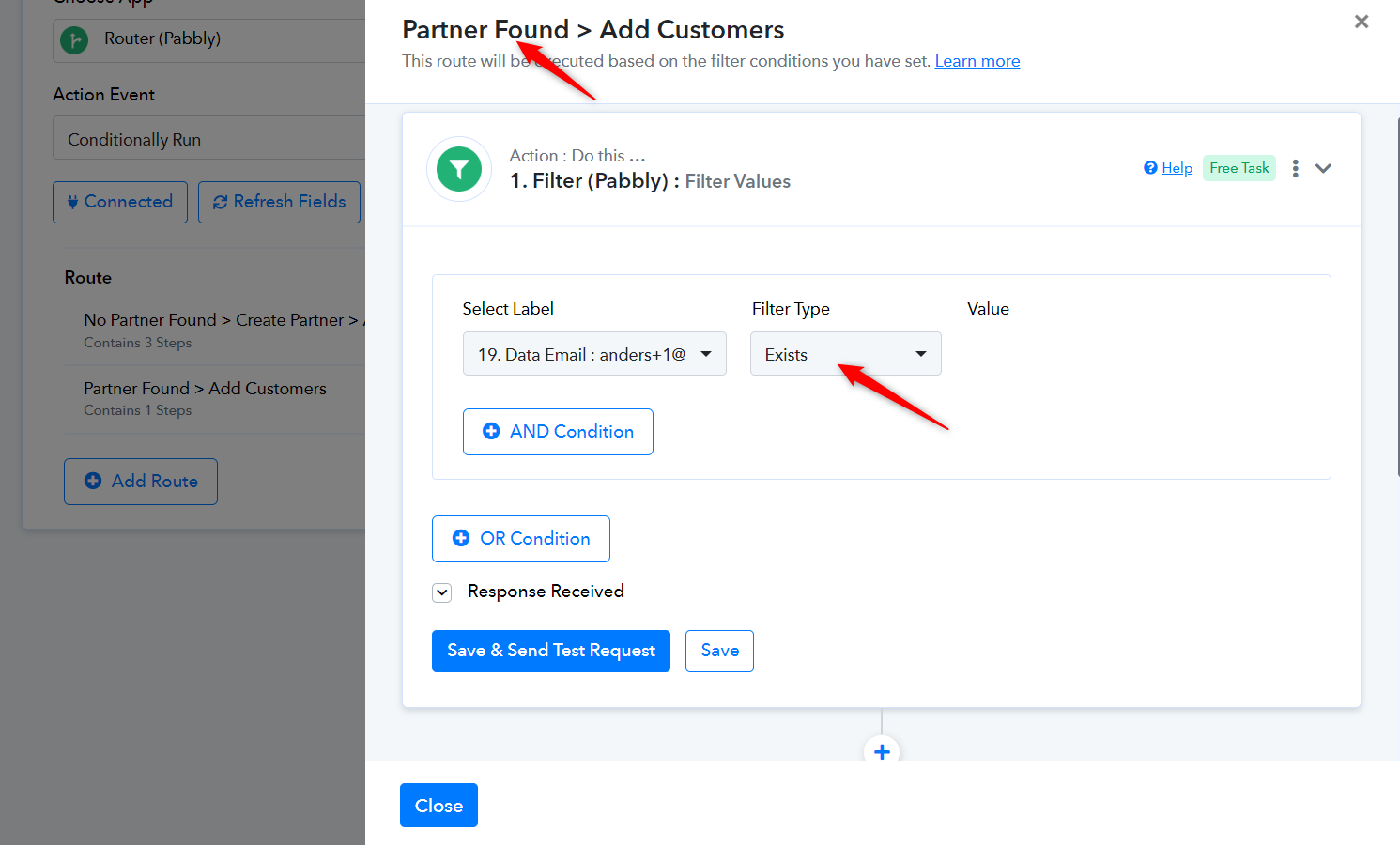
@ArshilAhmad Thanks, however it seems you're misunderstanding the source of the problem and my message. The problem is not the matching of the router filters but the fact that the Fetch partner step returns an error when no partners are found. So this stops all following steps. It should return Success when nothing is found still and not an error because if not all following steps seem to stop. So no change of the router filters will do anything about this because the behaviour of Pabbly seems to be to stop all following steps that build on steps that error. I have tested your solution still - please check the flow again.
Here is a failed task ID after those changes still: https://connect.pabbly.com/task/history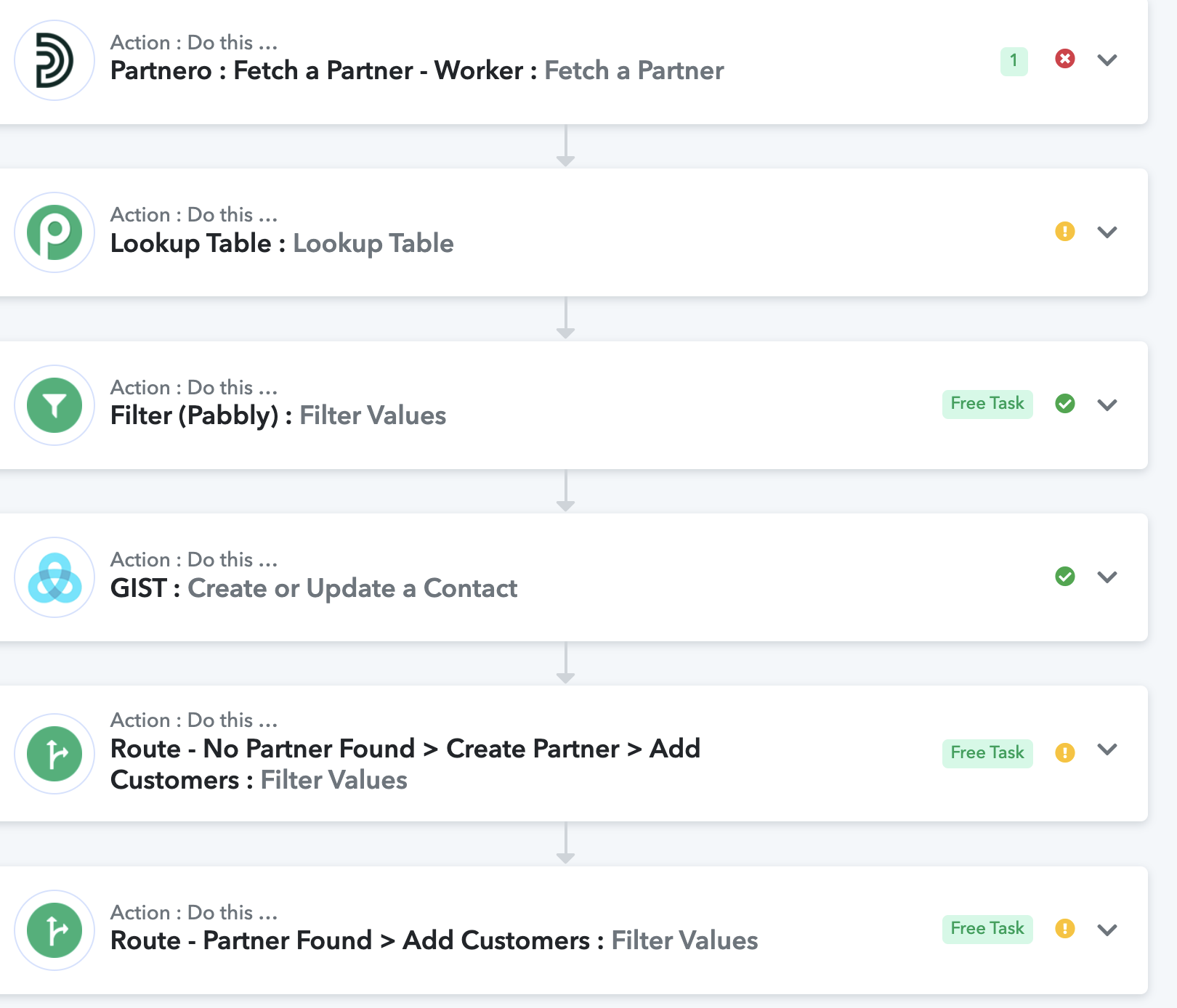
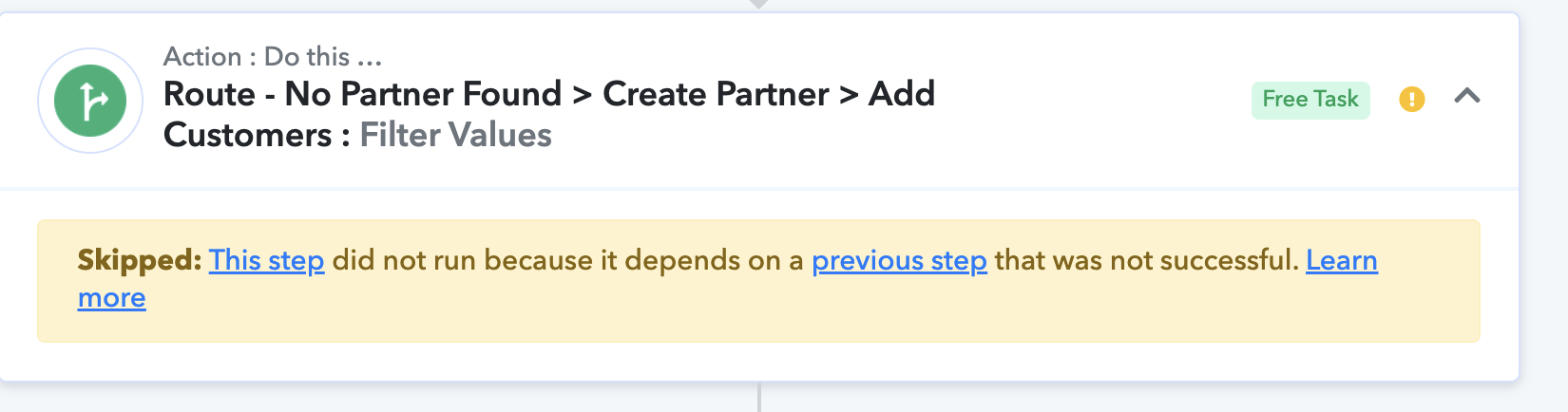
Please allow us some time, we are checking on it.
@ArshilAhmad Thanks, however it seems you're misunderstanding the source of the problem and my message. The problem is not the matching of the router filters but the fact that the Fetch partner step returns an error when no partners are found. So this stops all following steps. It should return Success when nothing is found still and not an error because if not all following steps seem to stop. So no change of the router filters will do anything about this because the behaviour of Pabbly seems to be to stop all following steps that build on steps that error. I have tested your solution still - please check the flow again.
Please enable the 'Ignore Error' feature in step 19 of your workflow and see if that fixes your issue. Doing this shall allow the routes to execute.
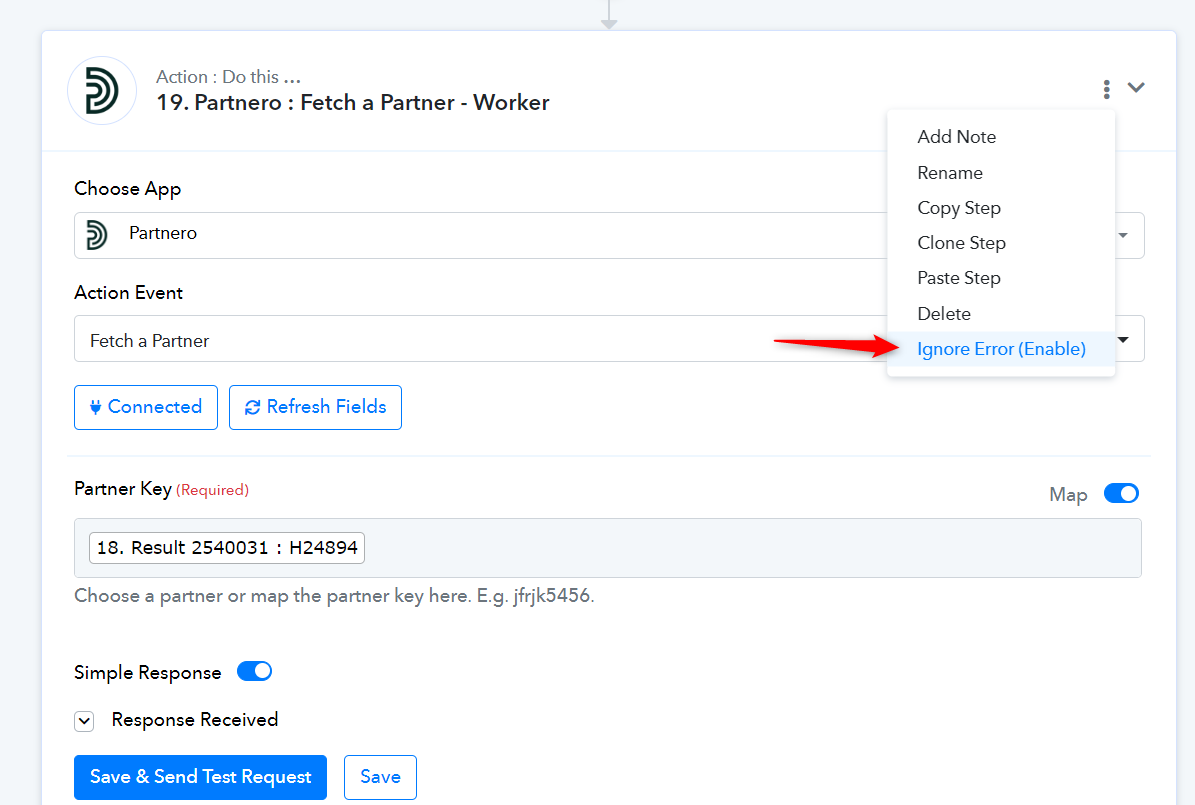
Thanks, but it still seems to show up as a failed tasks even after enabling this though the flow continues, which is not true. Nothing should fail here. Simply if no Partner is found it should create a new partner and not show up as a failed task at all. The Fetch a Partner action should be green because there is no error. There just isn't any partner which is exactly what it should find out.
It's an issue that the flow shows up as a false fail.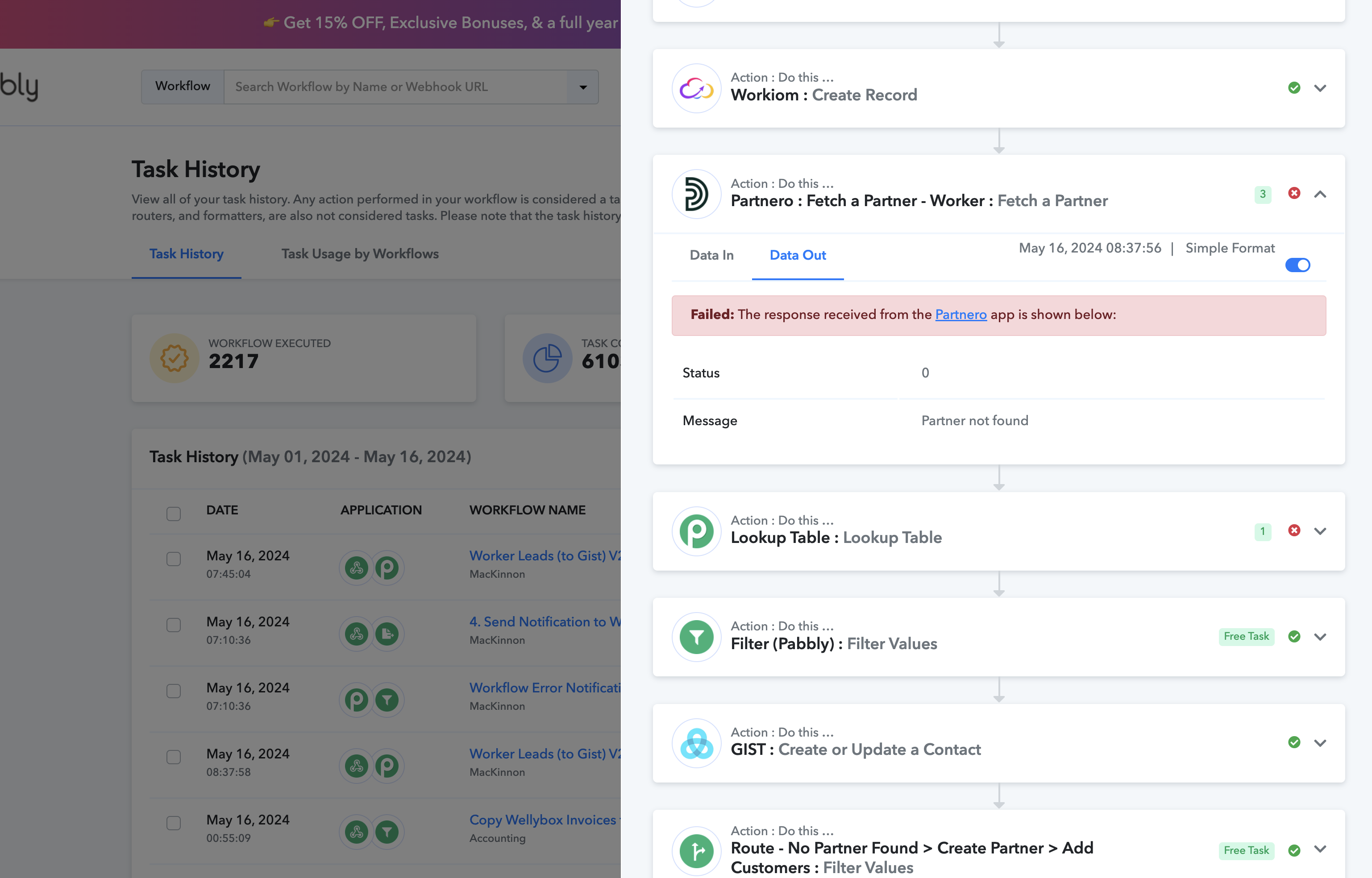
I have these fake errors filling out my tasks runs constantly for every lead that signs up which makes it impossible to know what is actually an error. This is not working :-( 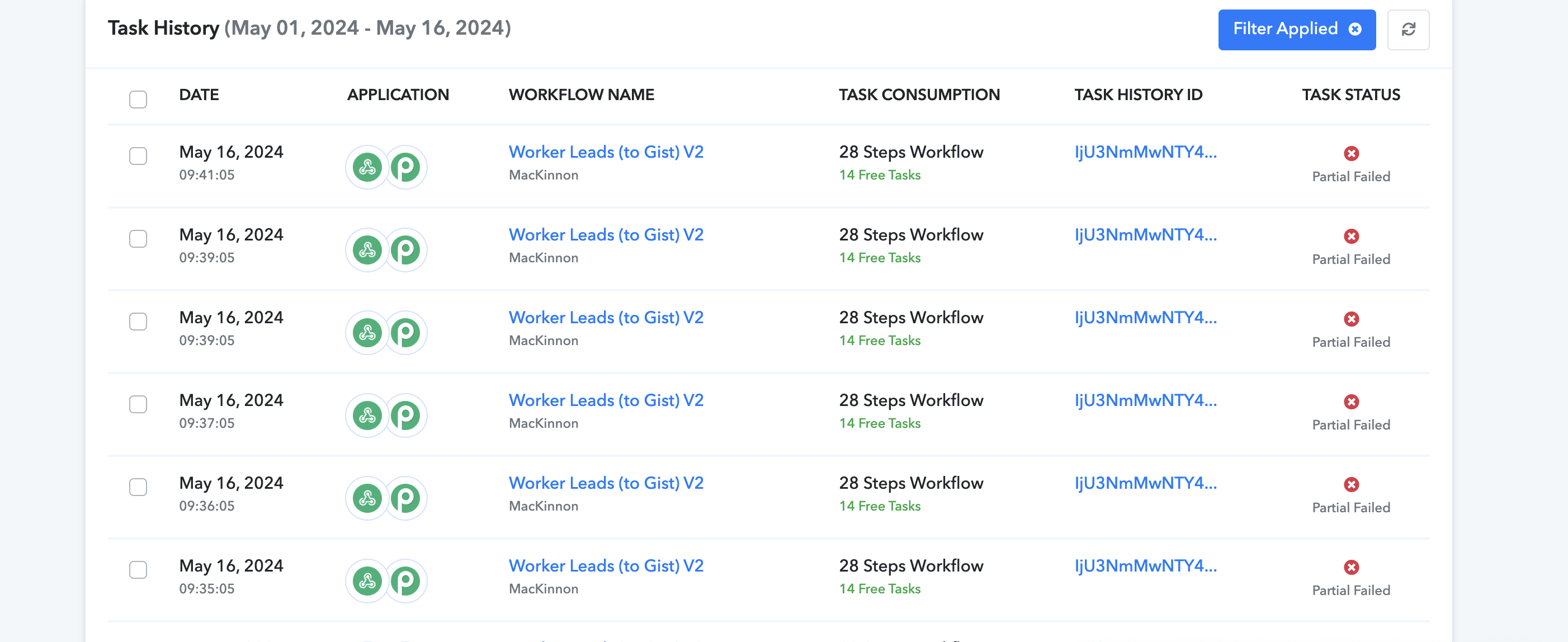
Hey @apps
Because the Partnero API does not provide a response code after successful completion, the workflow mistakenly regards it as a failed task.
Therefore, it is necessary to reach out to the Partnero support team to request the inclusion of a success status in the search action step.
@Supreme Ok thanks, I have written them now.
Hi @Supreme
I had some talks with Partnero and they said that the Find a Partner API call should provide a 200 success message if none are found. The problem is that call is not part of Pabbly and they told me that should be added in your end to make this work. Fetch a Partner should only be used when it is 100% a Partner exists. Can you add Find a Partner?
That call seems to be similar to Fetch a Partner so it should be very quick to add for you as I understood from them.
Looking forward to hearing back from you!
Can you please share the API reference for the same, so that I can forward it to the integration team so that they can add it up?
Thanks for the quick reply @Supreme
Here it is: https://developers.partnero.com/reference/partners.html#find-a-partner
@Supreme Please check my previous messages again. It is"Find a Partner" - not "Fetch a Partner". It is two different requests. "Find a Partner" is missing.
Hey @apps
Sure, we have forwarded your concern to the technical team and they are looking into it.
Hey @apps
Our team has implemented the "Find a Partner" action step as per your request. Please test it out and provide feedback.
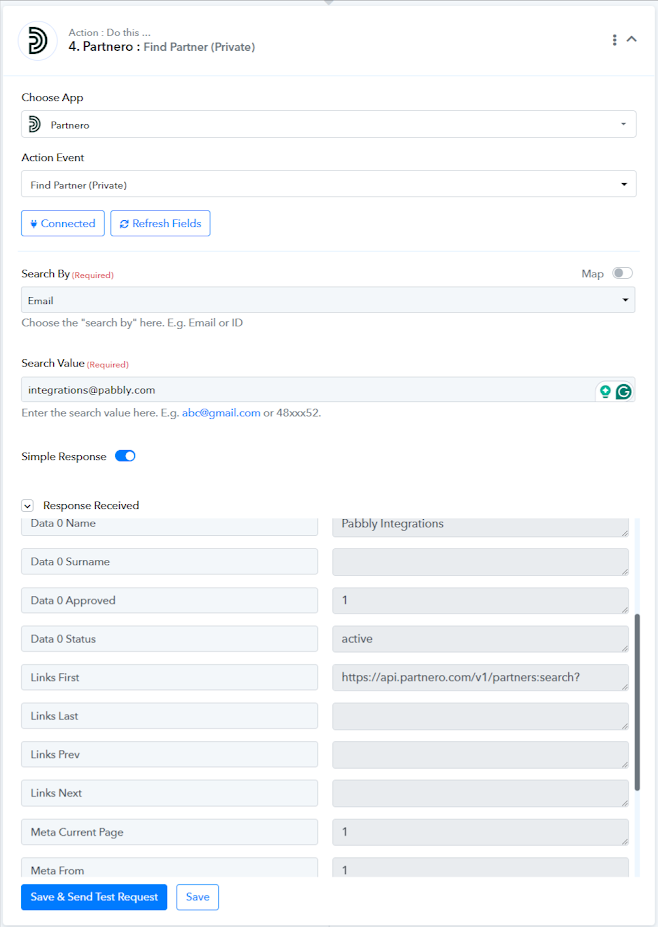
Thanks, that's great!