Issues with the "featured images"
Status: Open · Asked by AnnaLauraHr on · 0 views
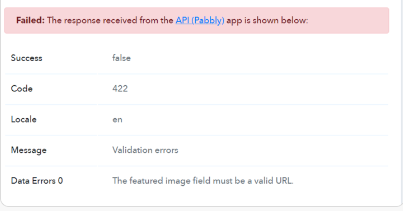
We are encountering issues with the "featured images" since yesterday. We have not changed the type of link we have used for months and we are unsure of why we are getting this error (screenshot)
Workflow example: https://connect.pabbly.com/workflow/mapping/IjU3NjUwNTY1MDYzNTA0MzU1MjZmNTUzNDUxMzYi_pc
Featured image URL examples can be found on Step 6. Lookup Table : Lookup Table (Photo)
Hi @AnnaLauraHr,
Task History ID - IjU3NmQwNTZjMDYzZjA0MzE1MjY5NTUzNjUxMzQ1MTYyNTQzNCI_3D_pc
Based on your latest Task History, your workflow appears to be working correctly. You no longer seem to encounter any errors.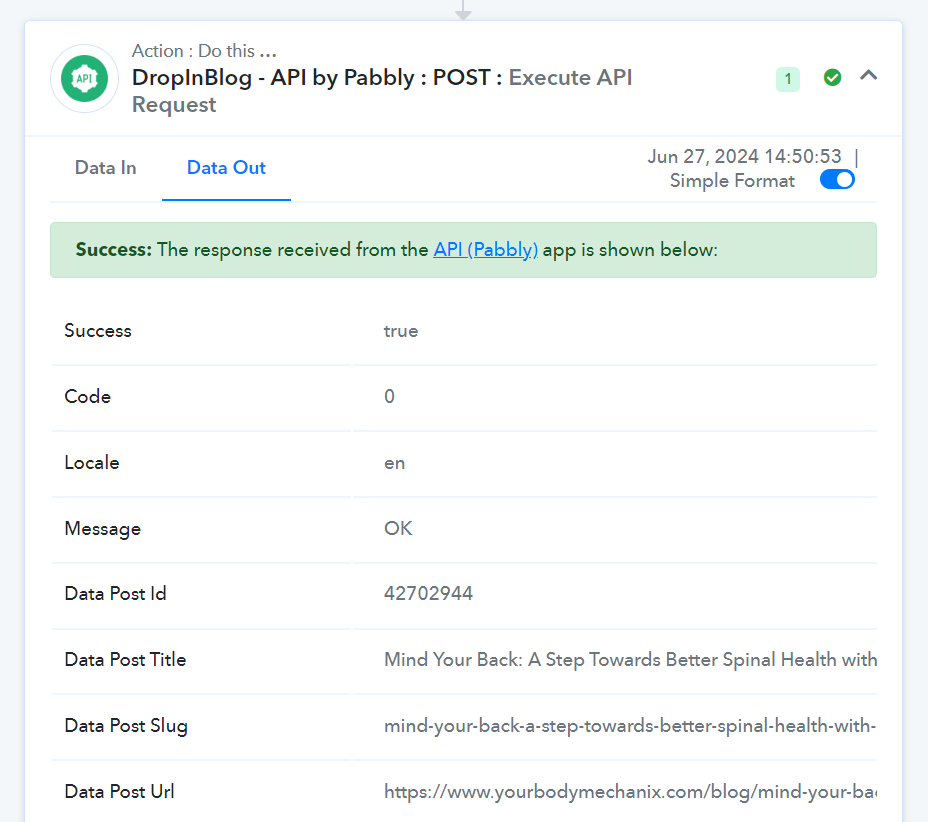
Even if I re-execute the workflow and it appears as successful, the images are still not loading correctly. Can you help me troubleshoot?
each of the image URLs work individually and they are the same type of URL that we have used in the past.
There appears to be something wrong with the image URL you are using to upload the featured image. In some instances, it takes us to a website, and in other instances, it acts as a direct URL to the image.
https://drive.google.com/file/d/1TxbfiyQO5NN_j89XDeirb7U4E6uJOvoV/view?usp=sharing
We suggest you get in touch with the support team of the server where you are storing these images to understand why the same URL is behaving differently on different occasions.