JSON Error while trying to connect to WordPress and Post
Status: Closed · Asked by unoblogger on · 0 views
I am having trouble connecting to WordPress still.
Error as below
Code - rest_invalid_json
Message - Invalid JSON body passed.
Data Json Error Message - Control character error, possibly incorrectly encoded
Hey @unoblogger
In the WordPress action step, you cannot pass the double quotes in the "Post Content" field. Otherwise, it will break the JSON structure in which the data gets sent to the application.
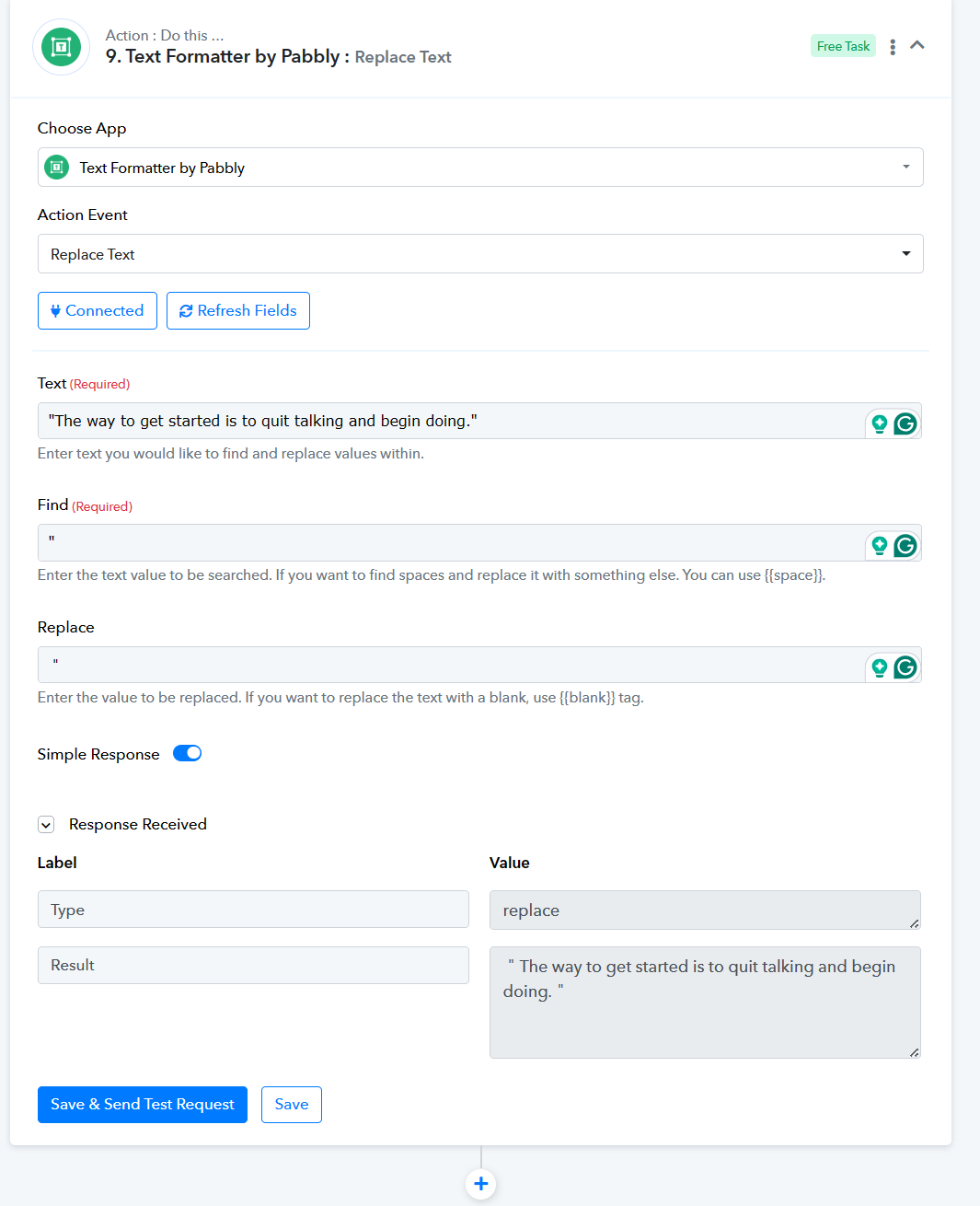
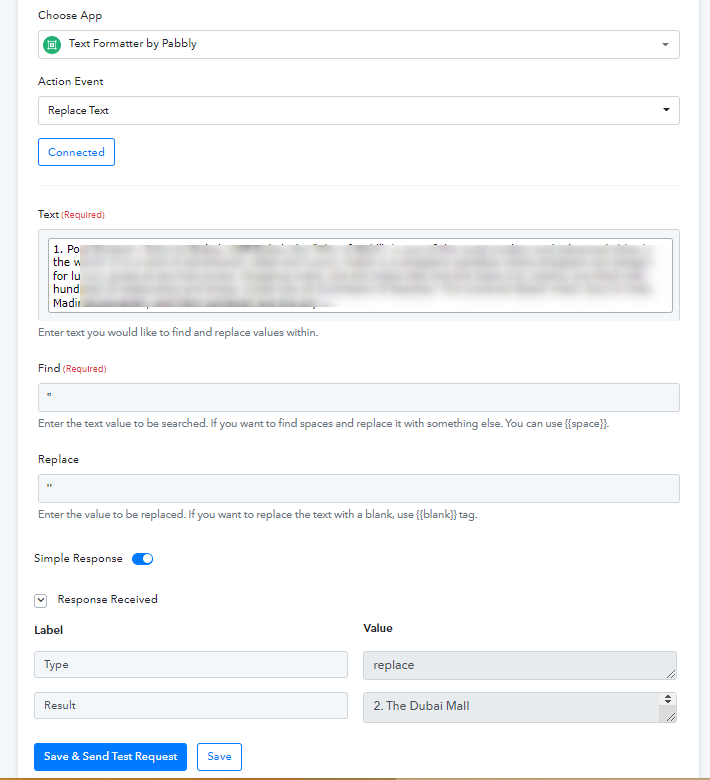
So as a solution, you can replace the double quotes with double single quotes with the help of the "Replace Text" action step.
Hi @Supreme , I get the data from chatgpt. I need quotation marks. I don't want to replace it with another character. Isn't there another way? In another question, there are ``` characters in the data. These make the code blocks look correct. But when the post is published in WordPress, it does not work correctly. You can find examples below.
wordpress post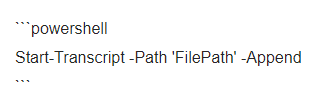
I want it to look like this.

Hey @bilge43
You can try replacing it with the lookalike double quotes to provide the content in double quotes.