JSON Parsing issue
Status: Closed · Asked by Real Estate Integrate Inc. St. Hilaire on · 0 views
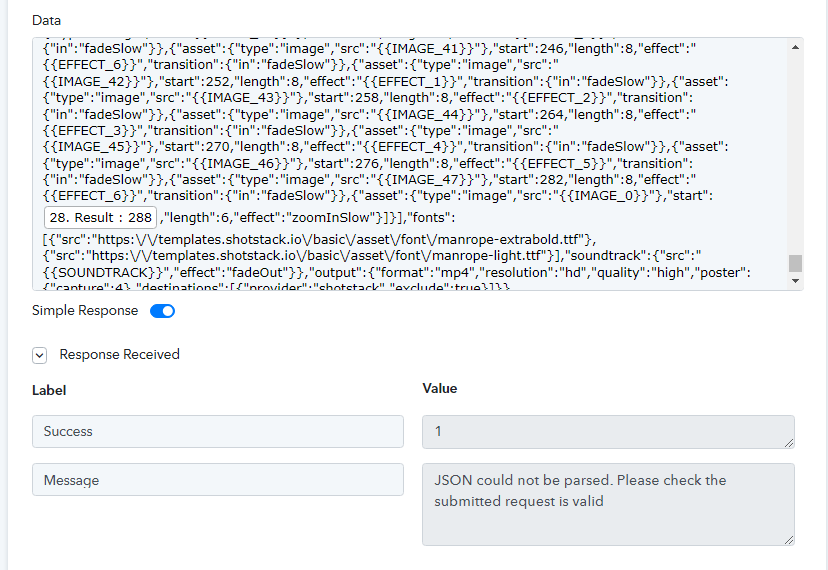
I'm using a custom API to send data to an app I'm using. I'm trying to populate the JSON data in the POST request with a result from an earlier step in the chain, but even though the result is the exact same number, it doesn't work when I'm using the result from a step instead of manually having the number. Here's a photo showing the result, but if I change the "28. Result : 288" to just the number 288, it works fine; but the result of "28. Result : 288" is 288 so why doesn't this work? Anyone?
Hey @andrewstrealtor
Could you please share the name of the workflow once, so that we can look into it and can guide you accordingly?
Meanwhile, kindly deeply inspect the JSON array once and check the operators whether they are placed correctly or not.
Everything works perfectly if I type in 288 but if I try using the field as shown in the image then it doesn’t work.
Hey @andrewstrealtor
Kindly share the name of the workflow once, so that we can look into the JSON in which you are having such an issue.
The workflow to look at is called "Create and Add YouTube Video to Listing & Facebook Video". I'm trying to eliminate all the IF conditions I have in step 33 by building a step 32 with dynamic fields but I'm encountering this problem I've described repeatedly. I've left a single example of the issue so my workflow can run without step 32 which currently produces the error message. If you look at step 33 and at the first Route called "48", in step 2 called "Render video with Shotstack" you can see the exact code that is working as what I'm trying to use in step 32 of the main workflow. I hope this clarifies that it works but the error comes when I replace manually entered numbers in the JSON data with the fields from the workflow.
Hey @andrewstrealtor
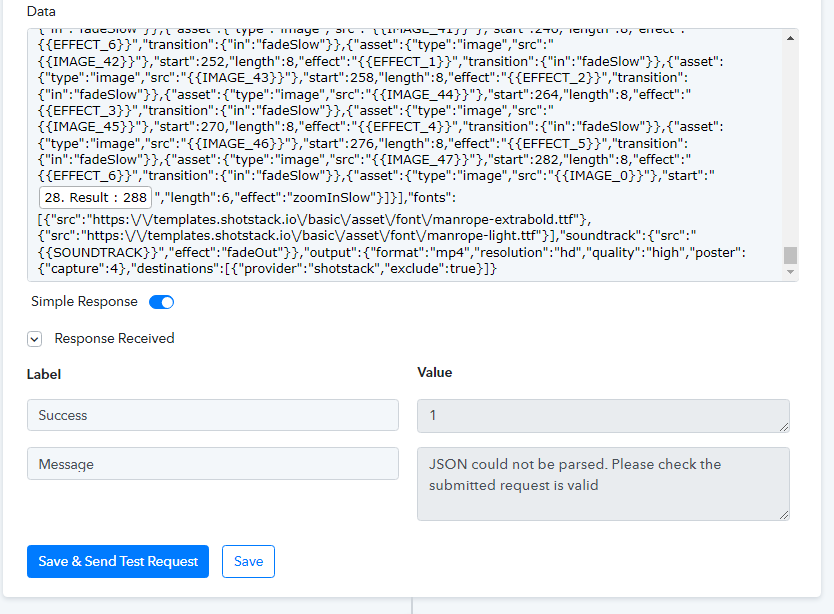
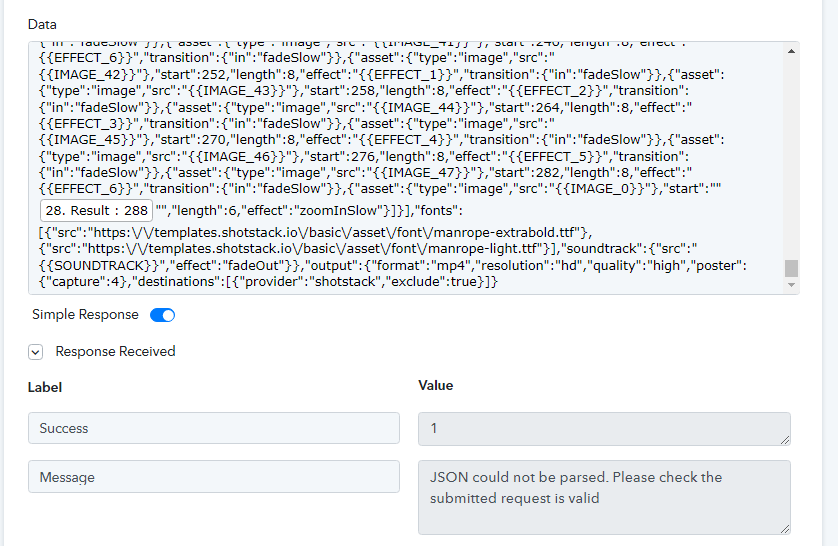
As of now, you can pass the dynamic number in double quotes in the API by the Pabbly action step, though it will require some time to look deeply into the concern so that we can investigate the cause.
I tried the double quotes as ""[field]"" and "[field]", neither one worked. See images. Please advise.
Attachments
Hey @andrewstrealtor
We have made some changes at our and kindly give it a try now. Let us know if that works for you.
No change.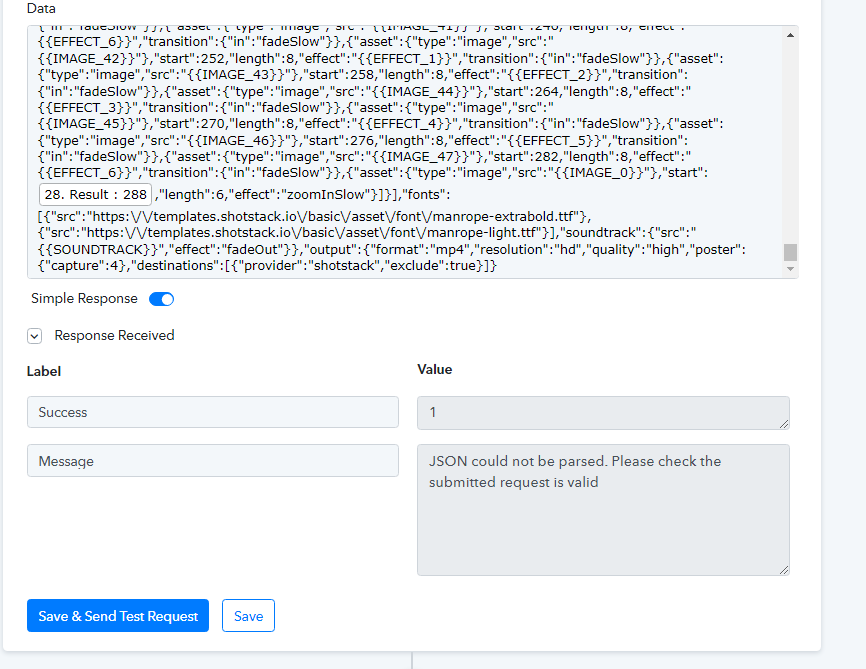
I'm going to check something and get back to you.
It's working now! Thank you so much for your assistance and responsiveness!