Labels to Blogger give error
Status: Open · Asked by Karim Shindy on · 0 views
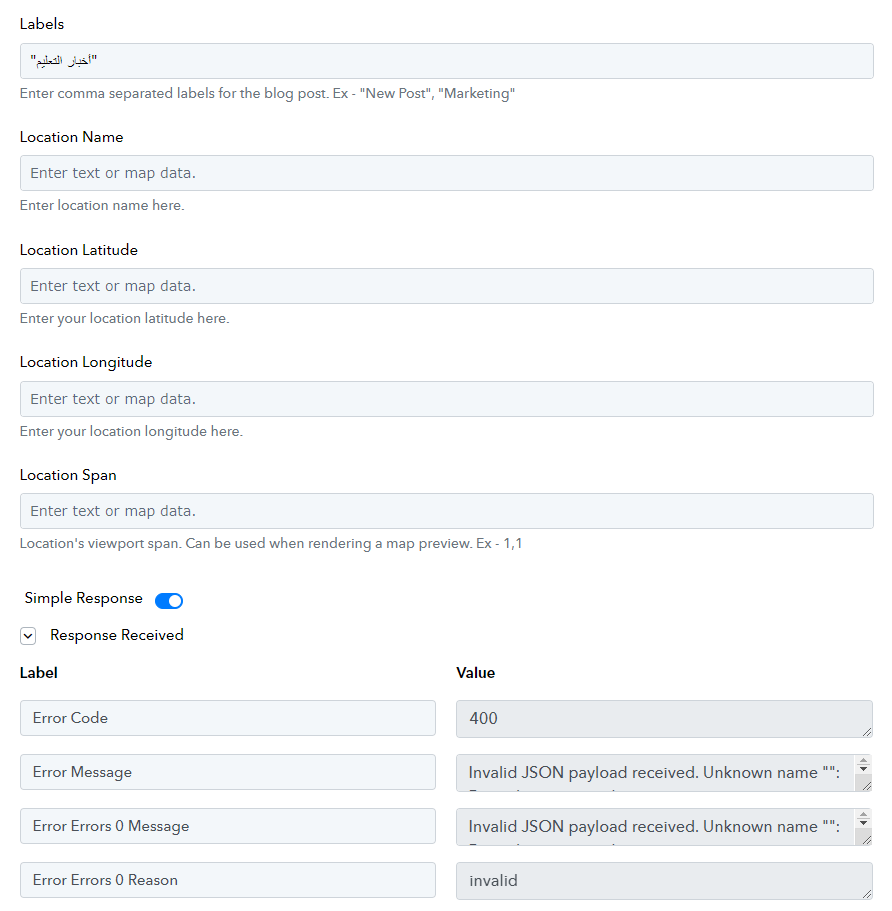
when adding Labels to Blogger
It shows me an error message
Why ?
Attachments
Hey @karimsalah
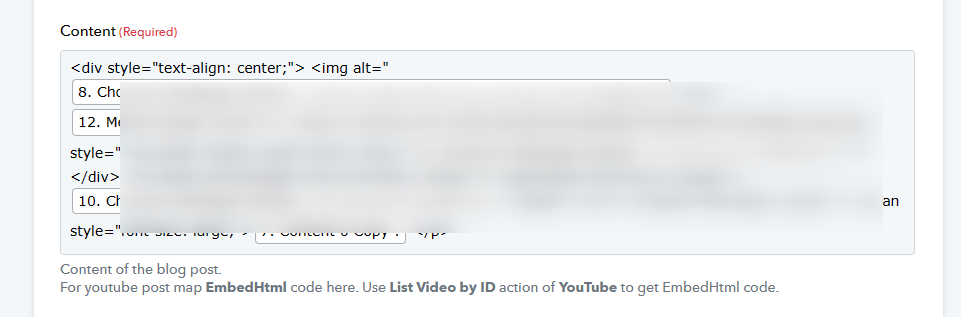
As we can see from your workflow, you used double quotes in the Content field, so we recommend using single quotes instead of double quotations from the content.
As a workaround, replace the double quotations with single quotes.
I had the same problem when adding a single quote
Attachments
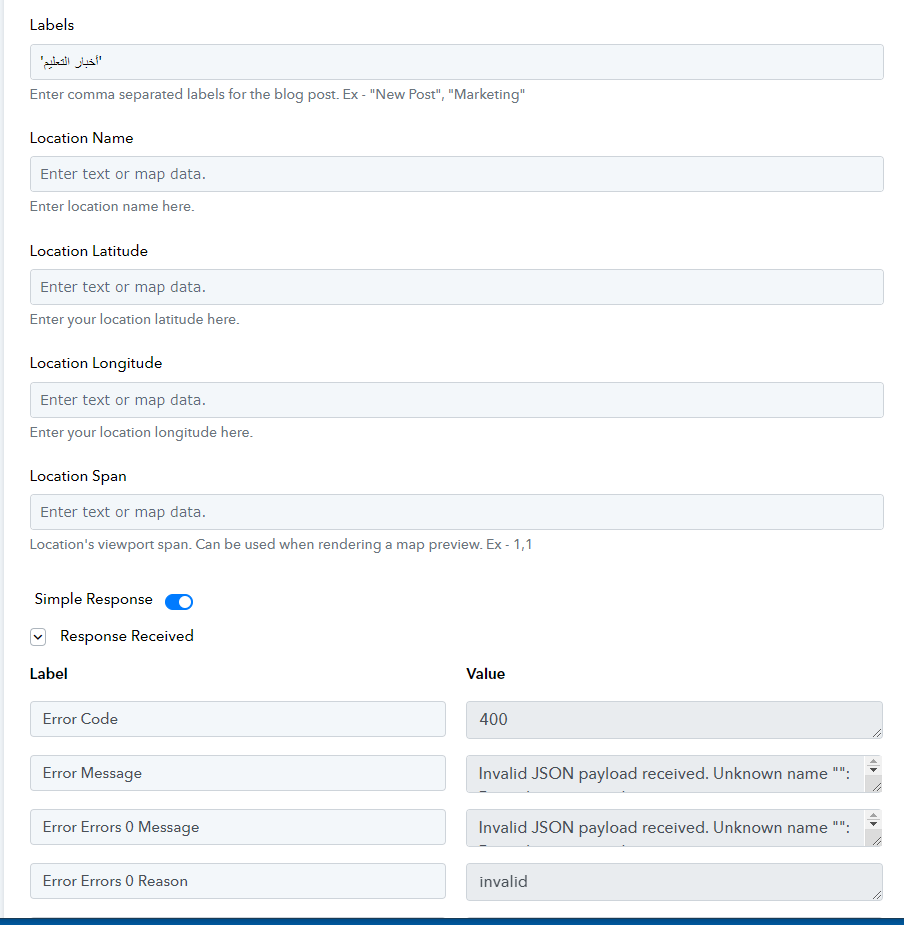
We have asked you to do the changes in the Content field instead of the Labels field of the "Google Blogger" action step.
@Supreme
Thanks for the clarification
Now it is working properly
I have another question
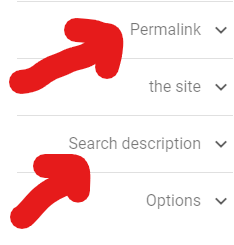
How can I add a custom permalink to this article?
Attachments
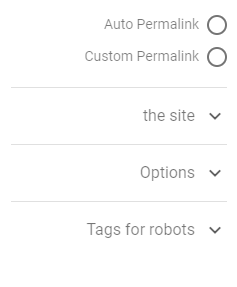
How can I add a custom permalink to this article?
Can you tell us what fields and options you need in the Google Blogger action step so that we can check the possibility to add it from their API documentation?
We just need to enable the custom link box (permalink)
Unfortunately, there is no way to set a custom permalink to the posts using Blogger API, even the official "Try this API" tool doesn't have this feature.
https://developers.google.com/blogger/docs/3.0/reference/posts/insert
@Supreme
Good
Can we activate the "search description" field in the article?
Could you please provide clarification on the endpoint where you would like to add this field?
I didn't understand what you mean however
This field is intended for writing a short description of the written article to help Google and search engines archive the article faster, as it is an important field
Based on the Blogger API documentation, there is no field available through which we can write a short description of the article.
https://developers.google.com/blogger/docs/3.0/reference/posts/insert