Landingi webhook not sending infromation to Sendy
Status: Closed · Asked by Dominic on · 0 views
Hello, I've encountered a problem with my workflow, for some reason the workflow stopped adding subscribers to my Sendy email list, it was working before. I tried multiple times to set it up again, but it refuses to work. Can somebody help me fix this? I've already made sure that the API key for Sendy (as well as the email list) is input correctly.
What error are you getting when you are adding the lead to Sendy?
I am getting no errors. It just does not work.
Hey @Dominic
Could you please tell us that while testing your workflow, the workflow was in live mode? Also could you please record a short video on how you are passing the data?
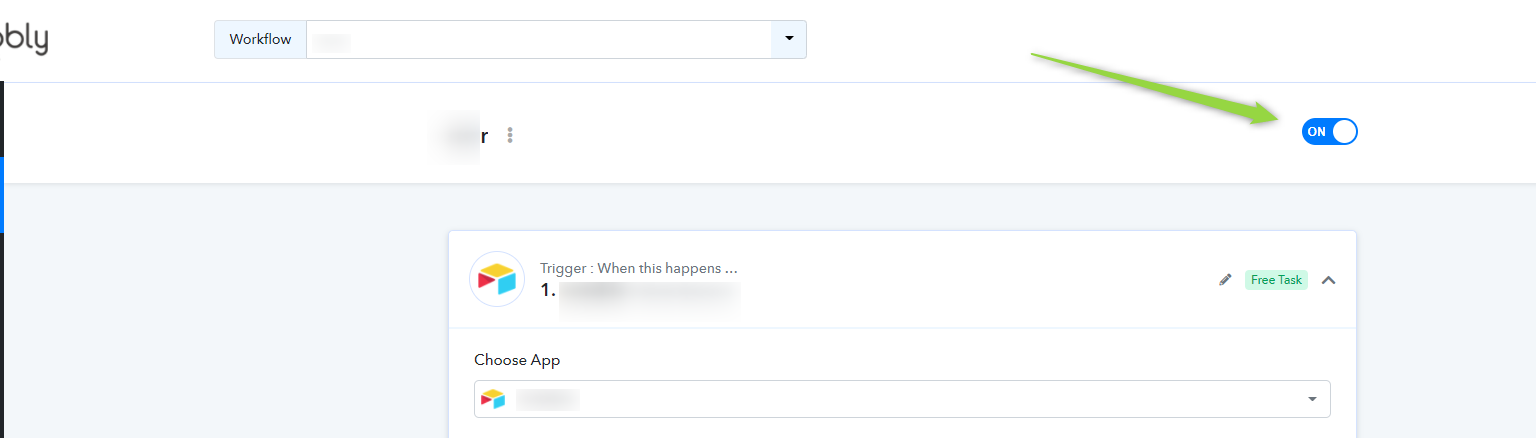
Yes the workflow is live, it was working in the past but it suddenly stopped, I've tried to fix it, but to no avail. Here's a video showcasing how I pass the data: https://share.getcloudapp.com/z8uLJ11A
My landingi lists consist of almost 3000 entries, while Sendy has only registered 117 of them, and it refuses to add more.
Hey @Dominic
Kindly try re-authenticating a new connection in the Sendy action step.
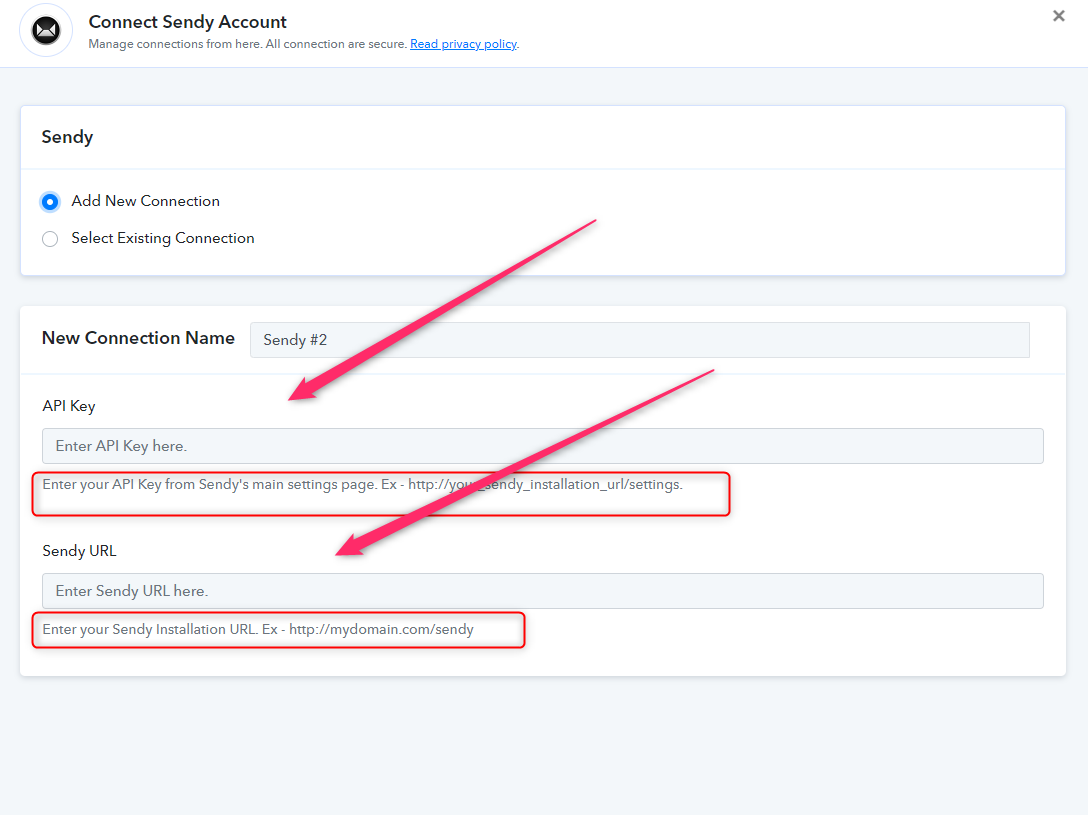
Unfortunately, I've tried doing so multiple times already and it did not help. Here's a short video just to make sure if it's imputed correctly: https://share.getcloudapp.com/bLuK891w
Hey @Dominic
Thanks for the details, kindly re-capture the webhook response again once and try re-execution the complete workflow.
I've done it multiple times, and even create a completely new workflow, and it's still not working.
Hey @Dominic
The webhook response, in which the trigger is directly coming from the Landingi API as the trigger is a descriptive webhook type trigger.
The webhook only captures the response data which was sent by the application itself and it is something that we cannot manipulate. If your data is not arriving so there is a good chance that it is not being sent to Pabbly Connect's webhook URL In cases like these, you will have to contact the Landingi team to see why your data is not coming.
To double-check, you can also confirm it through a webbooks testing site by the name of webhook.site.
You can copy the webhook URL provided by Webhook.site inside Landingi and do the test event inside Landingi to see if the webhook is being captured or not inside Webhook.site. This will double confirm the issue.
Here is a sample video that you can follow to track the webhook issue:
You can check out the following video for your concern -
Thank you, I will try doing that and will update you on the results.
I've tested the Landingi webhook on Webhook.site and it captures the data, as shown in this picture. So Landingi page does seem to generate data, it seems that is not the problem.
I would also like to add that the webhook does seem to be receiving something as it consumes the Task (as demonstrated in the picture).
I'm really baffled by this issue as everything was working fine and it suddenly stopped.
Attachments


Hey @Dominic
As we can see in your workflow's history logs, your workflow is working accordingly and receiving the data properly from Landingi. Kindly check again and let us know if you get stuck at any sep.
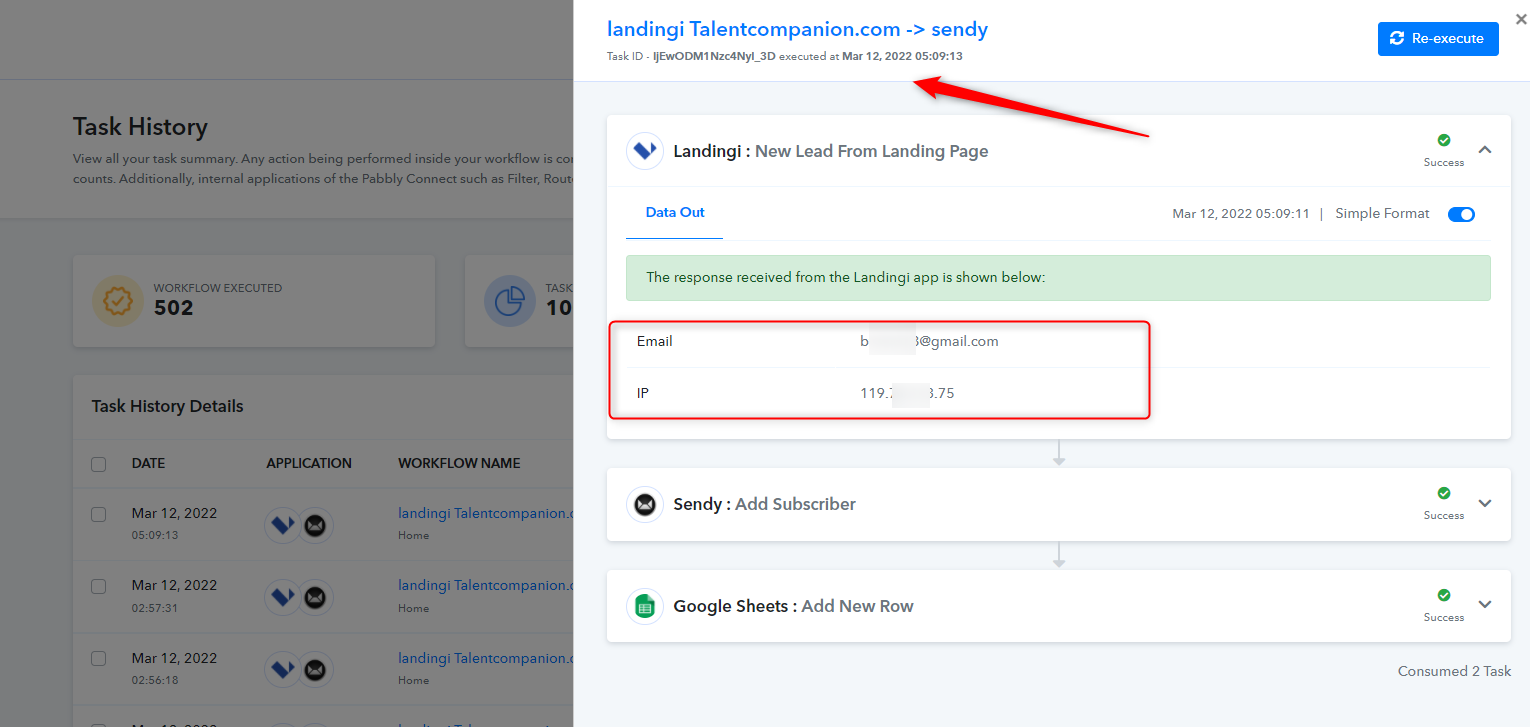
My issue still persists, subscribers are not being added to my Sendy email list, I've once again tried to reconnect it multiple times and tested it, and it is still not working (I tried creating a new list, connecting it to Pabbly, still it did not work).
Update: I've contacted Sendy support and I've received such a response: 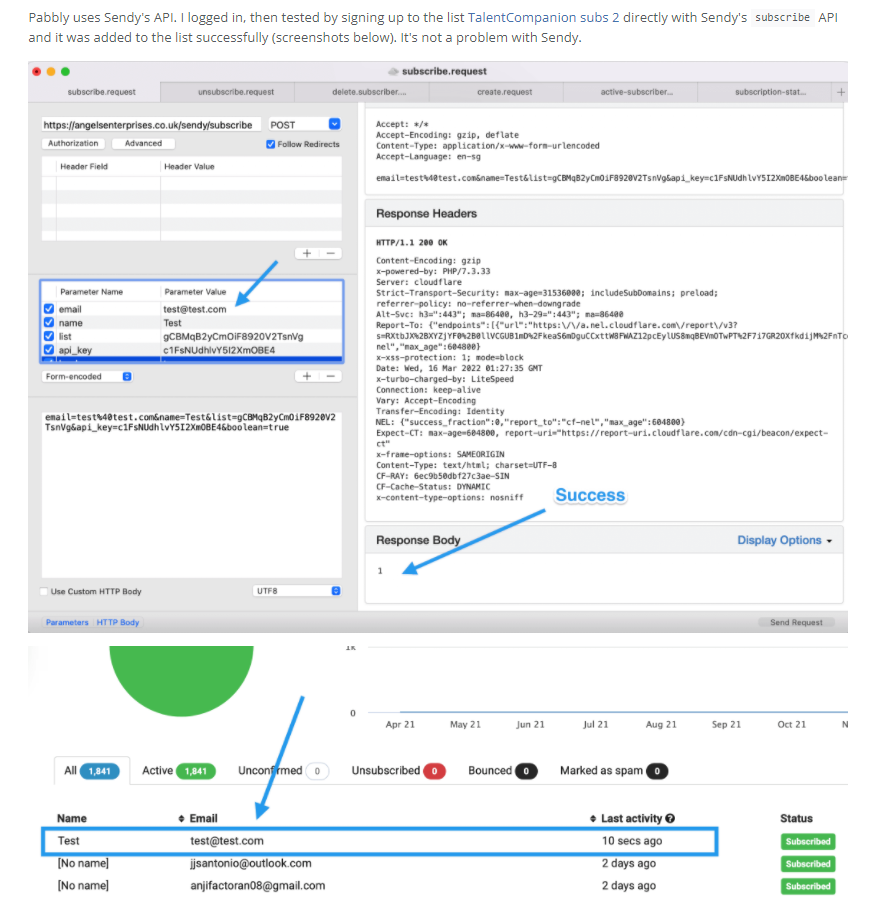
Therefore I believe the issue is on Pabbly side, the webhook still fails to add new subscribers, I have no clue what can be causing this.
Hey @Dominic
We are currently looking into it, please allow us some time.
Hey @Dominic !
Thanks for waiting.
When checking upon your connection setup with Sendy inside the workflow, it seems that you have added the Installation URL with trailing slash.
Because of which you were getting the error.
Kindly add a new connection without trailing slash as mentioned in the helpdesk below the field-
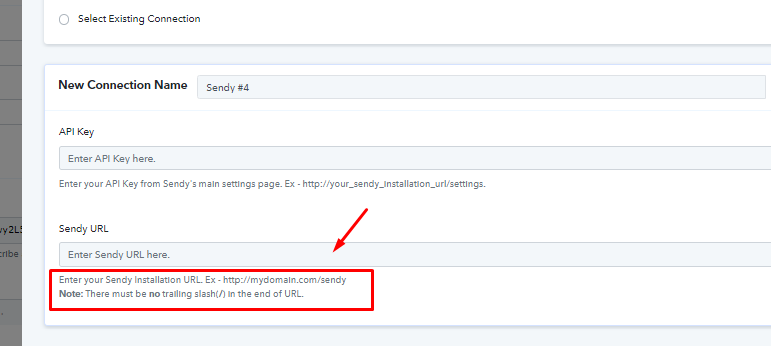
Hope, this works for you now.
That's it! This fixed the problem, thank you so much!