Lead Connector issue
Status: Closed · Asked by GABRIELBROOKS on · 0 views
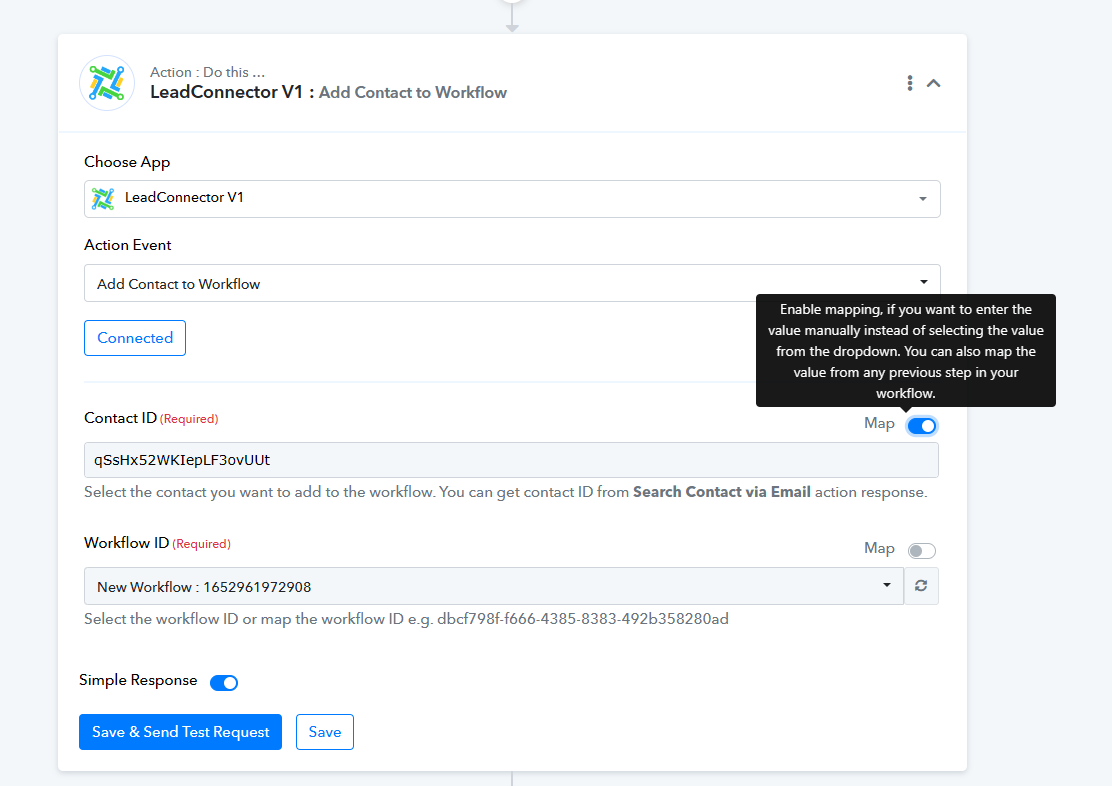
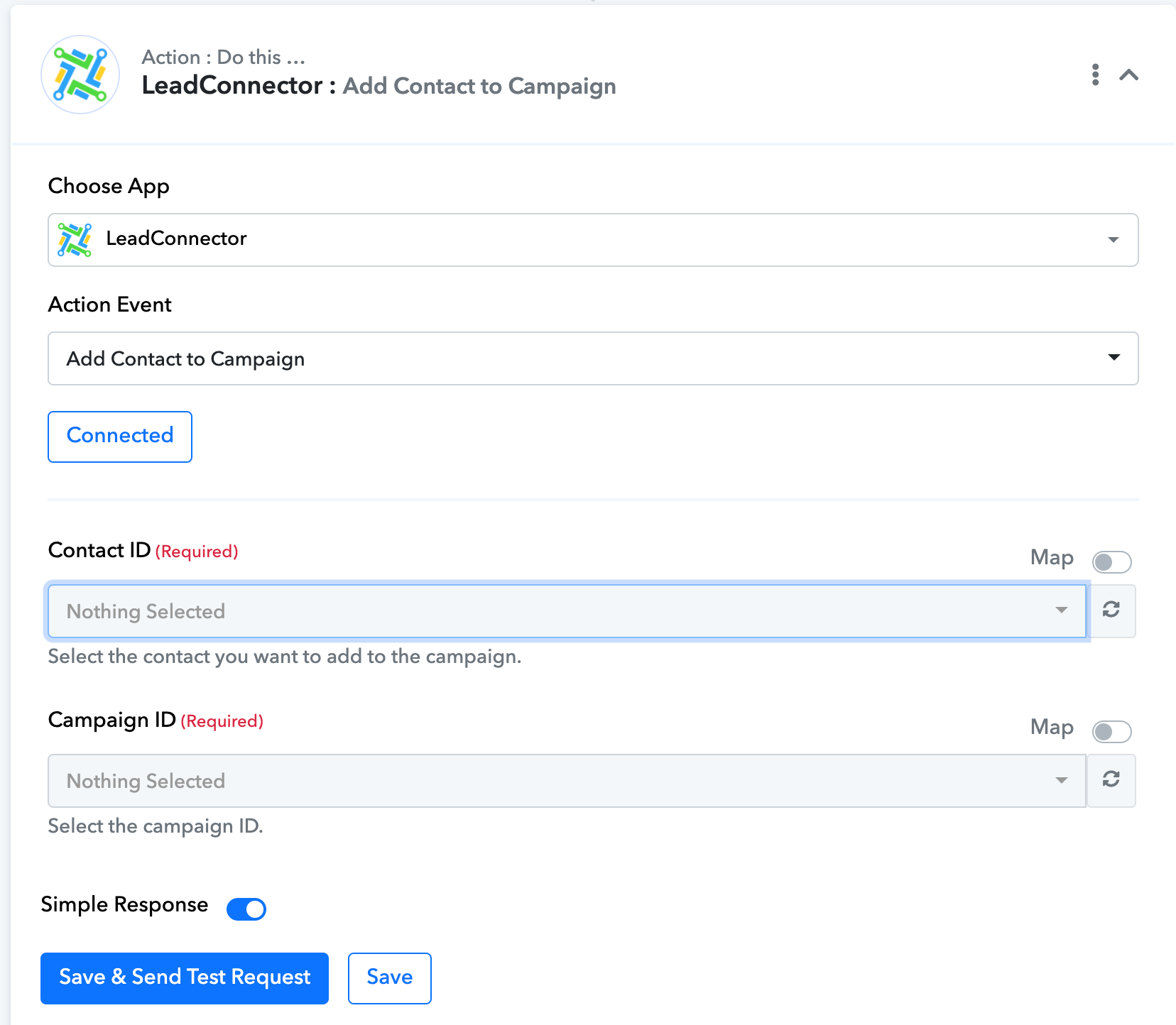
high level legacy seems to be gone but when i connect my leads to lead connector i can not find the workflows, its asking for a contact id and a campaign id. please help. below is a video
https://www.awesomescreenshot.com/video/17114223
Hey @GABRIELBROOKS
Seems like with the following connection id, you do not have the campaign in your LeadConnector account and because of that it is not getting listed.
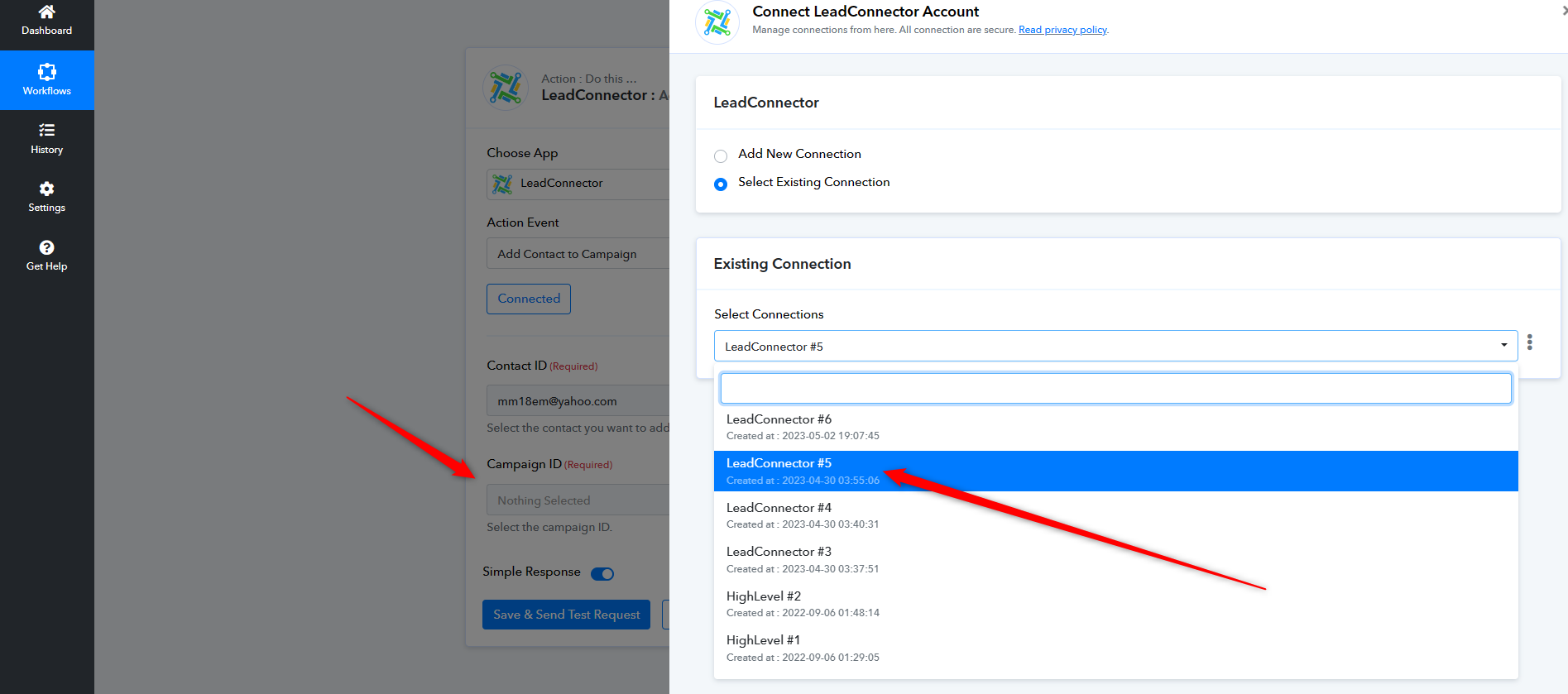
its connecting to only campaigns, there is no option to connect to an actual wortkflow. On the high level legacy option (which has been removed ) the add to campaign feature was syncing to workflows as well as campaigns. please see below video showing the issue. Any help would be appreciated before we have to move everything over to zapier. We have well over 100 agents we are trying to assist and running into this workflow issue.
https://www.awesomescreenshot.com/video/17134776?key=2dd4514b8e007813ffcf0638a0e6e2a4
Hey @GABRIELBROOKS
If you are looking for the action step to add the contact in the workflow then please allow some time, our team is currently working on it. Once it is live we will let you know.
Hey @GABRIELBROOKS,
We would like to inform you that our team has recently developed a new action called "Add Contact to Workflow." We kindly request you to review the feature and let us know if you encounter any issues.
Thank you!
Pabbly.com
Attachments
thank you.
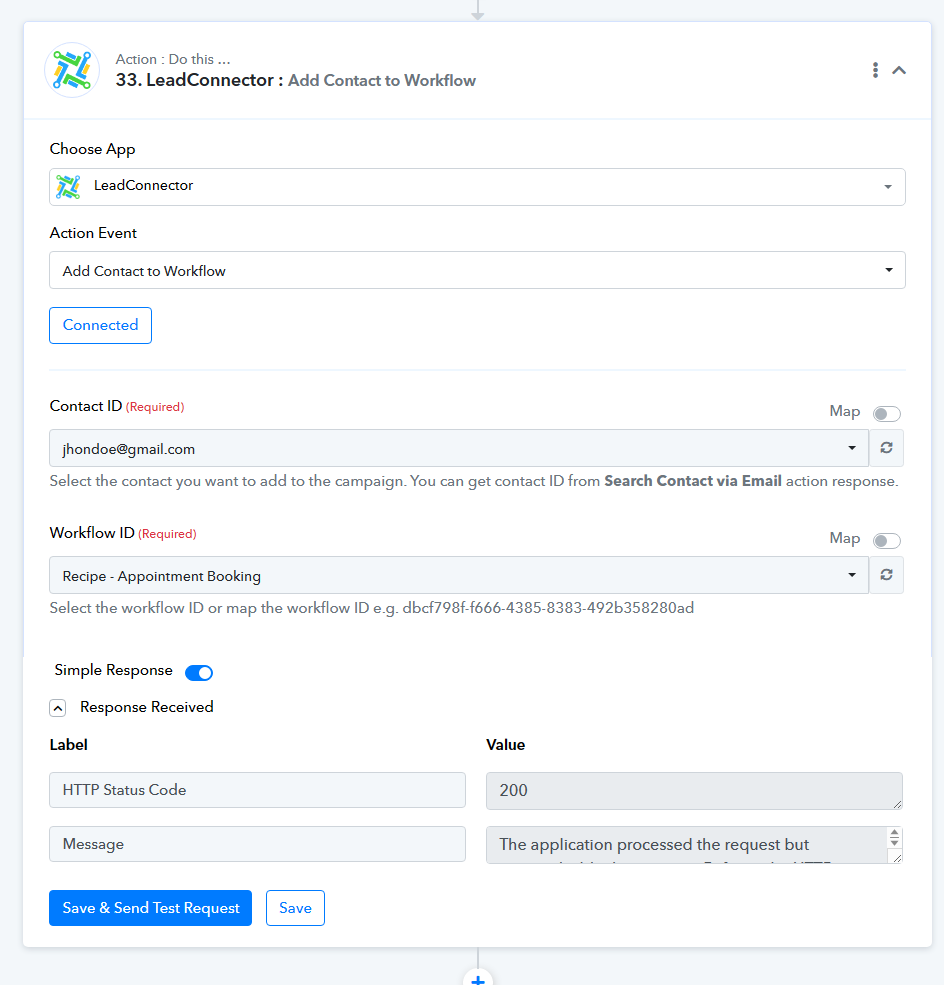
its not working properly, below the first screen shot is the new implementation of the workflow feature but it isnt asking for all the data for the lead coming into pabbly
Underneath the first image you will see how it was originally setup with old high level setup. Can you make sure the format is the exact same as before?
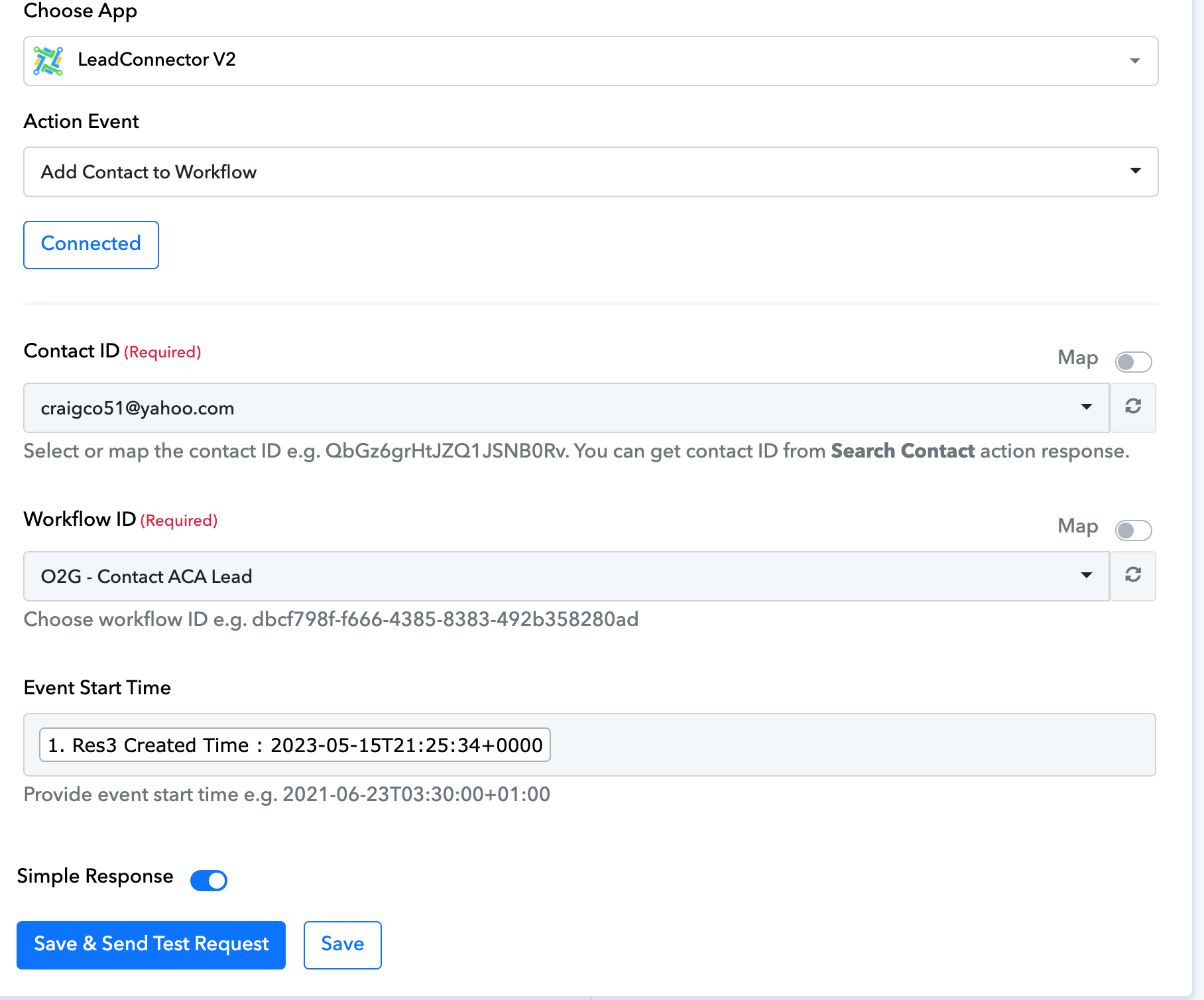
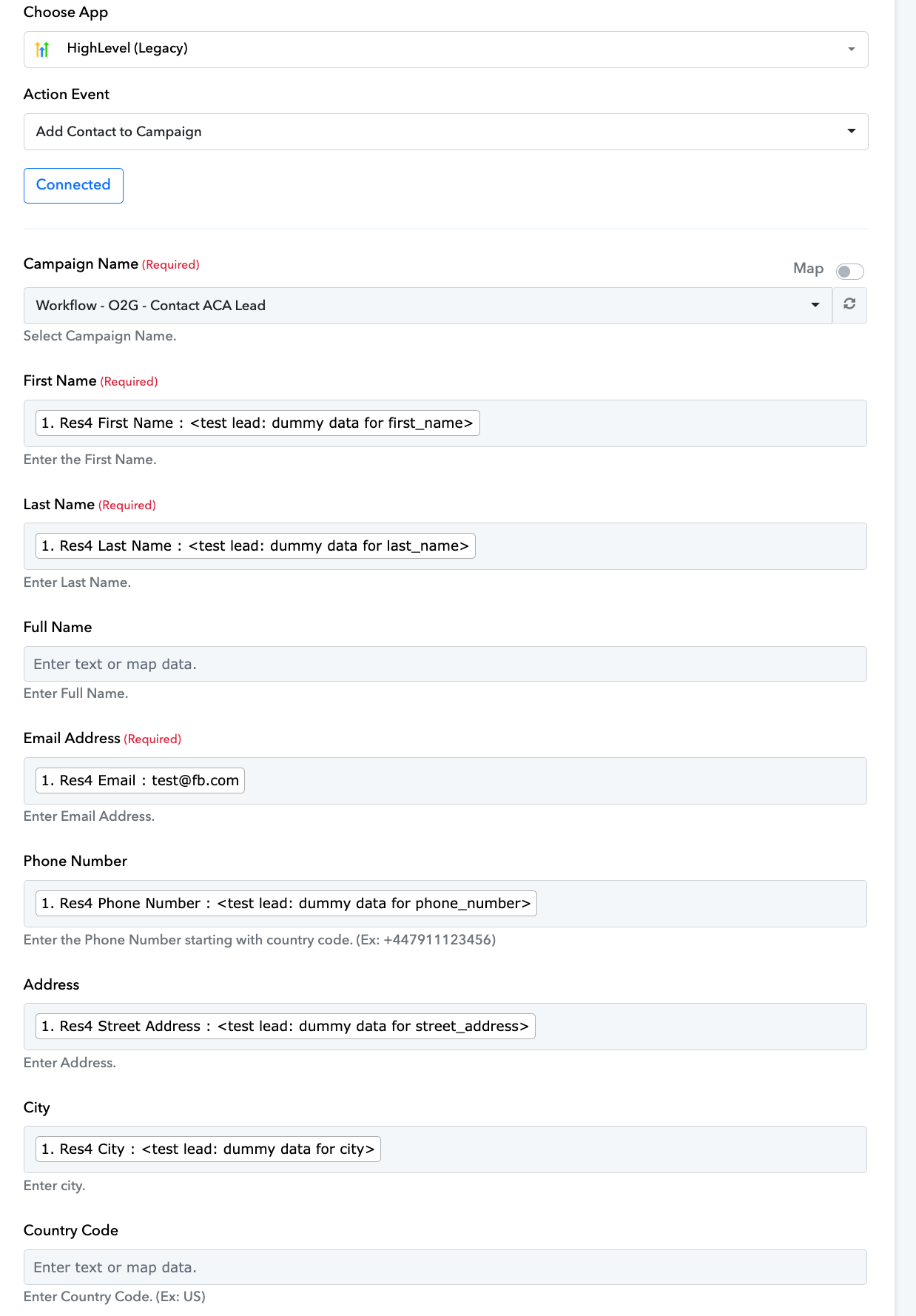
Hey @GABRIELBROOKS
Kindly share the name of the workflow and try passing the real lead data in the action step instead of dummy data from the trigger response.
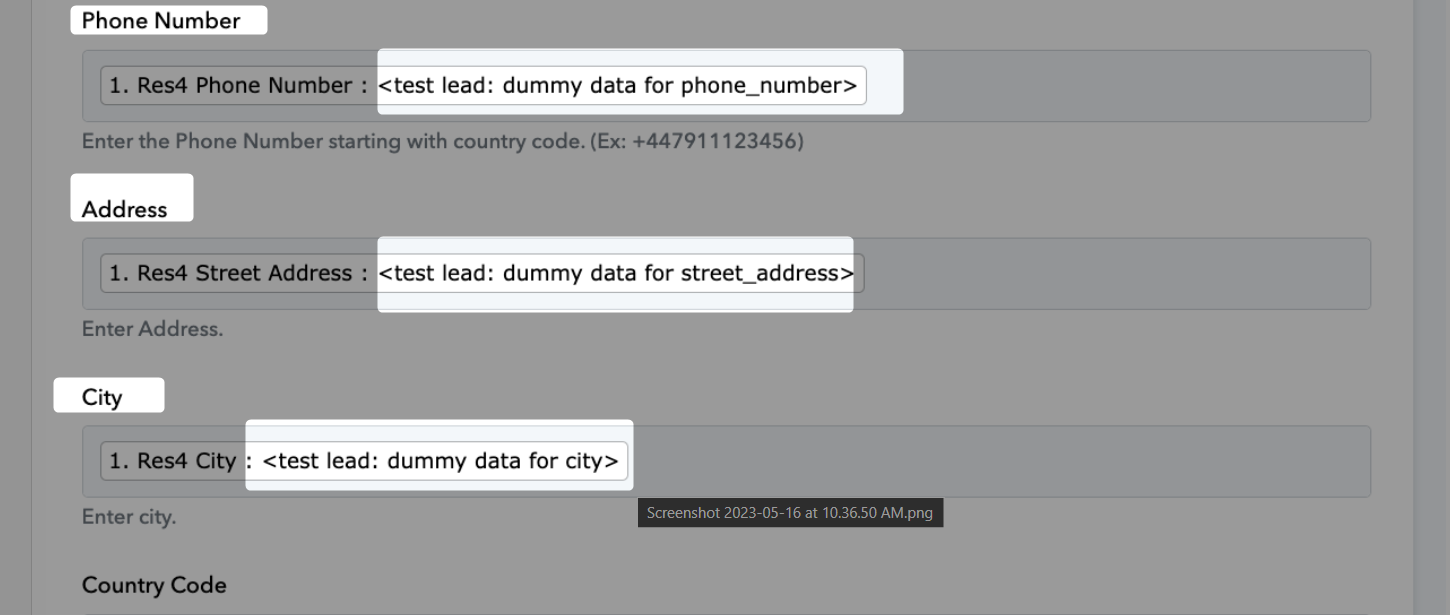
Further, from the LeadConnector API documentation, we could see any fields available for this action step. So, if you need the older version you can the V1 version of LeadConnectorV1.
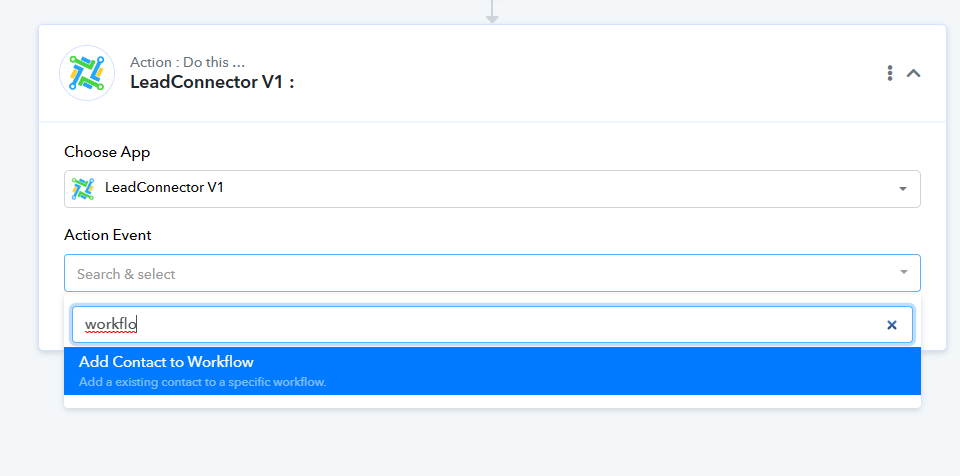
go you just activate the High Level Legacy Version. because it wasnt asking for the contactI ID under the high level legacy version
Hey @GABRIELBROOKS
In the "LeadConnector V1: Add Contact to Workflow" action step you can pass the Contact Id to assign contact in a workflow.