lead update salesforce
Status: Closed · Asked by shaily on · 0 views
How to use lead update salesforce trigger ?
Hey @shaily
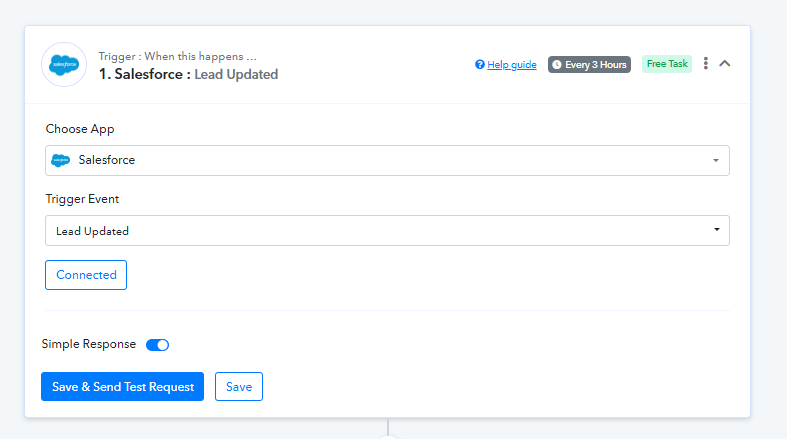
You can use the "Salesforce: Lead Updated" trigger event to fetch the updated leads.
Attachments
Hi,
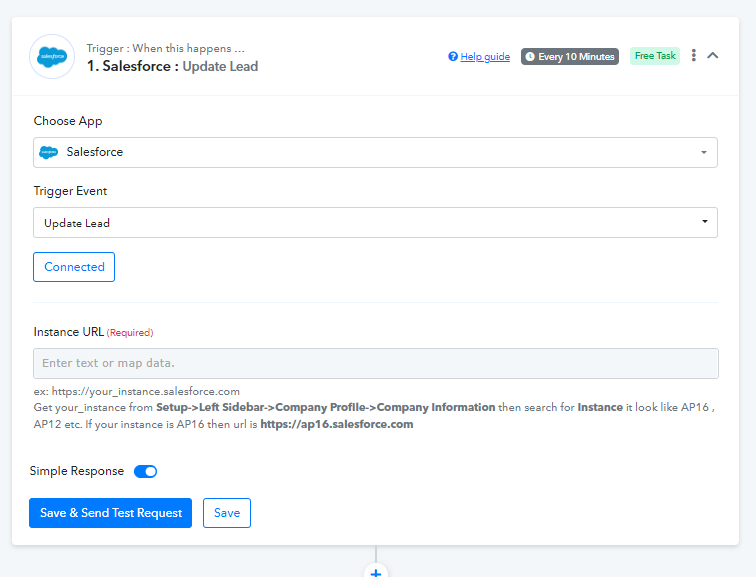
Pabbly is connecting to my Salesforce but when I click to the blue Save & Send Request button, no value comes back. ( see attachment)
Thanks, JJK
Attachments

Hey @JJK
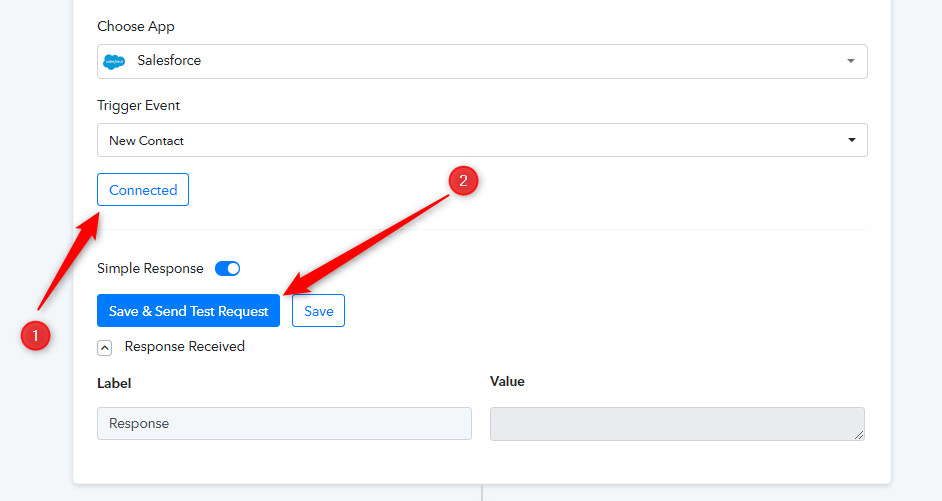
Can you check your connection for Salesforce once and then try again? Also, do create a new dummy contact in your account once.
Hey Supreme,
Thank you for responding. Yes I have re-connected Salesforce a few times. Also have created dummy contact. Still no value comes back.
I did just get this message from Pabbly support.....
Trigger Name: Salesforce > New Contact
Trigger Error:
[{"message":"The REST API is not enabled for this Organization.","errorCode":"API_DISABLED_FOR_ORG"}]
Do not know what this means.
Thanks, JJK
This error message indicates that your Salesforce organization's REST API is not enabled. Follow these steps to enable the REST API in your Salesforce organization:
1. Log in as an administrator to your Salesforce organization.
2. Click the gear icon in the top right corner to go to Setup.
3. Navigate to "API" in the "Platform Tools" section on the left-hand sidebar.
4. Select "Enable REST API" after clicking "Enable APIs."
5. Select "Save."
You should be able to access your Salesforce data once the REST API is enabled. If you continue to have problems, check that you have the necessary permissions and that your API credentials are valid.
I followed your last message. Under "API" there is no listing for "Enable Rest API"
I see you mentioned having the necessary permissions and API credentials are valid. Where do I find that?
This my personal SF. So I am the System Administrator.
Thanks, JJK
Hey @JJK
Check that you have API Enabled permission if you are using the Salesforce Developer Edition.
However, if you are using the Professional Edition, you must contact Salesforce support to enable API.
It is enabled by default for EE and UE.