Leadconnector not pushing data
Status: Closed · Asked by kmadison on · 0 views
Your Workflow URL: https://connect.pabbly.com/workflow/mapping/IjU3NmMwNTY5MDYzMzA0MzE1MjZkNTUzMiI_3D_pc
Task History ID: IjU3NjcwNTY0MDYzNjA0MzQ1MjY5NTUzNTUxMzQ1MTYwNTQzNiI_3D_pc
Leadconnector is not pushing data out?
What could be the issue?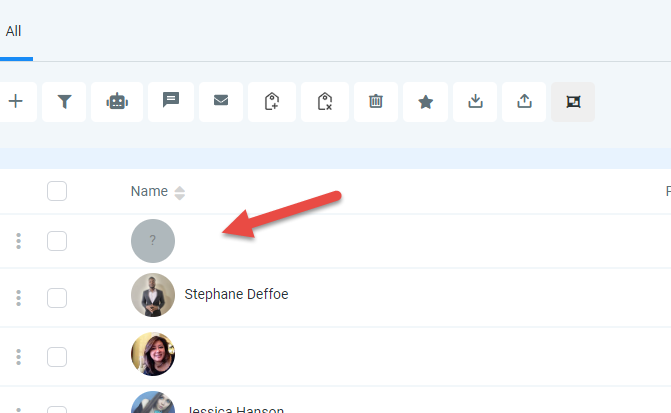
Hey @kmadison
Please make sure that you have mapped all the details correctly in the Lead Connector action step.
Also, you have to use the "Send On Event" option when setting up Google Sheets if the data is coming from a Google application or if you manually enter it.
If the data is coming from a third-party application or another application, however, you may need to choose "Auto Send On Schedule" which will forward the data in exactly one hour and make sure the data is filled till the tiggring column.
Please let me know if you still facing the same issue.