Leadconnector v2 - create new sub account - create new user - not working
Status: Open · Asked by Glassfull Media on · 0 views
Hi,
I have created a pabbly workflow that connects with the app 'leadconnector'.
The goal is to create a new Sub-account with leadconnector.
I can map and connect and pull all of the information into pabbly.
When I add the step to 'add a new sub account' I keep getting an error.
It did actually work today, but it appears to be glitchy.
I have included a video here showing what is happening with my workflow and the issues I am having.
issue 1 = can not connect to leadconnector to automatically create a new sub-account
issue 2 = can not connect to leadconnector to automatically create a new user within that sub-account
Watch my video = https://share.zight.com/KouKOwv1
I have been following the video provided on youtube by Pabbly step by step =
Hi @Glassfull Media,
Could you please try using LeadConnector V1: Create Location action step and see if that fixes the issue for you?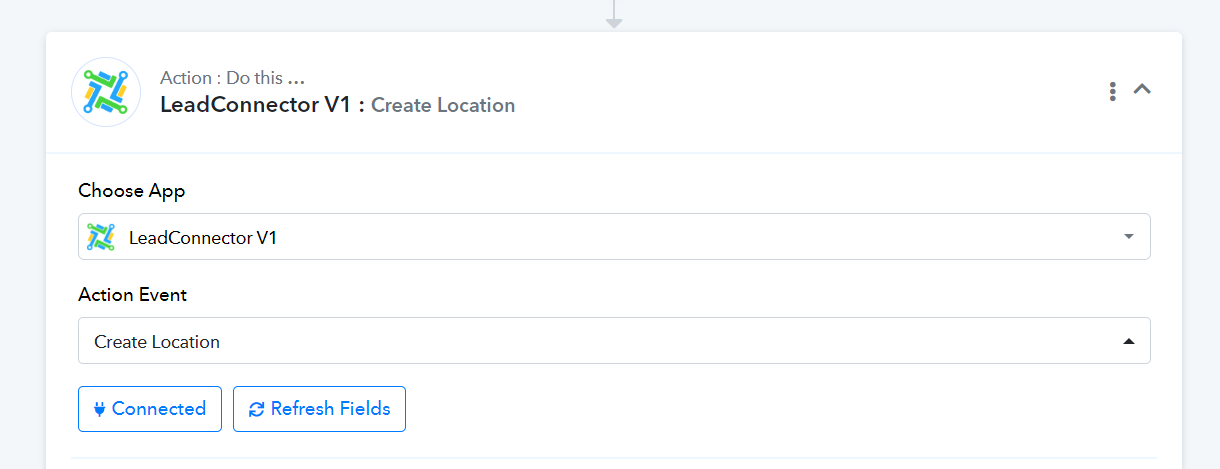
Hi thanks.
That solves 1 of 2 problems.
It allows me to create the sub-account.
I also want the user to receive details about their new account - login url, email, password.
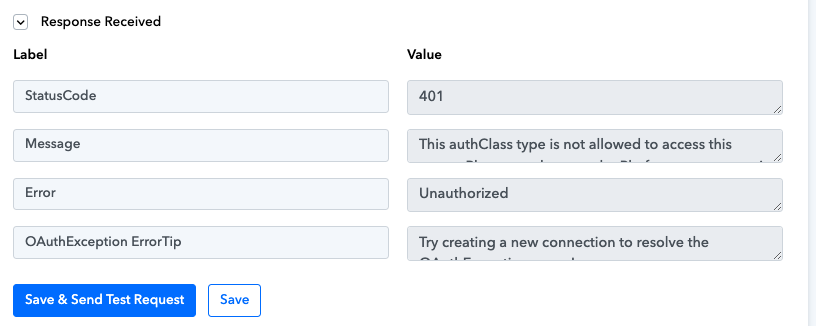
I keep getting an error for this and cant create a user within the new sub-account. see attached photo.
Hi @Glassfull Media,Could you please try using LeadConnector V1: Create Location action step and see if that fixes the issue for you?
Attachments
Please try using 'LeadConnector V1: Create or Update Contact' action event to create a contact.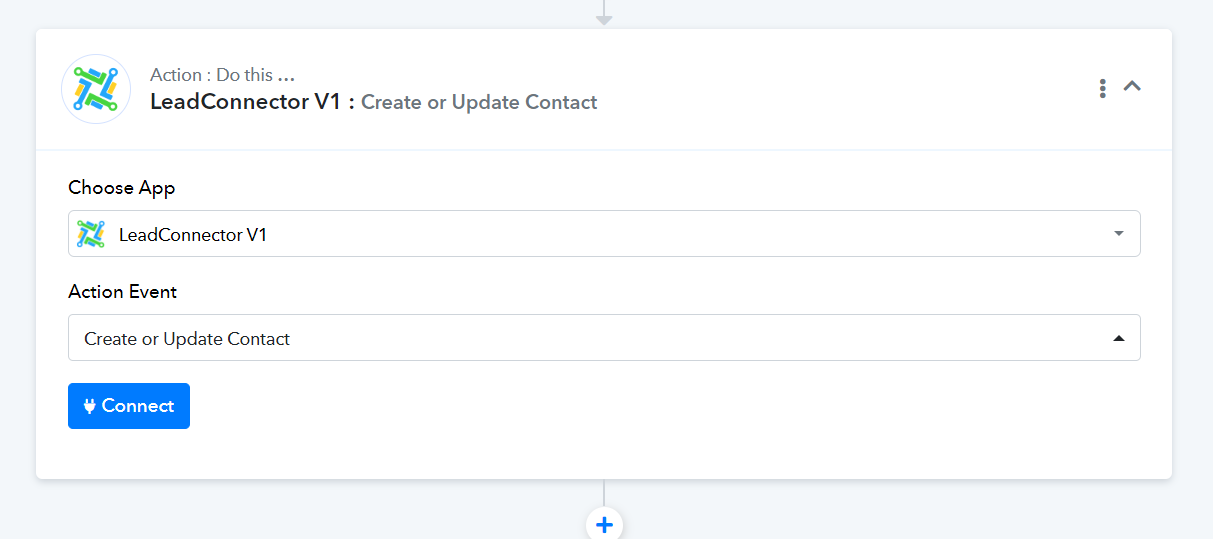
ok, thanks. I did.
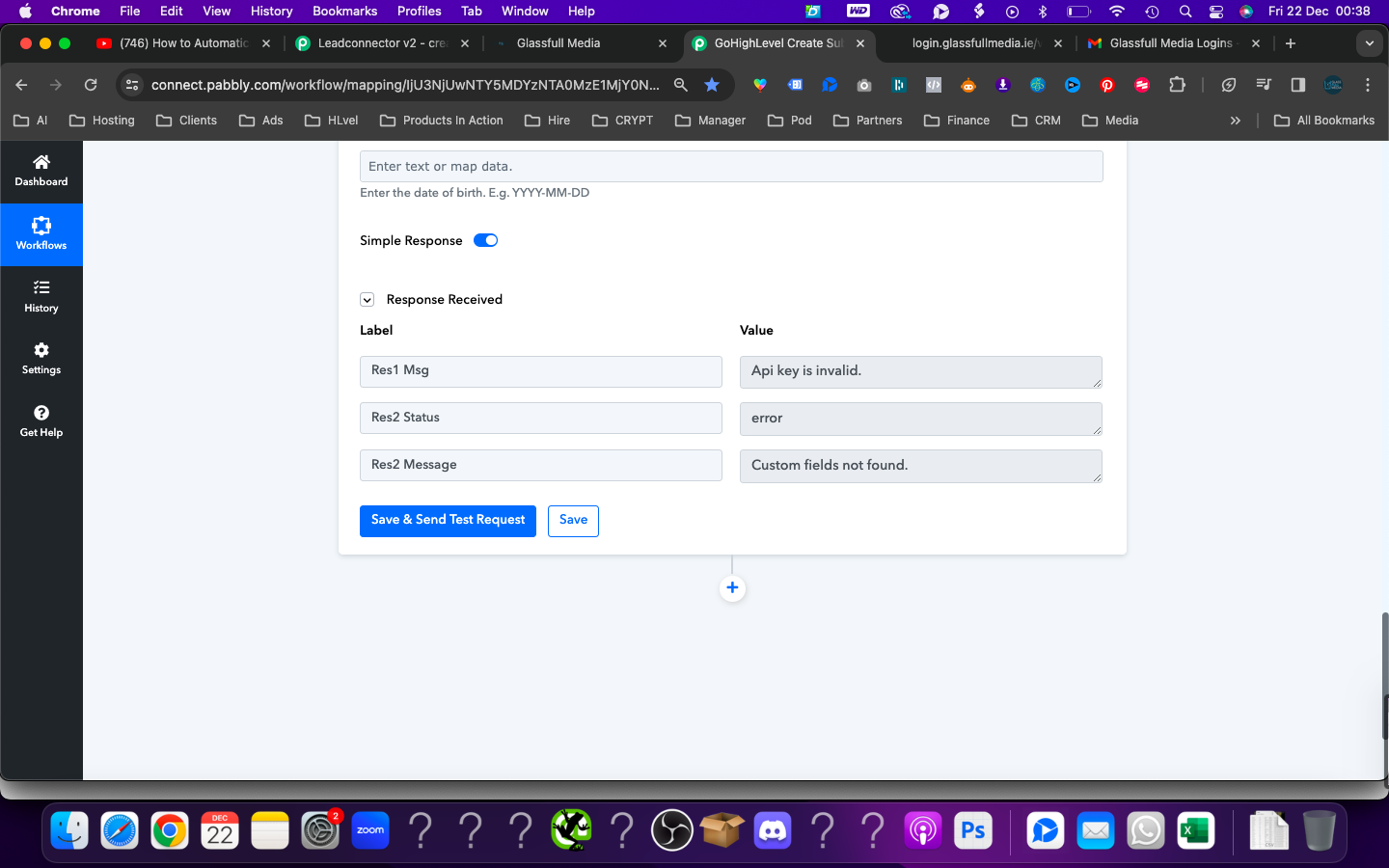
I tried V1. Im getting an Invalid API notice.
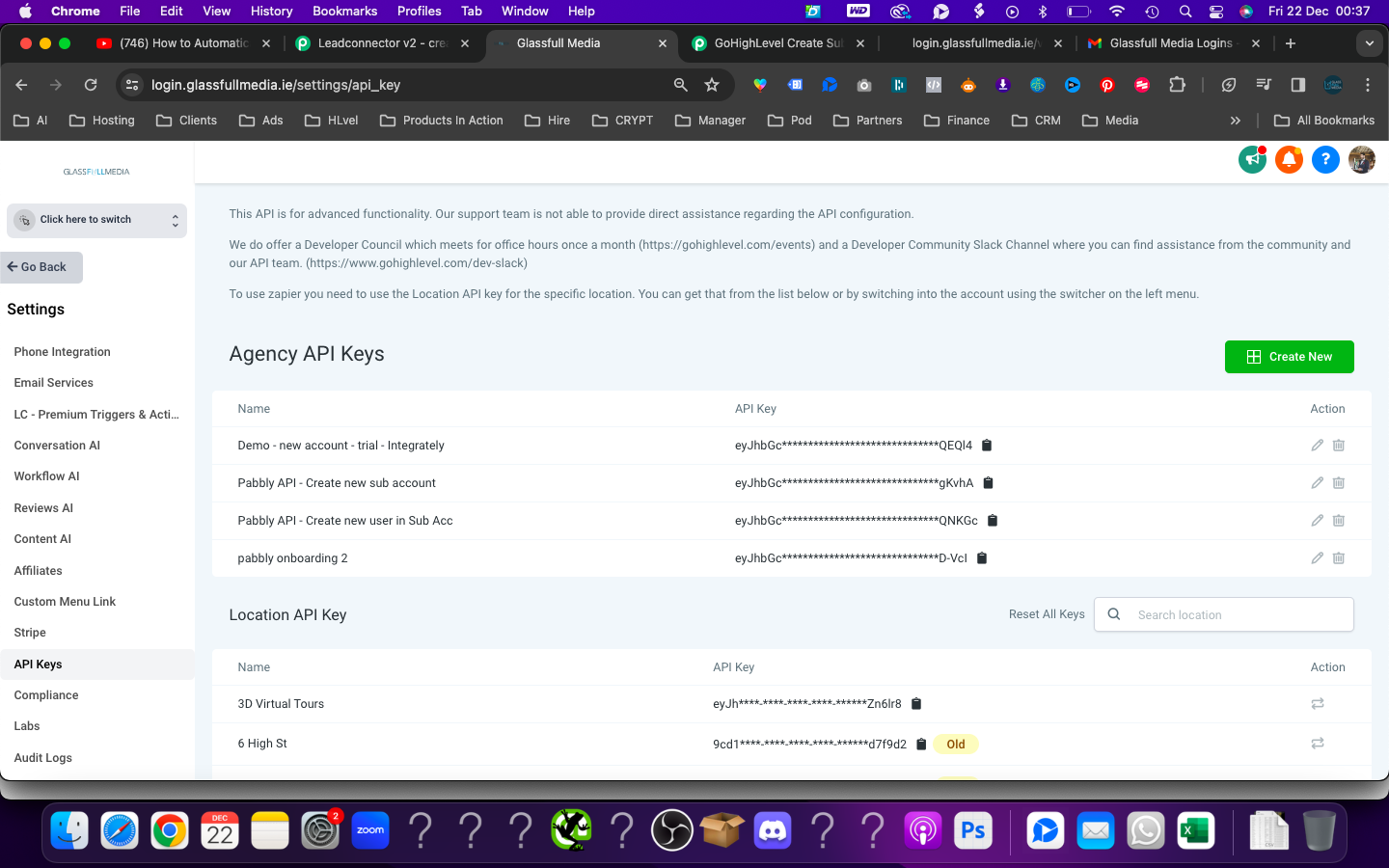
I have created 2 new Agency Api keys.
Attachments
Please share the Workflow URL where you have tried this.