Leadsquared integration stopped working
Status: Closed · Asked by Pradeep Dodle on · 0 views
We generate leads on our website and post them to LSQ via pabbly. This integration has stopped working since yesterday (4th Sept). We keep getting this error.
LSQ API creds are all fine.
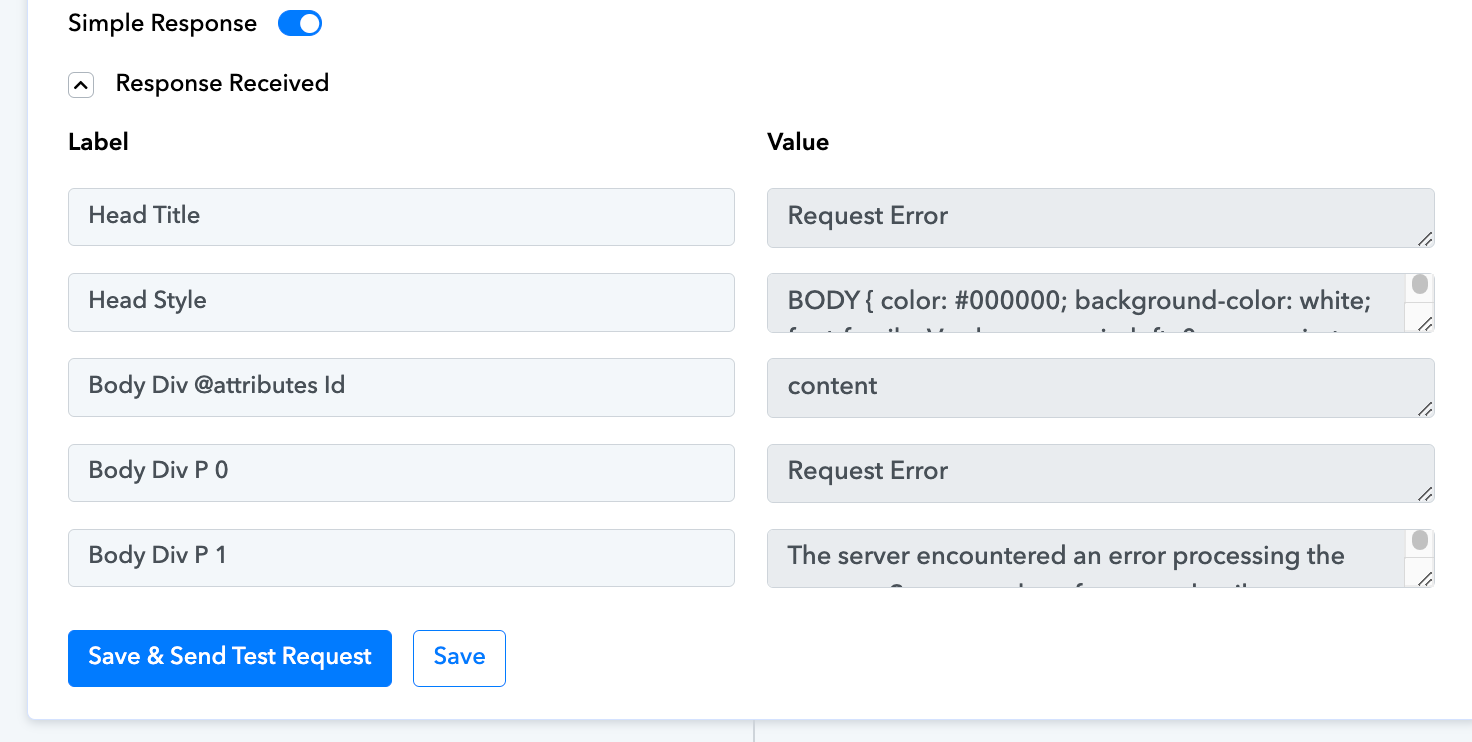
"Head Title": "Request Error",
"Head Style": "BODY { color: #000000; background-color: white; font-family: Verdana; margin-left: 0px; margin-top: 0px; } #content { margin-left: 30px; font-size: .70em; padding-bottom: 2em; } A:link { color: #336699; font-weight: bold; text-decoration: underline; } A:visited { color: #6699cc; font-weight: bold; text-decoration: underline; } A:active { color: #336699; font-weight: bold; text-decoration: underline; } .heading1 { background-color: #003366; border-bottom: #336699 6px solid; color: #ffffff; font-family: Tahoma; font-size: 26px; font-weight: normal;margin: 0em 0em 10px -20px; padding-bottom: 8px; padding-left: 30px;padding-top: 16px;} pre { font-size:small; background-color: #e5e5cc; padding: 5px; font-family: Courier New; margin-top: 0px; border: 1px #f0f0e0 solid; white-space: pre-wrap; white-space: -pre-wrap; word-wrap: break-word; } table { border-collapse: collapse; border-spacing: 0px; font-family: Verdana;} table th { border-right: 2px white solid; border-bottom: 2px white solid; font-weight: bold; background-color: #cecf9c;} table td { border-right: 2px white solid; border-bottom: 2px white solid; background-color: #e5e5cc;}",
"Body Div @attributes Id": "content",
"Body Div P 0": "Request Error",
"Body Div P 1": "The server encountered an error processing the request. See server logs for more details."
Could you please make a new connection with your Leadsquared account and try again?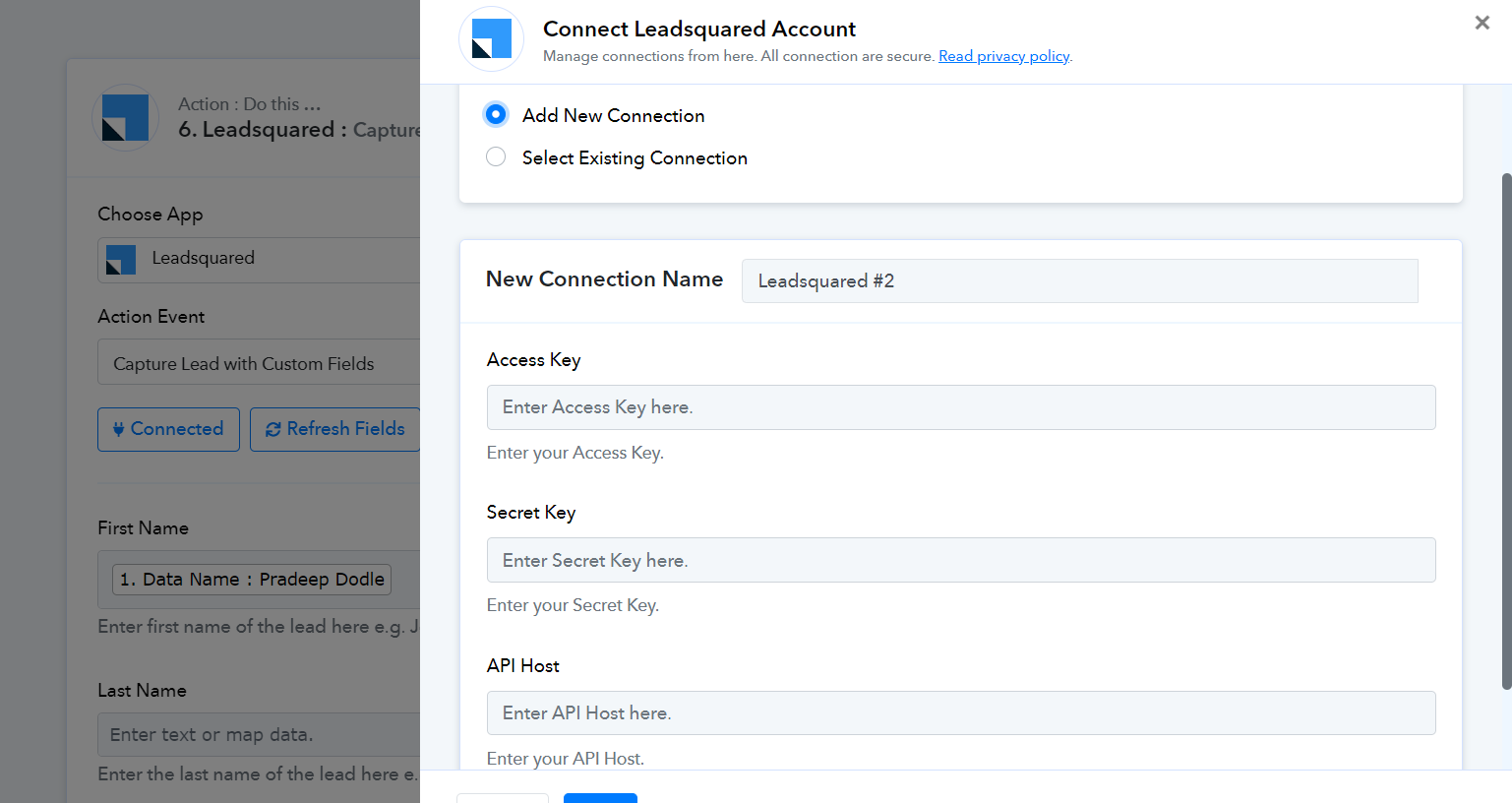
Could you please make a new connection with your Leadsquared account and try again?
Not working.
We have made some changes to your LeadSquared action step and it appears to be working now.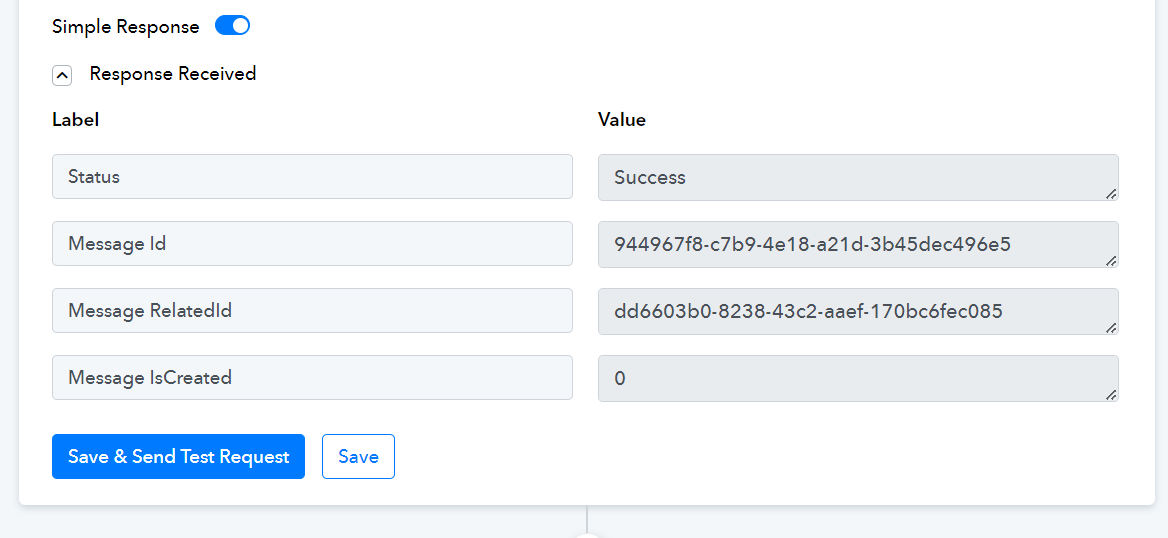
Thanks for this. Can you indicate what the issue was?
We have made some changes to your LeadSquared action step and it appears to be working now.
First and Last Name are supposed to be mapped in their given fields.
First and Last Name are supposed to be mapped in their given fields.
Oh man! ?♂️
Sorry for the trouble and thanks for the prompt support.