Line items not showing up Shopify > Xero
Status: Closed · Asked by thisishel on · 0 views
I have set up a flow to take an order from Shopify and "Create a new draft quote' in Xero.
Most things seem to be working fine but there is no Line Item information being pulled from Shopify so I can't recreate the order in Xero.
Hey @thisishel
You are getting Line items in the Shopify response. Kindly check the below screenshot:-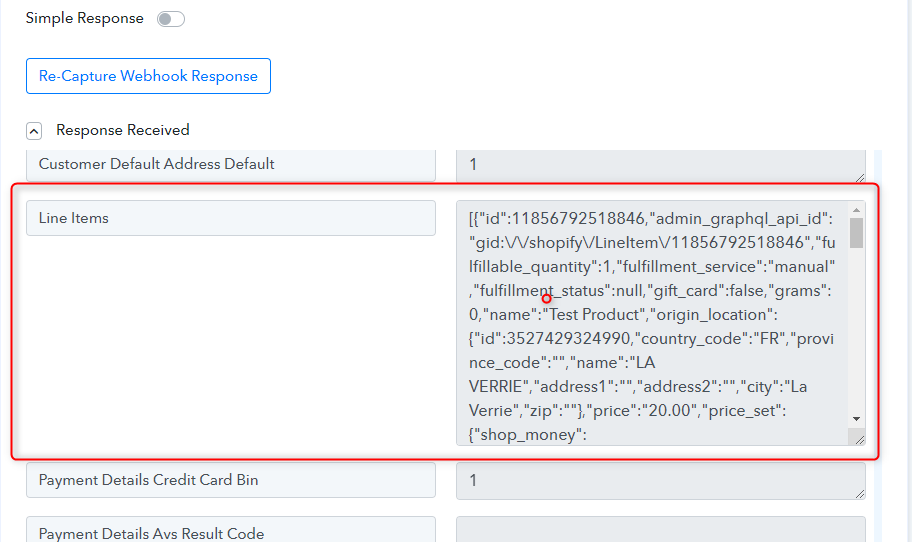
Thanks
Kunal
I've just worked that out. I had switched the 'Simple view' off so was not looking for entry rather an array. Thank you! : )
How do I get this into my draft quote as line items?
Hey @thisishel
As of now" Xero : Create New Quote Draft" action does not have line item support. Further, please check for the "Line Item" data label which you can process it further with the help of "Iterator" action step.
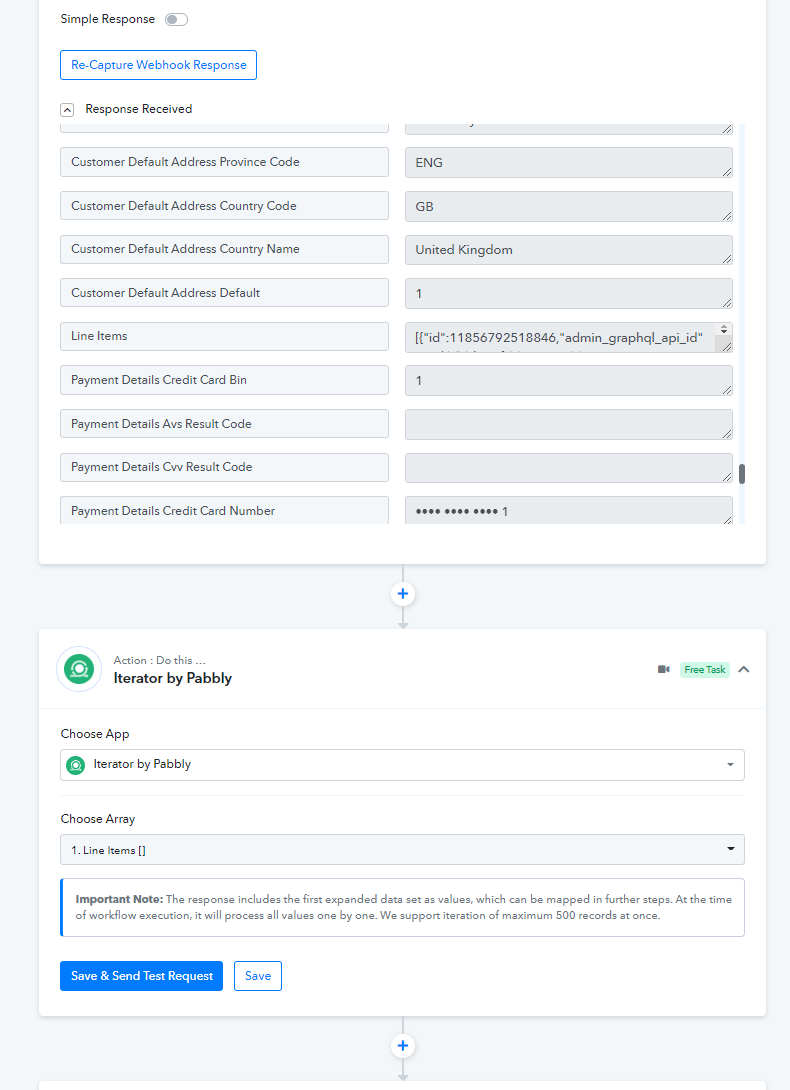
Great. I'll read up on the Iterator. Thank you very much.
Do any of the Xero integration support line items? e.g. Create and invoice / Create an order?
Do any of the Xero integration support line items? e.g. Create and invoice / Create an order?
We will check the possibility of the same and get back to you shortly.
Hello there.
I really an answer to this. I currently have a task that automatically creates an invoice in Xero from Shopify but I need to create line items in Xero. My current setup only creates the first line item - despite the fact I am using an iterator to loop through all the line items in Shopify.
Can you help get this working, please?
Thank you. Alex.
Hey @thisishel
We are checking the details with the team and keep you updated on the status of this conversation.
Do you know when you might have an answer to this? It's been two months since I asked the question.
Hey @thisishel
Do you know when you might have an answer to this? It's been two months since I asked the question.
You may use the "Xero: Create an Invoice" action step with line item support.
Further, if you are having multiple line items then you would be required "Line Itemizer" action step which will convert the line items into a single row with comma-separated values of products that you can pass in the action step.
I've now setup line itemizer but I am getting a huge amount of validation errors when I try to pass this data into Xero.
Hey @thisishel
Could you please check whether the Line Item codes of the product which you are passing from Shopify are exactly present in your Xero or not?

They are set up as products in Xero yes.
Attachments
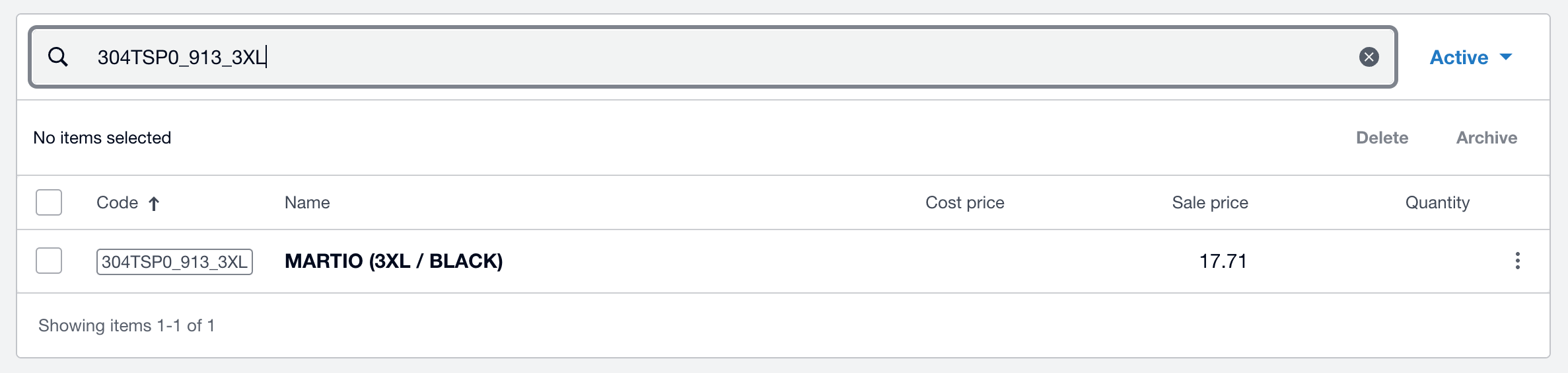
I'm also getting this validation error "Only AUTHORISED invoices may have SentToContact updated." How do I pass the data to a 'draft' invoice? (I can't seem to turn 'sent to contact' off - only pass it true or false)
Hey @thisishel
Kindly allow us a day's time to check this thread and reply back with an update.
Hey @thisishel
In order to update the "SentToContact" field of an invoice in Xero's API, the invoice must be in the "AUTHORISED" status. This means that the invoice has been approved and is ready to be sent to the contact.
If you want to update the "SentToContact" field of a draft invoice, you will need to first change the status of the invoice to "AUTHORISED". You can do this by using the "Status" field in the API request and setting it to "AUTHORISED".
Once the invoice has been set to "AUTHORISED", you can then update the "SentToContact" field as needed by setting it to "true" or "false".
It's worth noting that once an invoice has been set to "AUTHORISED", it cannot be changed back to "DRAFT". If you need to make further changes to the invoice, you will need to create a new draft invoice and make the changes there. So try again with a unique invoice number and details.
I hope this helps!