LinkedIn business pages not listed
Status: Closed · Asked by Jan on · 0 views
Hi,
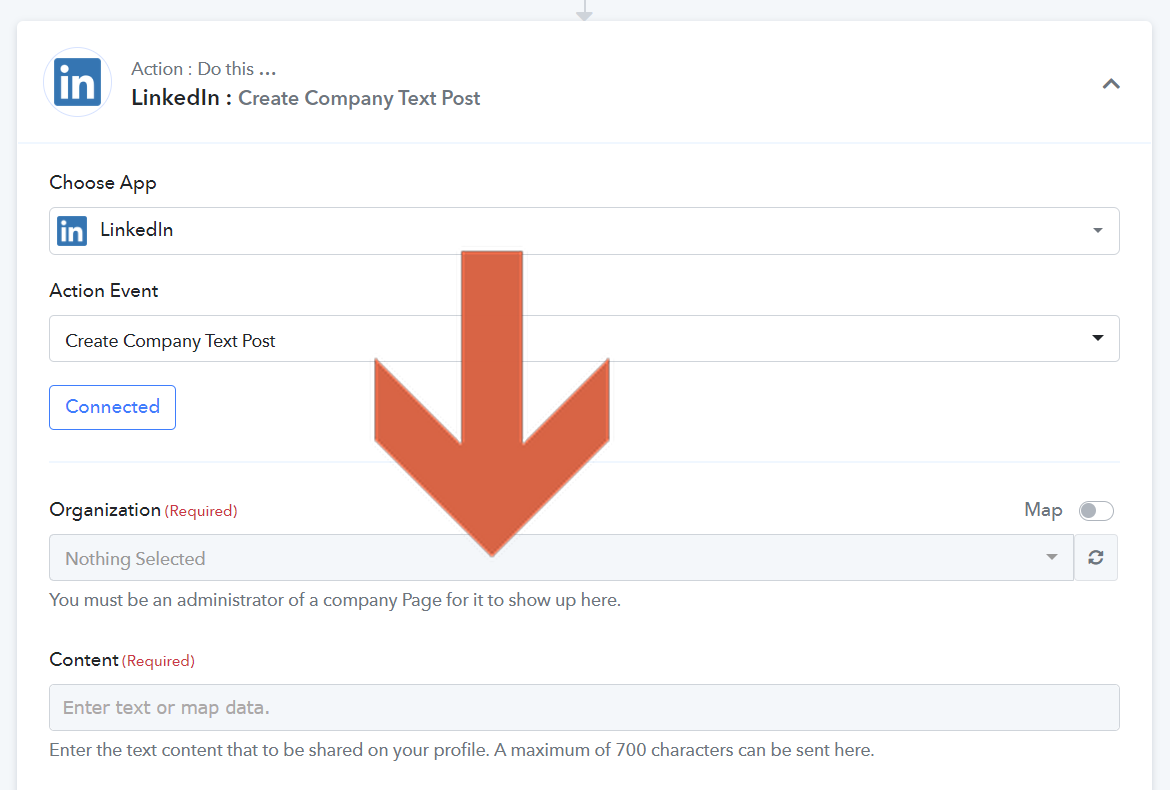
I want to post on LinkedIn business pages from Pabbly connect.
But none of my LinkedIn pages is listed.
Yes, I am the super-admin for all those pages. (I created them.) And it is the correct account which is connected. I also tried reloading the list - with no effect.
@Supreme Is this a bug?
See screenshots below from Pabbly and LinkedIn.
Thanks!
Jan
Pabbly:
LinkedIn: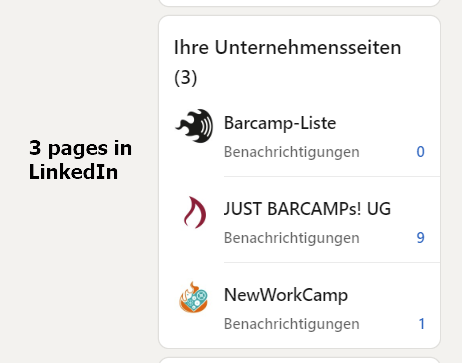
The page I want to post to with administrator tools: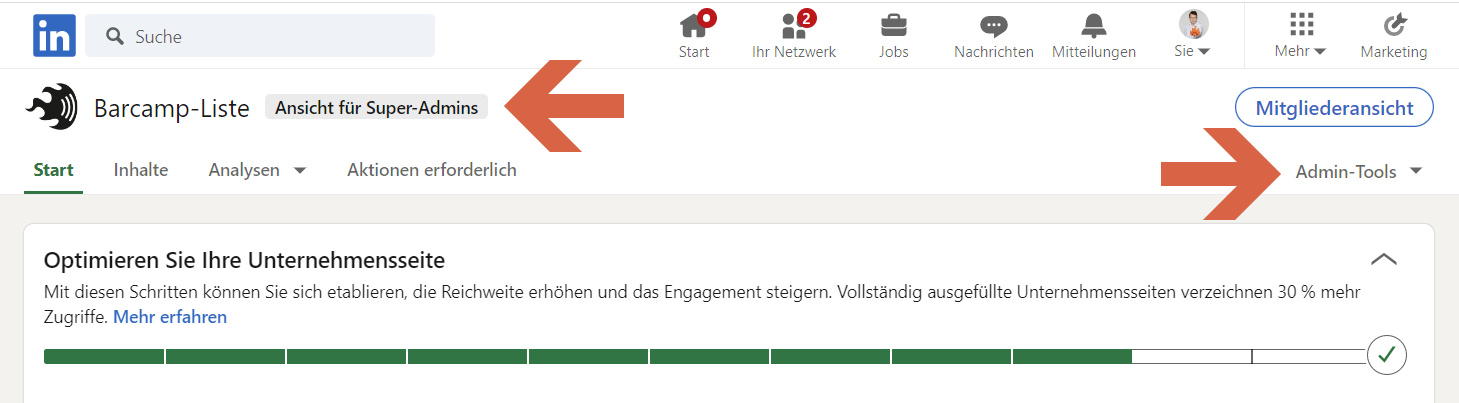
Hey @Jan
Please allow us some time, we are currently looking into it.
Hi @Supreme!
I guess I found the issue: I just tried to activate the "map" function for the page field and insert the ID from my LinkedIn business page. With that I hoped to find a workaround for the time until you fixed that. But with that I got the error message, that my token was invalid. I added a new LinkedIn connection and with that one it works fine. I guess some error handling for authentication errors from LinkedIn is needed.
Jan
Hey @Jan
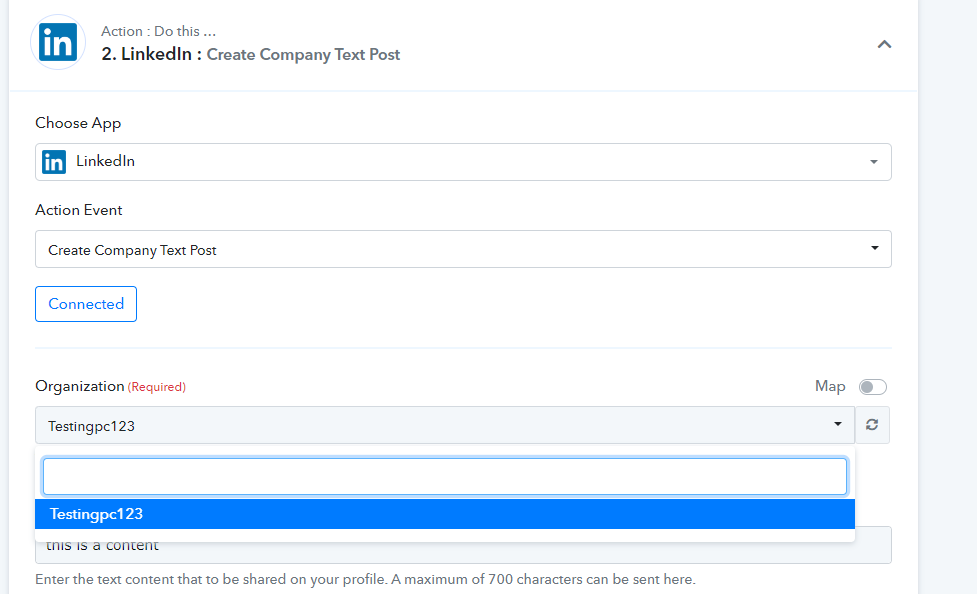
As we have tested the same at our end and we can see the organization is listed in the "Organisation" field.
Hi @Supreme!
See above: When the selected LinkedIn account has no active session any more you don't get an error message. I had a similar issue yesterday with an Office365 account. Maybe you can improve error handling here.
Jan
I had a similar issue yesterday with an Office365 account. Maybe you can improve error handling here.
Can you elaborate on your concern about which action step of Office 365, you have faced such an error?
@Supreme I added the account and configured a step for sending an email. With the first Save & Test I got the error that the connection was invalid. Maybe you can add a connection test after choosing one of the exiting connections.
Hey @Jan
As we can see from your workflow we couldn't see any invalid connection response in the Linkedin action step or in the History log.
Seems like you have already resolved the concern.
@Supreme It happend when I added the step to the workflow.
Ok, I hope the issue is not longer exists.