LinkedIn - Create Share Update: Token Not Found
Status: Closed · Asked by Graffiki on · 0 views
Hello :)
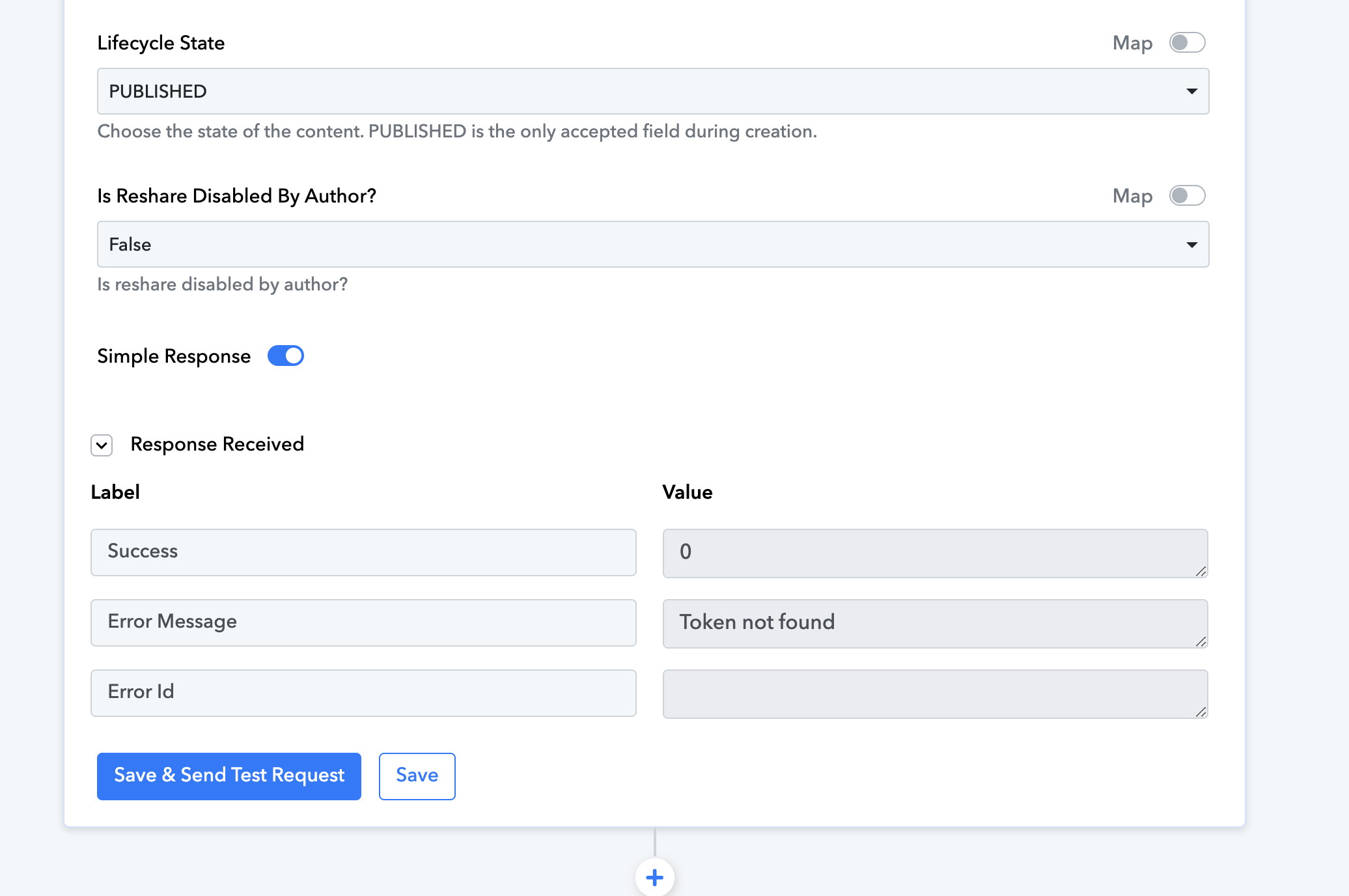
I am getting the error 'Token not found' when I run this task. I have deleted the connection to LI and re-added it but still getting the same error. Does anyone have any ideas?
Cheers,
Adam
Hi @Graffiki,
Please login to your LinkedIn and Pabbly Connect account in an Incognito Tab, establish a new connection with your LinkedIn account and try again.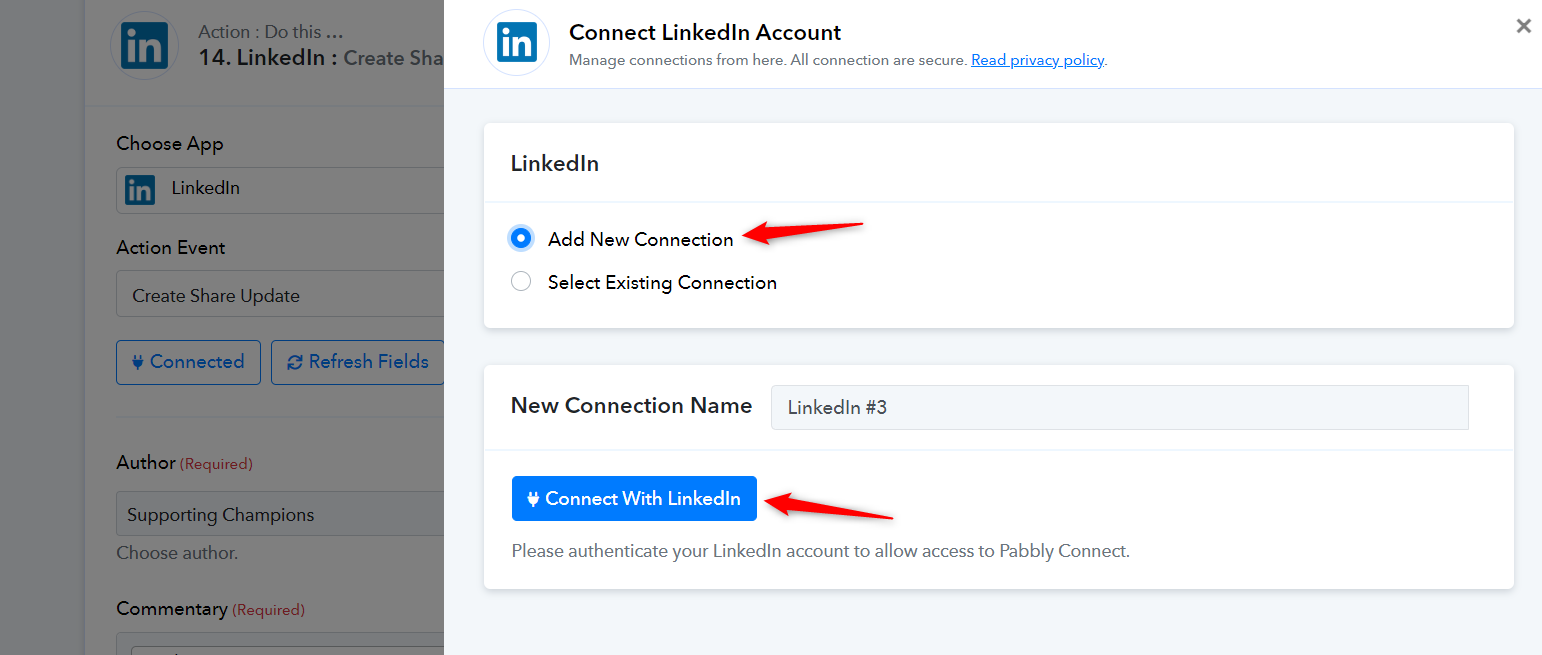
Hey there and thanks for the advice.
I just tried creating a new connection in an incognito tab and I'm still getting a Token Not Found error
Is there something else I can try?
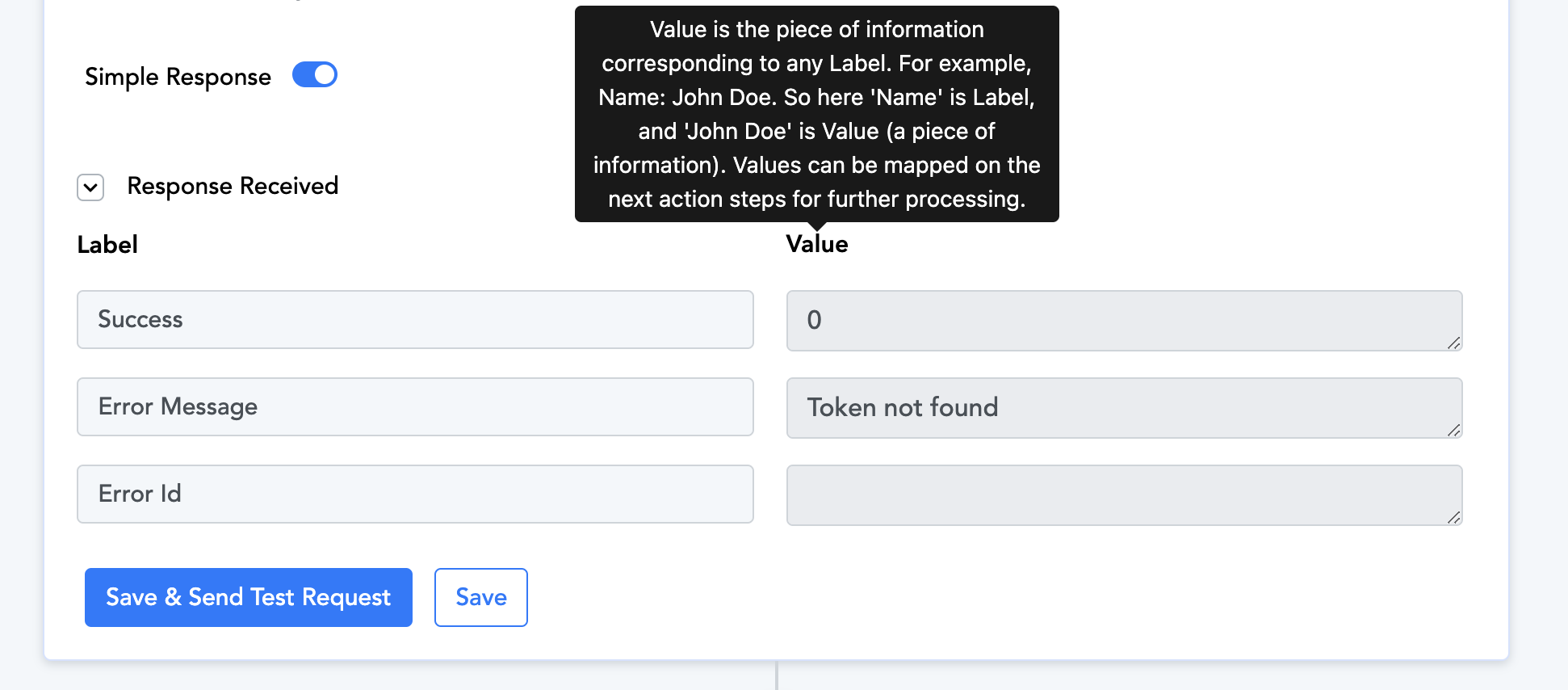
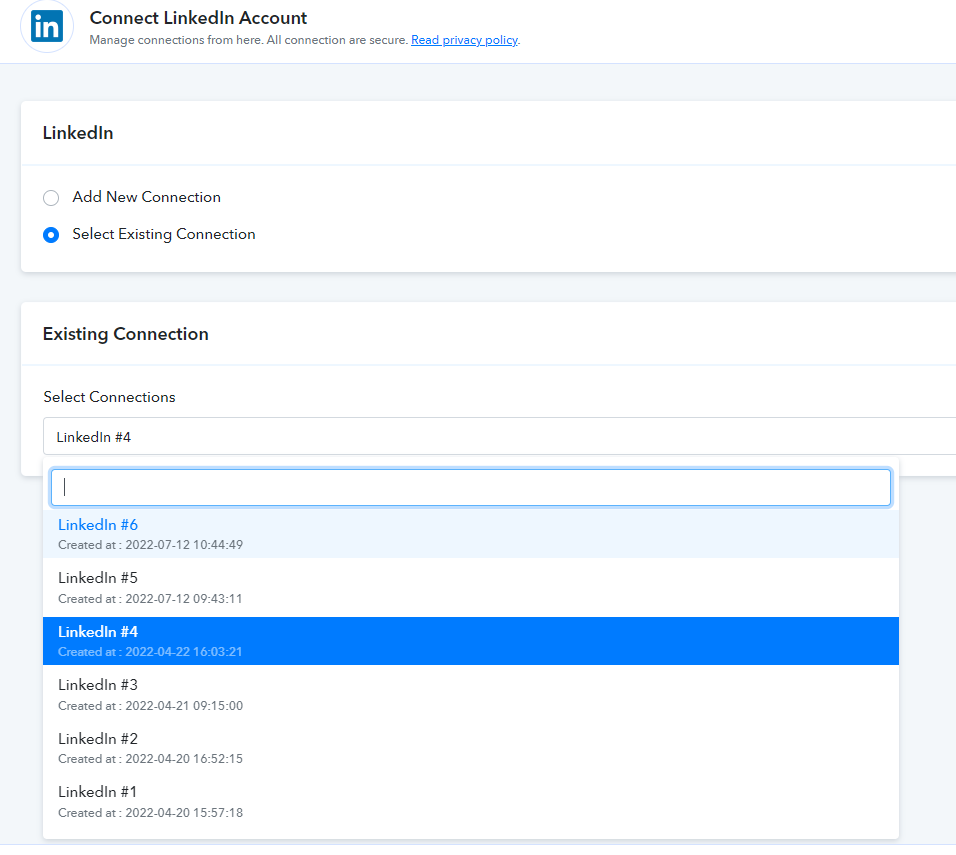
Kindly use one Linkedin account connection in your Linkedin action step to avoid the "The token used in the request has expired" error message.
Though we have reset all your free tasks for the last time. Kindly use it wisely.
Please use one account connection of LinkedIn and remove all other connections.
? yes I am being very careful!
Okay, I deleted all previous connections and then added a new one in an incognito tab and I still get the same response:
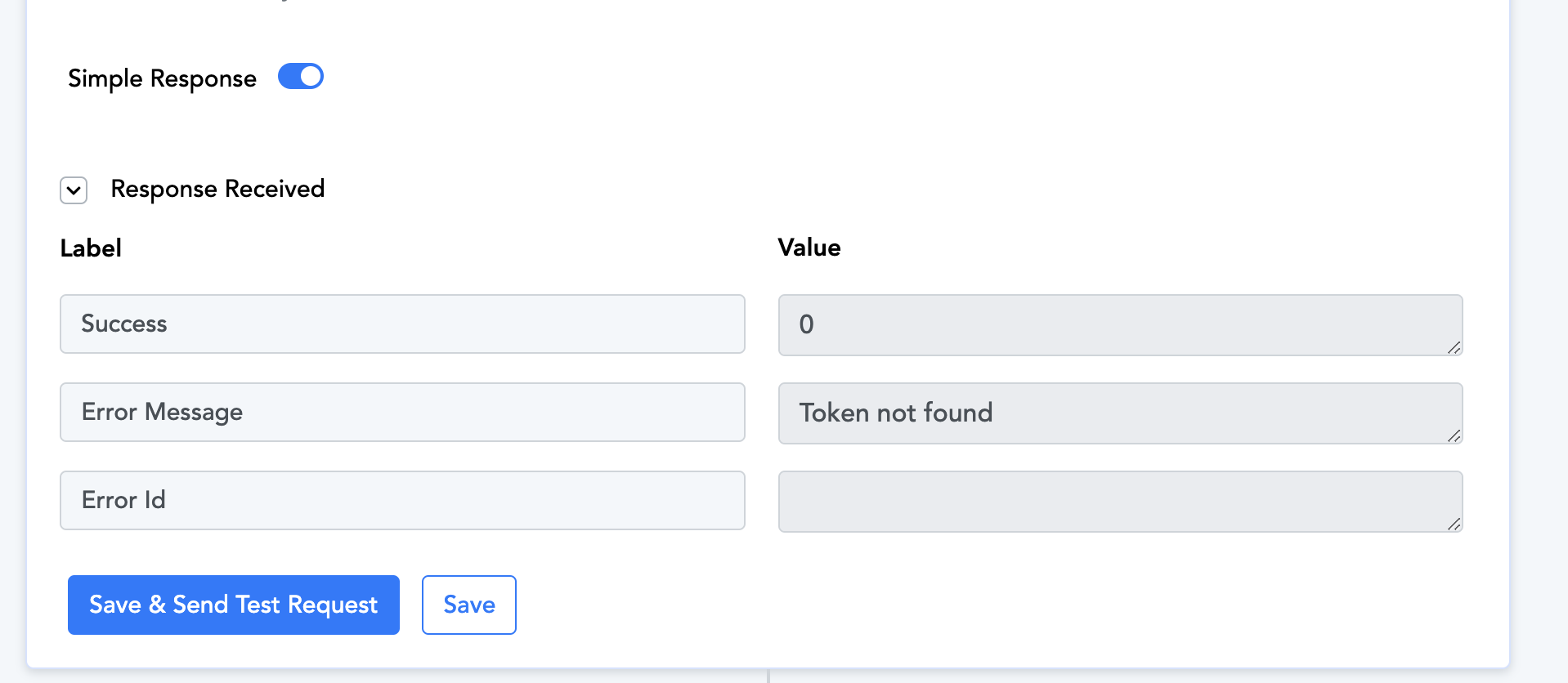
OK, please allow us some time.
We are currently looking into it.
Have you found the solution I am also seeing the issue.
Allow us some time we will update you soon.
I just tried creating a new connection in an incognito tab and I'm still getting a Token Not Found error
Can you please share the workflow URL and the registered email address with Pabbly in which you have tried the same?
Can you please share the workflow URL and the registered email address with Pabbly in which you have tried the same?
Sure:
https://connect.pabbly.com/workflow/mapping/IjU3NjUwNTZjMDYzZjA0MzU1MjZiNTUzMzUxM2Ii_pc
Email: [email hidden]
We have checked the same in your workflow and the action step is working fine accordingly.
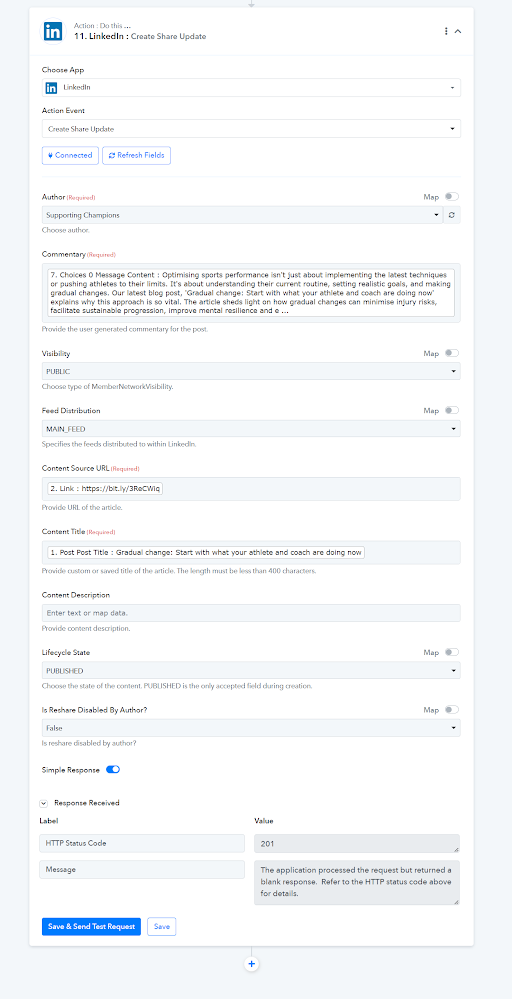
Just tried on my side and it also worked. Not sure what changed but thanks ?