LinkedIn posting failed with error - The token used in the request has expired
Status: Open · Asked by sachinites on · 0 views
Hi, My workflow was working fine earlier, and without changing anything, workflow is failing to post on linkedin.
I am posting on two linkedIn account, the other one is working fine.
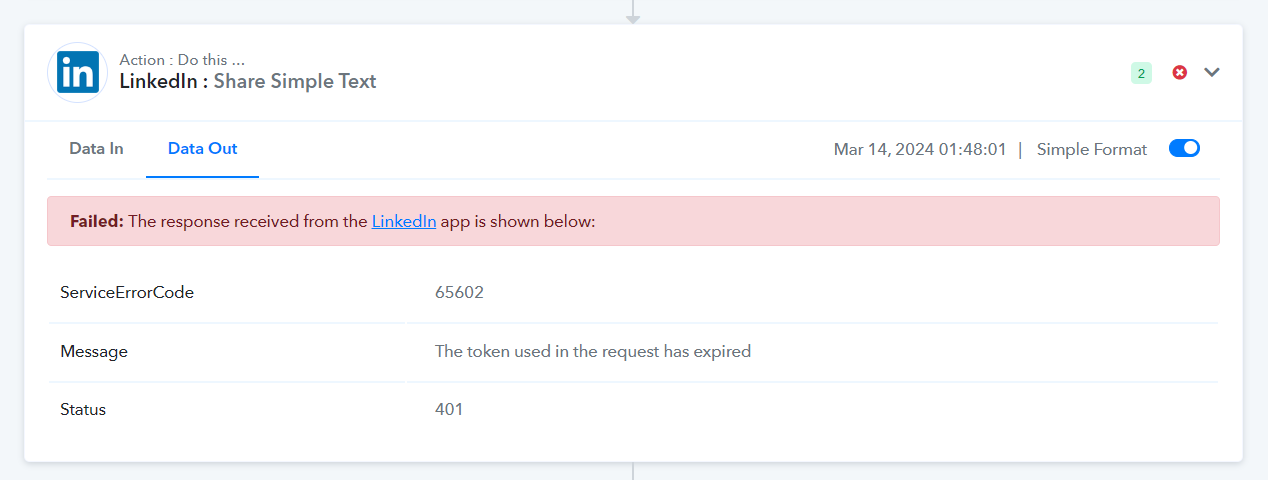
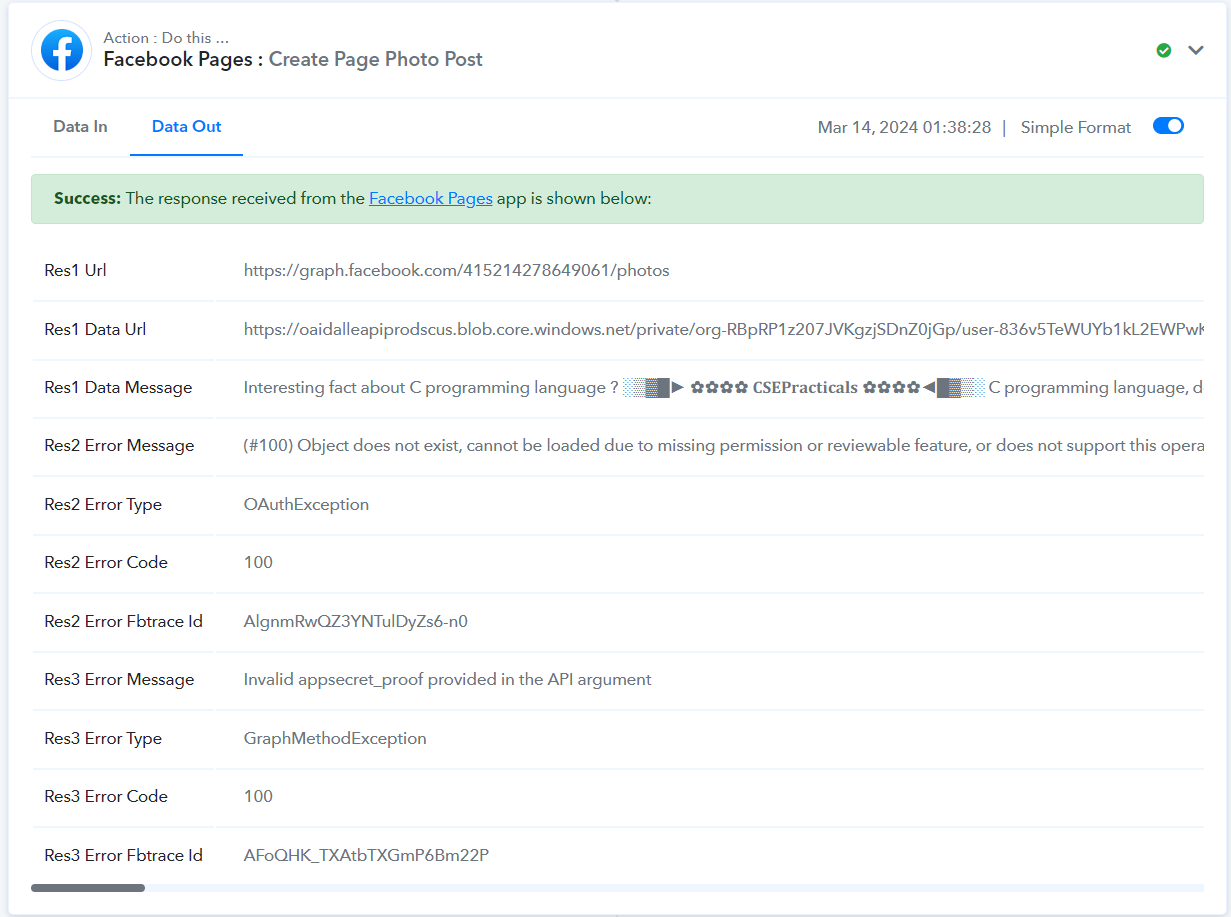
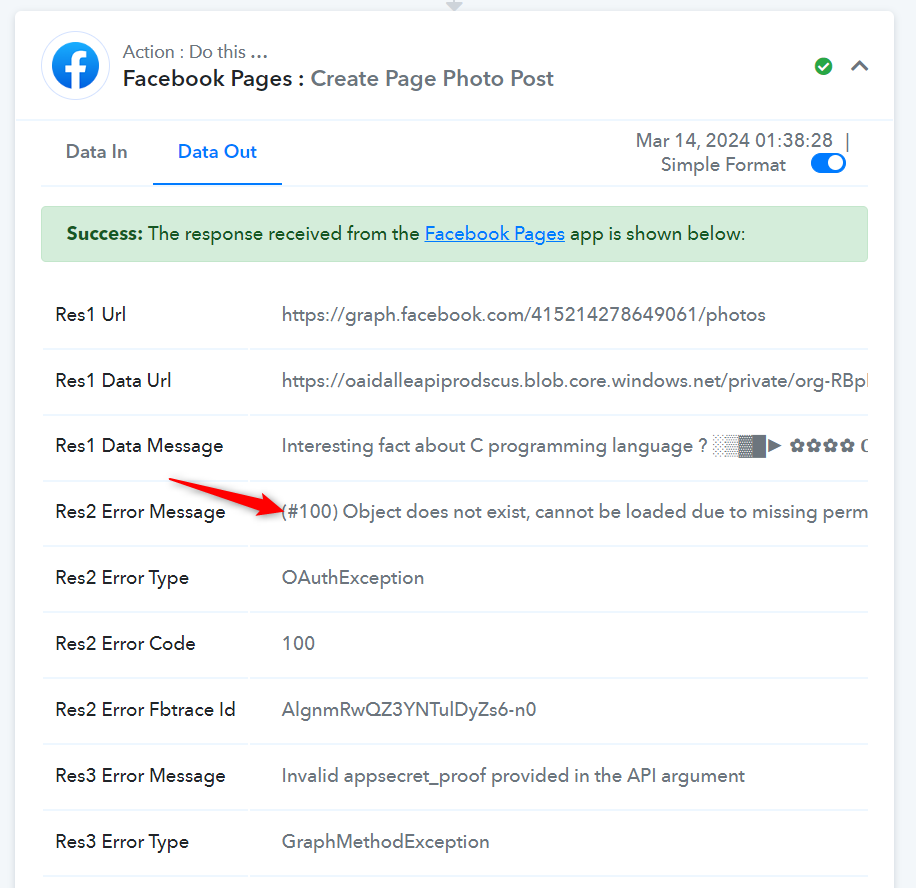
In the same workflow, the posting to FB group is also stopped with below error.
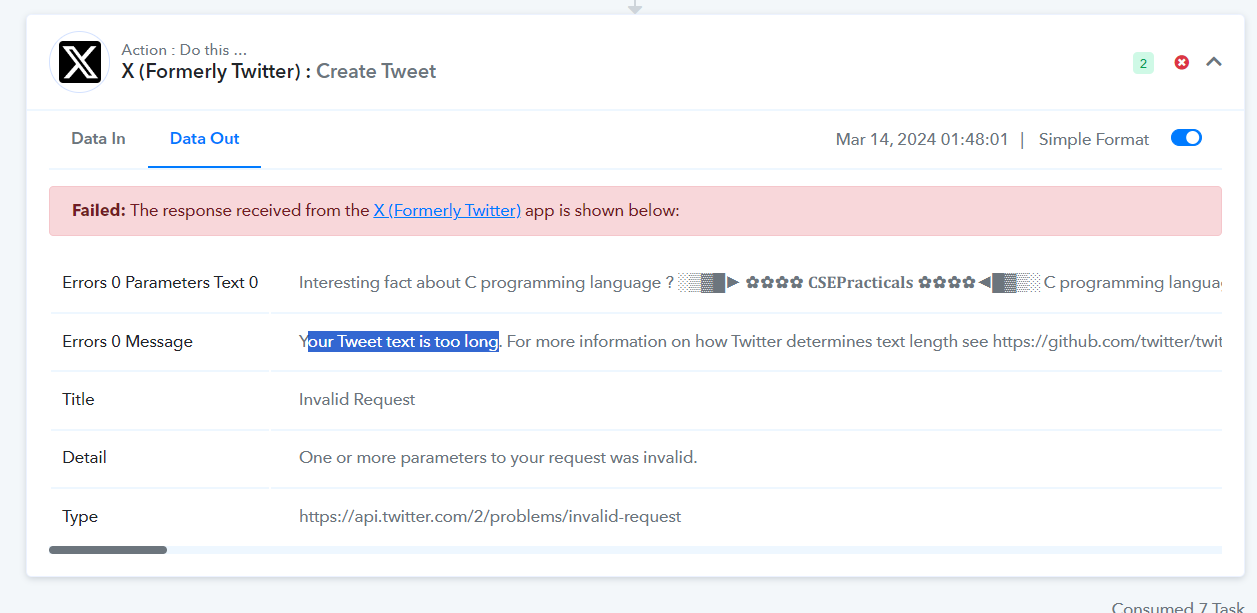
And then in the final step, I am posting to Twitter also, but twitter post is always rejected saying "car limit exceeded" , though i have twitter paid account where
it says "your tweet is too long" error.
This is the workflow task history ID :
IjU3NjMwNTZhMDYzNjA0MzE1MjY5NTUzMDUxMzQ1MTZiNTQzNyI_3D_pc
Pls help.
Hi @sachinites,
1. Please log in to your LinkedIn and Pabbly Connect accounts in an Incognito Tab, then establish a new connection with your LinkedIn account and see if that resolves the issue for you.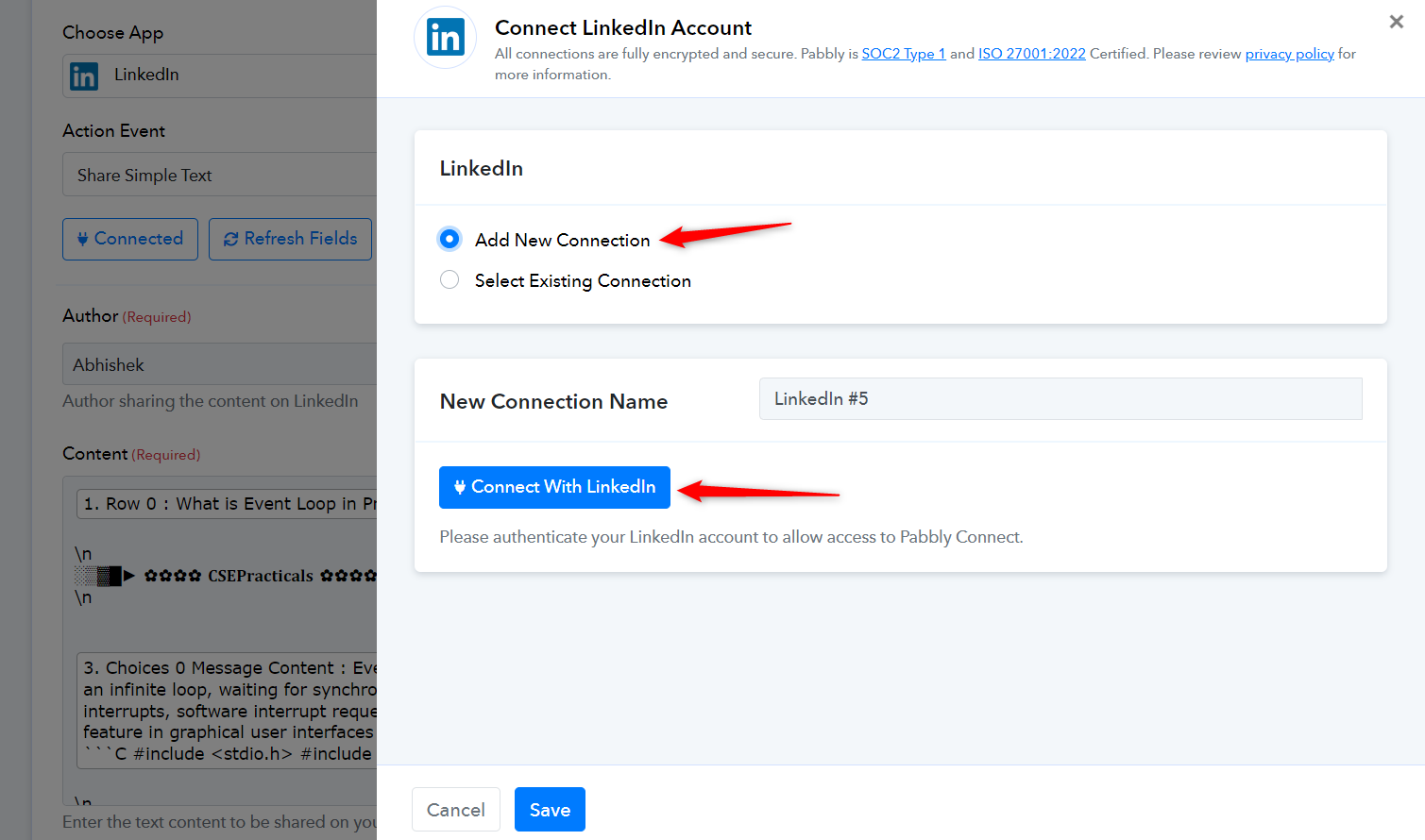
2. It seems like you don't have permission to the page on which you are trying to publish the photo. Please make sure that you have sufficient permissions and try again.
https://developers.facebook.com/docs/permissions#manage-pages
https://developers.facebook.com/docs/apps/review/feature#page-public-metadata-access for details
https://developers.facebook.com/docs/apps/review/feature#reference-PAGES_ACCESS
3. Twitter doesn't allow posting tweets of more than 280 characters through the API.
https://devcommunity.x.com/t/how-to-post-280-4000-characters-via-api-v2/191156/27