LinkedIn - Share an article or URL V2
Status: Closed · Asked by UnickDigitals on · 0 views
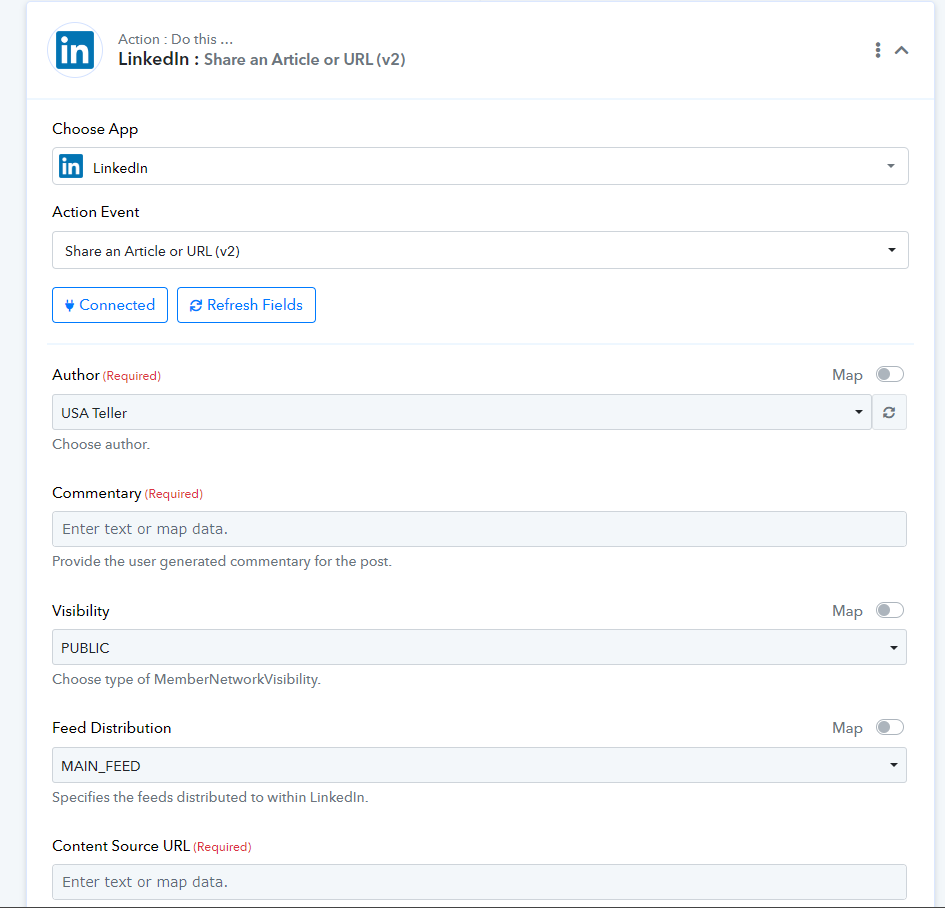
Do You have any video guide for this, I'm unable to understand the things
Hello @UnickDigitals you can refer this video
youtube.com/watch v=M3zaoweMVpg
Automation Freelancer
Contact me - https://www.facebook.com/himeshsoni07
Email - [EMAIL][email hidden][/EMAIL]
Contact me - https://www.facebook.com/himeshsoni07
Email - [EMAIL][email hidden][/EMAIL]
Hello @UnickDigitals you can refer this video
this is not for v2
Yes LinkedIn Part is same
Automation Freelancer
Contact me - https://www.facebook.com/himeshsoni07
Email - [EMAIL][email hidden][/EMAIL]
Contact me - https://www.facebook.com/himeshsoni07
Email - [EMAIL][email hidden][/EMAIL]
You can reefer this video for wordpress to LinkedIn "
youtube.com/watch v=oQDE8yFiXyI
"Automation Freelancer
Contact me - https://www.facebook.com/himeshsoni07
Email - [EMAIL][email hidden][/EMAIL]
Contact me - https://www.facebook.com/himeshsoni07
Email - [EMAIL][email hidden][/EMAIL]
You can reefer this video for wordpress to LinkedIn ""
this is not for V2
this is not for V2
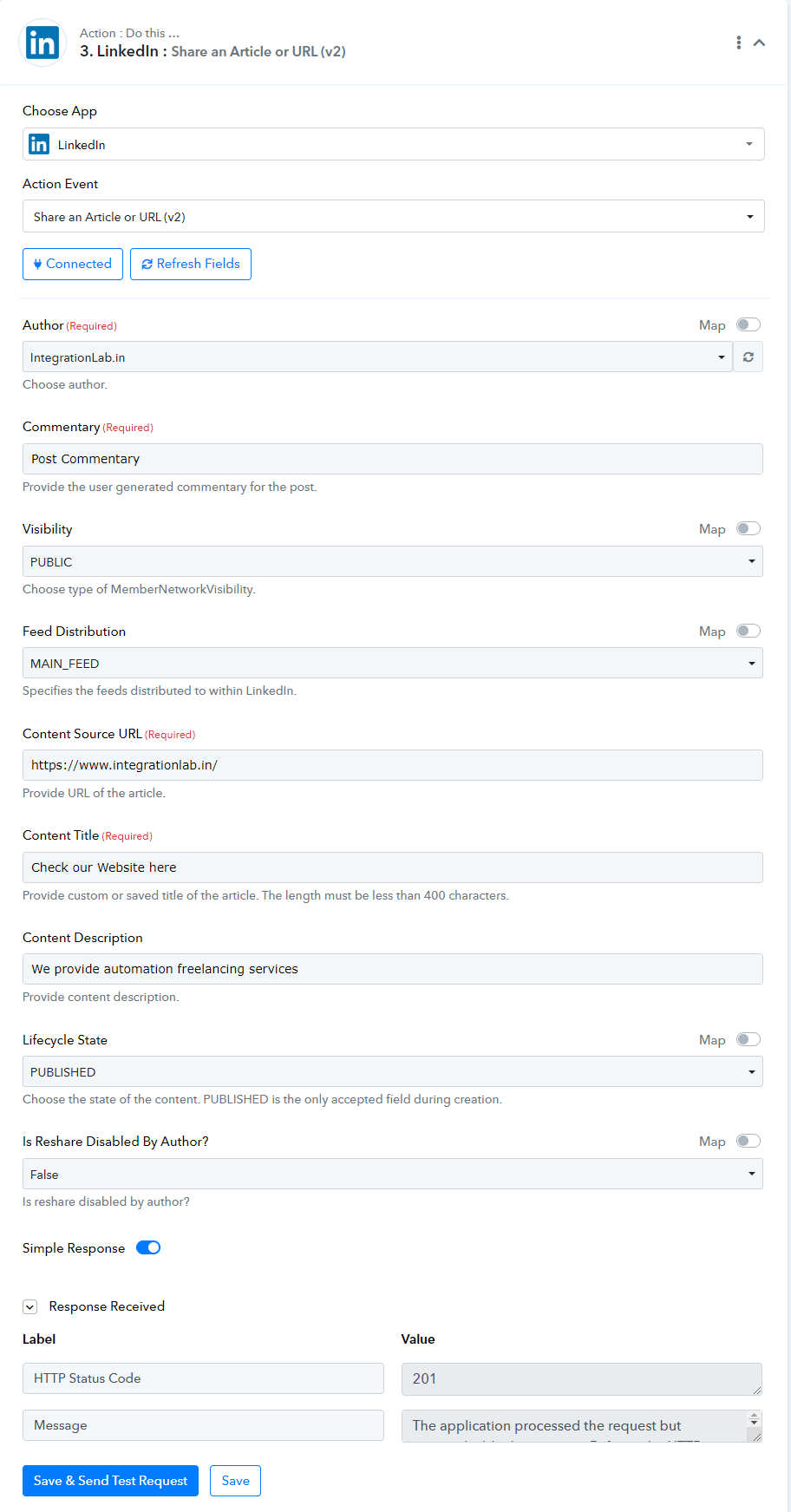
Here is the full setup screenshot -
And here is how it showed up on LinkedIn company page -
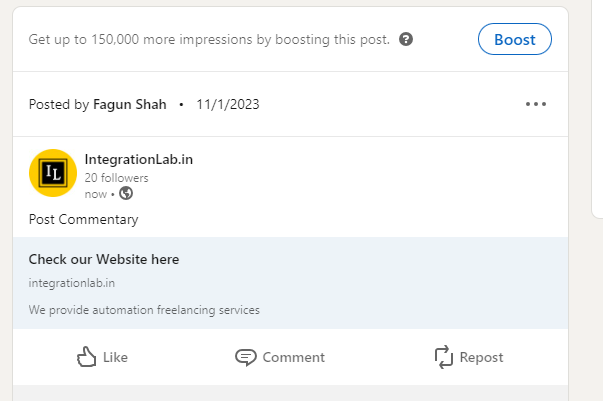
You can match the text from Setup to Output screenshot to see which field text goes where on the LinkedIn company page post.
I hope this helps.