List Facebook active adset names
Status: Closed · Asked by Benjamin Chew on · 0 views
Hi, is it possible to list down all active adsets that's running in a campaign into a google sheet without manually adding every new adset created?
Hi @benjaminshuu,
Could you please elaborate a bit more on this so that we can gain a better understanding of your concern?
Hi @benjaminshuu,Could you please elaborate a bit more on this so that we can gain a better understanding of your concern?
I'm constantly creating new facebook ad adsets and i want an automation to be able to list down all active adsets or at least all adsets in a campaign on a google sheet. Because I don't want to manually add every new adset ID to check its Facebook Insights data.
So, it's like, everyday pabbly gives me a list of all adsets and its insights data on a google sheet. Without me adding new adsets to pabbly everytime i create a new one.
Hope that make sense
Please try using Facebook Ads: List Ad Sets action event to capture the ad set list.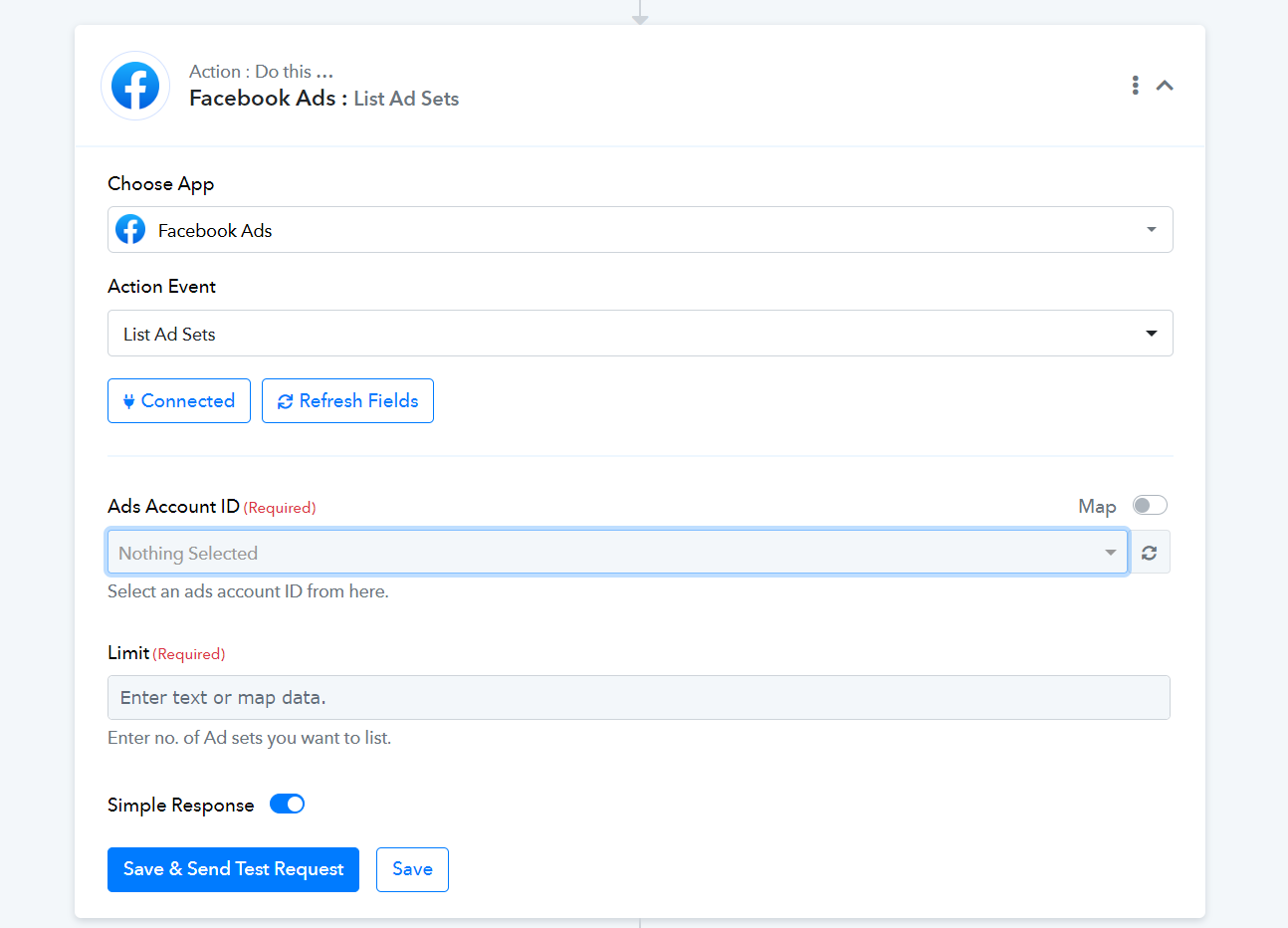
To trigger this workflow everyday you can use the Scheduler feature
yes, I know this List Ad Sets, but it doesn't help. entering the number of adsets, it just gives me random ad sets, and some are old unused inactive adsets. I want the active ones.
And i don't know how to extract all of it out to a google sheet. It lists, but i need to go in 1 by 1 to pick out which adset i want. it's still a lot of manual work to re-select every time i have a new ad set.
Could you please share the Workflow URL in which you have this concern?
Could you please share the Workflow URL in which you have this concern?
We have made some changes to your workflow. You can now add a Google Sheets action step to your workflow, and all your Active Adsets will be automatically added to your workflow.
I added a Google Sheet action, not sure which function to use. What do I do now to make it iterate through every data until it lists down all the adsets?
Attachments
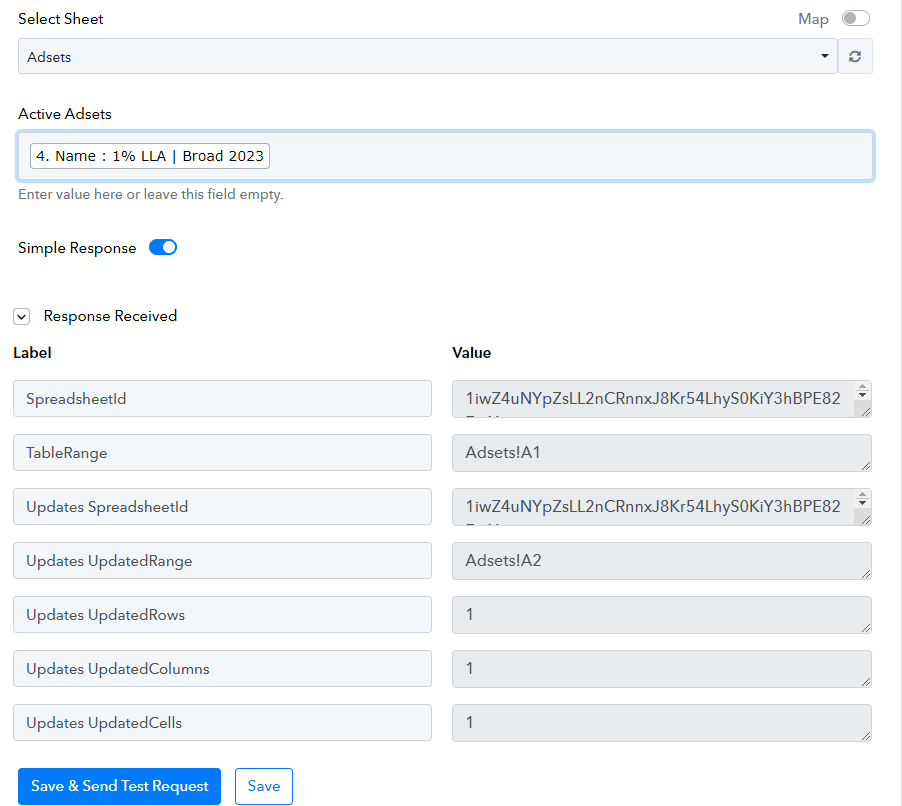
Set a future time in the scheduler; your entire workflow will be executed at that particular time.
Thank you, it works!
Hey team, is it possible to choose which adset i want to use at the Filter Action when building out the next action steps? because usually the default/first entry doesn't have the full data of what i want.
In case you have the Adset ID, you can set filter conditions based on its ID. Further, can you please share the workflow URL in which you have tried the same?
Thanks
In case you have the Adset ID, you can set filter conditions based on its ID. Further, can you please share the workflow URL in which you have tried the same?
Smart! that worked
Thanks for the update and glad that it works for you.