Looking to automate signature request after a PDF has been generated in Google Drive
Status: Closed · Asked by Christian on · 0 views
I have a workflow with the following steps
1. New Form Submission (Pabbly Form Builder) - Data collected with webhook
2. Google Sheets - add new row - data from form added to a spreadsheet
3. Google Sheets - get row (after data is sent to google sheets in step 2, a handful of sheets formulas and equations take place to calculate more data) - that data is then sent back to Pabbly
4. Google Docs - create document from template (document created from data in steps 1, 2, and 3
5. Google Drive - share a file with anyone - document created in step 4 is made 'public'
6. Google Drive - Upload a file - document from step 5 is converted into a PDF
7. Google Drive - Share a file with anyone - PDF from step 6 is made 'public'
8. Send email - PDF (generated from steps 1-7) is sent to user based on form answers. (Email address is one of the required form responses)
Instead of simply emailing the PDF in step 8 I would like to send it with a signature request. I have looked into all the different integrations with DocuSign, DigiSigner, Signaturely, etc. But I cannot figure out how to utilize and "map" the PDF that was created by step 7 as the template for a signature request.
Is there a way to utilize a signing app with a new document - every time a signature request is being sent out? And to have that document be the one that was generated during my workflow?
ANY HELP APPRECIATED!!!
But I cannot figure out how to utilize and "map" the PDF that was created by step 7 as the template for a signature request.
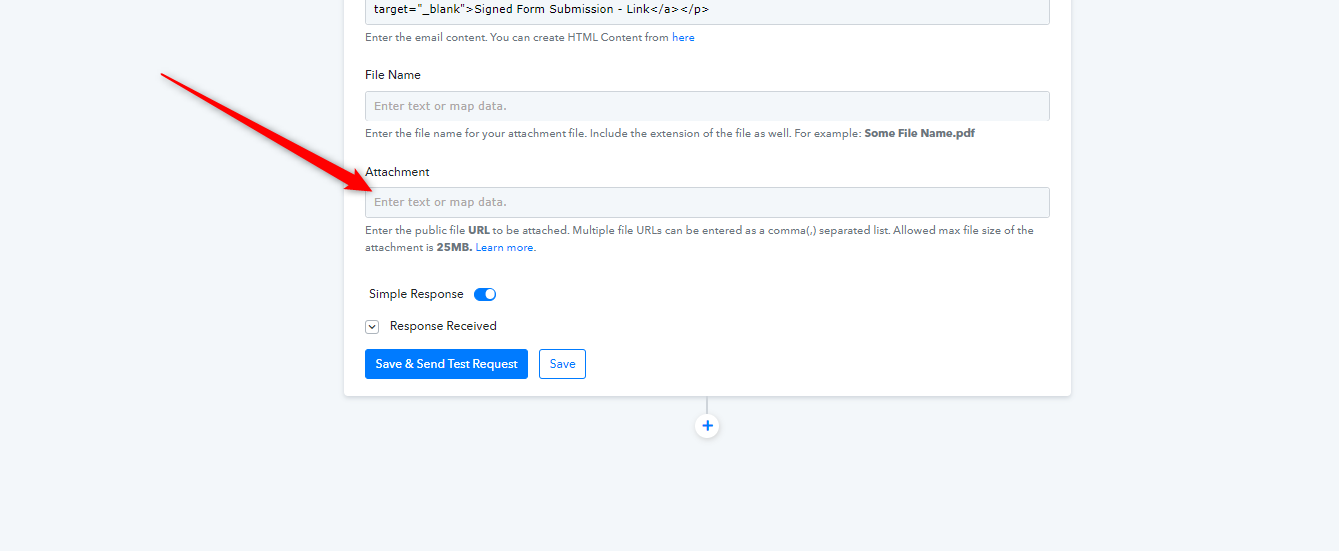
If you simply want to send the PDF file then you can map the file URL in the Attachment field directly.
Thanks Supreme, I have the PDF file being sent in step 8 right now but would like it to be sent with a signature request. Do you know how I might achieve that?
Thanks Supreme, I have the PDF file being sent in step 8 right now but would like it to be sent with a signature request. Do you know how I might achieve that?
Perhaps that would be done with the help of Signature applications only. like - Signrequest
https://www.pabbly.com/connect/integrations/signrequest/
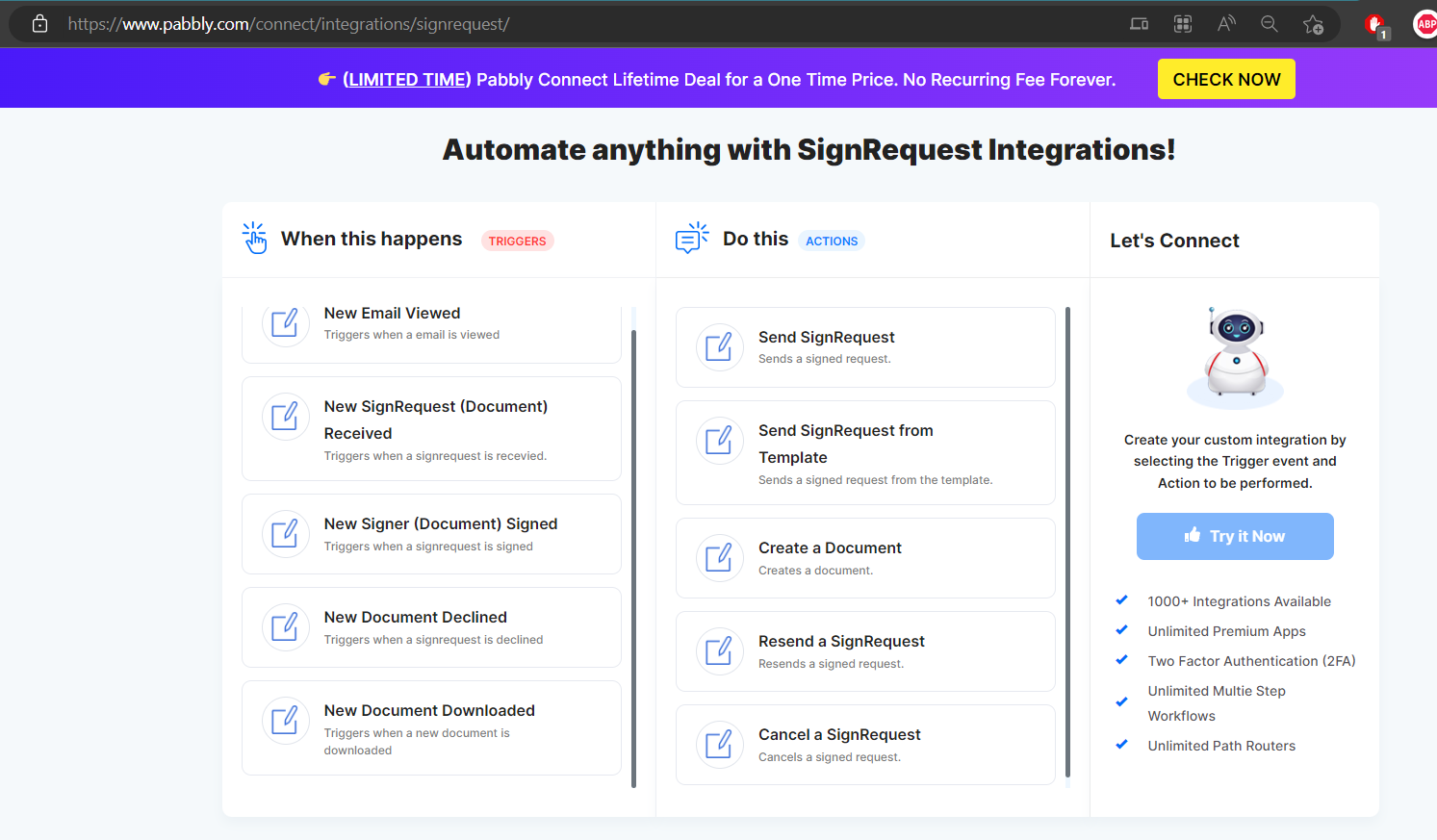
For more available integration - https://www.pabbly.com/connect/integrations/