MailChimp JSON Parse Error
Status: Closed · Asked by VivaNick on · 0 views
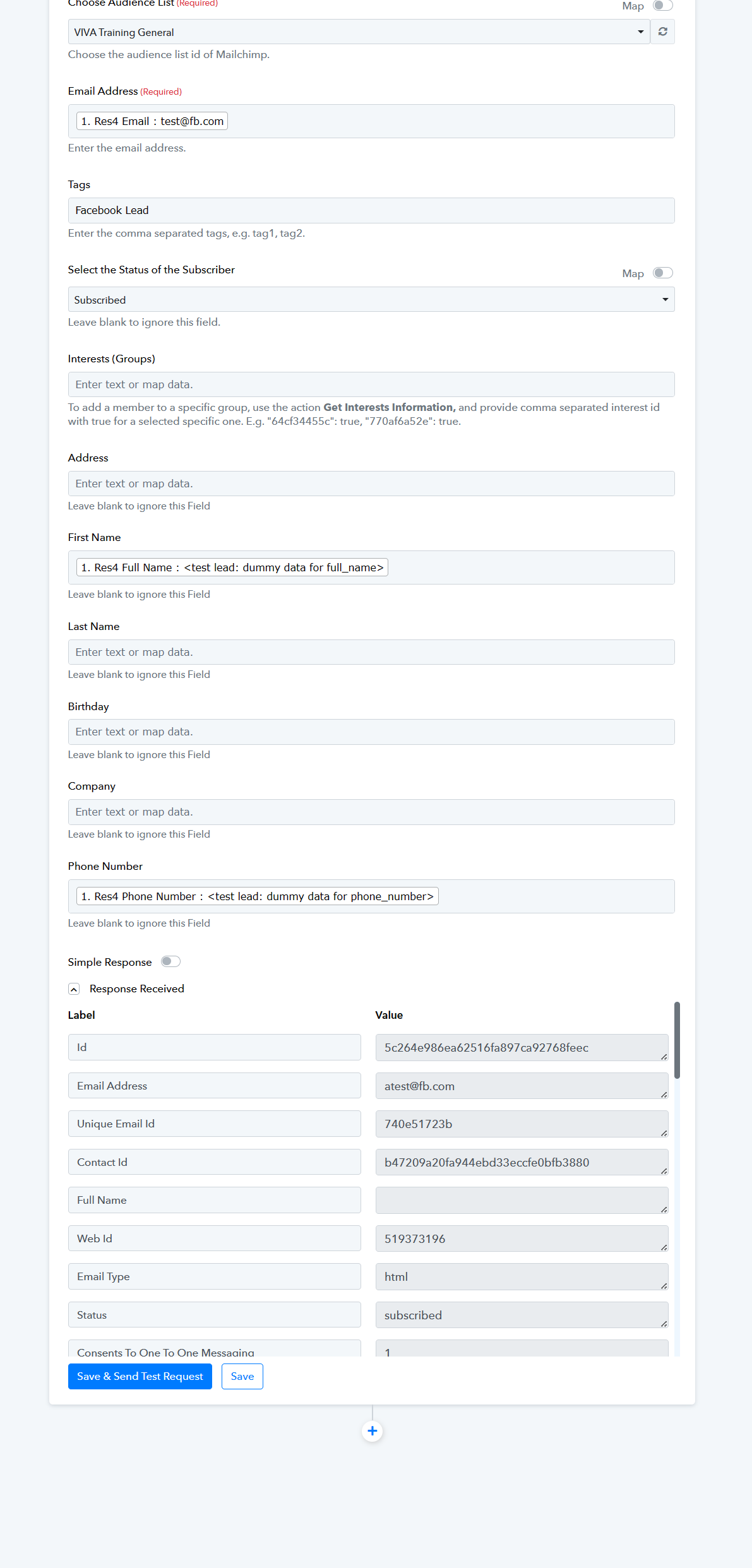
So we're trying to use Pabbly to port over our facebook Leads to mailchimp based on a checkbox selection. The filter in Pabbly Connect seems to be working fine however we are getting a JSON Parse error from mailchimp and the task is using 2 tasks per use... regardless its not working. The response we got from Mailchimp is below
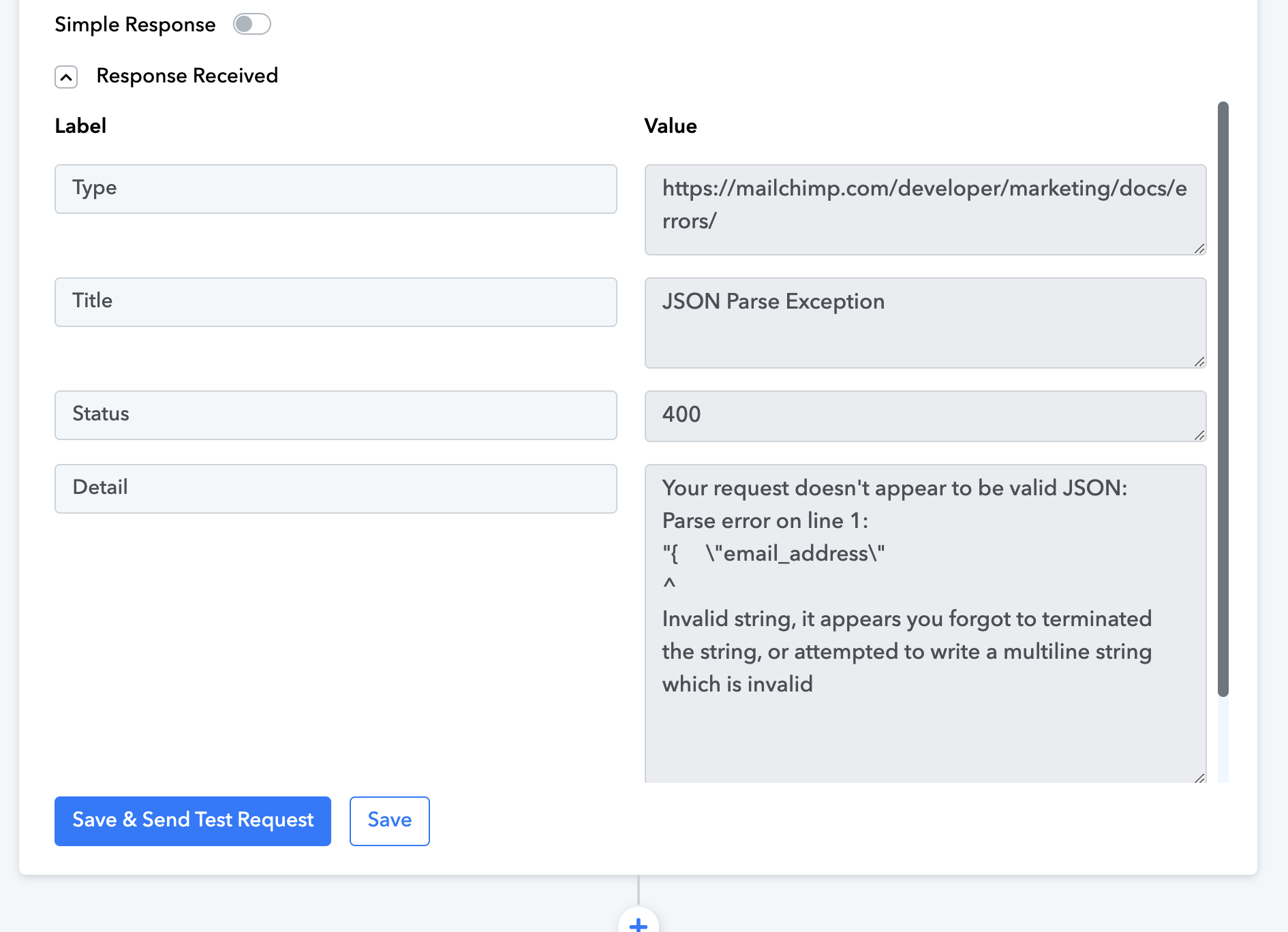
Your request doesn't appear to be valid JSON:
Parse error on line 1:
"{ \"email_address\"
^
Invalid string, it appears you forgot to terminated the string, or attempted to write a multiline string which is invalid
Hey @VivaNick
For the Mailchimp action step, when you want to assign a member to a particular group, utilize the "Get Interests Information" action, and specify the interest IDs as a comma-separated list with "true" to indicate selection for specific interests. For example, you can format it like this: "64cf34455c": true, "770af6a52e": true.

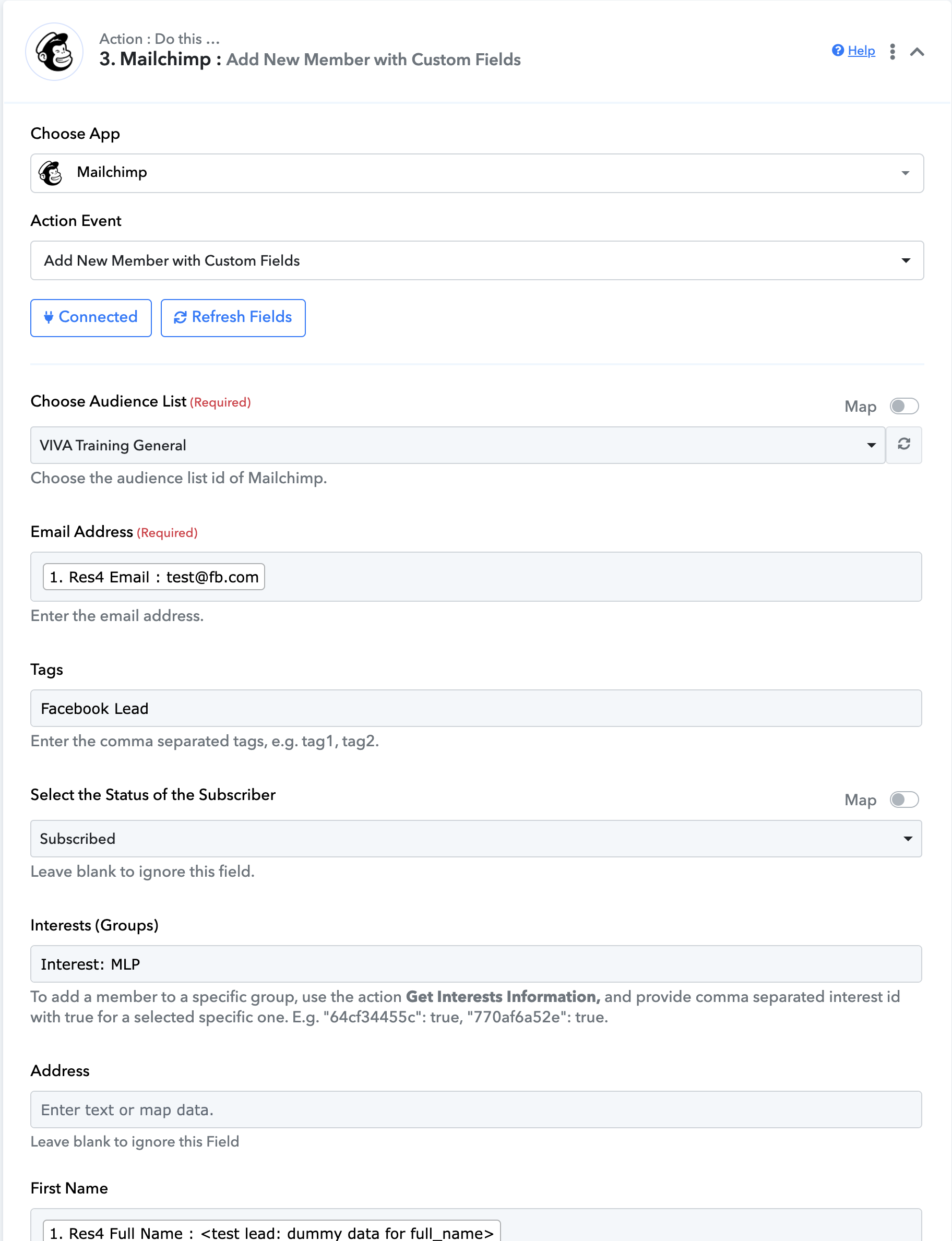
Hey @VivaNickFor the Mailchimp action step, when you want to assign a member to a particular group, utilize the "Get Interests Information" action, and specify the interest IDs as a comma-separated list with "true" to indicate selection for specific interests. For example, you can format it like this: "64cf34455c": true, "770af6a52e": true.
Hey
But the Parse error seems to be referencing the email?
But the Parse error seems to be referencing the email?
Due to the absence of the General Interests' ID in your complete API request in JSON format, the request is encountering issues, leading to an error in the Email section.
To resolve this, kindly include the General Interests ID as previously requested and attempt the operation again.