Mailchimp not receiving Phone numbers
Status: Closed · Asked by tcup on · 0 views
Hi,
I have a NativeForms to MailChimp workflow.
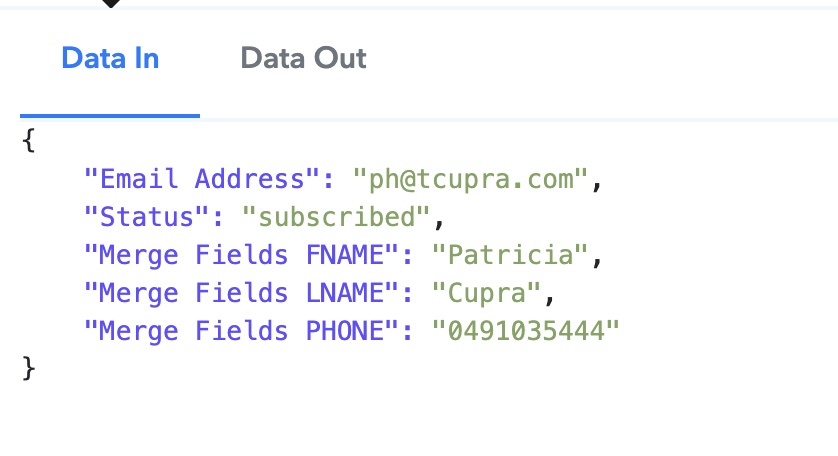
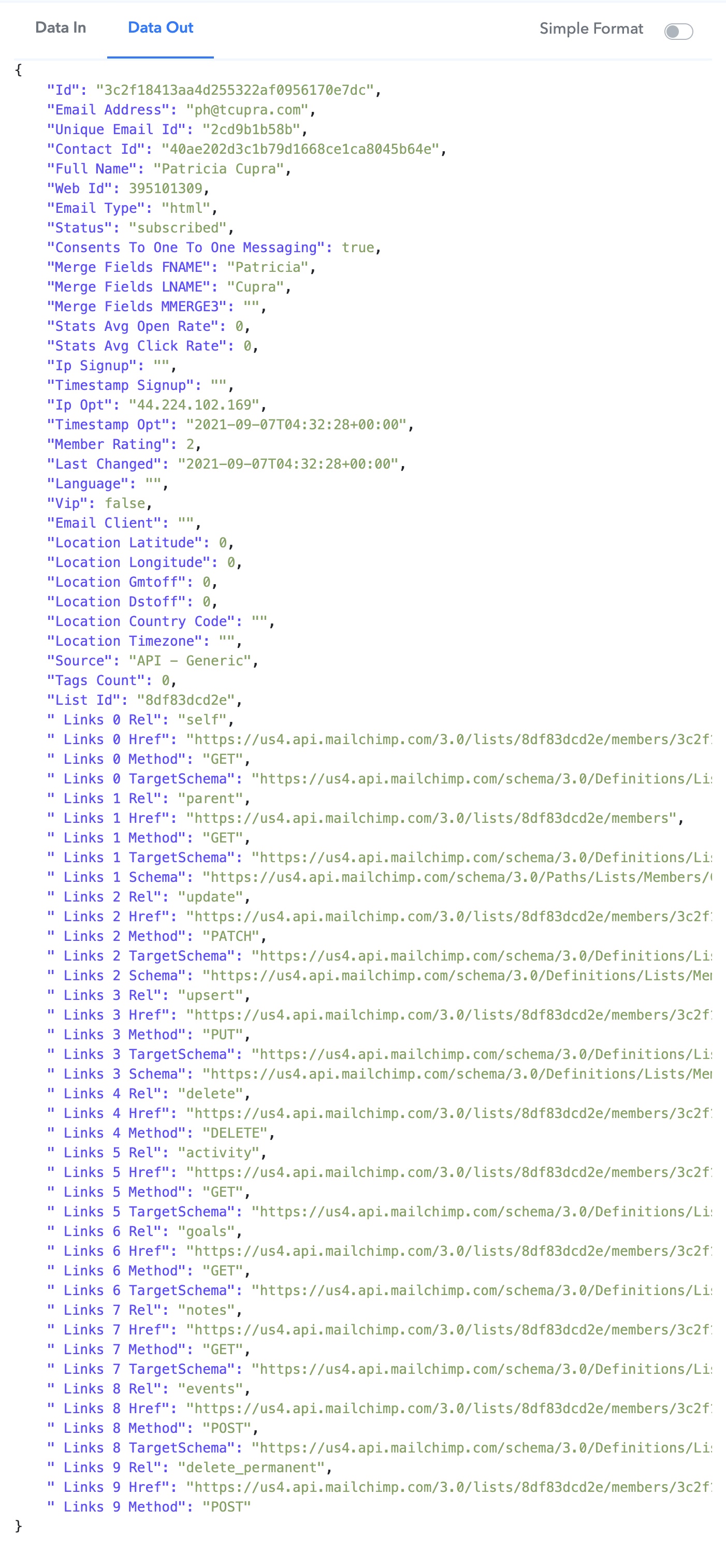
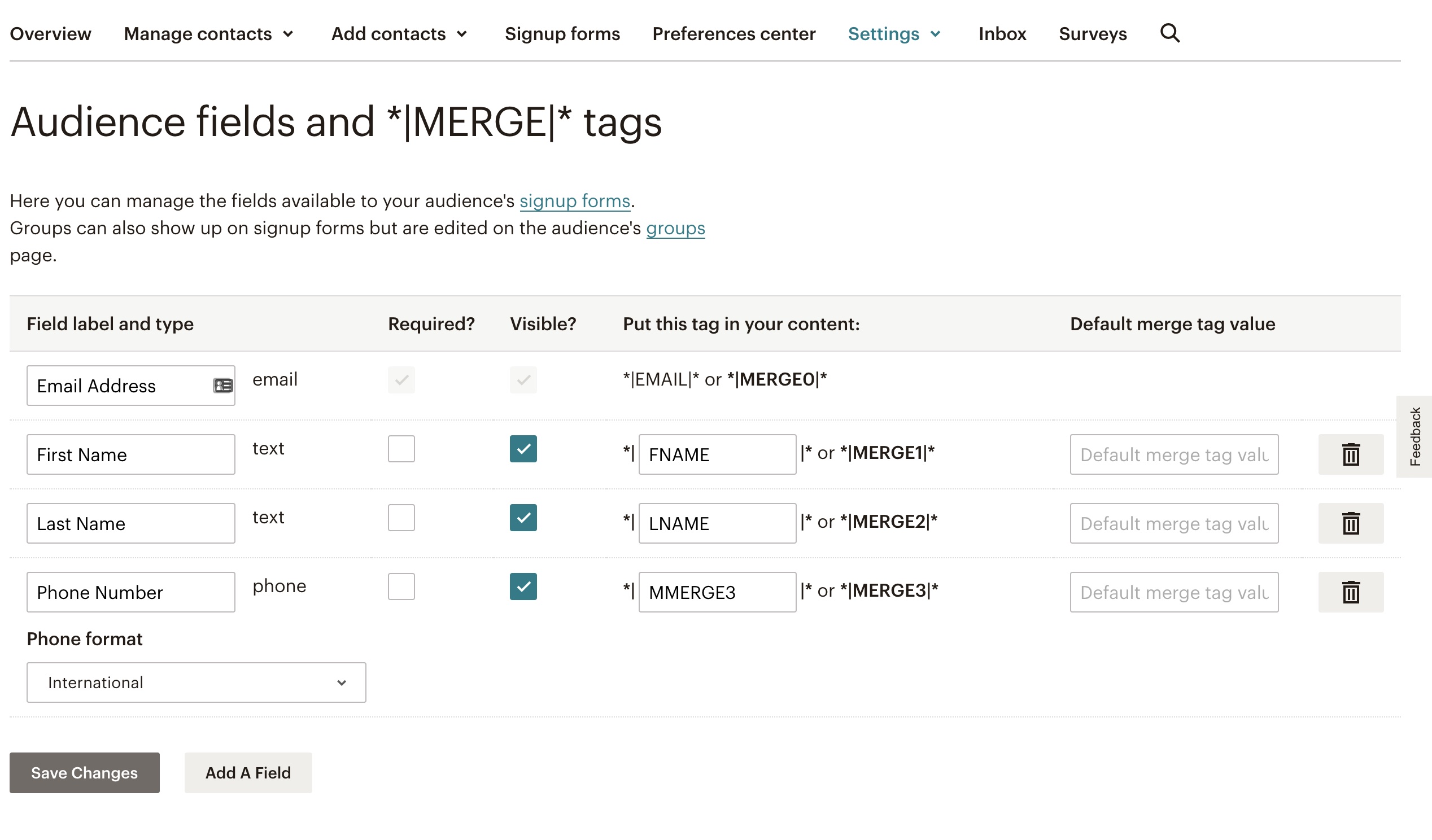
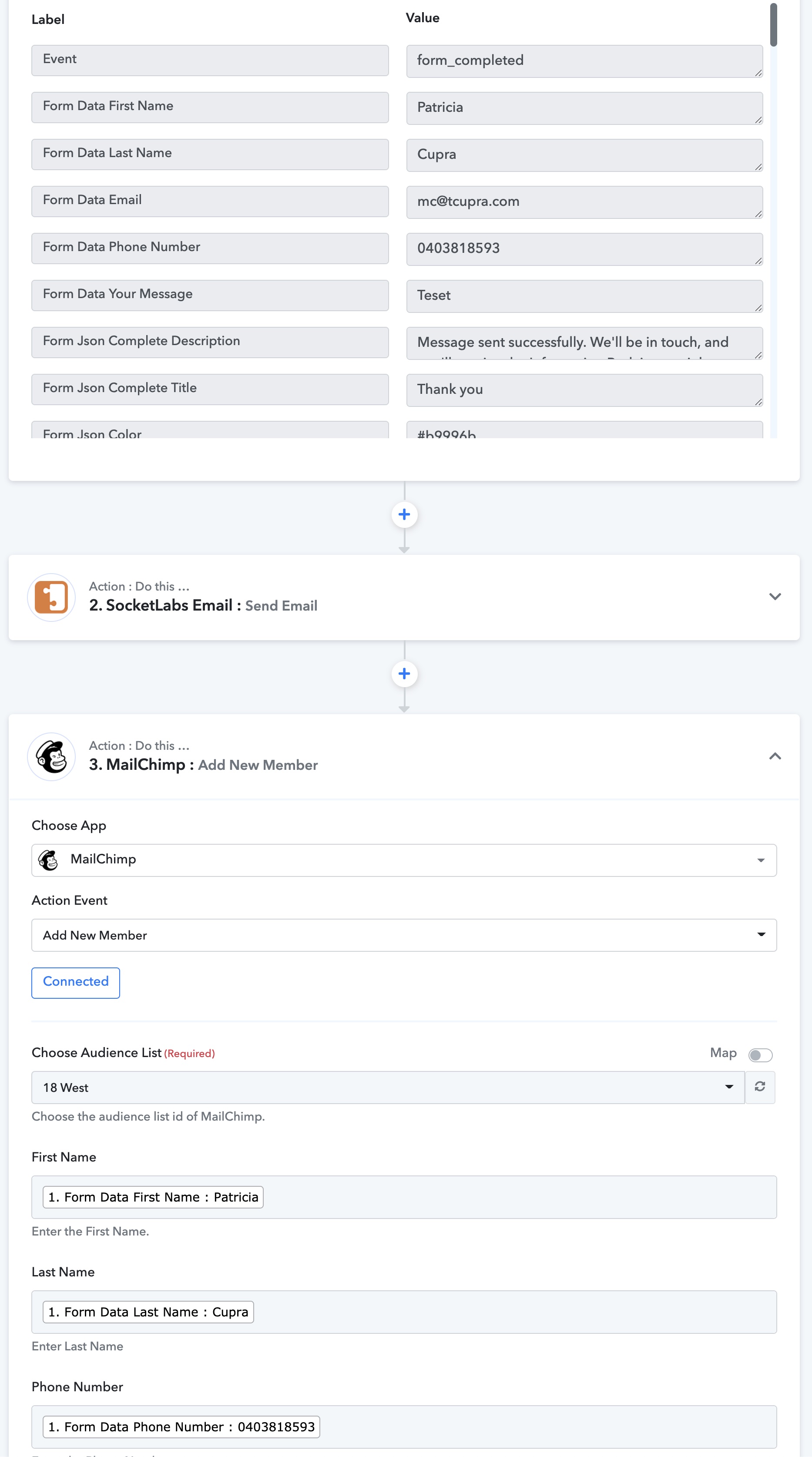
Any idea why this isn't working? Thanks.
Hey @tcup
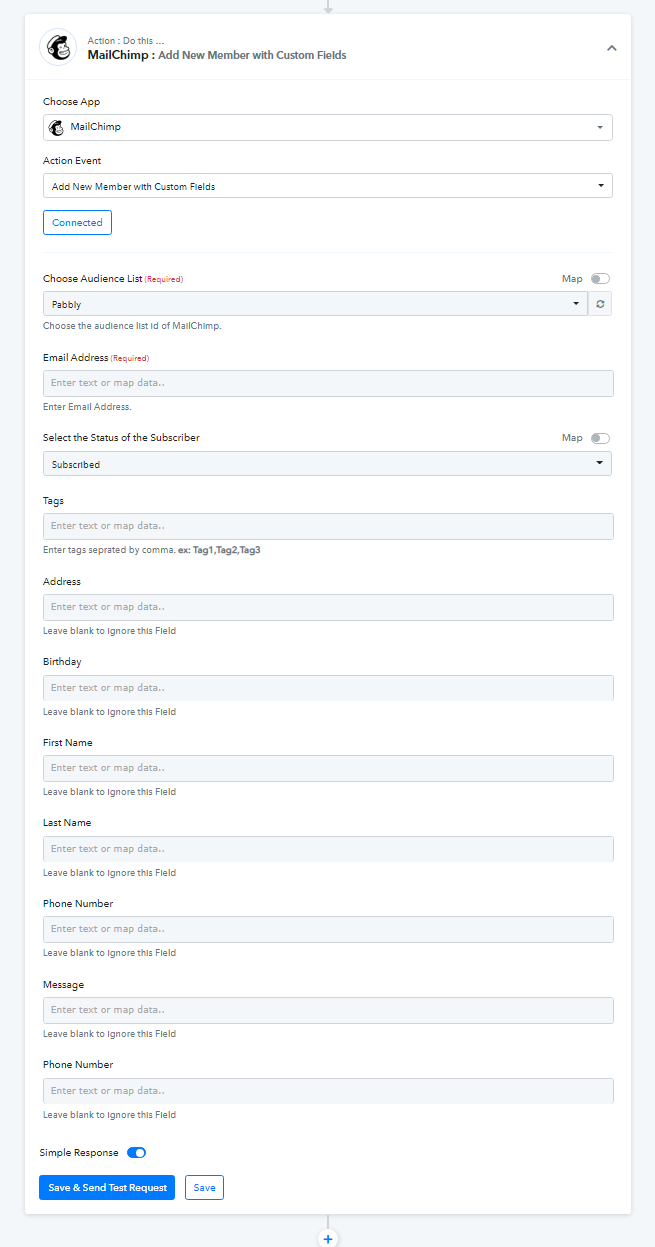
We looked over your concern and we would recommend you to use MailChimp's "Add New Member With Custom Fields" which will work as per your request.
Kindly try this at your end and I hope this might work for you. Further, let us know if that works for you.
Thanks!!
Thanks @Supreme Verma
I just tried Add New Member with Custom Fields instead, and I still have the same strange issue with the phone number being ignored.
Task History ID:
IjQxMTA5MDU1Ig_3D_3D
Hey @tcup
We looked over your concern and we have made some changes from our end. Kindly try again at your end by re-connecting your Mailchimp account and let us know if that works for you.
Thanks
Hey @Supreme Verma
Thanks - that works now in the Custom Fields action. Awesome.
Whatever you did to fix it, perhaps you can do the same fix on the Update Member action and the Add Member (without custom fields) action as well, please? I tested the Update action and it didn't pull the phone number either.
Task History ID:
IjQxMzM5MzU3Ig_3D_3D
Hey @tcup
We have made the changes in the "Update Member" Action Event it will work as per your requirement. Though we cannot make the changes in the Add Member (without custom fields) action because we have already pre-defined the Phone number field.
I hope this might help you!