mailifier and truemail
Status: Closed · Asked by brandlever1 on · 0 views
Heres what I want to do:
1. Input email in a gsheet
2. pabbly: send email to mailifier
3. pabbly: receive feedback (valid or invalid)
4. pabbly: input "valid" or "invalid" column next to the email
Furthermore, I want that everytime I input an email it will send a verification status.
I already made it work for truemail, but mailifier does not have the same actions and would like some suggestions to make it work.
PS. making workflow using company account (subscribed)
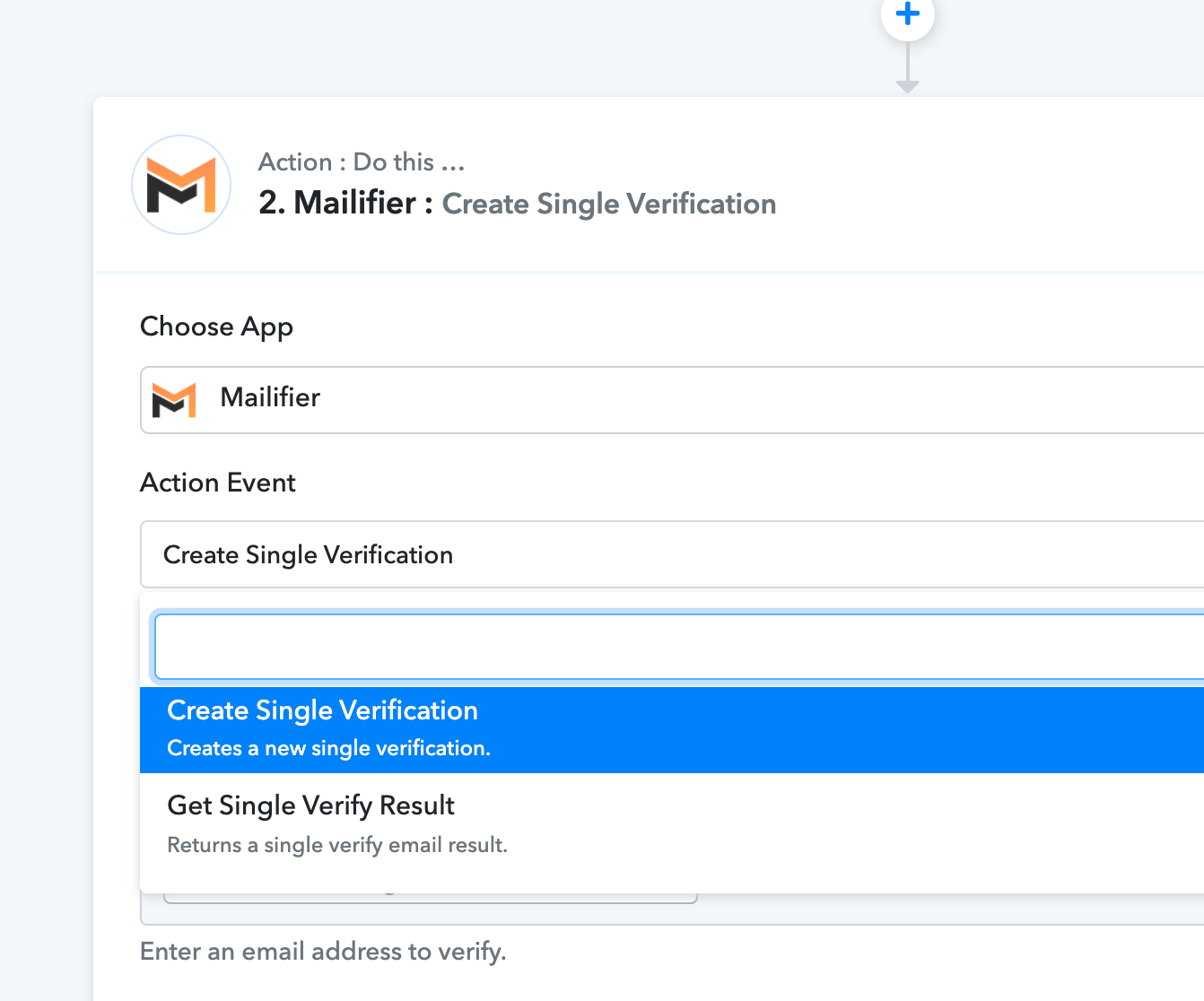
Can you please share the workflow name so that we can review it? Further what action event of Mailifier application you need.
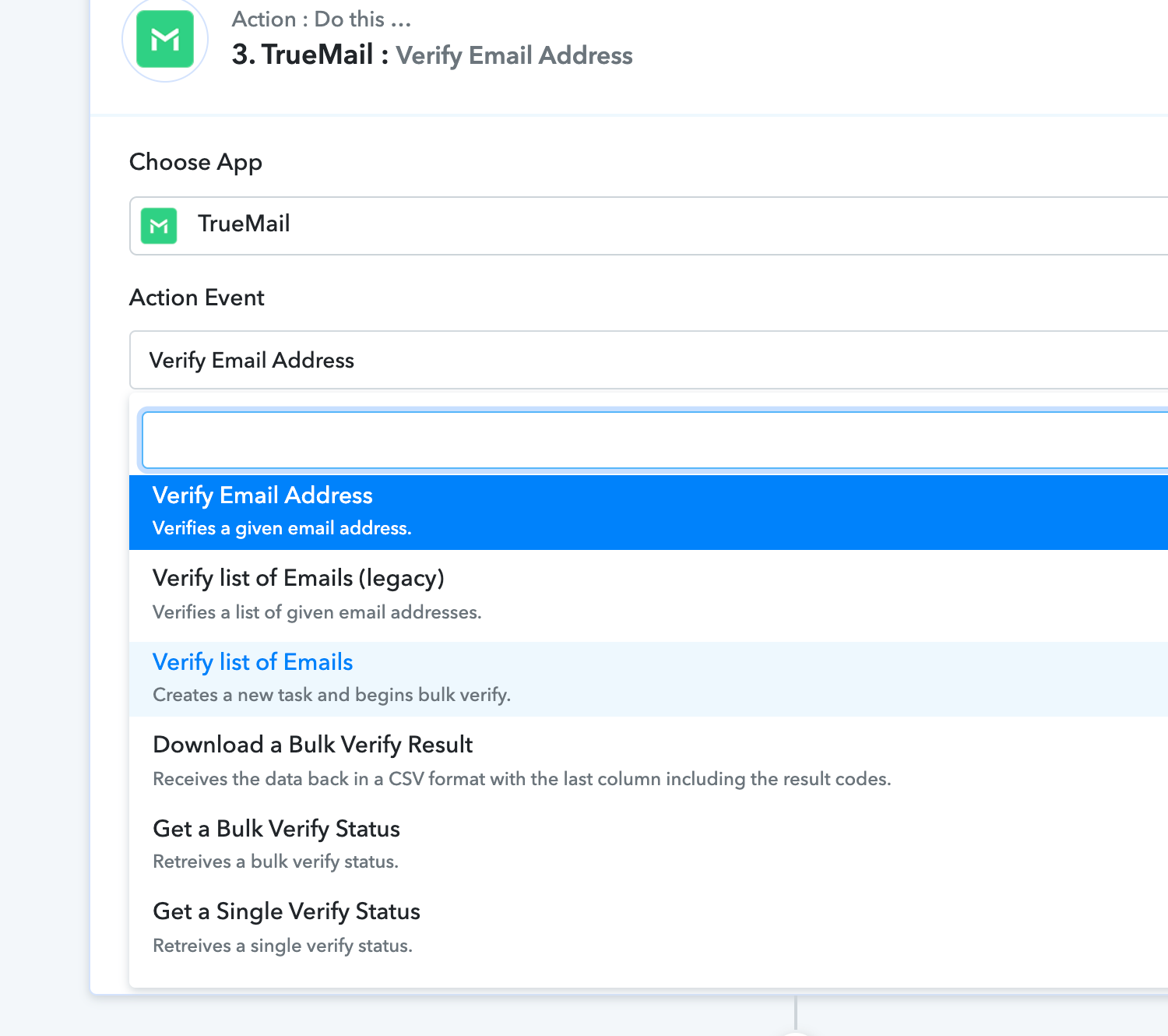
The workflow name is mailifier leads 2. The action event that could be useful are the same ones from truemail? im using truemail's verify email result and its working.
Attachments
Hey @brandlever1
Yes, both the action event works identically. Though you can use Mailerfier's action event if it is working accordingly.
Thanks!
I have two workflow, one for each email verification tool, I applied similar workflow for both but only truemail is working properly.
Hey @brandlever1
It seems like the Mailifier's API is not validating the email addresses correctly. So regarding the verification results, you need to address the issue with Mailifier's support team. They should be able to assist you better with this.
Thanks!!